












Everything you need to automate content operations
Scheduled Automation
Set Super Blocks to run daily, weekly, or monthly with custom filters.
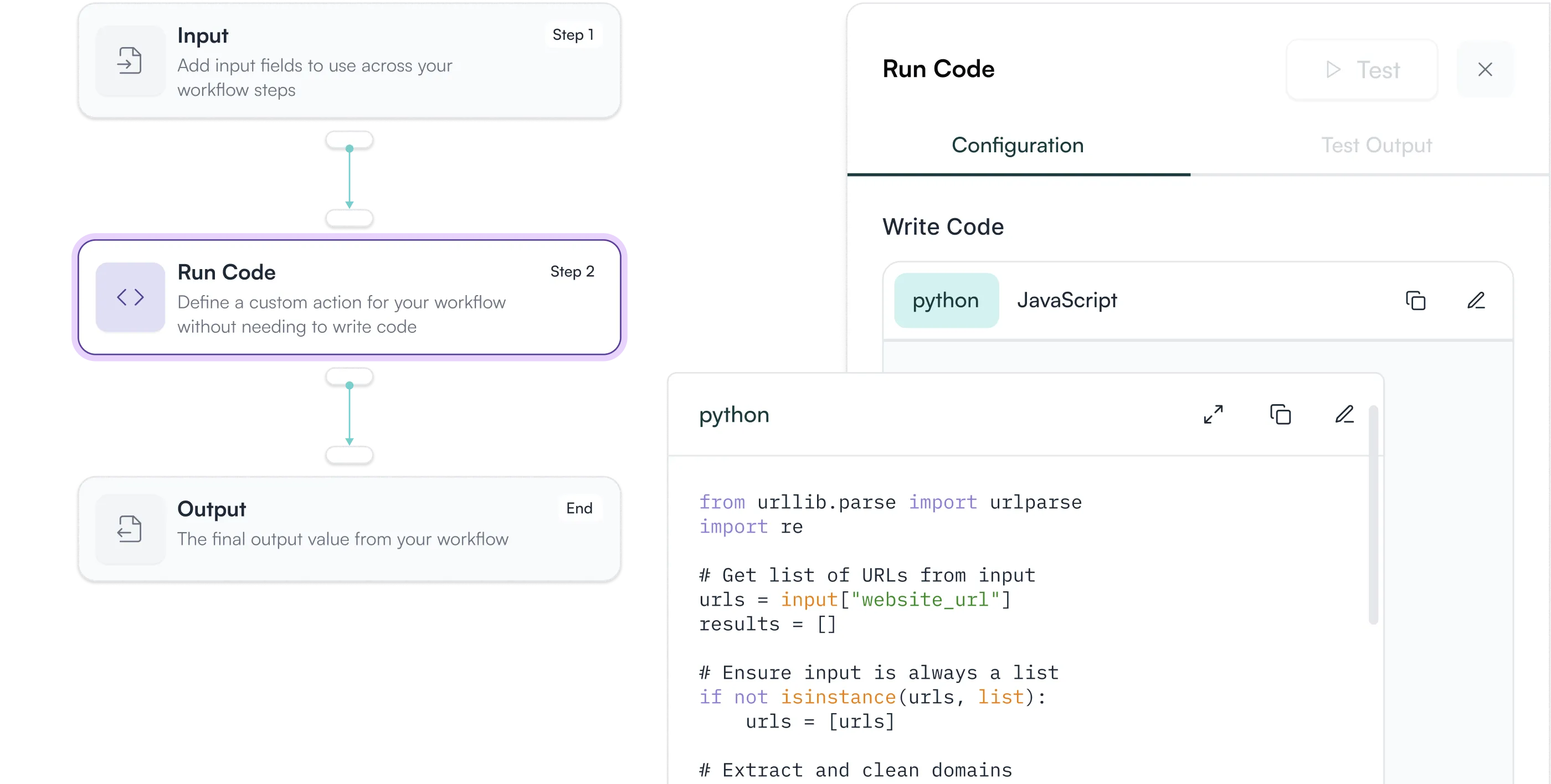
Quality Control Gates
Built-in checkpoints ensure outputs meet your standards before publishing.
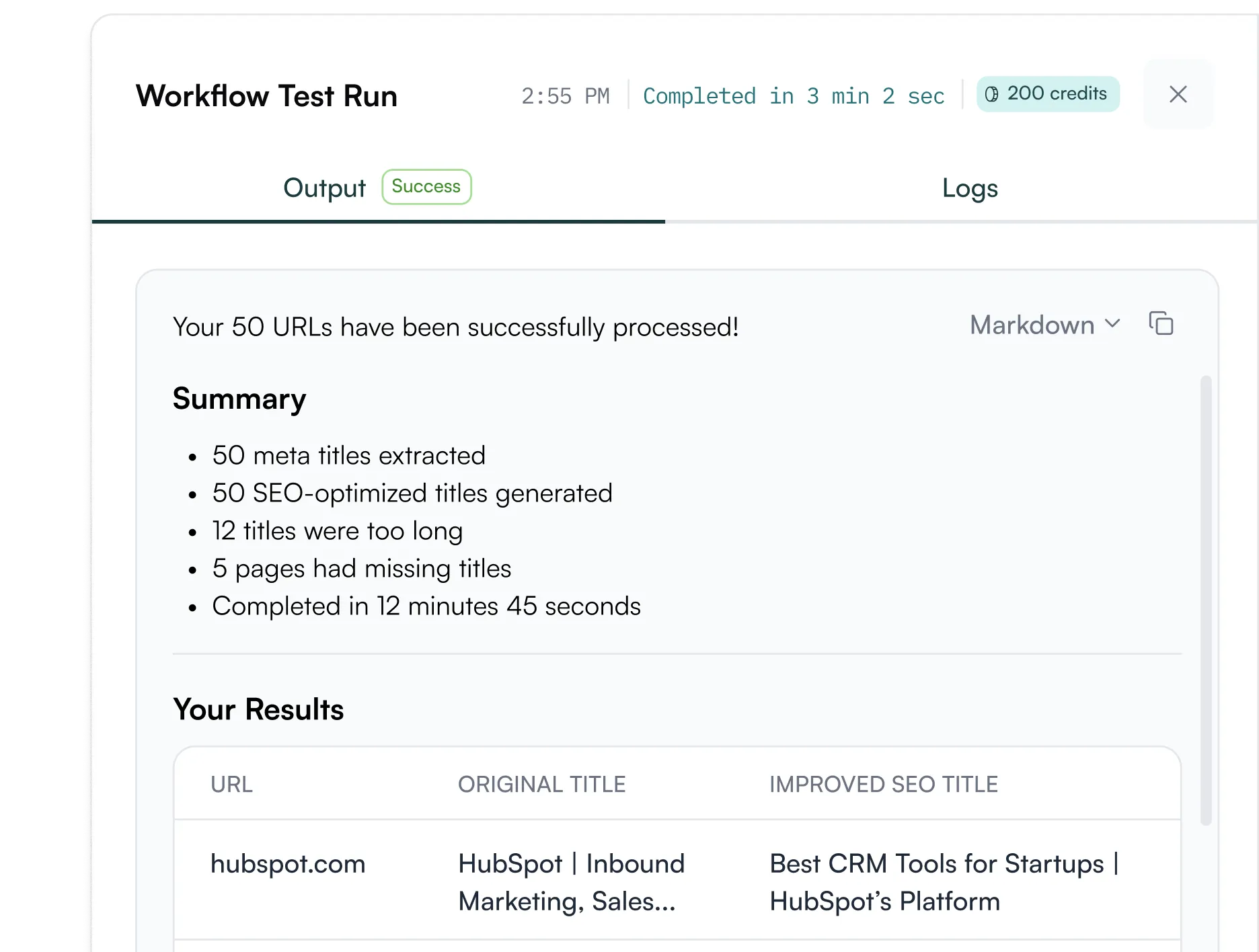
Cost Transparency
Every Super Block shows exact task cost and estimated runtime before you execute.
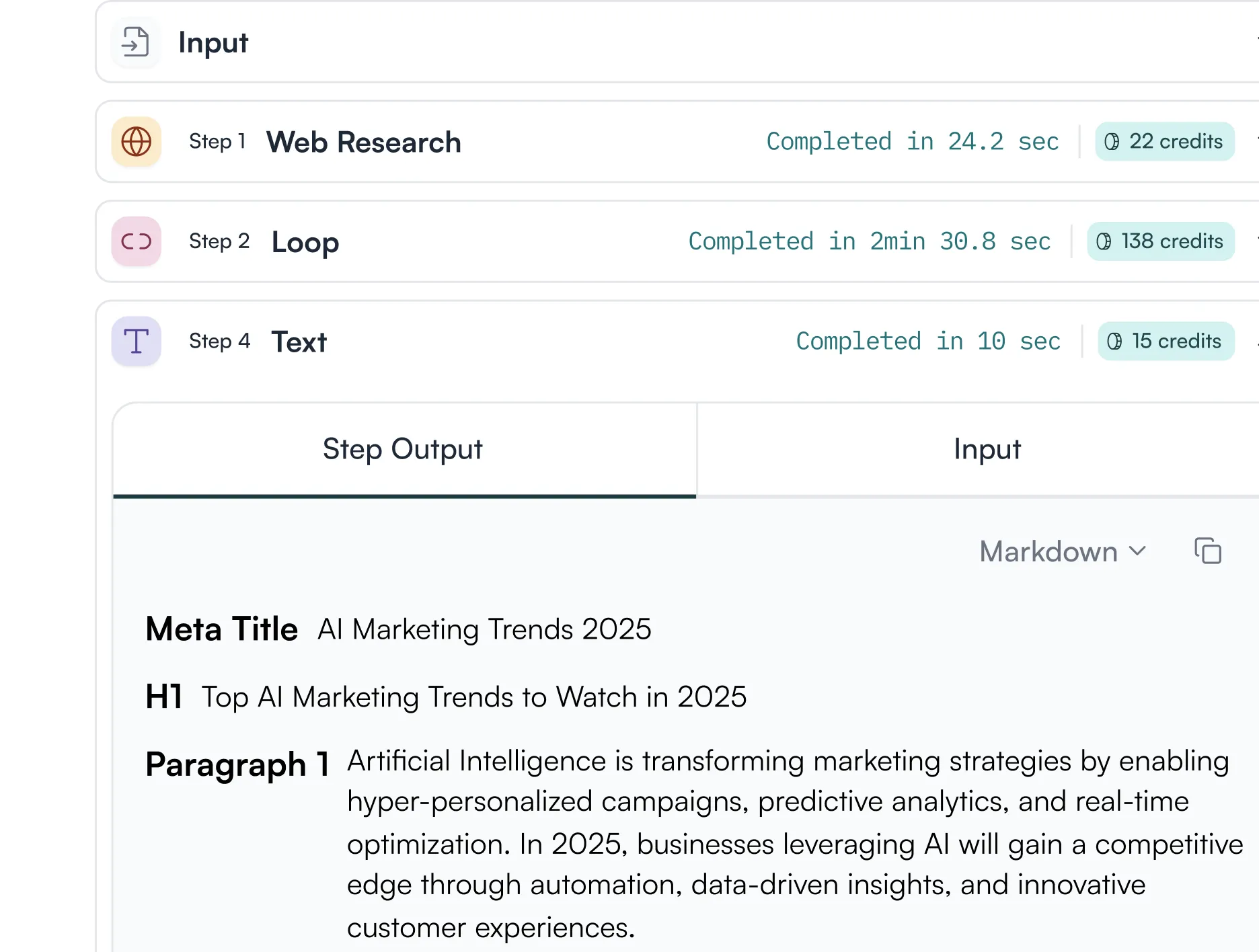
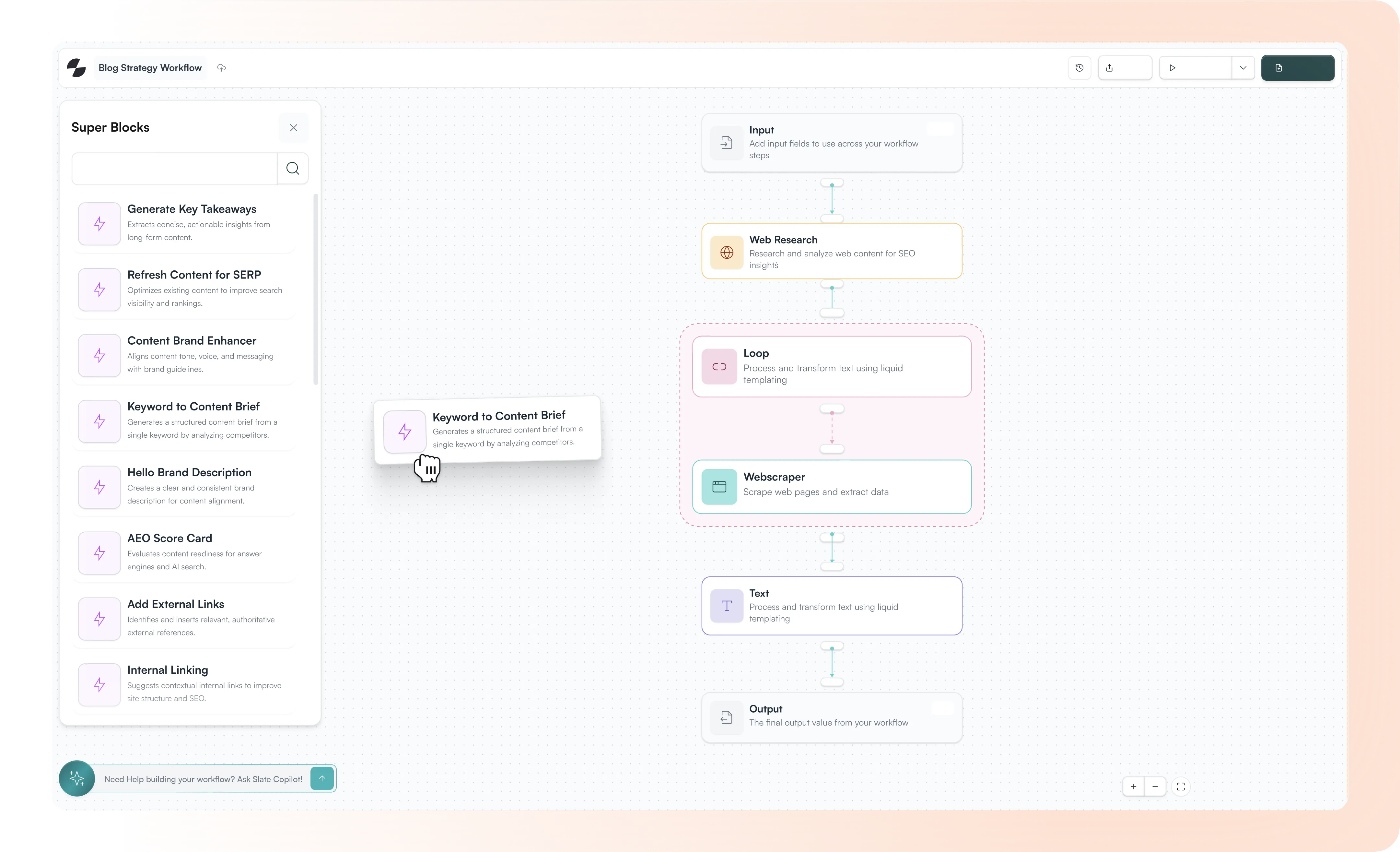
Workflow Chaining
Connect Super Blocks in sequence. The output of one becomes the input of the next.
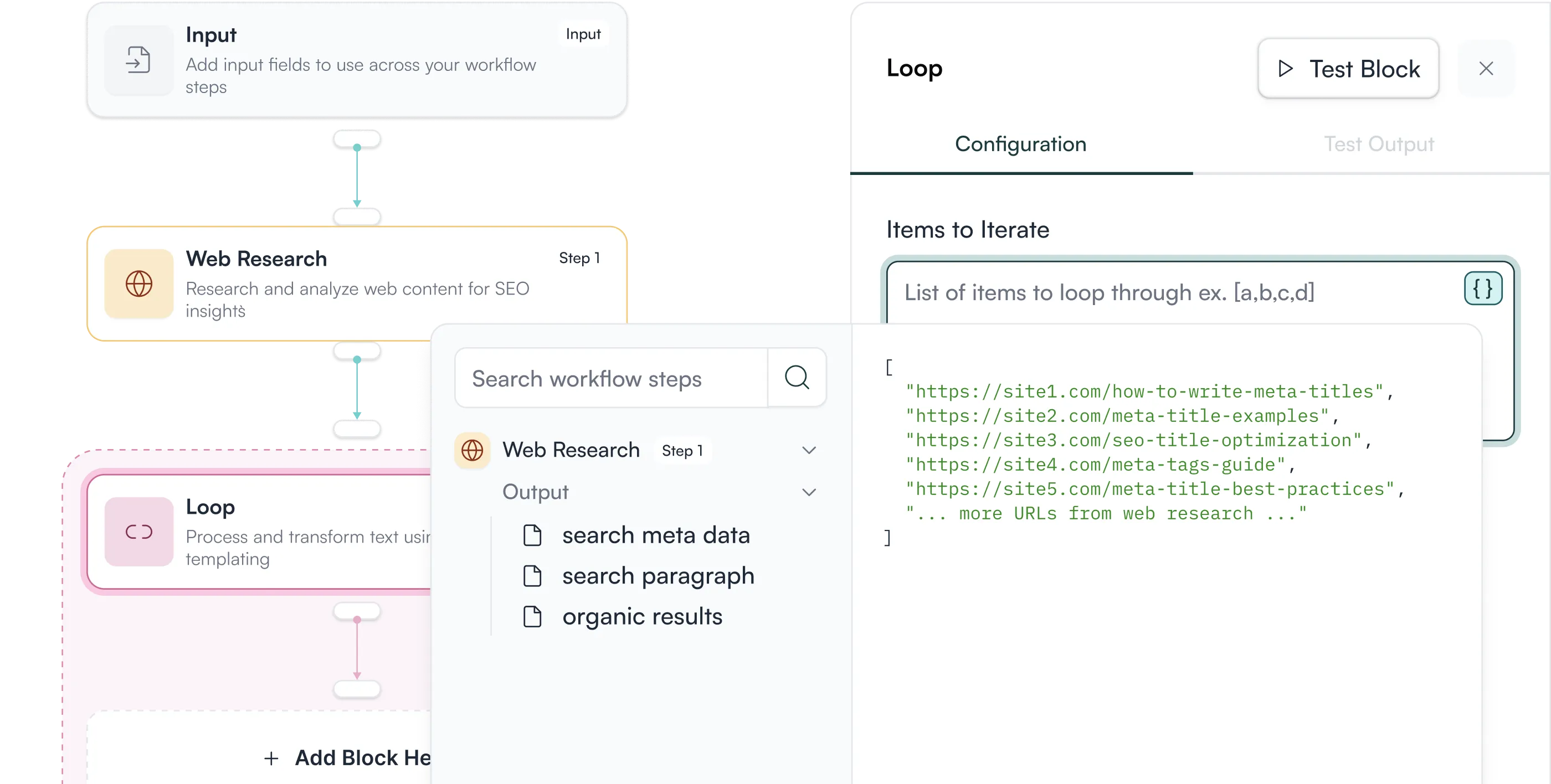
Fork and Customize
Create your own version of any Super Block. Modify prompts or adjust logic to match your requirements.
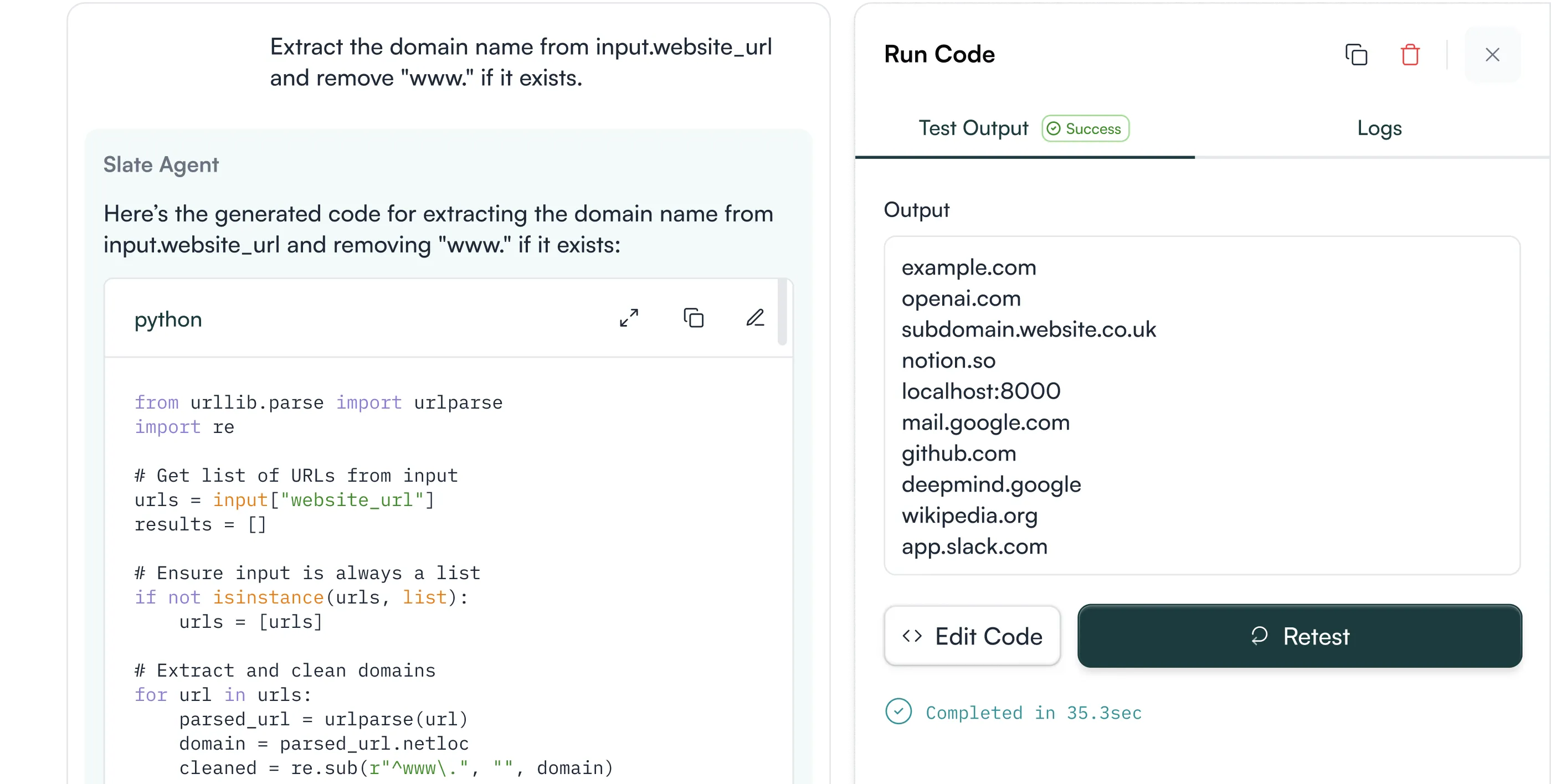
Direct CMS Integration
Built-in checkpoints ensure outputs meet your standards before publishing.
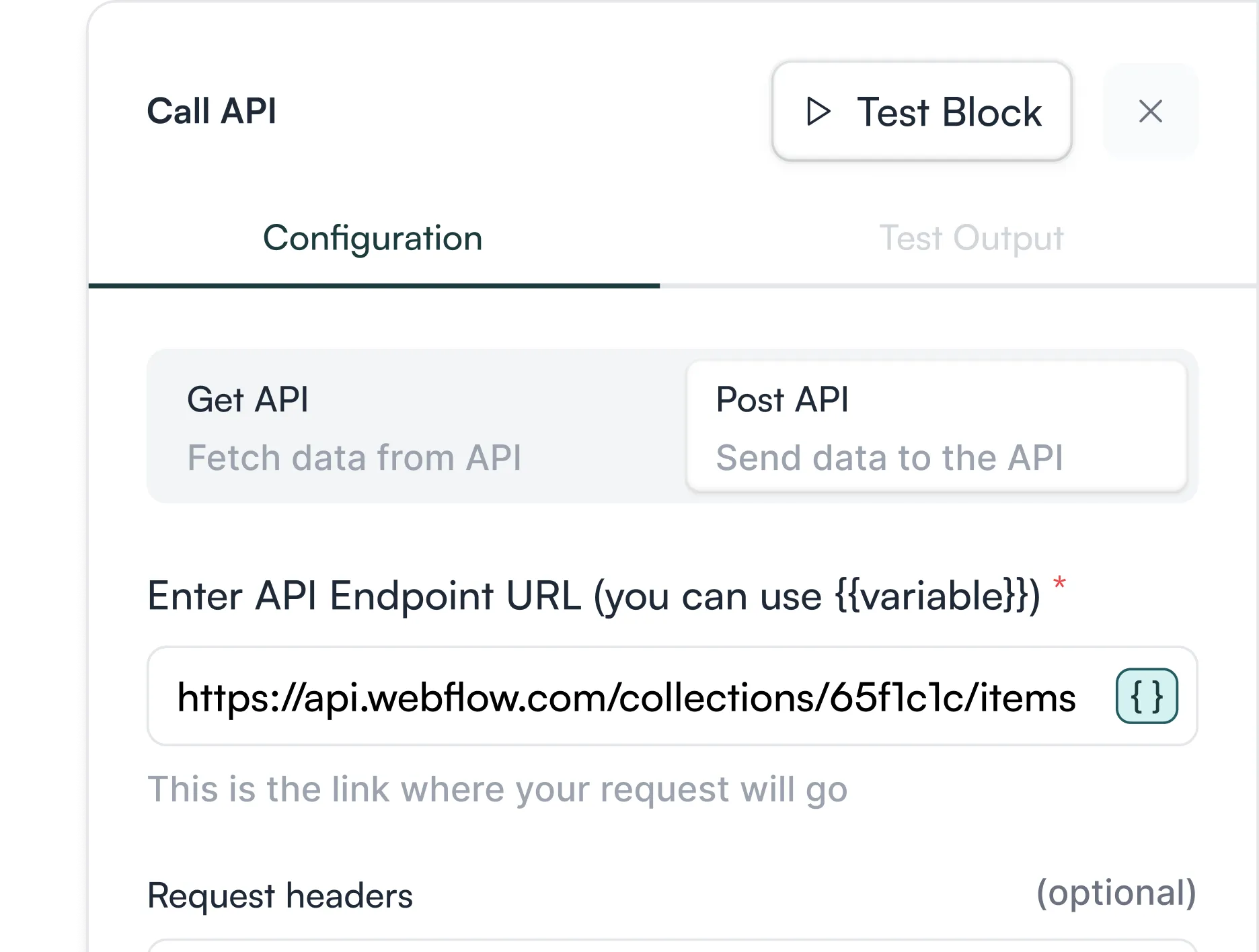
How to Access Super Blocks
Within the workflow maker
Click "+ Add Column" in your Sheet and select a Super Block from the dropdown menu to run it across hundreds of rows simultaneously.

Directly in Sheet
Click "+ Add Column" in your Sheet and select a Super Block from the dropdown menu to run it across hundreds of rows simultaneously.
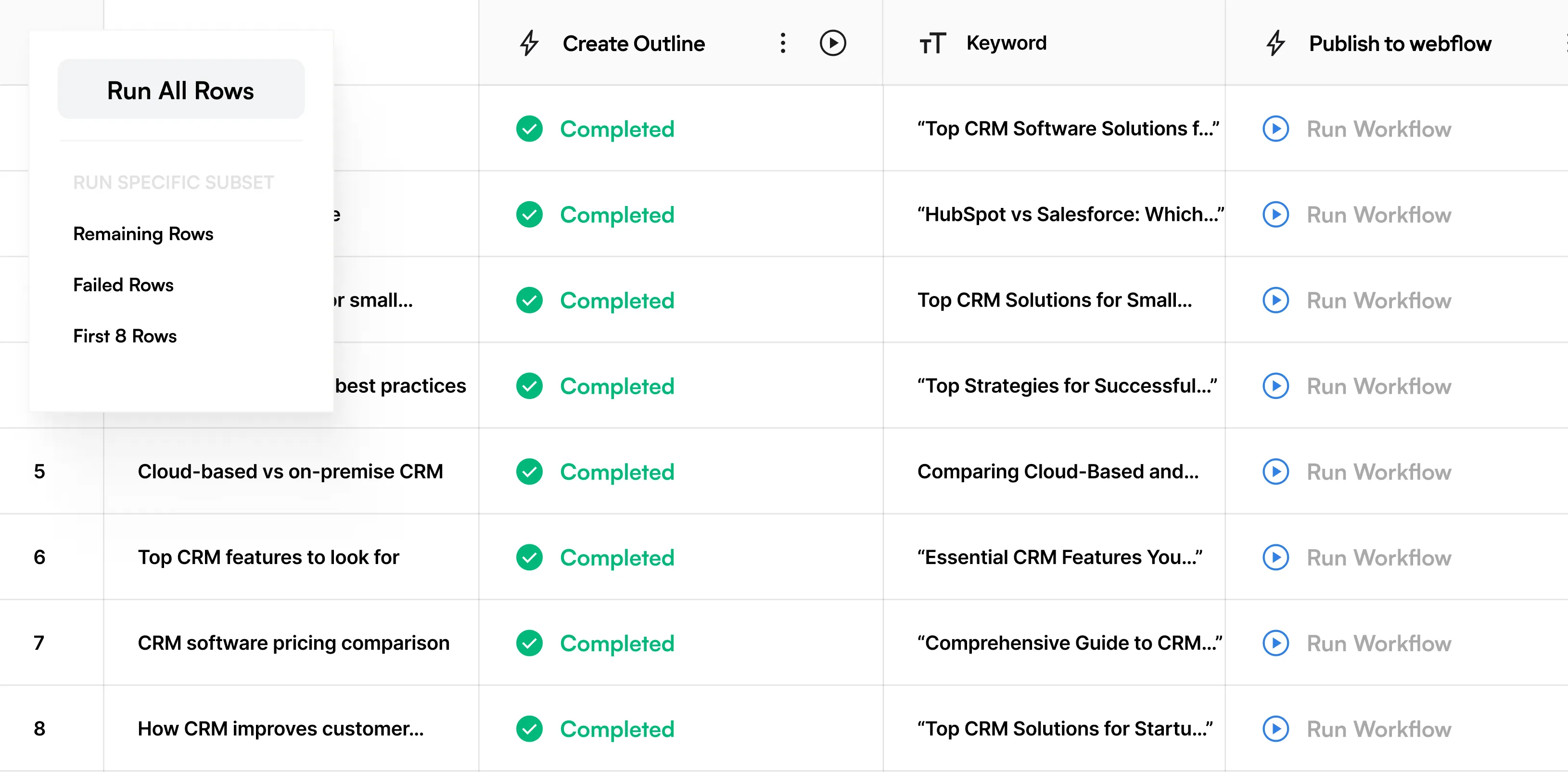
Proven workflows for every stage of the content lifecycle
SERP Optimization
Technical SEO, keyword targeting, competitive positioning. Slate monitors rankings, tracks algorithm updates, and refreshes pages to maintain search visibility.
Analyze SERP for Target Keyword
Scrape top-ranking content, analyze competitive gaps, synthesize insights, and generate comprehensive outlines automatically.
Content refresh pipelines
Identify decaying pages, research current information, draft updates incorporating fresh data, and push to CMS on schedule.
Programmatic content generation
Create thousands of unique, locally-relevant pages from templates while maintaining quality and brand voice.


Content Creation
Entity structure, semantic markup, schema optimization. Slate ensures your content is retrievable by ChatGPT, Perplexity, Gemini, and every AI system that matters.
Create Article from Content Brief
Turn brief into full-length article content optimized for search and AI citations.
Create Content Brief from Keyword
Generate detailed brief based on keyword research including targets, competitive analysis, and structure.
Translate Content
Translate content into your target language while maintaining brand voice and optimization signals.
Enhance Content
Your voice. Your tone. Your guidelines. Slate encodes brand standards into every refresh, maintaining consistency across your entire content library.
Add External Links
Add external links to an article and review authoritative sources that strengthen content credibility.
Add Internal Links
Add relevant internal links from sitemap to improve site architecture and topical authority.
Add Title Tag & Meta Description
Generate title tag and meta descriptions for a page that drive clicks and communicate value.
Get Hero Stock Image for Article
Find a relevant hero stock image for article to enhance visual appeal.
Writing Rules Enforcer
Update content to obey the Brand Kit's writing rules, ensuring alignment with tone and style guidelines.


Answer Engine Optimization
Real-time monitoring of competitive shifts, discovery system changes, and content performance. Slate refreshes pages before they lose visibility, not after.
Add Key Takeaways
Add key takeaways to an existing article that AI models can easily parse and cite.
AEO Content Scorecard
Audit your content to understand readability for LLMs and assess citation potential.
ChatGPT Question Analyzer
Understand visibility and response sentiment in ChatGPT for specific topics and queries.
Schema Generator
Create structured data snippets for both page content and sitewide elements to improve AI comprehension.

Content Refresh
Real-time monitoring of competitive shifts, discovery system changes, and content performance. Slate refreshes pages before they lose visibility, not after.
AEO Visibility Refresh Suggestions
Get suggestions to improve AI discovery and citation frequency for existing content.
Brand Alignment Refresh Suggestions
Get suggestions to better align with brand positioning and messaging across your content.
SERP Competition Refresh Suggestions
Get suggestions based on SERP competition for keyword to maintain or improve rankings.


Apply Refresh Suggestions
Real-time monitoring of competitive shifts, discovery system changes, and content performance. Slate refreshes pages before they lose visibility, not after.
Apply Suggested Refresh Changes
Implement change suggestions to improve content performance and visibility.
Refresh External Links
Refresh stale/broken claims that may be outdated and replace with current sources.
Refresh Internal Links
Remove broken links and add relevant internal links based on updated sitemap.
Refresh Meta Tags
Improve title tag and meta descriptions for a page to reflect current content.

Enhancement & Governance
Real-time monitoring of competitive shifts, discovery system changes, and content performance. Slate refreshes pages before they lose visibility, not after.
Writing Rules Enforcer
Automatically update content to ensure it obeys your specific Brand Kit guidelines.
Internal & External Linking
Programmatically add relevant internal sitemap links or verified external citations.
Meta Tag Generation
Create optimized title tags and meta descriptions for every page in bulk.
Stock Image Sourcing
Automatically find and place relevant hero images for your articles.


Frequently Asked Questions
What are Super Blocks and how do they speed up content production?
Super Blocks are pre-built workflow components designed by content experts that bundle research, drafting, optimization, and output steps into one click, letting you automate complex content tasks without building from scratch.
Can I customize a Super Block to match my team’s needs?
Yes, you can fork and modify any Super Block, adjusting prompts or logic to better fit your brand rules, niche requirements, or internal workflows.
How do Super Blocks handle quality and consistency?
Super Blocks are expert-built workflows designed around proven best practices, so no critical steps are missed. Each run takes your brand kit as an input and includes built-in quality gates and optional human reviews, ensuring outputs stay accurate, on-brand, and production-ready.
Can Super Blocks run on a schedule or only on demand?
You can set Super Blocks to run on scheduled automation—daily, weekly, or monthly with custom filters, so repeated tasks like refreshes or audits happen automatically.
What types of content operations can Super Blocks support?
The Super Block library includes expert-built workflows for SERP optimization, content creation, enhancement (internal and external linking, metadata), AEO optimizations, and more, covering every critical stage of the content lifecycle.