
Automate research, writing, and publishing in one visual workflow
Slate's Workflow turns multi-step content operations into automated pipelines that run 24/7.
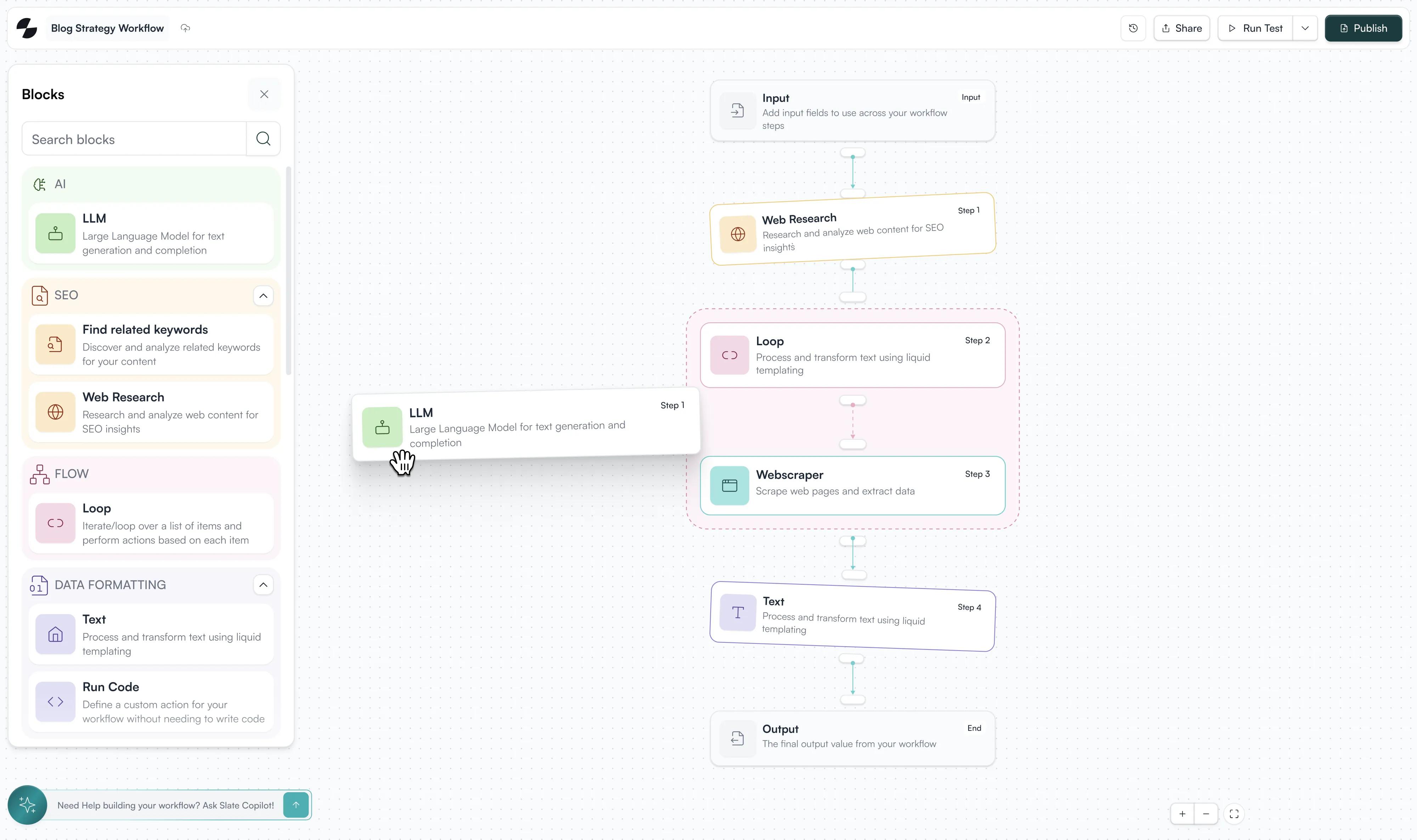
Drag and drop steps to research topics, draft citation-ready articles, and push directly to your CMS
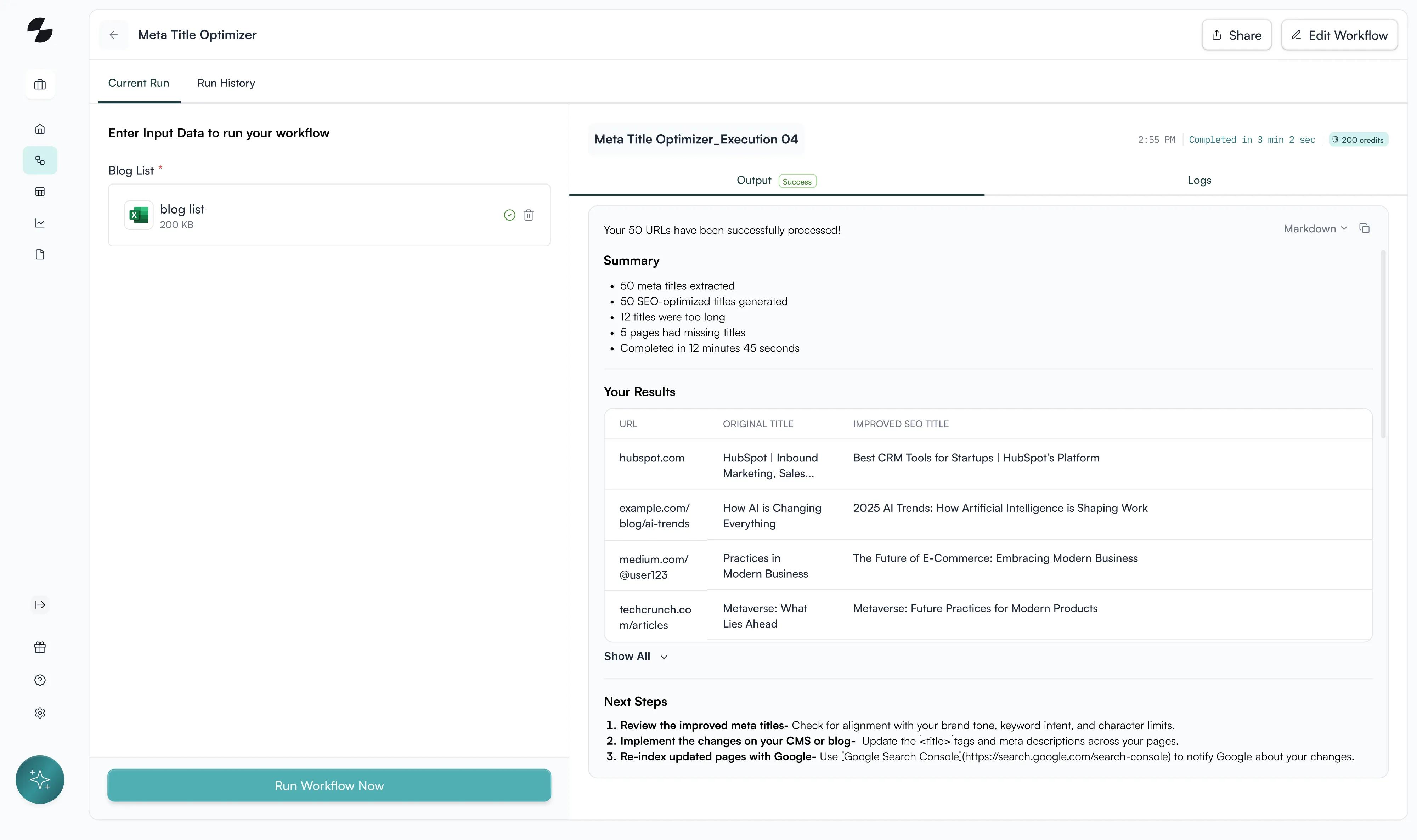
The Problem
Manual content operations break down at scale
Creating citation-worthy content requires deep research, multiple drafts, brand voice validation, and constant updates. Manual execution of these steps doesn't scale to the velocity AI platforms need.
The Solution
Automate the research-write-publish loop
Build visual automation that handles research, drafting, optimization, and publishing while you maintain control over quality and brand voice at every step.
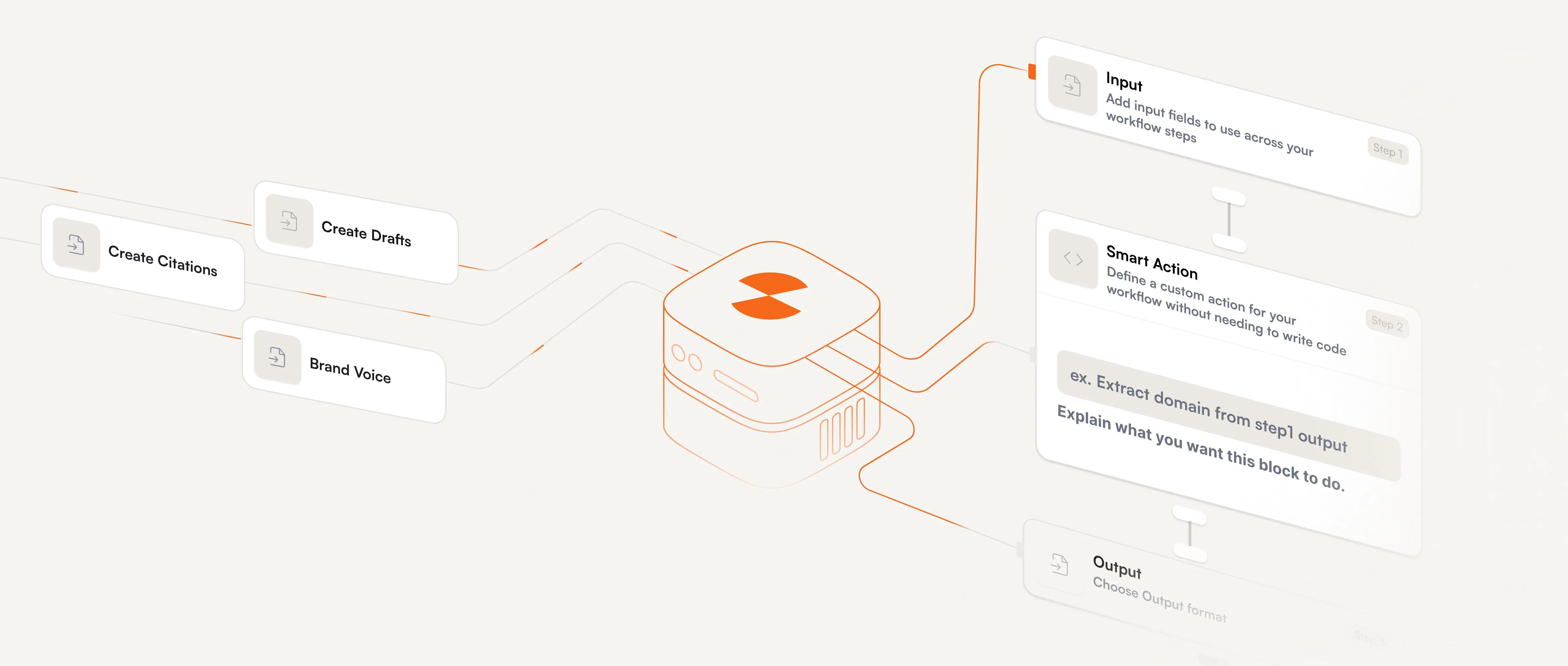

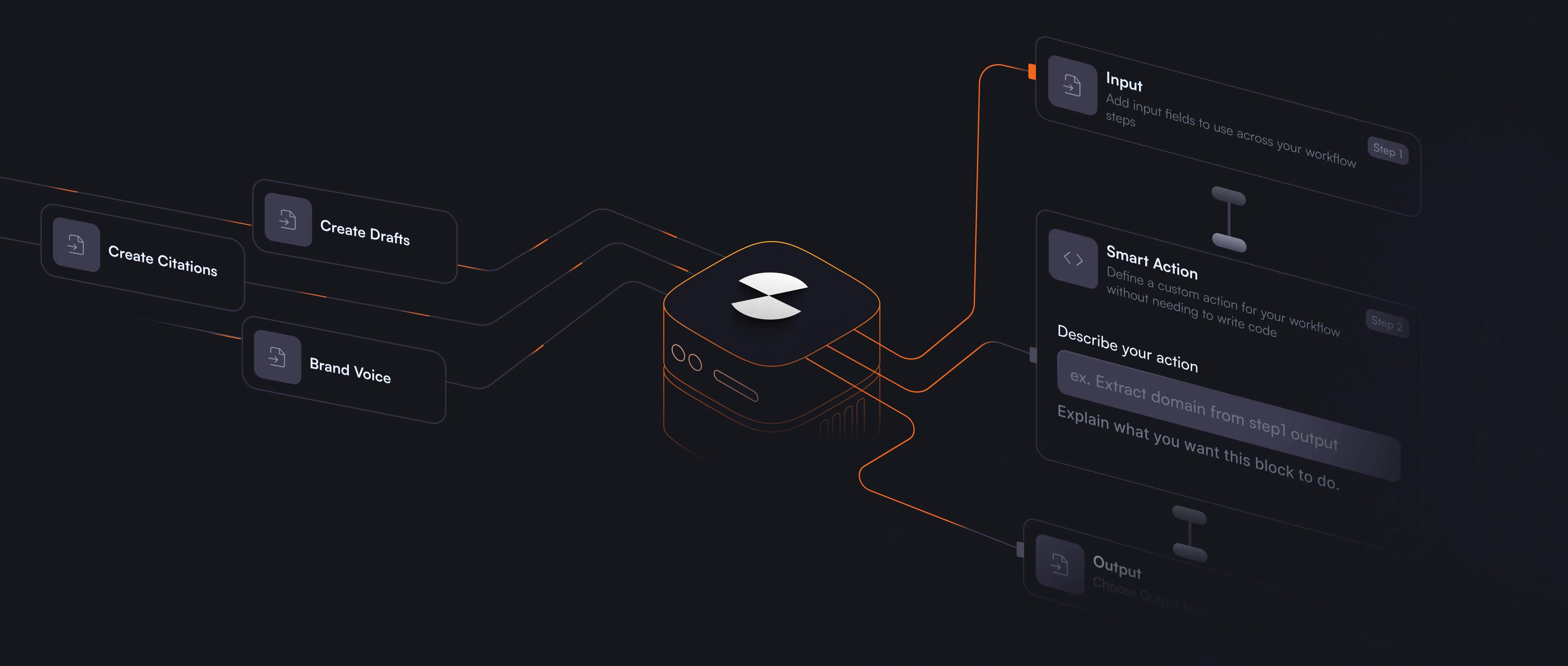
Execute strategies at scale
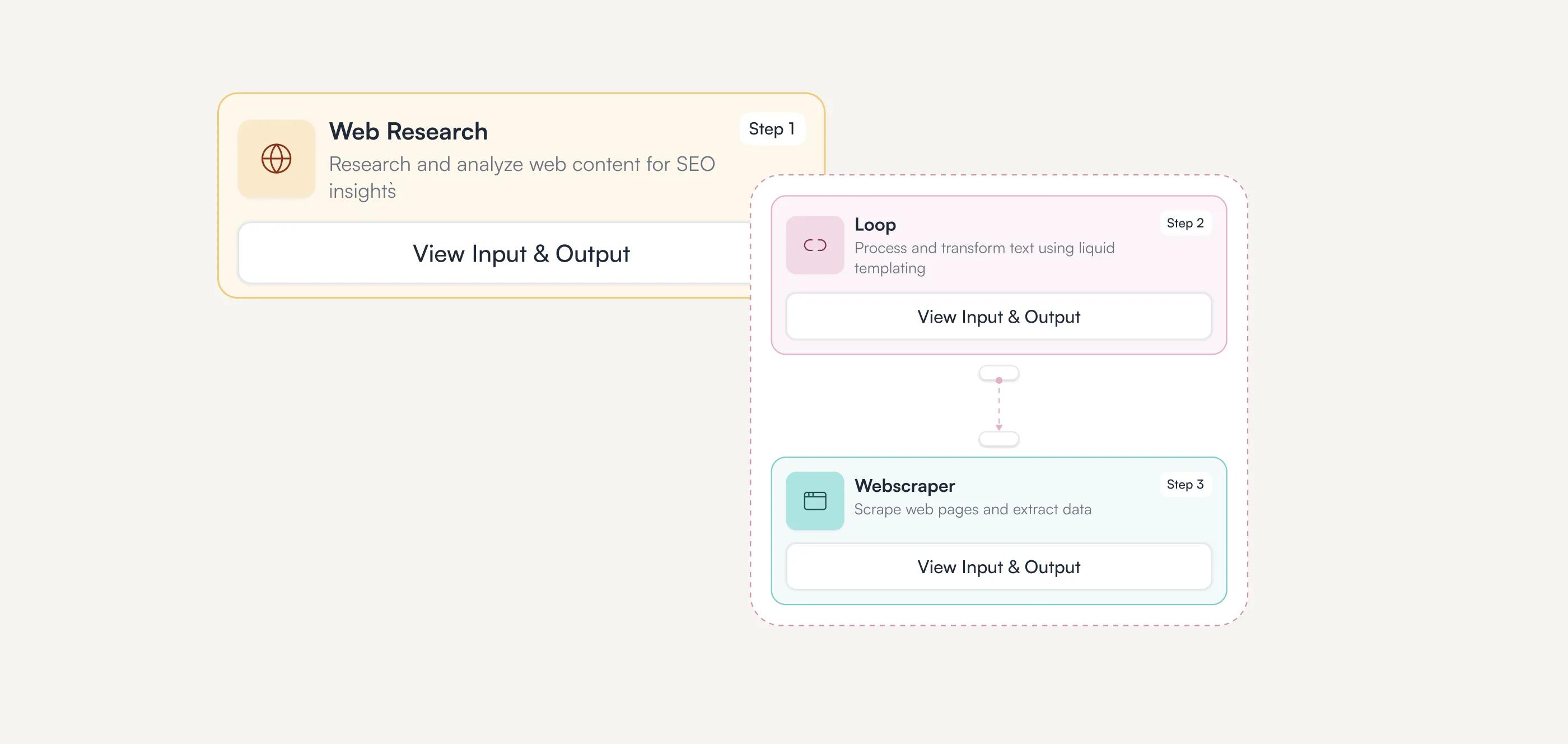
Build workflows that run your exact content process automatically. Chain together research, writing, optimization, review, and publishing steps.


Manual content operations break down at scale
Creating citation-worthy content requires deep research, multiple drafts, brand voice validation, and constant updates. Manual execution of these steps doesn't scale to the velocity AI platforms need.


Connect any data source
Pull from Google Sheets, scrape live web data, query APIs, or access your knowledge bases. Workflow sretrieve the exact information each step needs automatically.


40+ AI models and integrations
Access Claude, GPT-4, Gemini, and specialized models for different tasks. Connect Semrush for SEO data, WordPress for publishing, or any tool via API.
Orchestrate your content engine at scale
Maintain quality through control points
Add review steps at moments requiring judgment. The workflow pauses for you to validate brand voice, approve outputs, or provide feedback, and then continue automatically once you approve.
Logic and conditionals
Add if/then logic to handle different scenarios. Route workflows based on content type, quality checks, or any condition. Create sophisticated automation that adapts.

Connect your data and publishing stack
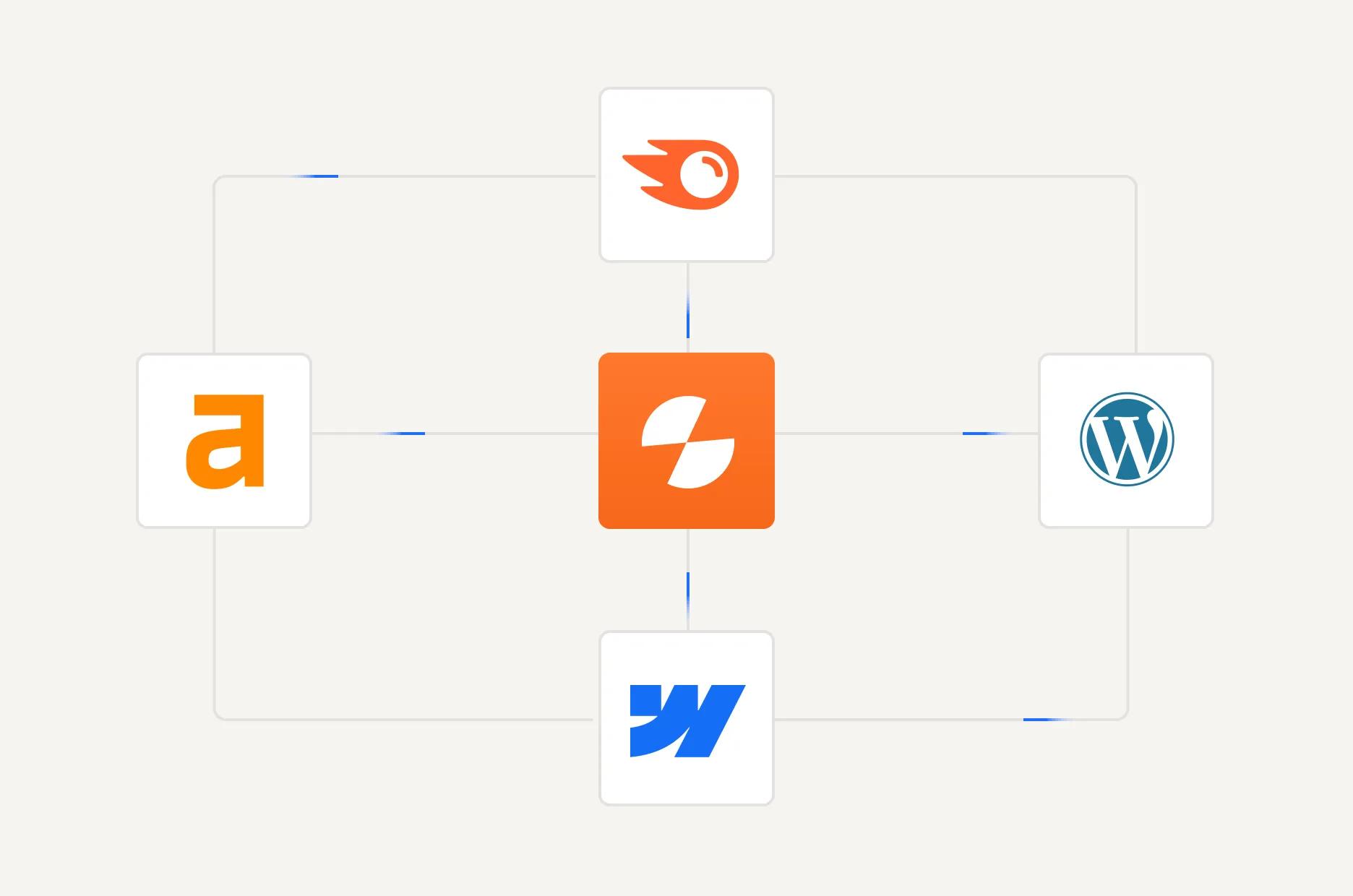
Pull live keyword data from Semrush and Ahrefs, sync drafts with docs, and push finished assets to Webflow, or WordPress without leaving Slate.
Automated quality scoring
Grade every output for brand alignment and citation potential automatically before assets enter the human review stage.
Deploy once, execute infinitely
Schedule automated runs
Set workflows to execute automatically on your schedule. Daily content refreshes, weekly competitive monitoring, continuous archive maintenance. Run operations hands-free.

API access for programmatic control
Trigger workflows via API from any system. Integrate with your existing tools, trigger based on external events, or build custom automation layers.
Template library
Start with pre-built workflows for common operations. Customize templates for your exact needs or build entirely new workflows from scratch.
How Slate Workflows Operate
01
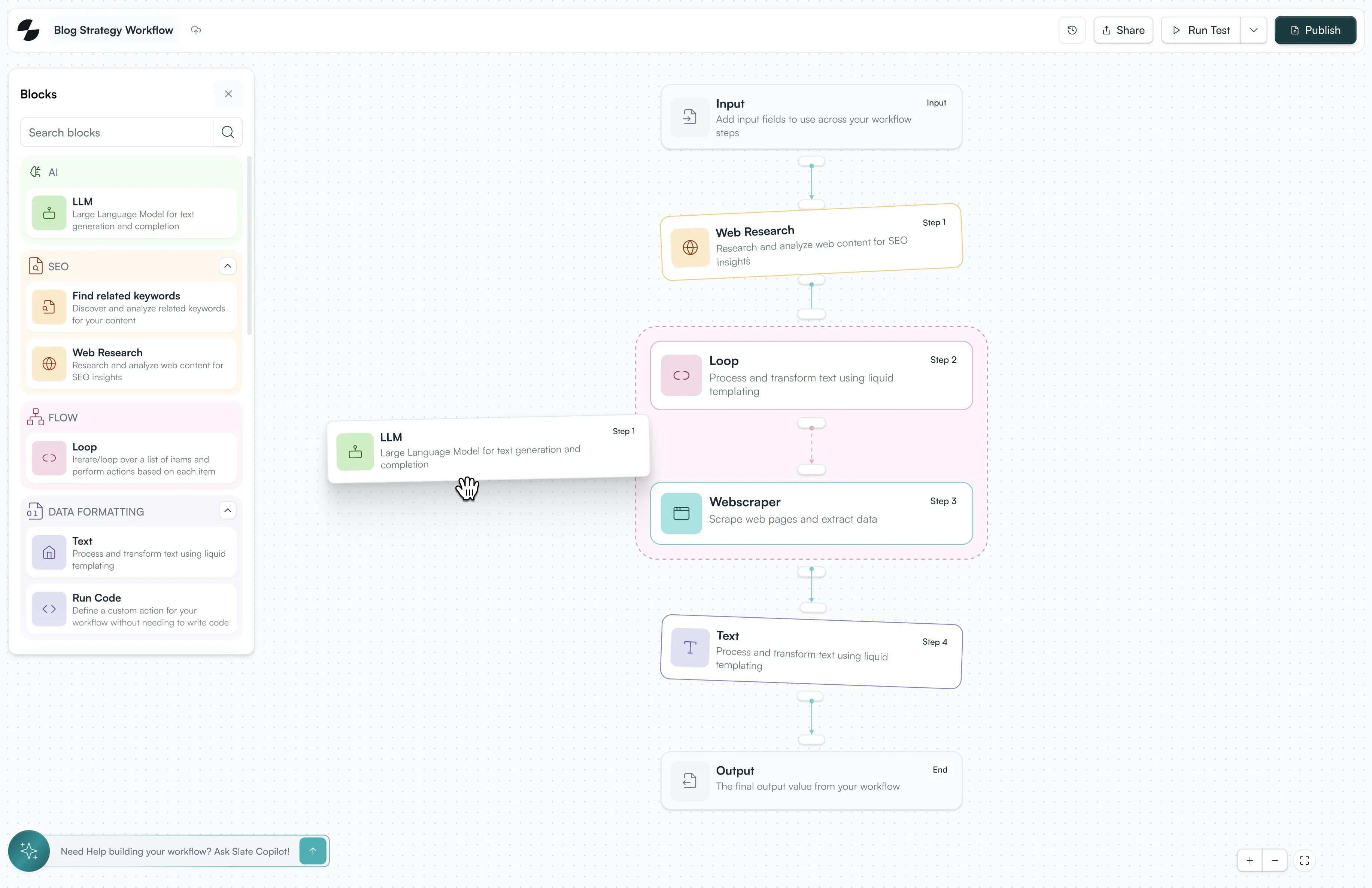
Build the Workflow
Pull live keyword data from Semrush and Ahrefs, sync drafts with docs, and push finished assets to Webflow, or WordPress without leaving Slate.

02
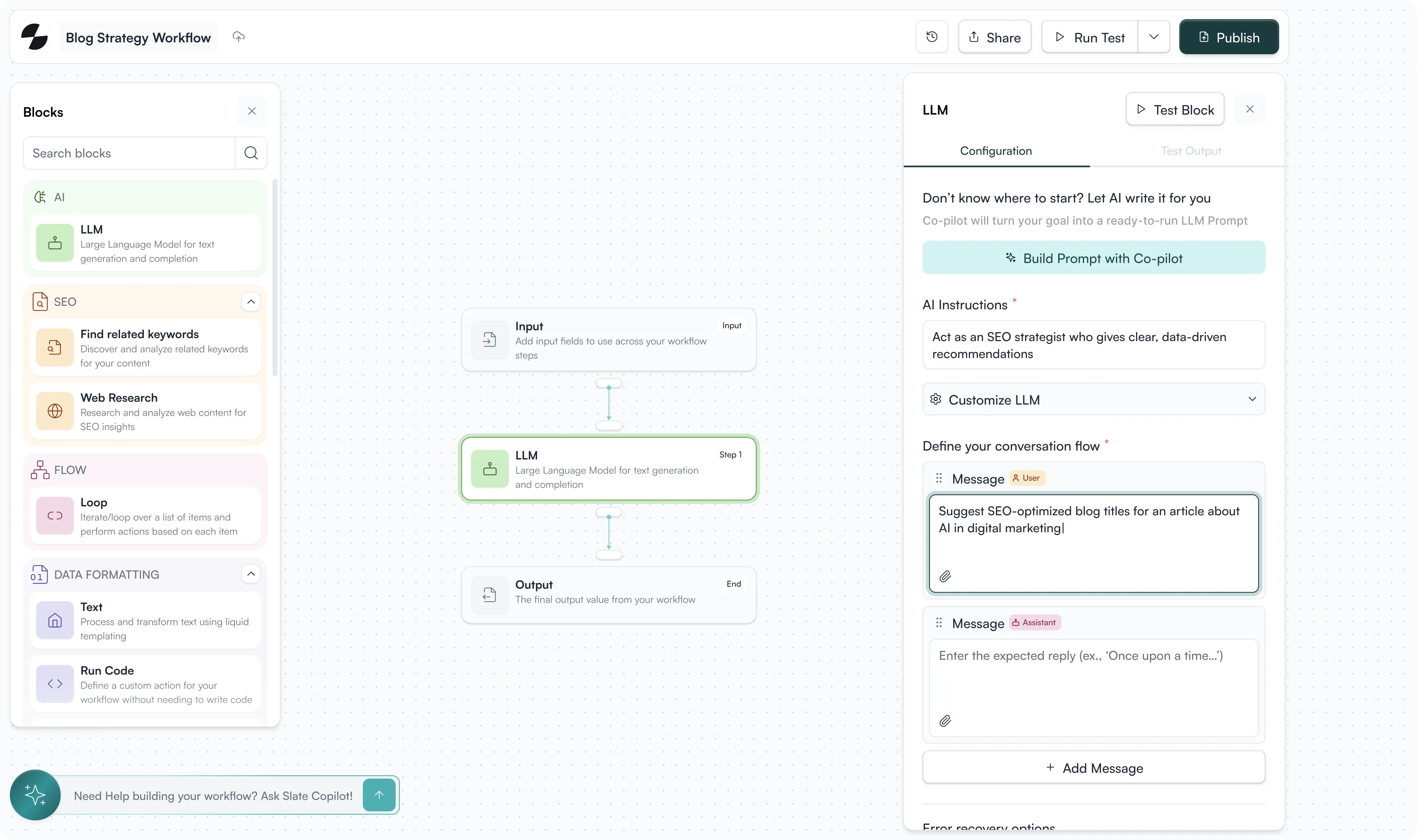
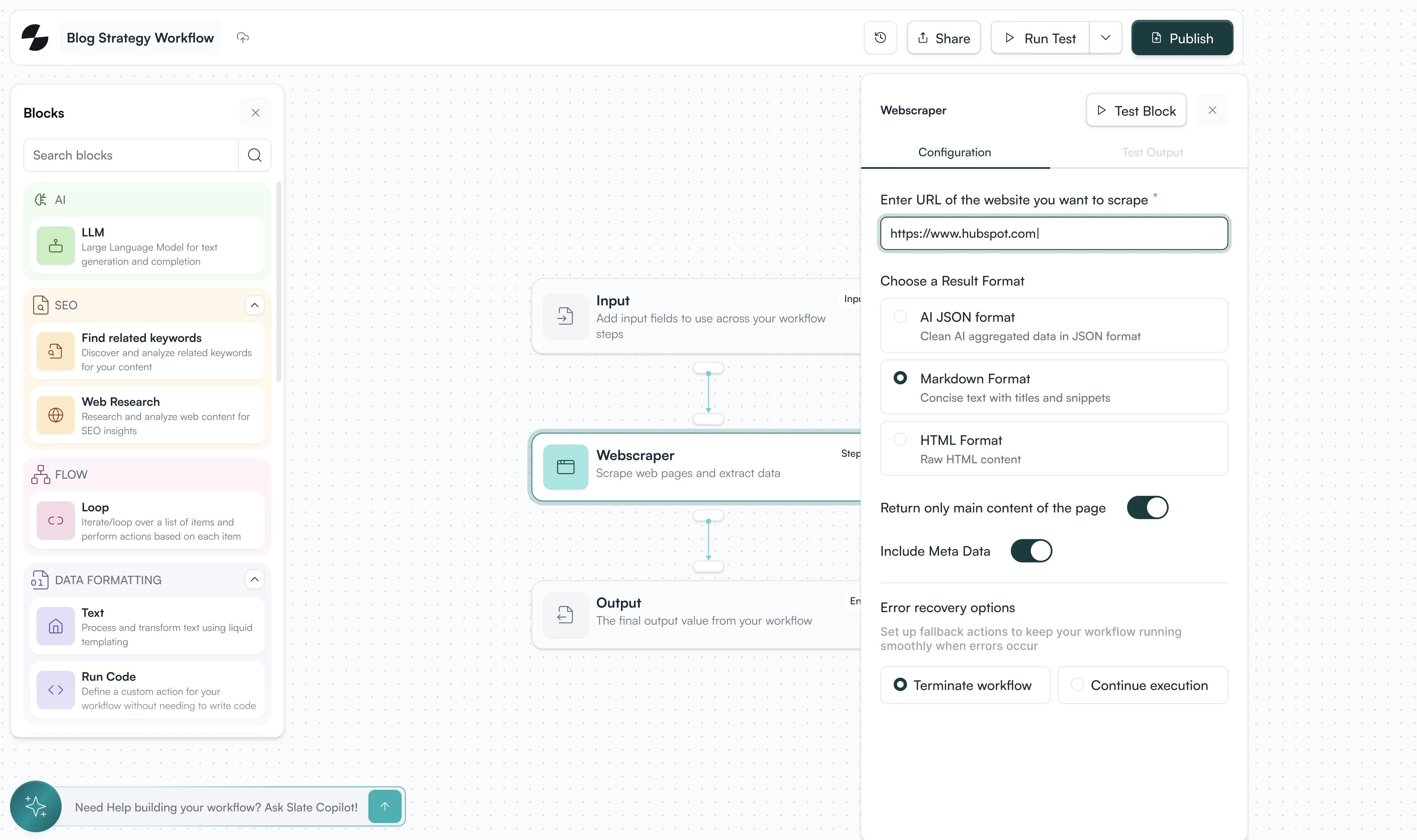
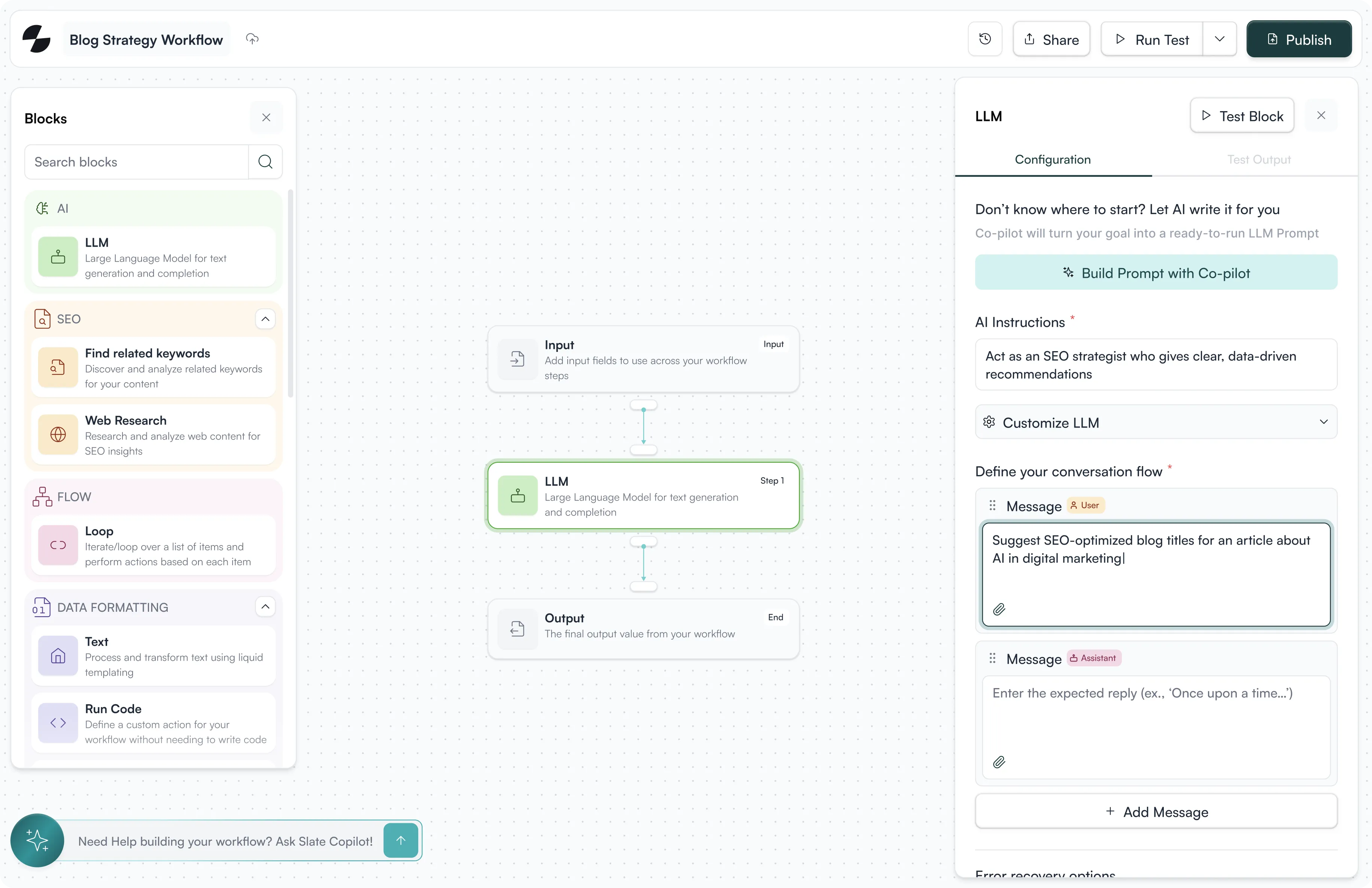
Configure each step
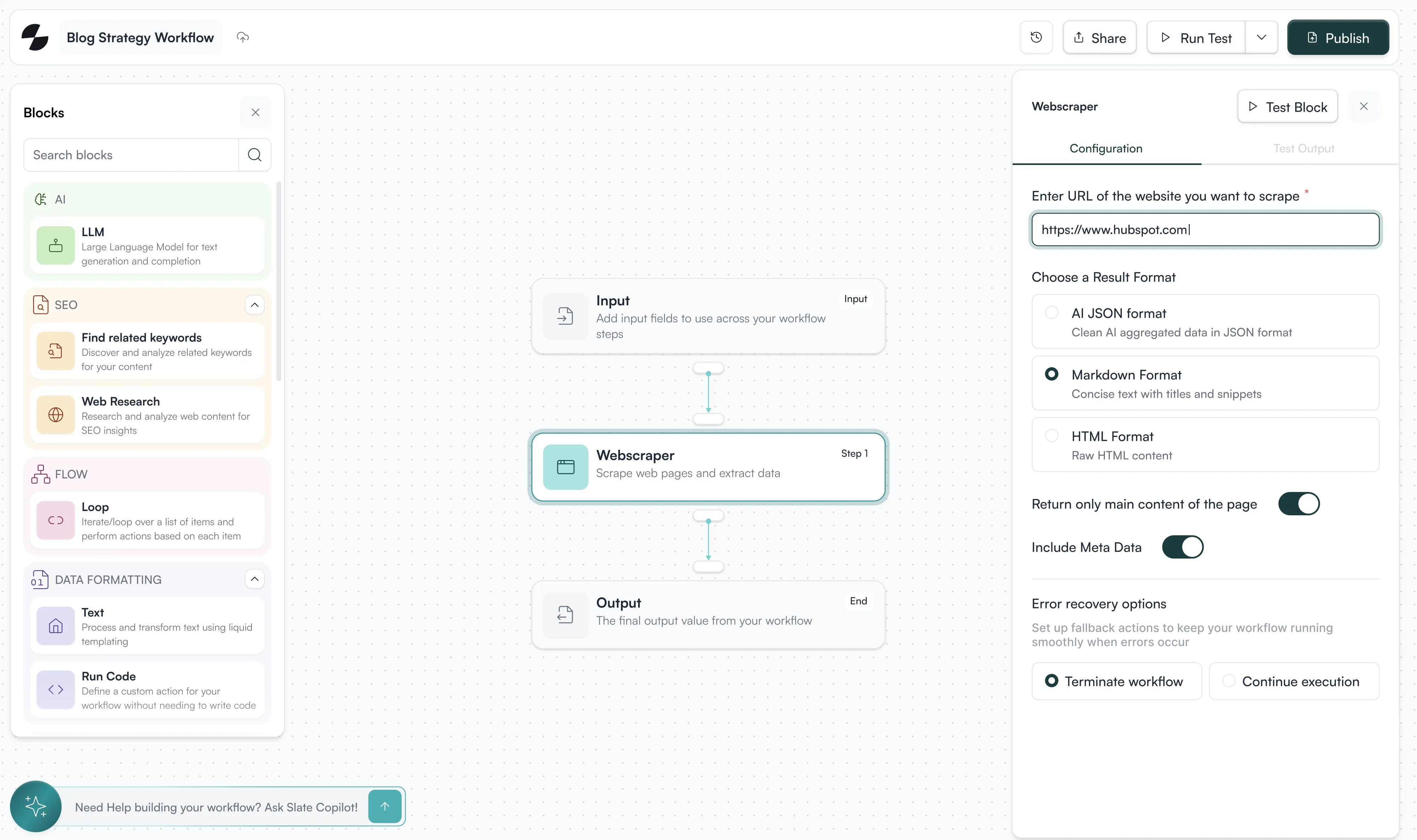
Set parameters for each step: the AI model to use, data to pull, how to process outputs. Map variables between steps so outputs flow automatically.
03
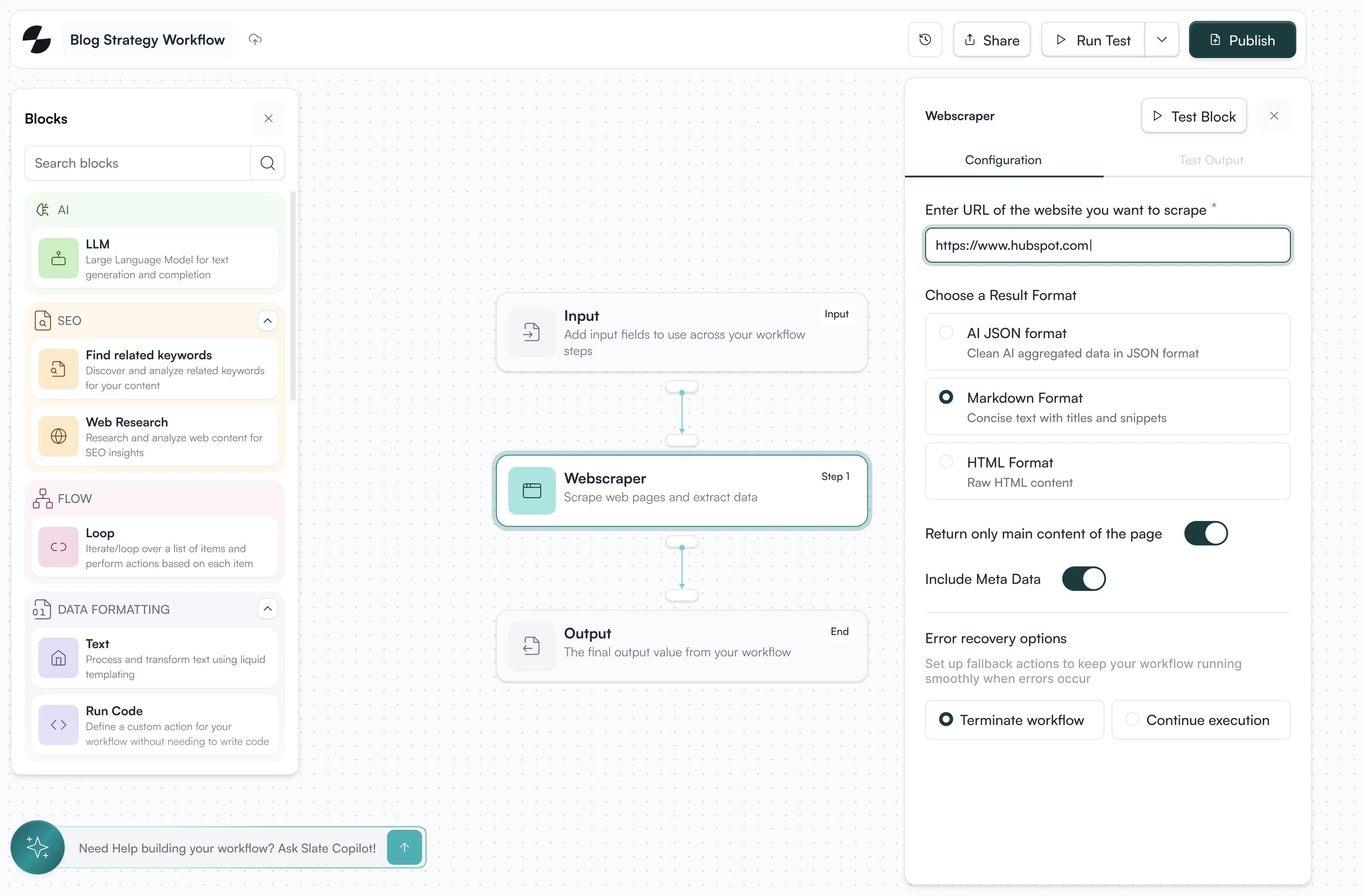
Add quality gates
Insert human review steps where judgment matters. Set conditions that pause execution for approval before continuing to publishing.
04
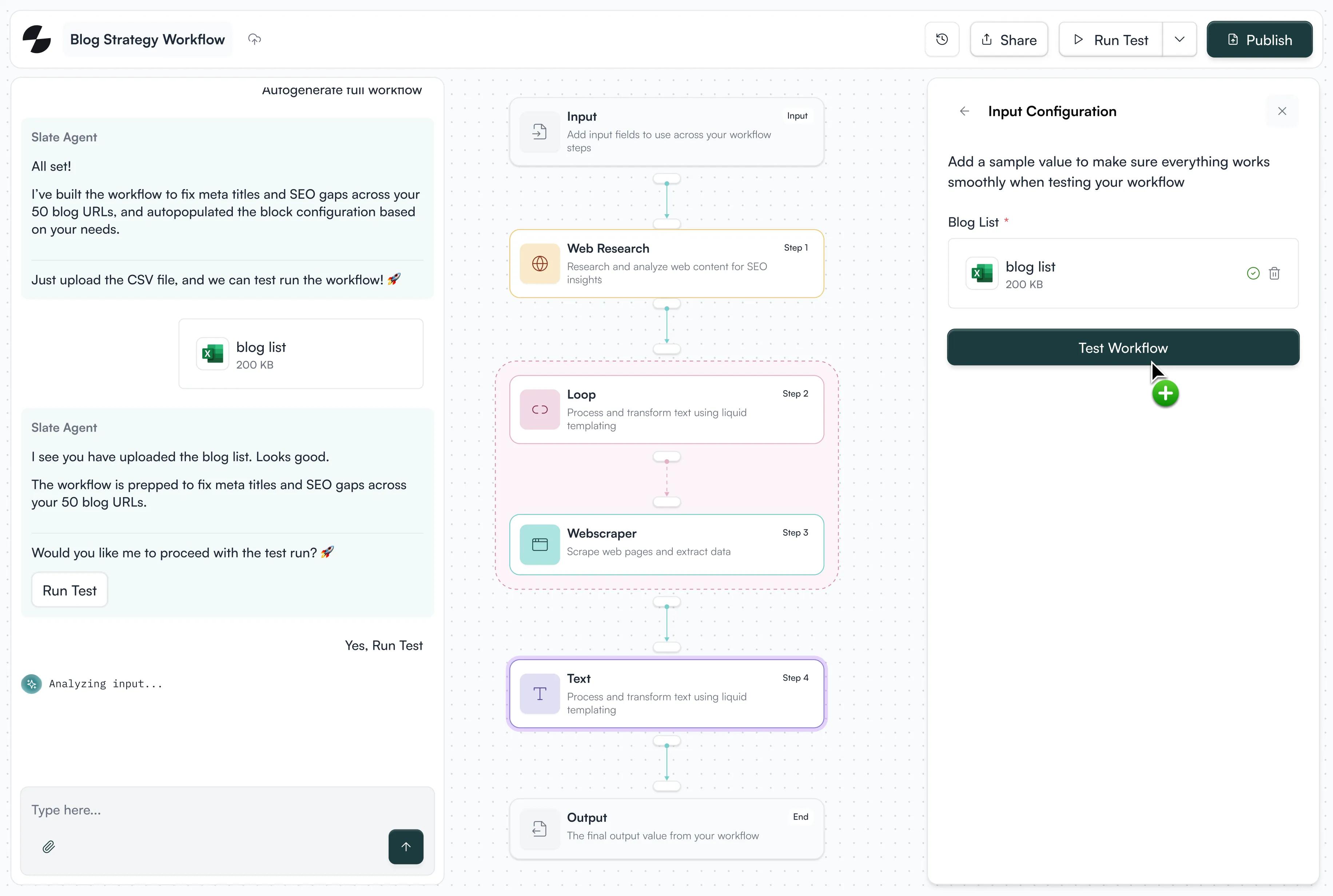
Test and refine
Run workflows on sample data to verify outputs. Iterate on prompts, adjust logic, optimize performance based on actual results
05
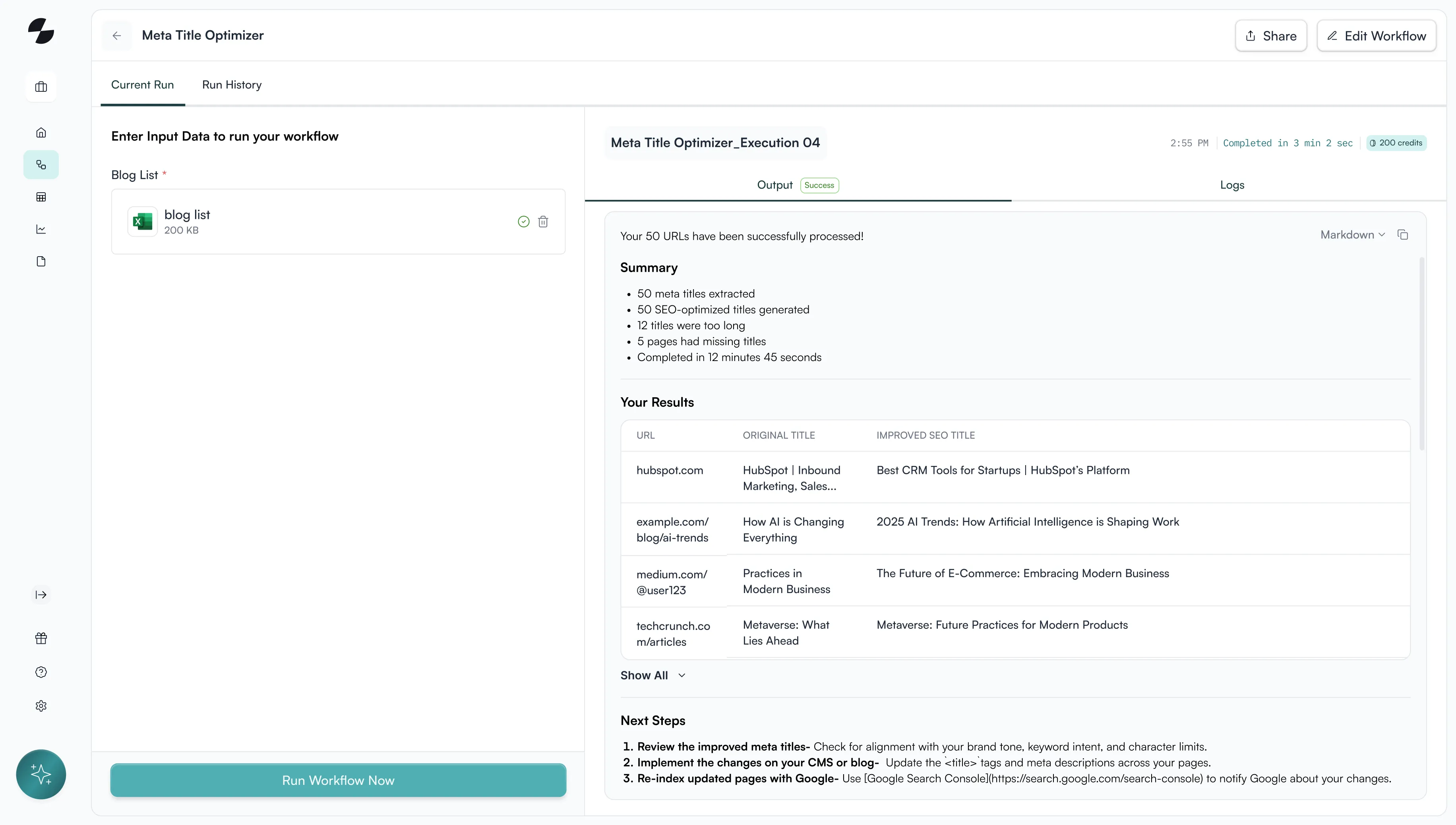
Deploy at scale
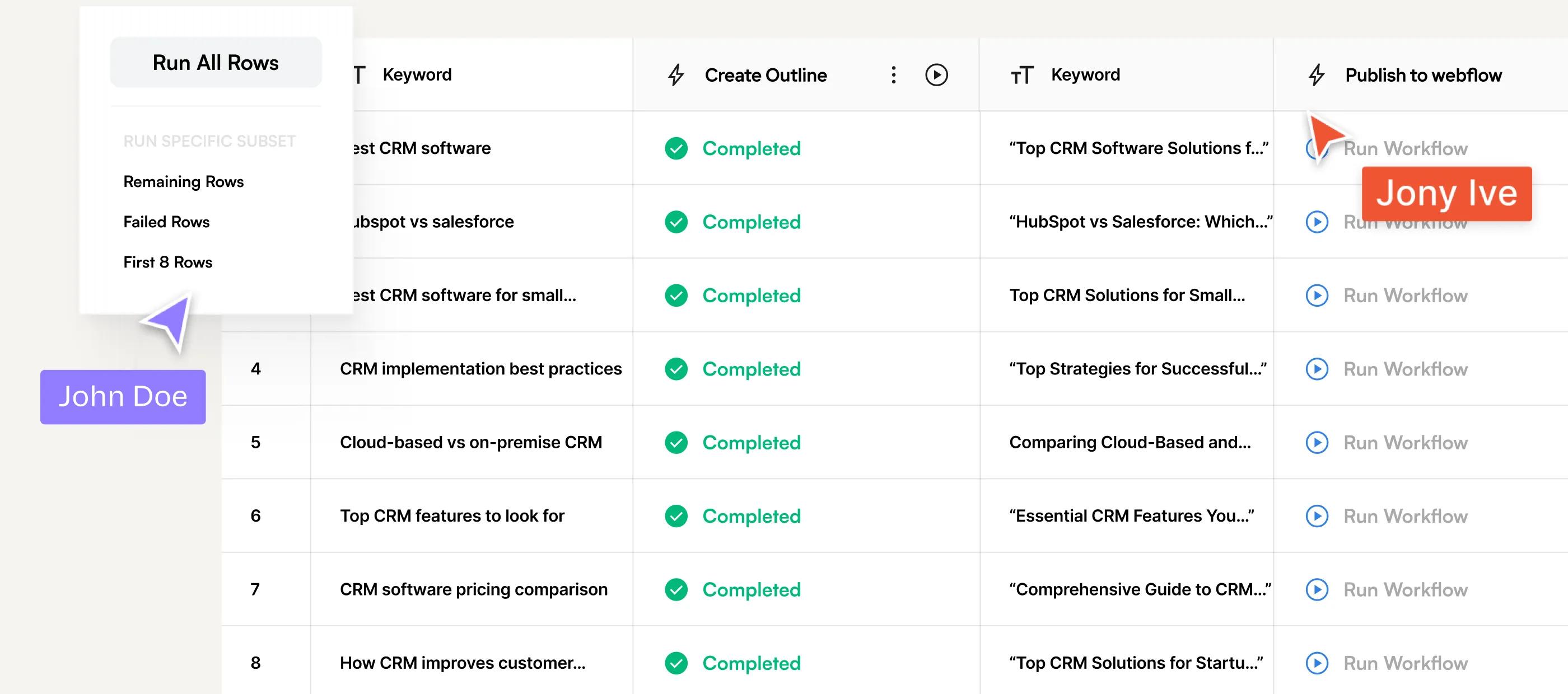
Run workflows individually for one-off tasks or execute across thousands of rows. Schedule automatic runs or trigger via API.
How teams use Workflows
Build citation-ready content systematically
Deep research automation
Scrape top-ranking content, analyze competitive gaps, synthesize insights, and generate comprehensive outlines automatically.
Content refresh pipelines
Identify decaying pages, research current information, draft updates incorporating fresh data, and push to CMS on schedule.
Programmatic content generation
Create thousands of unique, locally-relevant pages from templates while maintaining quality and brand voice.


Scale product content without repetition
Feature documentation automation
Transform product specs into feature pages, comparison content, and use case articles with consistent messaging.
Competitive intelligence
Scrape competitor sites, analyze positioning, identify gaps, and generate differentiated content automatically.
Multi-format asset creation
Turn product information into blog posts, social content, email sequences, and landing pages from a single workflow.


Execute data-driven content strategies
Keyword-to-content pipelines
Pull keywords from Semrush, research search intent, generate optimized content, and publish automatically.
Personalization at scale
Create customized content variations for different segments, industries, or personas without manual duplication.
Performance-driven optimization
Monitor rankings, identify declining pages, trigger refresh workflows, and maintain visibility continuously.


Proof that agentic content drives growth





Frequently Asked Questions
How do Workflows maintain quality and brand accuracy?
Every workflow uses your brand kit as an input. You can add human-in-the-loop approvals, rules, and structured checks at any stage, so automation never compromises accuracy or voice.
Can Workflows handle both new content and content refreshes?
Yes. You can run Workflows for net-new content, historical refreshes, or ongoing maintenance, using different inputs, rules, and outputs for each use case.
Can I customize Workflows for my unique content process?
Yes, you can build your own custom pipelines by dragging and dropping steps (‘Blocks’), adding quality gates (like human review layer), and configuring logic based on your specific content needs.
Do Workflows integrate with other tools I already use?
Workflows can pull data from your existing stack (e.g., live keyword sources like Semrush or Ahrefs) and push outputs directly to your CMS or document platforms, keeping your ecosystem connected.
How do quality controls work within a Workflow?
You can insert review checkpoints where the workflow pauses for human validation, ensuring brand voice, accuracy, and quality are maintained before content moves forward or gets published.