

Put Your Marketing on Autopilot
Agents that track how AI sees your brand, write what's missing, refresh what's stale, and publish when it's ready, your marketing runs even when you don't.
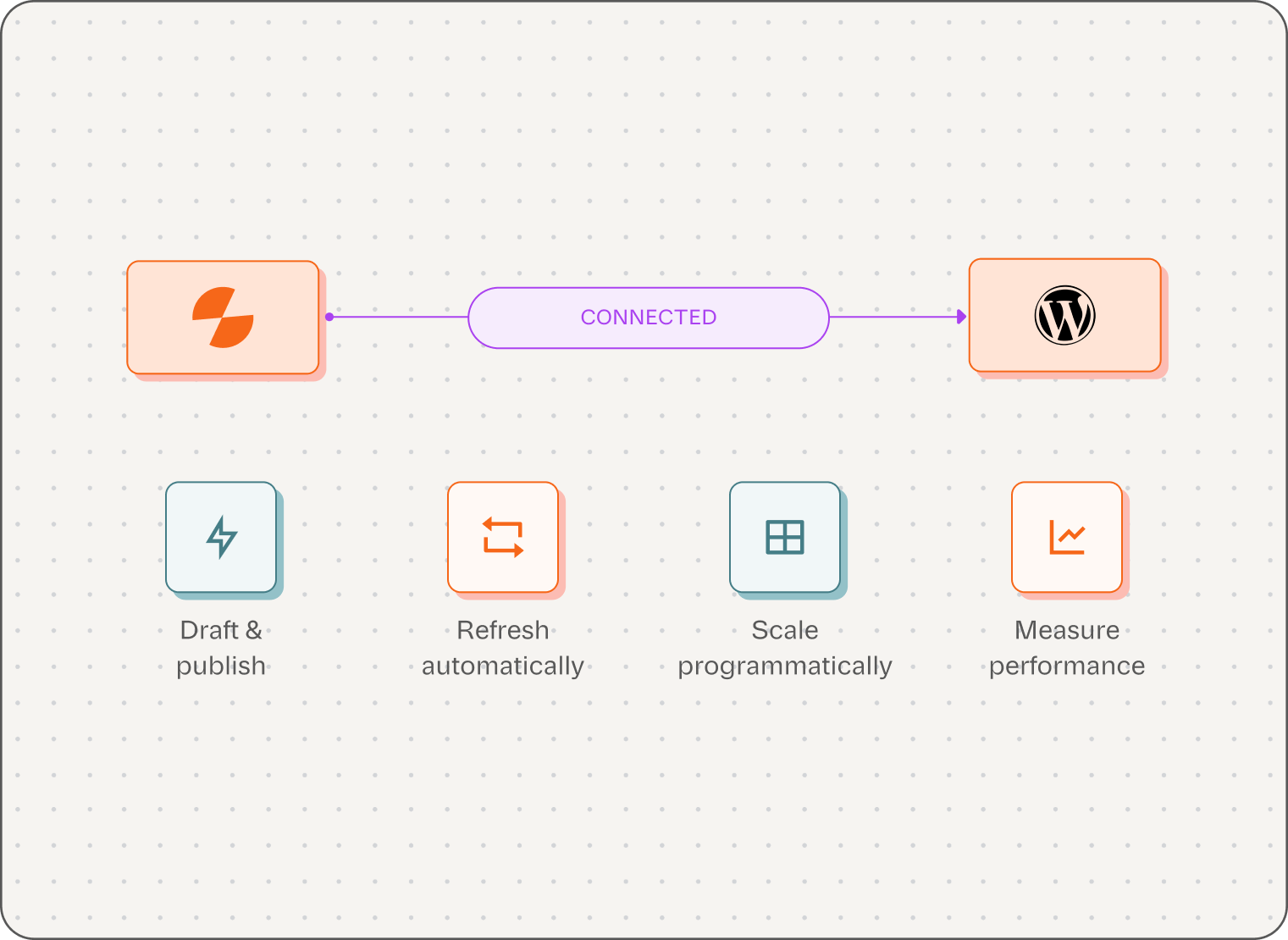
What the WordPress integration actually does
What it does
Lets Slate Workflows and Power Sheets create new posts, update existing ones, and manage publish status directly on your site — no exports, no copy-paste.
Who it's for
Content and SEO teams publishing or refreshing WordPress posts faster than a one-at-a-time workflow can keep up with, especially at programmatic scale.
.webp)
Key Capabilities
Create posts and pages
Update posts in place
Set publish status
Map custom fields
Upload featured images
Push at scale from a Sheet
What changes once WordPress is connected

Publish without
leaving Slate
Draft, review, and push live in one flow — no exporting a doc or logging into wp-admin.

Refresh without republishing by hand
Point Slate at a stale post's URL and it updates that same URL once the content is fixed.

Scale programmatic pages
Generate and publish hundreds of templated pages from one Sheet, each with its own research pass.
How the integration works
Five steps, under five minutes to connect. Click any step to see the detail.
What you can do through the connection





A WordPress AI plugin vs. Slate
A plugin drafts text in your editor. It doesn't close the loop around it — research in, performance out.
What you're comparing | Slate | Typical WordPress AI plugin |
Researches the SERP before writing |  | — |
Researches the SERP before writing | | Some plugins* |
Researches the SERP before writing | | — |
Researches the SERP before writing | | — |
Researches the SERP before writing | | — |
Researches the SERP before writing | Brand Kit | Varies* |
Verify before publishing. "Typical WordPress AI plugin" describes the category, not a single named product — confirm this framing doesn't read as a claim about any specific competitor before this page ships.
Use cases and examples
A plugin drafts text in your editor. It doesn't close the loop around it — research in, performance out.

Agency
Managing a dozen client WordPress blogs, publishing from one shared Slate workspace instead of a dozen separate logins.

Programmatic SEO
Running a 500-page pSEO rollout, generated, reviewed, and published from a single Sheet.

Content ops
Clearing a backlog of decaying posts Slate's Actions flagged, without opening wp-admin once.
What Slate customers report
Platform-wide results across Slate's CMS integrations
275%
Glean — organic traffic growth
14x
Meegle — blog traffic growth
134%
Meegle — AI citation growth
60-68%
Signeasy — LLM visibility growth
Verify before publishing. "Typical WordPress AI plugin" describes the category, not a single named product — confirm this framing doesn't read as a claim about any specific competitor before this page ships.