
Your brand context. Structured, governed, and ready wherever AI works
Define your brand once - voice, rules, audiences, positioning, and documents; and every AI workflow pulls exactly what it needs, automatically.

Generic AI has no memory of your brand. Every prompt starts from zero.
Everything AI needs to know about your brand - structured, versioned, and always accessible
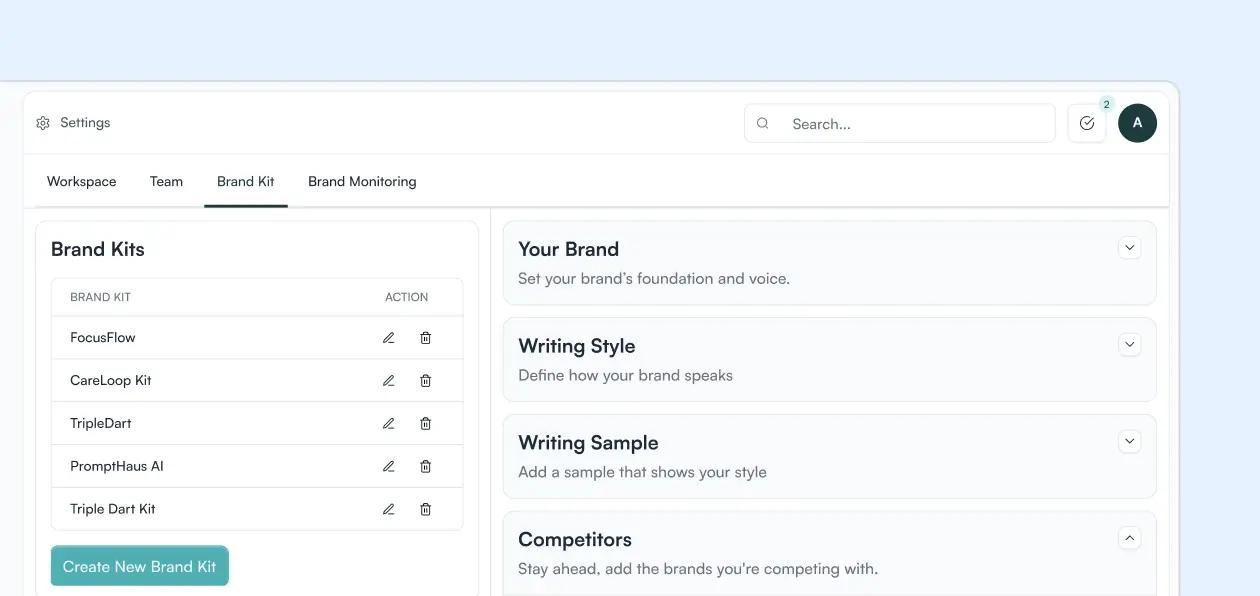
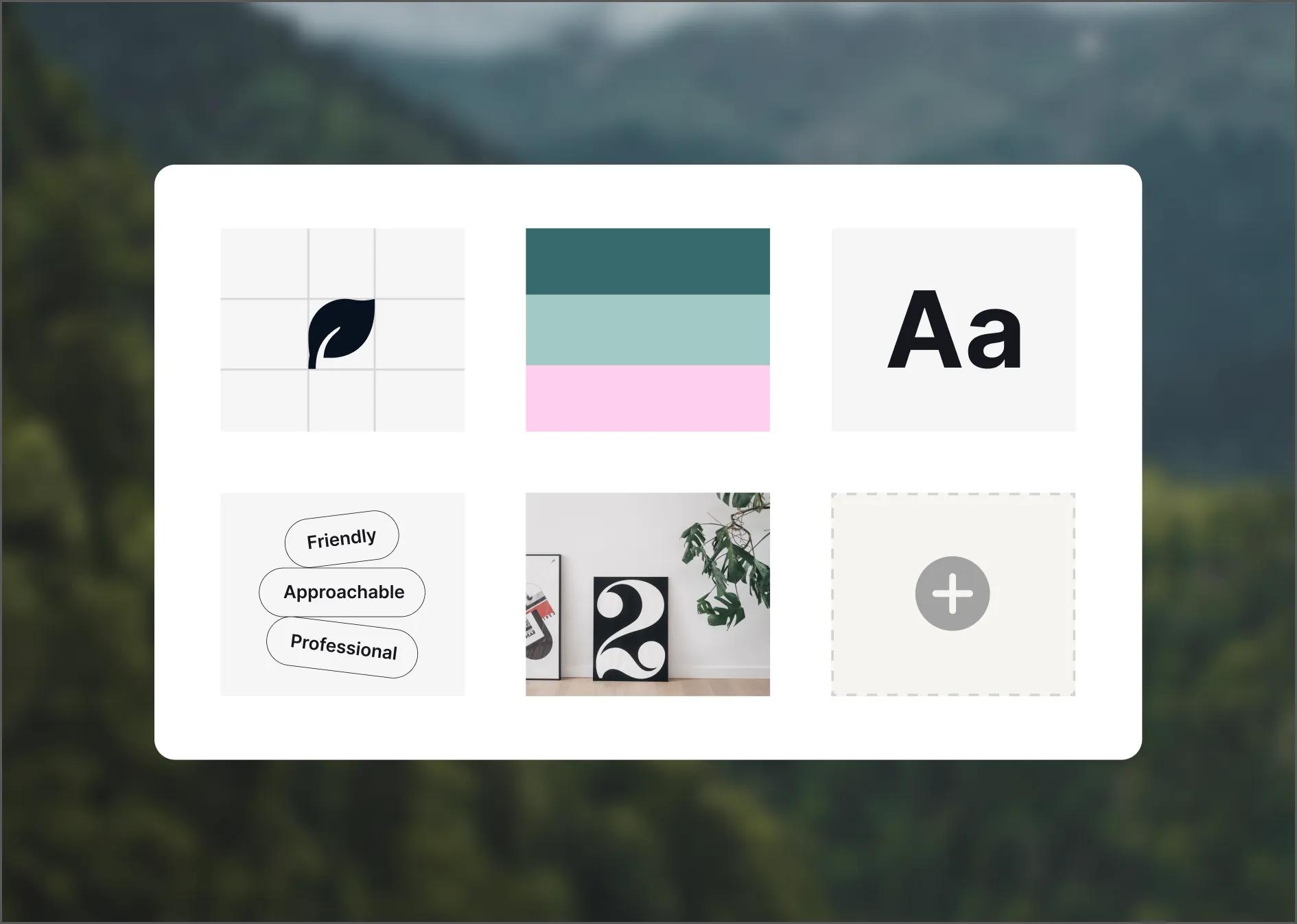
Brand Kit has two layers. A structured context layer that governs your voice, audiences, product lines, and writing rules, and a retrieval layer that semantically searches your documents to surface the right content the moment a workflow needs it.
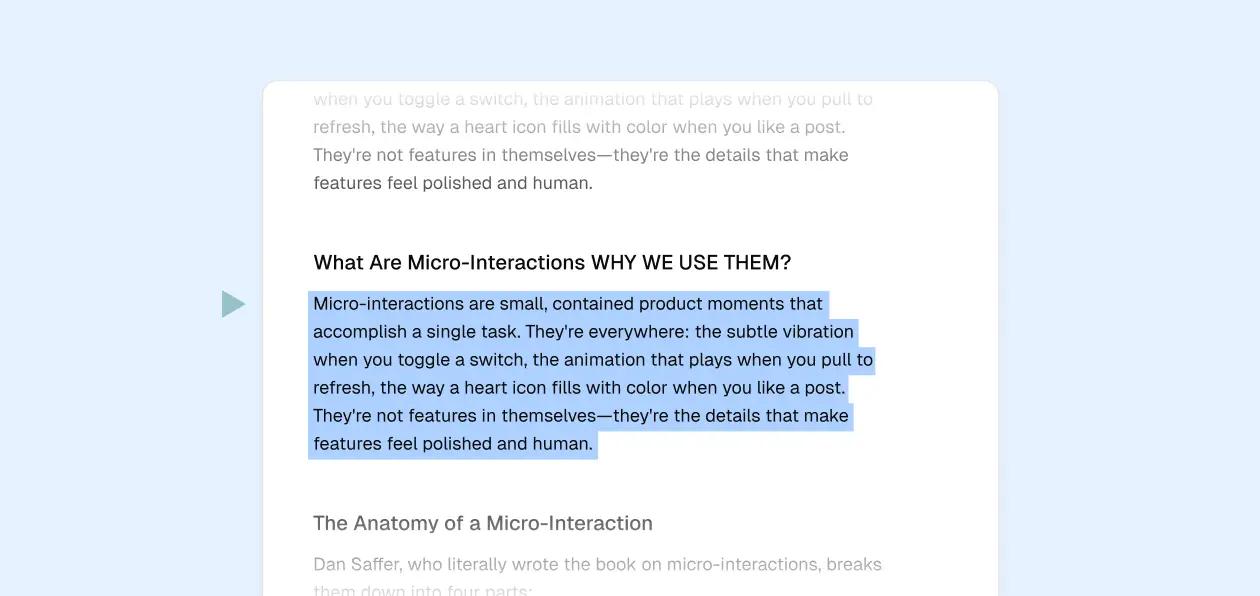
Versioning + Approval
Every edit creates a new version with full attribution. Compare versions, restore any previous state in one click, and require approval before changes go live.
MCP-Accessible Everywhere
Enable MCP once and Brand Kit is readable and writable from Claude, Cursor, ChatGPT, or any tool in your stack. Changes sync back automatically.
Modular by Design
AI gets the right dimension for the task - not everything at once. Enterprise case study gets enterprise audience rules. Social post gets social content type guidelines.
Semantic Search
Returns what's most relevant by meaning - adjacent concepts, related examples, contextually similar material.
Chunking
Documents are split into meaningful segments so workflows retrieve the specific section that's relevant, not the whole file.
File Types Supported
PDFs, CSVs, plain text, images, Google Drive sync, web scraping, SQL databases, and Shopify catalog data.
Build the context layer that makes AI work like it knows your brand
Every workflow starts with full brand context - automatically
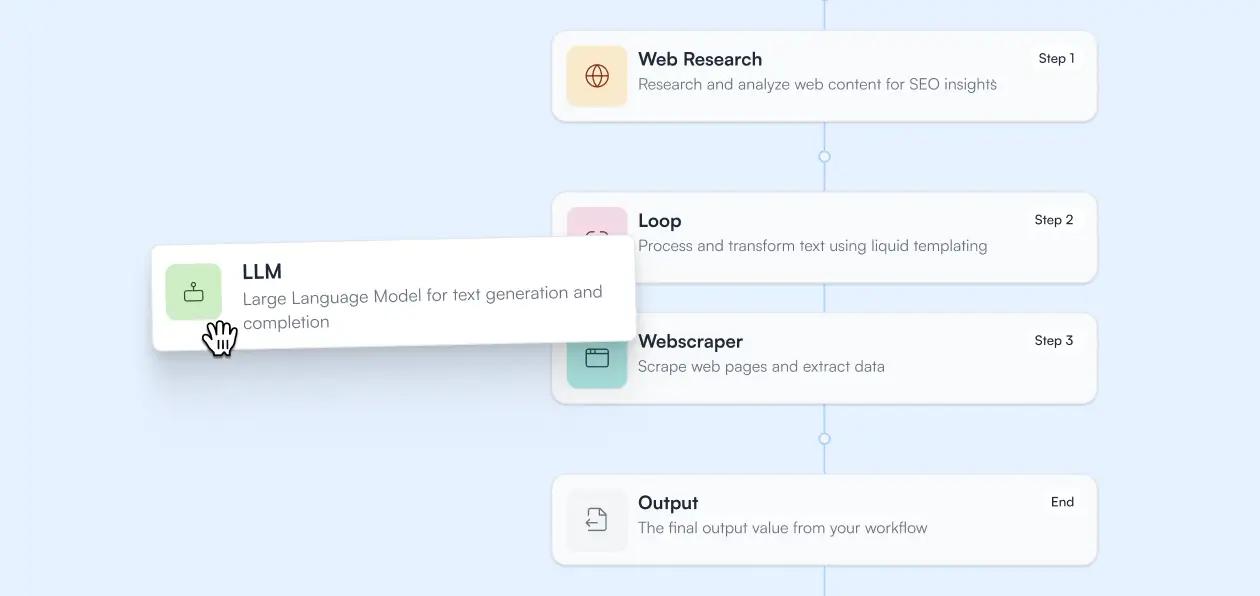
Before any Slate Workflow, Grid operation, or Power Agent runs, it reads from Brand Kit. The right Brand Kit dimensions [audience, product line, region] are pulled and applied. The right documents are retrieved by meaning and injected.

Workflows
Grid
Power Agents
Frequently Asked Questions
What is Slate Context?
Slate Context is the context layer for your AI workflows. It has two parts: Brand Kit, which holds your structured, governed brand identity - voice, tone, audiences, product lines, content types, regions, and writing rules; and Knowledge Bases, which hold your larger documents and make them retrievable via semantic search at runtime. T ogether, they give every Slate Workflow, Grid operation, and Power Agent the context it needs to produce outputs that are accurate, on-brand, and consistent at scale.
What's the difference between Brand Kit and Knowledge Bases?
Brand Kit = structured identity. The modular dimensions that define who you are, who you're for, and how you communicate. Small, precise, always applied. Knowledge Bases = indexed content. Your documents, case studies, and research, made retrievable by meaning. Applied selectively when a workflow needs supporting evidence, product detail, or reference material. Both feed workflows automatically. Brand Kit sets the context. Knowledge Bases supply the substance.
What types of files can I upload to Knowledge Bases?
Direct uploads: PDFs, CSVs, text files, images Google Drive sync Web scraping SQL database connections Shopify catalog data Everything gets indexed for semantic search automatically. You can test retrieval quality with the built-in search test before putting a Knowledge Base into production.
How does versioning work in Brand Kit?
Every edit to Brand Kit creates a new version with full attribution - who changed what, and when. Changes are saved as drafts and don't go live until published. You can compare any two versions side by side to see exactly what changed. If something goes wrong, any previous version can be restored in one click.
Is Brand Kit accessible via MCP?
Yes. Enable MCP once and Brand Kit becomes readable and writable from any tool in your stack that supports MCP. Your team can ask Claude to check your current brand positioning, update a content type from inside Cursor, or query audience guidelines without opening Slate. All changes go through the same versioning and approval system.
How does semantic search in Knowledge Bases work?
Unlike a keyword database that matches exact phrases, Knowledge Bases use vector embeddings to find the closest meaning to your query. Search for "reducing time to value for new customers" and you get your onboarding guide, relevant case studies, and product documentation.
How long does it take to set up Slate Context?
Most teams have a working Brand Kit in a day. Start with Foundations (voice, tone, global rules) and your top one or two Product Lines. Add Audiences, Content Types, and Regions progressively as you roll workflows out. Knowledge Bases are fast to set up for files you have ready to upload. Connected sources like Google Drive and web scraping take a few minutes to configure and then sync automatically.