
The performance layer for every page you publish
Track how every page performs across Google and AI search. See which pages are declining, which ones AI is citing, and which are aging out - then act on it in one click.

Your content signals are split across three tools and one spreadsheet
The signals you need to make content decisions - AI citations, organic performance, engagement, page age - exist in different places. Stitching them together takes time your team doesn't have and produces a picture that's already outdated by the time you act on it.
GSC, GA4, AI citations, and freshness for all your content - filtered, and actioned in one view
Slate Pages is a unified performance view for all content in your library. GSC metrics, GA4 data, AI signals, and freshness indicators - so you see the full picture without switching tools. Filter by what actually matters, then trigger a Slate Workflow to initiate fixes.
See what AI is reading your pages for
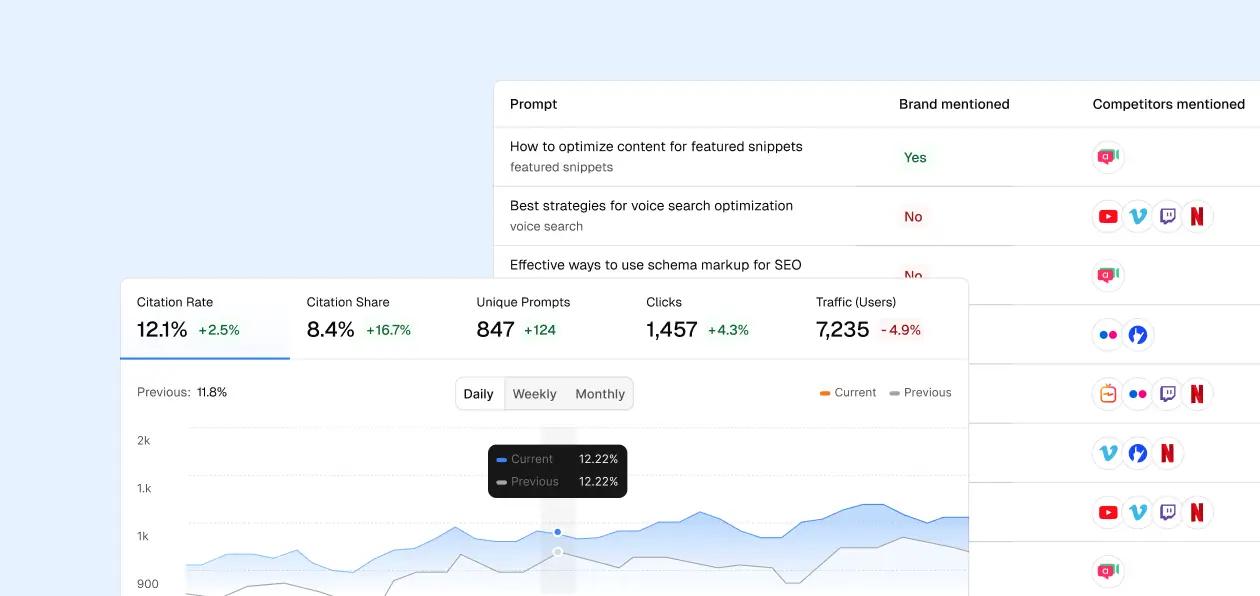
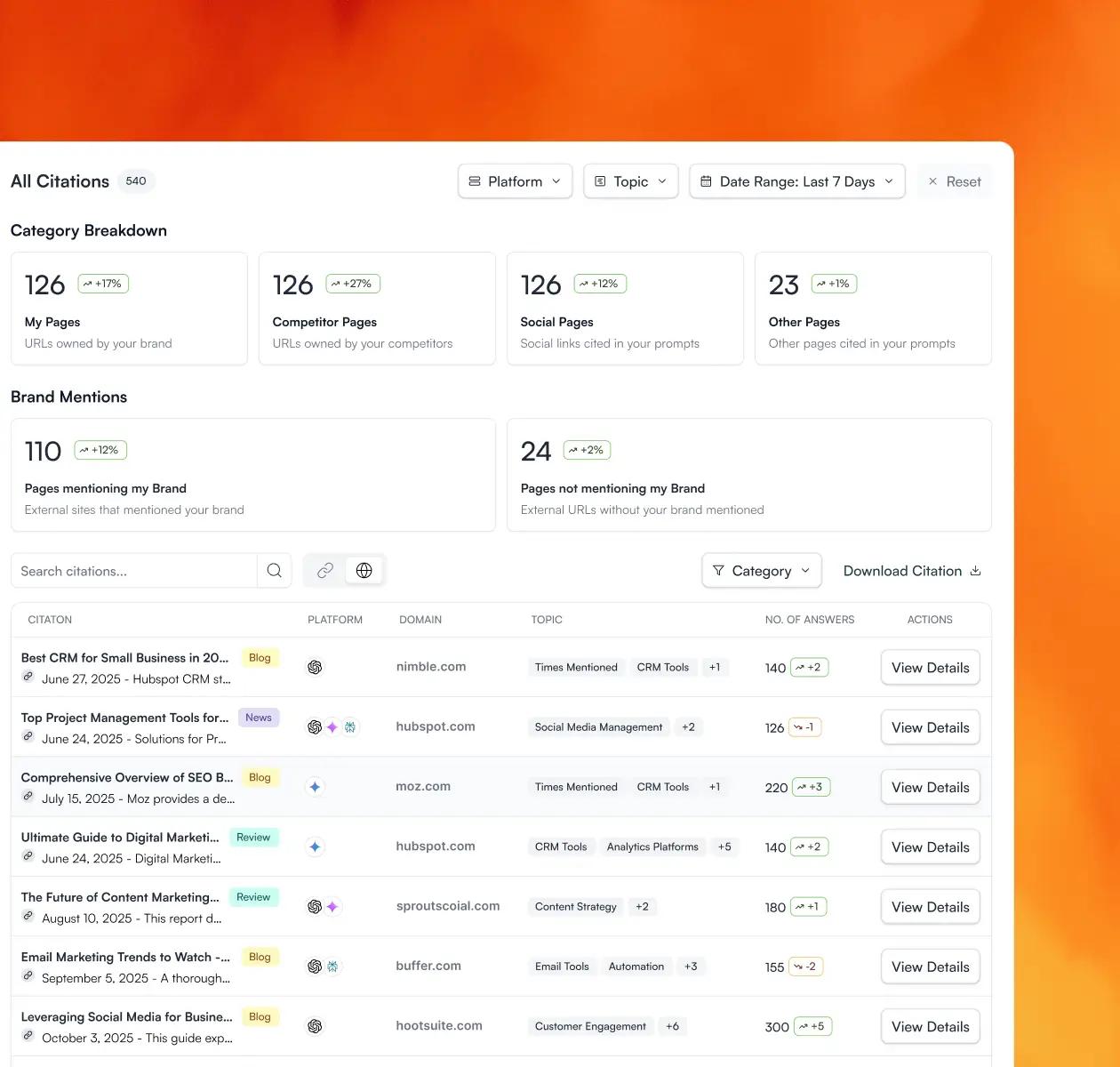
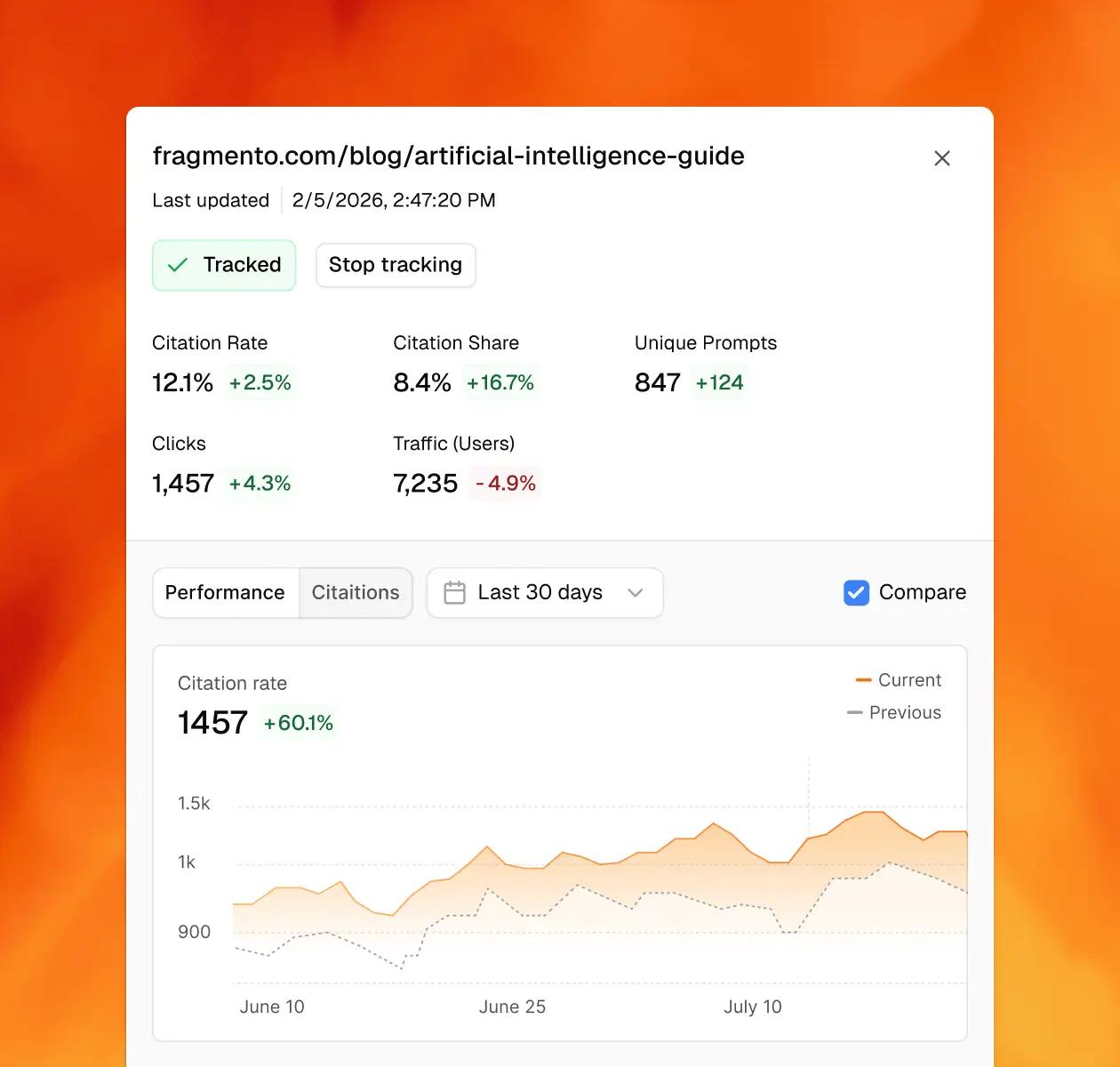
See which AI prompts each page appears in
Understand what intent AI models are reading your content for
Spot pages being cited for topics they weren't written for -- and opportunities to expand
Track citation rate over time per page
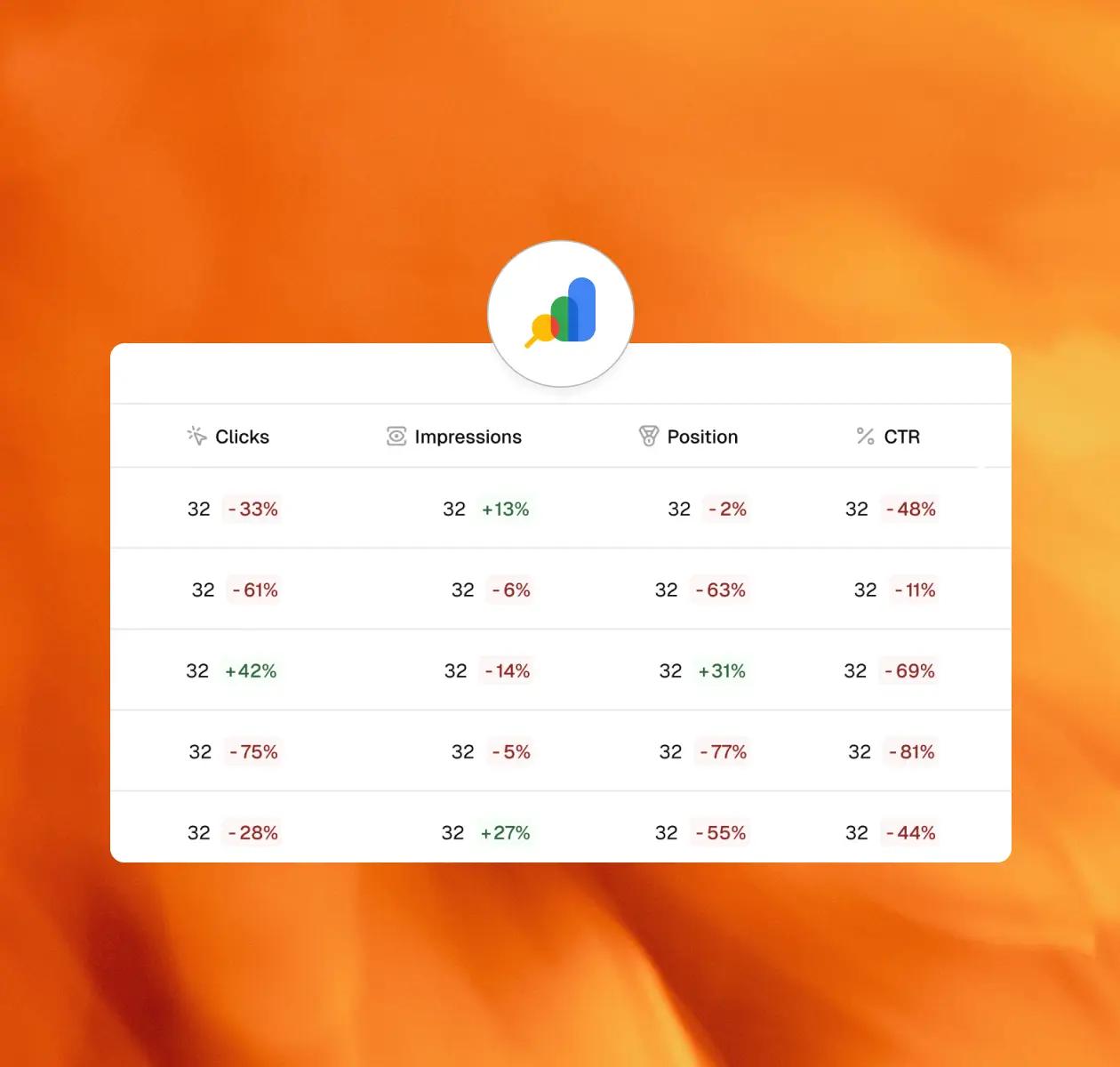
Organic search visibility signals
Clicks, impressions, CTR, and average position for every page in your library
See how organic performance correlates with AI citation rate per page
Spot pages losing ranking before they lose traffic
Surface position, CTR, and impression trends side-by-side with freshness data
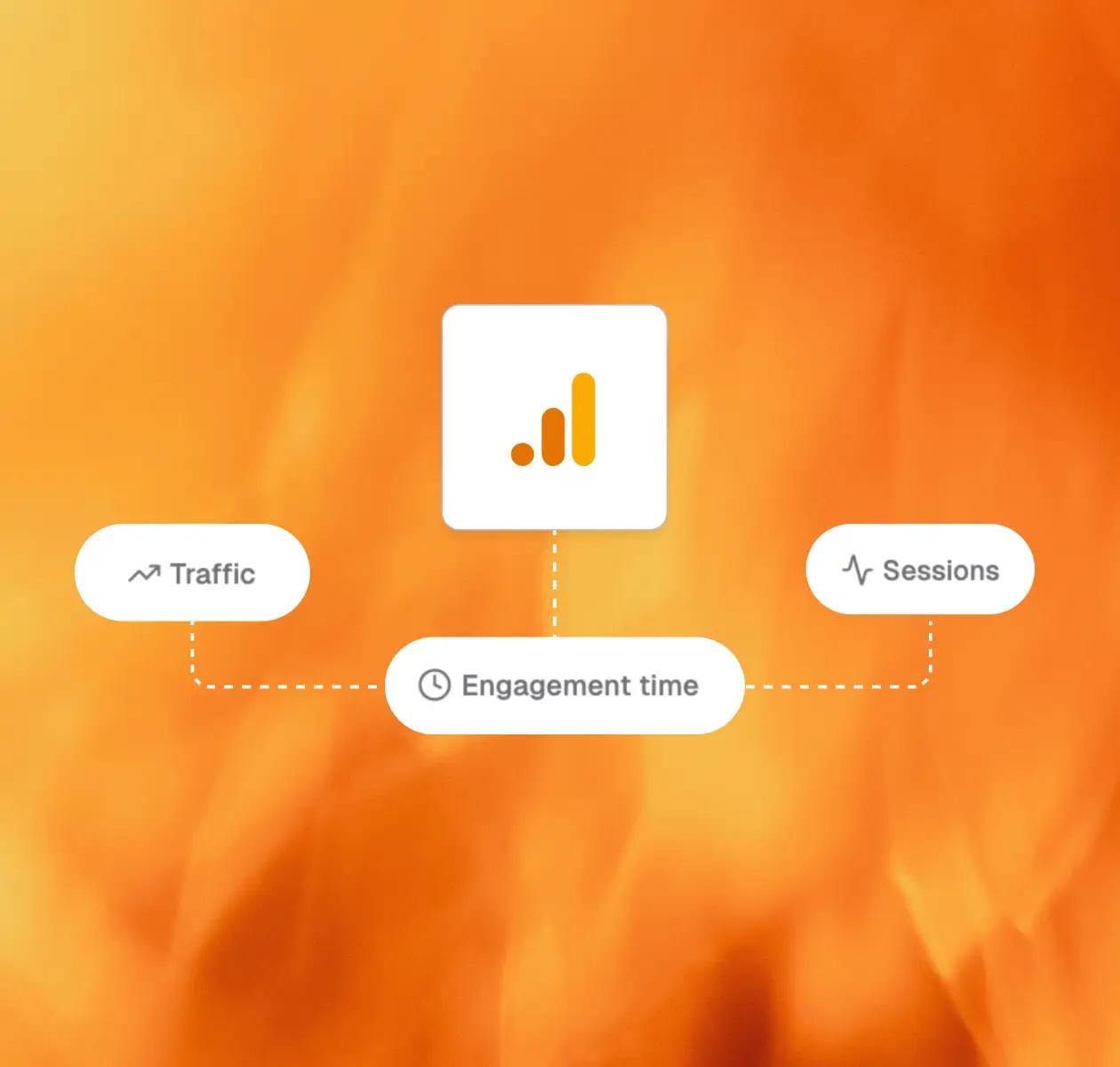
Sessions, sources, on-page signals
Sessions, traffic sources, and on-page engagement per page
Distinguish discovery problems (search/AI) from engagement problems (content)
See whether a traffic drop started at the channel level or the page level
Pair engagement signals with GSC and AI data to understand the full performance story
Flag aging content before AI stops citing it
Last-updated date surfaced per page alongside performance data
Flag pages that are aging in high-velocity topic areas
Cross-reference freshness with AI citation rate to find the highest-impact refresh targets
See which pages are aging well versus losing relevance
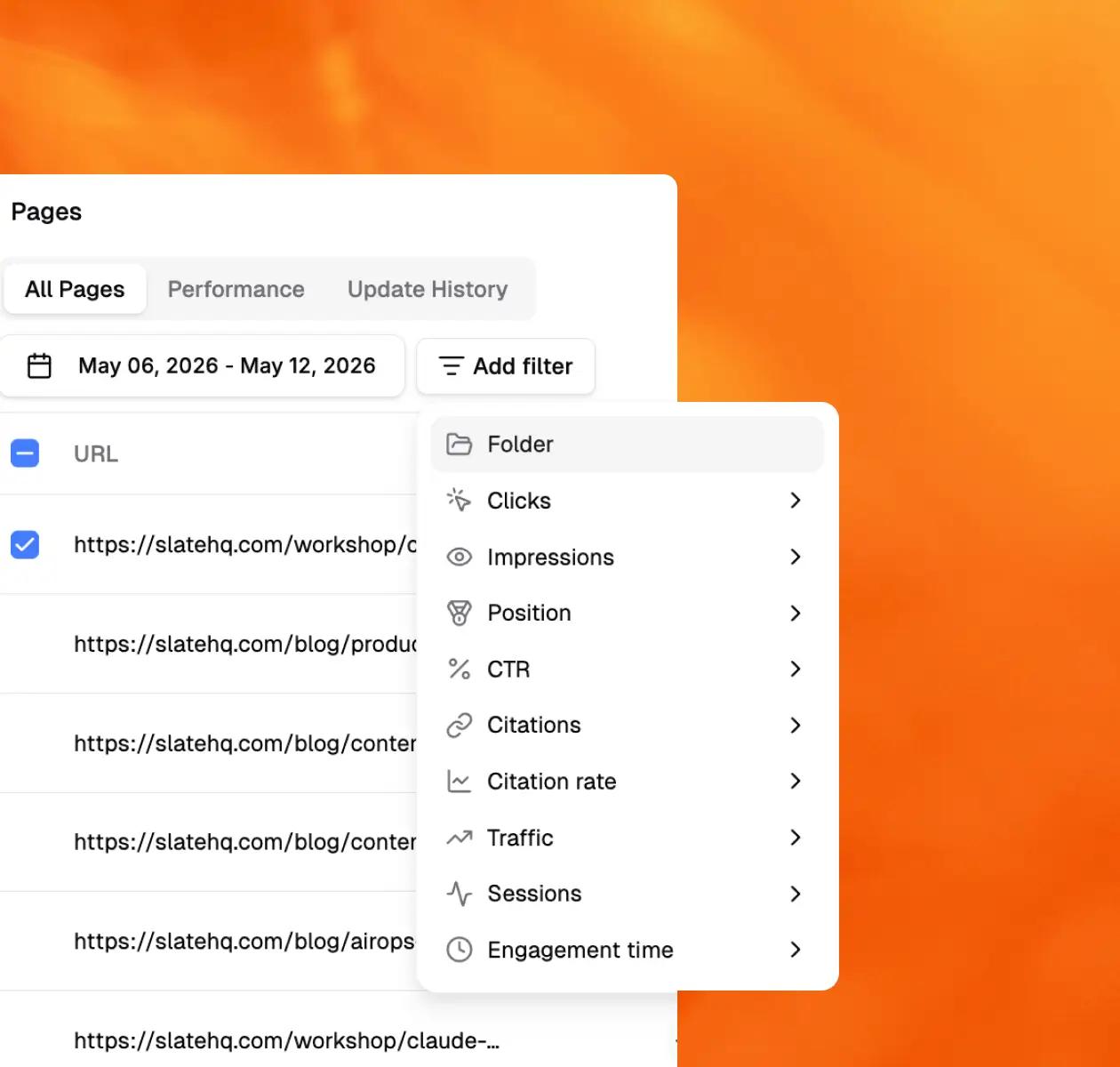
Filter the way you actually think
Filter for "almost page one" pages (positions 6–15) where a small push could move traffic
Flag pages gaining impressions but losing clicks - a signal the title or meta needs fixing
Cross-reference organic ranking with AI citation rate to find pages excelling in one but invisible in the other
Surface high-citation pages with aging freshness scores - your highest-impact refresh targets
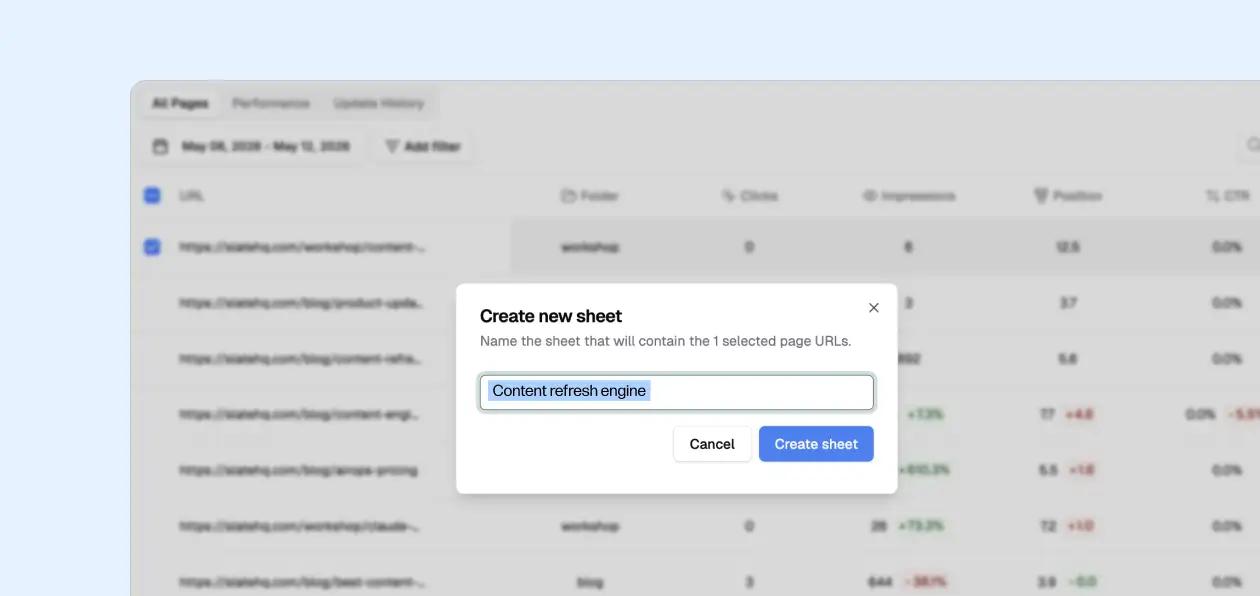
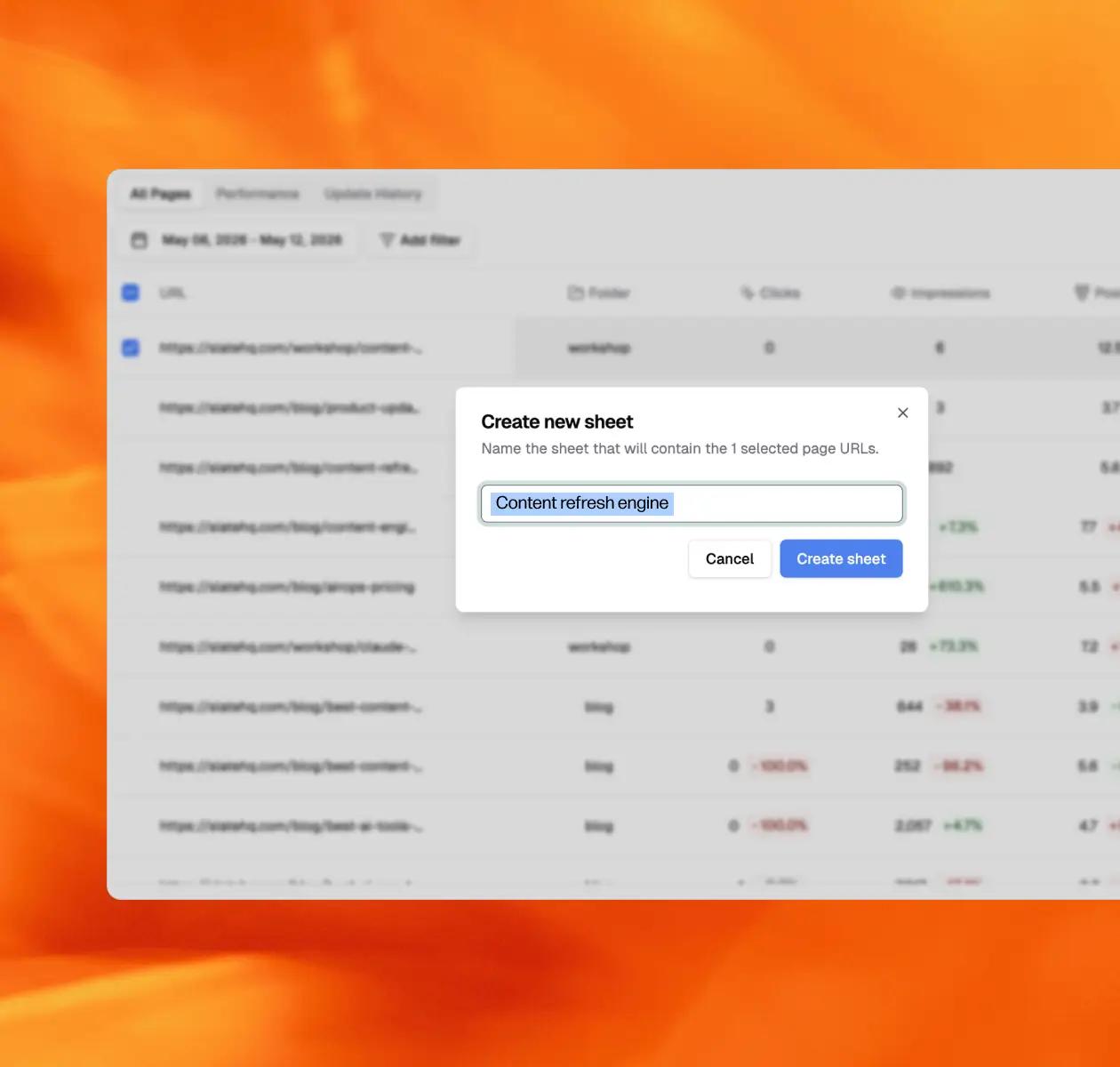
Trigger a refresh without leaving the view
Trigger Slate Workflows directly from any page row
Workflow receives full page context automatically: AI prompts, GSC data, freshness, engagement
Human review gate built in before anything publishes
Find out which pages need attention right now
Results from teams that chose Slate





Pages is built into the platform that powers your entire AI search strategy
Every insight you get from Slate Pages connects directly to the tools that act on it. Declining pages go to Workflows. Offsite citation gaps go to Off Page. Prioritized fixes surface in Action. Nothing falls through the cracks.

AI Search Analytics

Action

Workflows

Off Page

Slate MCP
Frequently Asked Questions
What is Slate Lens?
Slate Lens is a unified page performance view that brings together Google Search Console data, GA4 metrics, AI citation signals, and page freshness into a single view per page. It tells you which pages are declining, which are aging out, and which are worth refreshing - and connects directly to Slate Workflows so you can act on what you find.
What data sources does Slate Lens pull from?
Four sources: GSC (clicks, impressions, CTR, position), GA4 (sessions, traffic sources, on-page engagement), Slate AI Search Analytics (citations, prompts, share of voice per page), and freshness data (page age, last updated). One connection setup, then it updates automatically.
How is this different from just using Google Search Console?
GSC only shows you organic performance. It has no visibility into whether a page is being cited in AI answers, whether the content is aging, or whether engagement metrics are declining. Slate Lens adds AI visibility and freshness signals on top of your GSC data so you see the full picture in one place - and can act on it without switching tools.
Can I see which pages are being cited in AI answers?
Option B: Yes. For every page in your library, you can see which AI prompts it's being cited for, which platforms trust it, and whether citations are growing or declining. This is the signal most teams are missing when they rely only on GSC and GA4.
How does freshness tracking work?
Slate Lens tracks when each page was last updated and surfaces that alongside its performance data. Pages aging in fast-moving topic areas are flagged automatically. When you cross-reference freshness with AI citation rate, you get a clear picture of which pages are at risk of losing citations because they're becoming stale.
Does Slate Lens work with my existing CMS?
Slate Lens connects to GSC and GA4, not directly to your CMS. Any page that has GSC coverage can be tracked. When you're ready to publish a refresh, Slate's Workflow integrations handle the push to Webflow, WordPress, or your CMS via API.