

Where to Find It
Go to Assets → Memory in the sidebar. The page header shows the agent, its autonomy mode, when it was last active, and a search box (“Search its mind…”).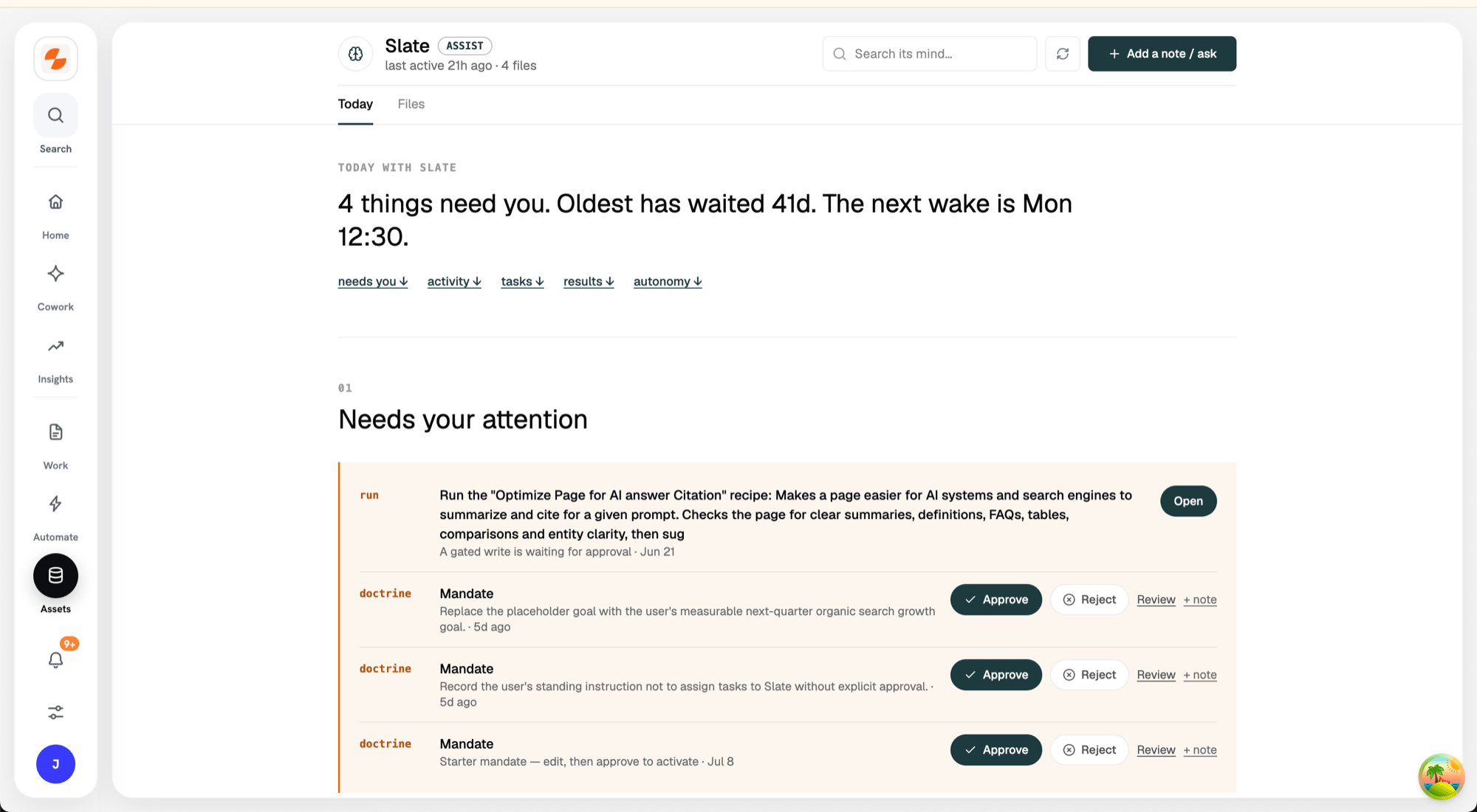
The agent's Memory
Leaving a Note for the Agent
Click Add a note / ask at the top to leave a correction, instruction, or request. The agent reads it on its next wake-up. Notes are logged into its Commitments — the agent’s working memory of open loops.The Two Tabs
Today
A daily view of what the agent is doing and what needs you, in five sections: Needs your attention, Activity timeline, Tasks, Results, and Autonomy & controls. From here you can approve or reject the agent’s proposals, snooze or dismiss attention items, and adjust its autonomy mode. When nothing is pending, it says so — “Nothing needs you.” To change the autonomy mode, click manage controls under Autonomy & controls:- observe — autonomous runs are read-only.
- assist — every write waits for your approval.
- autopilot — granted categories act on their own, within their weekly caps.
Files
The memory itself: markdown documents the agent maintains, with revision history and your approval on changes. Three doctrine files anchor the mind:
Around them, folders hold the agent’s research, initiatives, entity notes (pages, competitors, keywords, topics), journal, and inbox.
How Memory Gets Written
- The agent proposes changes from its runs and scheduled maintenance. Proposed changes appear as Pending change with Approve / Reject buttons and a diff (See what changes).
- You edit files — open a file, click Edit, make changes, add a one-line change note, and click Save. Edits to the Mandate are saved as a proposal instead, and Mandate changes apply after approval.
- Your notes from the composer land in Commitments.