

SKILL.md file — instructions Cowork loads when a request matches, so the agent follows your procedure instead of improvising one.
Where to Find It
Go to Assets → Skills in the sidebar. The page has two tabs: Built-in skills and Custom skills.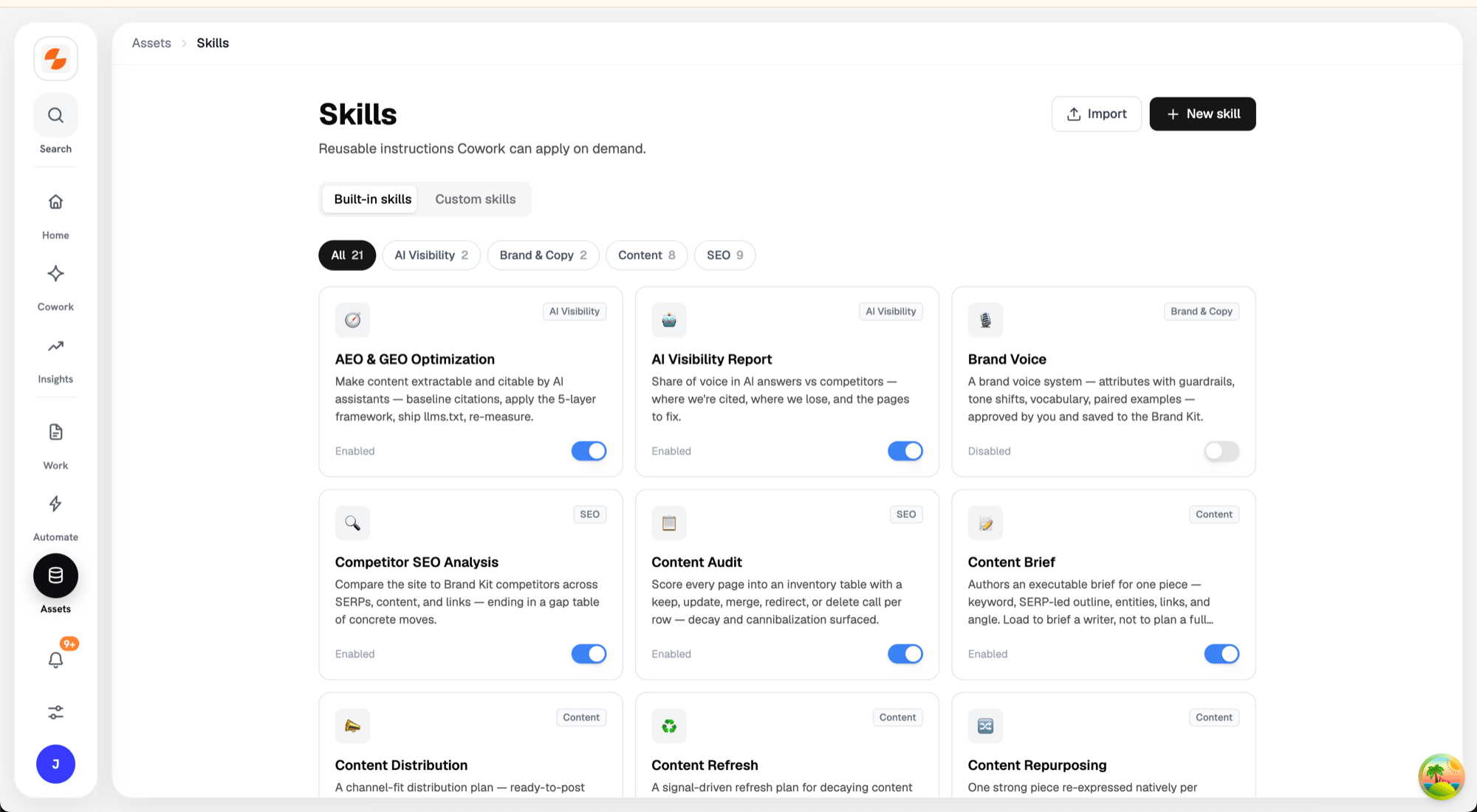
Skills — built-in gallery and custom skills
Built-in Skills
The built-in tab is a gallery of skills managed by Slate, filterable by category. Each card shows the skill’s name, category, and description, with a switch to enable or disable it for your workspace. Click a card to preview the full skill. From the preview you can:- Enable or disable the skill.
- Customize as new skill — enter an ID for the copy and click Create custom skill. Slate creates an editable, workspace-owned copy from the latest managed version and disables the managed original so they don’t overlap.
Custom Skills
The custom tab holds skills your workspace owns. Three ways to add one:- Ask Cowork to create a skill for you.
- New skill — author one in the editor: give it a Name (this becomes the skill ID) and a Description, write the
SKILL.mdfrom the provided template, then click Create skill. - Import — upload a
.zipcontaining<skill-id>/SKILL.md(plus optional contract and scripts). Imported scripts always run sandboxed.
A skill that fails validation shows Broken — re-import needed and drops out of the agent’s skill index. Skills can also show Repairing or Orphan. When any skill is in one of these states, a Repair button appears in the header. Repair rebuilds these skills from the copies Slate has stored, without a re-import. If Repair can’t fix a skill, re-import a fixed package.