Last reviewed: June 2026. Prices checked against official sites, confirm before you buy, AI pricing moves fast.
There are more AI tools and apps than anyone can keep up with, and most "best of" lists are affiliate dumps where every AI software platform is a 9/10. This is not that. These are the AI programs, websites, and applications I actually use or have tested hands-on: what each is genuinely great at, where it will annoy you, and what it actually costs.
Key takeaways
- AI tools (also referred to as AI apps, AI software, or AI applications) are programs that use machine learning, natural language processing (NLP), and large language models (LLMs) to automate tasks, analyze data, and generate content, saving teams hours a week.
- The big 2026 shift: AI apps are now a discovery layer. People get answers inside ChatGPT, Perplexity, Gemini, and AI Overviews, and those answers cite and summarize content.
- If you only get one tool, make it a generalist: ChatGPT or Claude, both $20/month. They are the top AI tools and apps for a reason.
- Almost everything worth using sits at $20/month, pricing has converged. Credit-based tools (Lovable, v0, Higgsfield, Runway) are the exception: the sticker price is a floor.
- Don't collect tools, build a stack. Most teams need about five that hand off to each other, not fifteen that overlap.
- For AI search visibility and content engineering, Slate is the pick.
What are AI tools? (2026 definition)
Yup, let’s start from zero.
AI tools (also called AI apps, AI software, or AI platforms) are applications that use machine learning, natural language processing (NLP), and large language models (LLMs) to automate tasks, analyze data, and generate content, text, images, audio, video, or code, from a plain-language prompt.
Whether you call them AI programs, AI websites, AI sites, or artificial intelligence tools, they all do the same thing: take work that used to need a person and either do it or get it most of the way there.
The category has split into five types worth knowing:
- AI chatbots, conversational assistants for Q&A and drafting (ChatGPT, Claude)
- AI agents, take multi-step actions across apps with limited supervision (Lindy, Zapier agents)
- AI automation tools, connect apps and trigger workflows (Zapier)
- AI search and research tools, answer with grounded, cited sources (Perplexity)
- Creative AI apps, generate images, video, voice, audio (Midjourney, Runway, ElevenLabs)
Most "which AI tool is best" arguments are really arguments about which of these five you need. The list of AI tools below is organized around that distinction.
How we picked these tools
Most roundups tell you how the writer chose their favorites. What you actually need is how you should decide, so we evaluated every app the way a buyer does, then leaned on hands-on use to sanity-check the claims. This is written from a B2B marketing and content-operations lens.
We considered far more tools than made this list, including dozens of new AI tools that launched in the past year. The bar: would we actually recommend it to a friend, and does it earn its price once the novelty wears off?
Every tool was judged on: usability and setup time, output quality, integration depth, pricing honesty, team fit, workflow depth, and governance / brand safety where relevant. Pricing was checked in June 2026 against official pages, treat all numbers as a current snapshot and confirm before you commit.
Best AI app for all-around writing, coding, research, and productivity
1. Claude
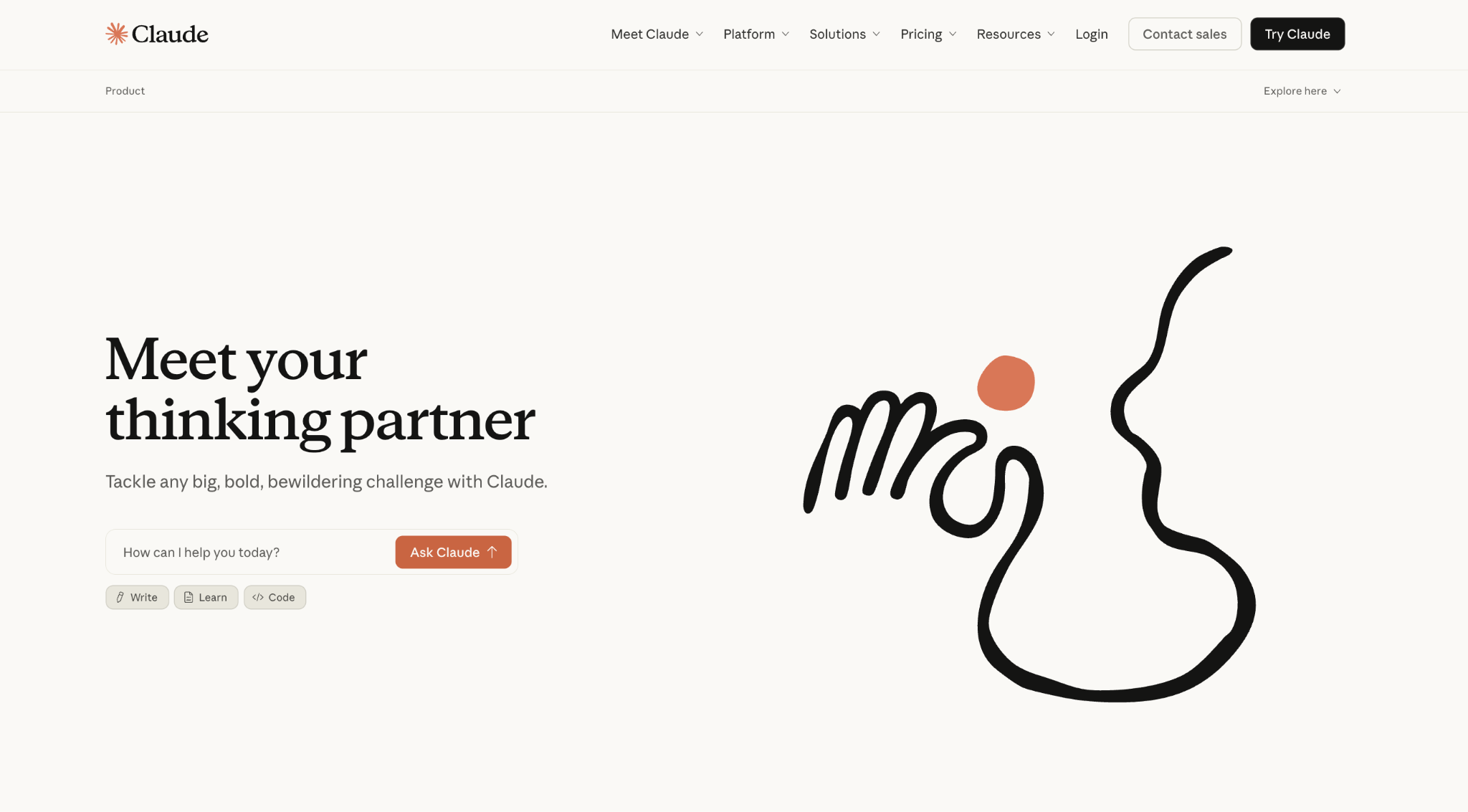
- Best for: Long documents, natural-sounding writing, coding with Claude Code, and agentic desktop work with Cowork
- Pricing: Free plan available, Pro starts at $20/month, Max starts at $100/month
- How I use it: Proofreading and rewriting long-form content, analyzing 50+ page PDFs, running SEO research via MCP integrations, and building internal tools with Claude Code
There is a good chance you already know Claude, but specifically I want to talk about how it fits into actual work. I have been using Claude nearly every day, proofreading blog posts, analyzing contracts and research PDFs, and running it against MCP servers to pull keyword data and analytics for SEO campaigns. The range of use cases is genuinely broad.
What sets Claude apart from ChatGPT for me is two things. First, the writing quality: Claude produces text that sounds like a person wrote it, not like a robot paraphrased a textbook. I spend less time de-robotizing its output. Second, context: it can hold a million tokens, which means I can feed it a massive document and ask follow-up questions without it losing the thread. For long-form editorial work, that matters.
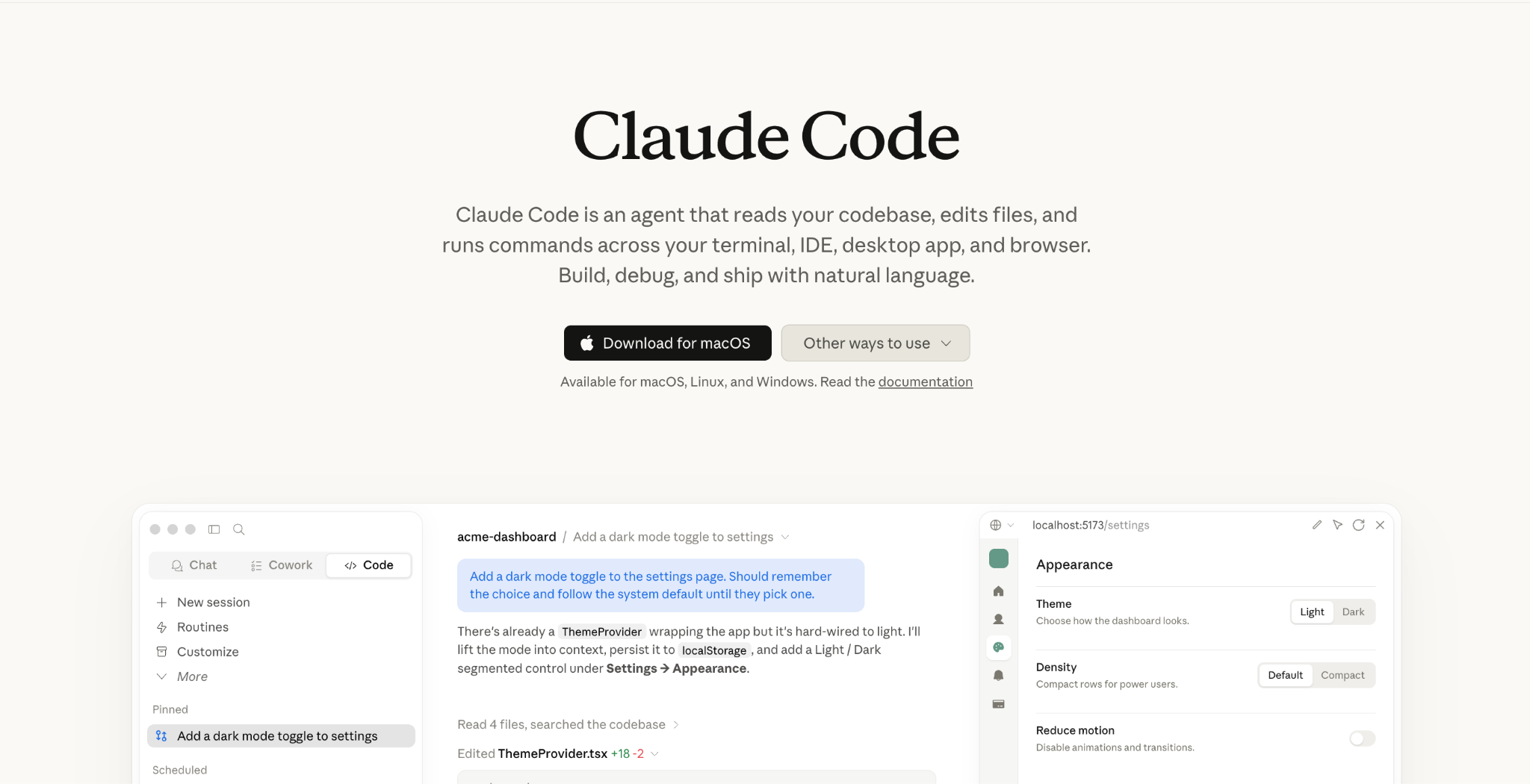
Claude Code has also quietly become one of my most-used tools. I have built internal dashboards, data-processing scripts, and SEO diagnostic tools with it. And Cowork, which gives Claude access to your local desktop files, comes included on Pro, which makes the $20/month plan one of the better values in this whole list.
The main frustration: usage limits. Even on Pro, you can hit the ceiling in a busy session, and the jump to Max ($100) is steep. It also does not generate images natively, which is one of the few things ChatGPT does that Claude simply does not.
Here are some things I like about Claude:
- Writing quality is the best of any AI, natural, measured, needs minimal editing
- Projects let you save custom instructions and reference files per campaign
- Claude Code is excellent for building internal tools and scripts
- MCP integrations connect it to tools like Google Analytics and Ahrefs
- Cowork gives Claude access to your local desktop files, included on Pro
Here are some cons with Claude:
- Usage limits can be frustrating, even on Pro. You can exhaust a session fast
- Does not generate images natively
- Can be overly cautious with certain requests
- Big price gap between Pro ($20/month) and Max ($100/month)
Claude pricing
- Free: $0/month with web, mobile, and desktop access, web search, memory, file creation, MCP connectors, and Slack/Google Workspace integrations
- Pro: $20/month ($17/month annually) with more usage, Claude Code, Cowork, unlimited projects, and Research
- Max: From $100/month with 5x or 20x more usage than Pro, higher output limits, and early access to new features
- Team: From $25/seat/month (Standard) or $125/seat/month (Premium); Enterprise is custom
You can view more about their pricing here.
Claude reviews
Here is what users rate Claude on third-party review sites:
- G2: 4.4/5 star rating (from 66+ user reviews)
- Capterra: 4.5/5 star rating (from 29+ user reviews)
Best AI tool for content and SEO automations, and AI search visibility
2. Slate
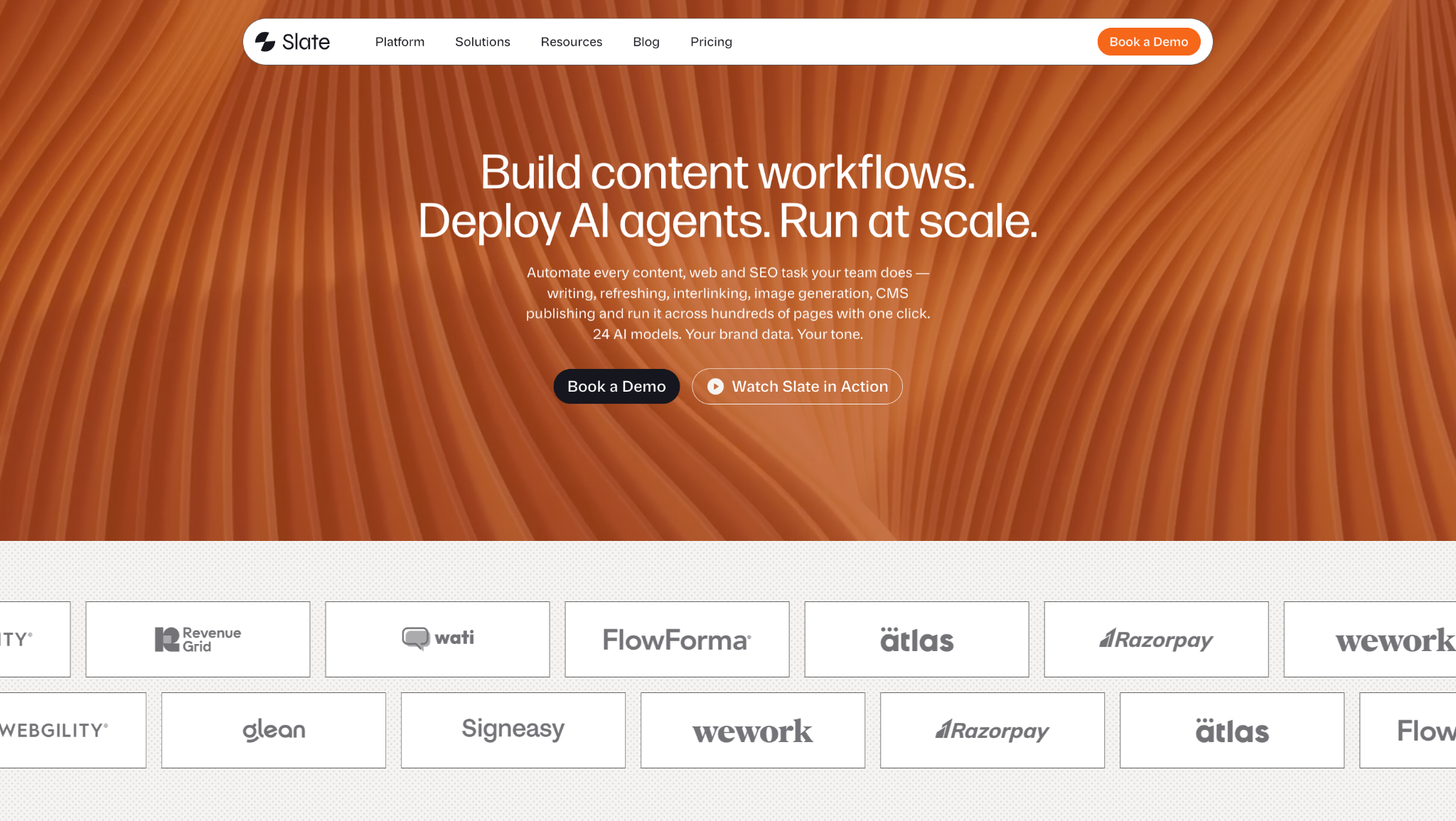
- Best for: Full content loop in one platform: AI search visibility, SEO, keyword tracking, autonomous agents, content drafting, image generation, and CMS publishing
- Pricing: Starter at $499/month, Pro at $999/month, Enterprise at $2,000.
- How I use it: We run our entire content operation through it, from tracking visibility across AI engines, competitive monitoring to autonomous workflows that research, draft, and publish without babysitting
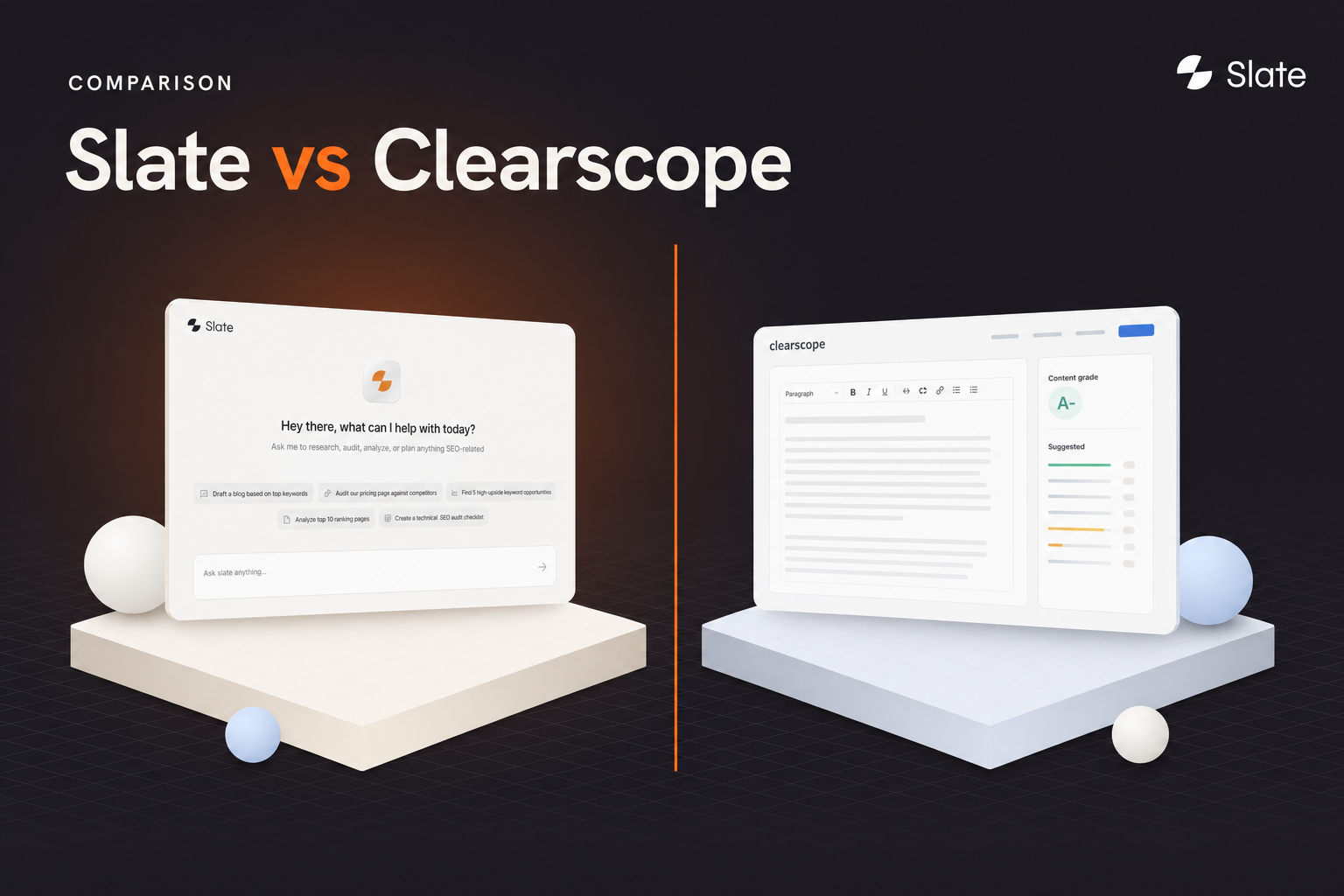
Slate gives you a complete view of how your brand performs across both AI search (ChatGPT, Claude, Perplexity, Gemini, Google AI Mode, and AI Overviews) and traditional Google search, all in one dashboard. You see which prompts mention you, which cite you, which recommend a competitor instead, and how your pages rank organically. Then it flags the opportunities: the gaps where you are invisible, the keywords worth targeting, and the content that needs to exist.
From there, you build autonomous agent workflows that act on those opportunities. Agents research a topic, scrape competitors, pull keyword data, draft articles, generate images, apply brand guidelines, and queue everything for review. They loop, branch on conditions, call APIs, run code, and scrape the web.
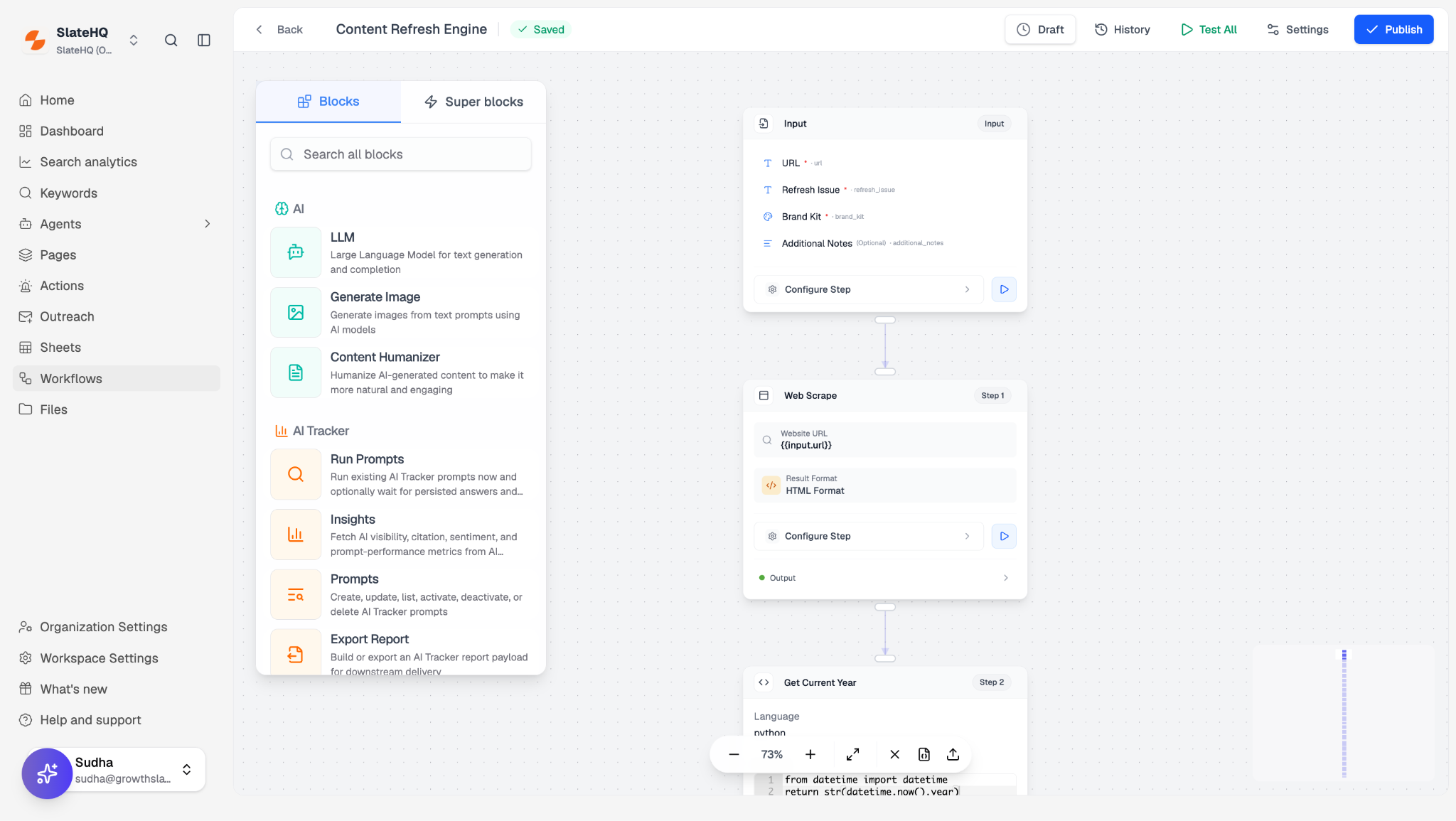
Here are some things I like about Slate:
- You pick from 24+ models per step (GPT-5.5, Claude Opus, Gemini, Perplexity Sonar, and more) so the right model handles each job at the right cost.
- Skills save reusable instructions across workflows, memory and brand kit enforce your voice and style rules automatically on every run.
- Native integrations with Ahrefs, Semrush, Google Search Console, Google Sheets, WordPress, and Webflow mean drafts go straight from the workflow engine to your CMS.
Here are some cons with Slate:
- Built for teams running content as an operation, not a casual single-user chatbot
- Autonomous workflows need upfront setup to get the most out of them
Slate pricing
- Free: $0/mo with 500 credits, track 30 prompt answers, and 10 web pages.
- Starter: $499/month with 15,000 credits, track 10,000 prompt answers, and track 1000 web pages
- Pro: $999/month with 50,000 credits, track 20,000 prompt answers, track 5000 web pages and priority support.
- Enterprise: $2000/mo with 100,000 credits, track 50,000 prompt answers, track 10,000 web pages and a dedicated GTM engineer, CSM, and priority support included.
You can view more about their pricing here.
Slate reviews
Here is what users rate Slate on third-party review site:
Best AI tools for all-purpose brainstorming, writing, and logic-based tasks
2. ChatGPT
- Best for: All-purpose AI assistant for writing, reasoning, analysis, and daily productivity
- Pricing: Free plan available (with ads in the US), Plus starts at $20/month
- How I use it: First drafts on everything, analyzing uploaded CSVs, building custom GPTs for recurring campaign tasks, and Deep Research for competitor briefings
You already know what ChatGPT is, so let me skip the intro and tell you what actually matters in 2026. It is still the most capable generalist. On GPT-5.5 it handles writing, coding, file analysis, image generation (via Sora and GPT Image), and voice conversations from one interface. The ecosystem around it, custom GPTs, thousands of integrations, Deep Research, Codex agents, means there is basically always a path to what you need.
What keeps me on Plus specifically is the combination of Deep Research and Agent Mode. I can hand it a competitive analysis brief and get back a structured, multi-source report in a few minutes that would have taken me an hour of tab-hopping. Custom GPTs save me from re-explaining my brand context every session, I set one up per client and it remembers what I need.
The catch everyone hits: answers are only as good as your prompt, and it will confidently present wrong information with zero hesitation. I double-check anything factual before it leaves my hands. Also worth knowing: the US free tier now shows ads, and on Plus your chats can be used for training unless you manually opt out.
Here are some things I like about ChatGPT:
- Handles an incredibly wide range of tasks from one interface, writing, coding, images, voice, analysis
- Deep Research produces genuinely useful multi-source reports
- Custom GPTs let you save context and instructions per project or client
- The free plan is genuinely usable for casual work
- Ecosystem of integrations and community prompts is unmatched
Here are some cons with ChatGPT:
- Confidently presents wrong information, you must verify factual claims
- Output quality depends heavily on prompt quality; vague in, vague out
- Usage limits on free and Go plans feel restrictive fast
- Safety filters can be overly cautious on legitimate business questions
ChatGPT pricing
- Free: $0/month with GPT-5.3, limited messages, ads in the US
- Go: $8/month with more volume, still ad-supported, honestly, skip it
- Plus: $20/month with GPT-5.5, Deep Research (10/mo), Sora, Agent Mode, Codex, the sweet spot
- Pro: $100/month (5x Plus limits) or $200/month (20x limits, 1M context)
- Business: $20–25/seat with SSO, admin controls, SOC 2
You can view more about their pricing here.
ChatGPT reviews
Here is what users rate ChatGPT on third-party review sites:
- G2: 4.7/5 star rating (from 2,000+ user reviews)
- Capterra: 4.5/5 star rating (from 354+ user reviews)
3. Perplexity
- Best for: Web-backed research with inline citations you can actually verify
- Pricing: Free plan available, Pro starts at $20/month
- How I use it: Fact-checking claims before they go into articles, competitive research, and quick "what is the current state of X" questions where I need sources
Perplexity is the only tool on this list I genuinely trust not to quietly make something up, because every answer comes with numbered citations you can click. It treats the live web as its source of truth, keeps follow-up questions intelligent instead of resetting context, and for "what changed about this topic since last month" it is meaningfully faster than opening ten tabs.
I use it almost daily for research during content briefs, checking competitor pricing, verifying stats before they go into articles, and getting quick summaries of regulatory or product changes. The Pro plan lets you switch between GPT-5, Claude, and Gemini models depending on the query, which is handy when one model is better for a specific type of question.
The Comet browser, once locked behind the $200 Max plan, is now free for everyone, which is a nice bonus. And the Education plan at $10/month is genuinely one of the best deals in AI if you are a student.
It is narrow by design: a research engine, not a writer or automator. You will feel that the free tier caps you at about 5 Pro searches a day, which runs out fast once you are hooked. And while the citations are a huge strength, Perplexity can still be confidently wrong. It sometimes links to a homepage instead of the exact source, and the synthesis occasionally misrepresents what the sources actually say.
Here are some things I like about Perplexity:
- Every answer comes with clickable citations you can verify, not just trust
- Follow-up questions maintain context instead of resetting
- Pro lets you switch between multiple frontier models per query
- The free tier is genuinely usable for occasional research
- Comet browser is now free and surprisingly good for daily browsing
Here are some cons with Perplexity:
- Sometimes links to a homepage rather than the specific source
- Can still be confidently wrong, citations do not guarantee accuracy
- Customer support is widely reported as poor
- Not useful for writing, automation, or anything beyond research
Perplexity pricing
- Free: $0/month with unlimited standard searches, ~5 Pro searches/day, and the Comet browser
- Pro: $20/month ($200/year) with unlimited Pro searches, all advanced models, file uploads, and $5/month in API credits
- Max: $200/month ($2,000/year) with Perplexity Computer (19-model agent), Model Council, and Sora 2 Pro video
- Education Pro: $10/month for verified students
- Enterprise: From $40/seat/month (Pro) or $325/seat/month (Max)
You can view more about their pricing here.
Perplexity reviews
Here is what users rate Perplexity on third-party review sites:
- G2: 4.4/5 star rating (from 307+ user reviews)
- Capterra: 4.2/5 star rating (from 35+ user reviews)
4. Gemini
- Best for: Teams that live in Google Workspace, Gmail, Docs, Sheets, Drive
- Pricing: Free tier available, Google AI Pro ~$20/month
- How I use it: Summarizing email threads in Gmail, drafting in Docs, and asking questions grounded in my Drive files without switching tabs
Gemini's edge is not that it is the smartest model, it is that it is already inside the apps where a lot of work happens. Tag @Gmail or @Drive in a prompt and it reads your actual files. Summaries in your inbox, drafting in a doc, answers grounded in your Workspace data, it removes the copy-paste tax of switching to another tool entirely.
If your company standardizes on Google, that convenience usually beats a marginally better model elsewhere. If your stack is Microsoft or mixed, the appeal drops off fast. I mostly use it for quick inbox summaries and generating first drafts inside Docs that are already grounded in the project's Drive folder.
Here are some things I like about Gemini:
- Native inside Gmail, Docs, Sheets, and Drive with no context switching
- Can ground answers in your own Workspace files
- Multimodal, processes text, images, and video
- Free tier is generous for basic use
- Improving rapidly with each model update
Here are some cons with Gemini:
- Value is concentrated inside Google's ecosystem, less compelling if you are not all-in
- Hallucination rate is comparable to other models; still needs verification
- Enterprise features lag behind ChatGPT and Claude
- Can feel less capable than ChatGPT or Claude for pure reasoning tasks
Gemini pricing
- Free: $0/month with basic Gemini access
- Google AI Pro (Gemini Advanced): ~$20/month as part of Google One AI Premium, includes 2TB storage
- Enterprise: Custom pricing through Google Workspace
Gemini reviews
Here is what users rate Gemini on third-party review sites:
- G2: 4.4/5 star rating (from 250+ user reviews)
Best AI apps for automation and agents
6. Zapier
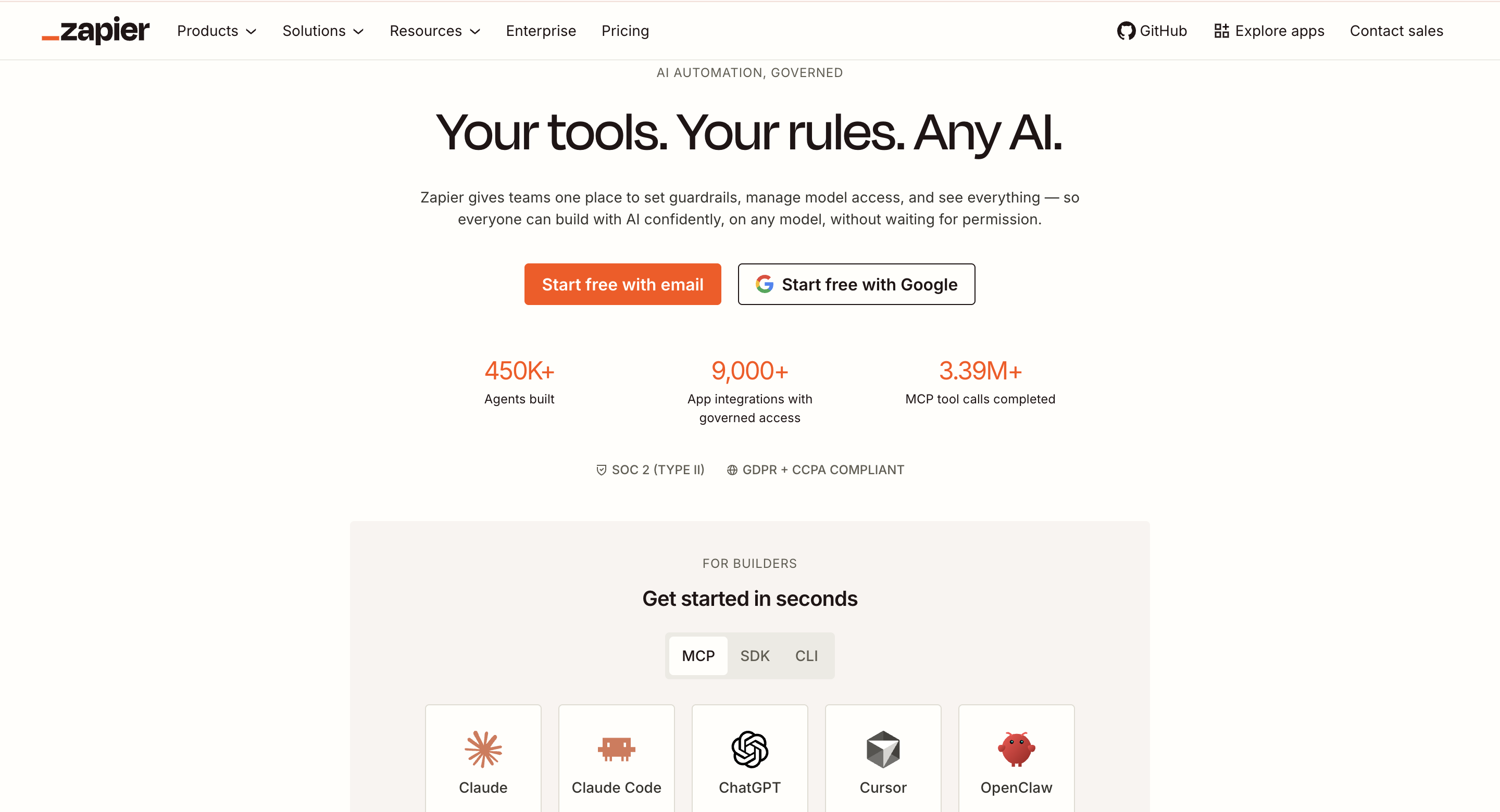
- Best for: Connecting apps and automating trigger-based work without code
- Pricing: Free plan available, paid starts around $30/month
- How I use it: Automating lead notifications from forms into Slack, syncing CRM data between tools, and using the new AI workflow builder to scaffold automations from plain English
Zapier is the duct tape of the internet, and I mean that as a compliment. Thousands of app integrations, a no-code builder that anyone can use, and the new AI features that let you describe an automation in plain English and have it drafted for you. It is not "smart" and does not pretend to be. It is reliable, which is exactly what you want for moving data between tools at 2am.
The limits show up on branching logic and at high volume, where the bill climbs. But for most teams, it is the fastest way to wire up the tools you already use.
Here are some things I like about Zapier:
- Unmatched app ecosystem, if a tool has an API, Zapier probably connects to it
- No-code builder is genuinely usable by non-technical people
- AI workflow builder drafts automations from a plain-English description
- Multi-step Zaps with filters, paths, and webhooks handle real complexity
- Free tier lets you validate automations before paying
Here are some cons with Zapier:
- Costs climb quickly at high task volume
- Branching logic is limited on lower tiers
- Can be slow for time-sensitive automations
- Debugging failed Zaps is not always intuitive
Zapier pricing
- Free: $0/month with 100 tasks/month and single-step Zaps
- Professional: ~$30/month with multi-step Zaps and higher volume
- Team: ~$70/month with shared workspaces and collaboration
- Enterprise: Custom pricing
You can view more about their pricing here.
Zapier reviews
Here is what users rate Zapier on third-party review sites:
- G2: 4.5/5 star rating (from 1,300+ user reviews)
- Capterra: 4.7/5 star rating (from 2,900+ user reviews)
7. Lindy
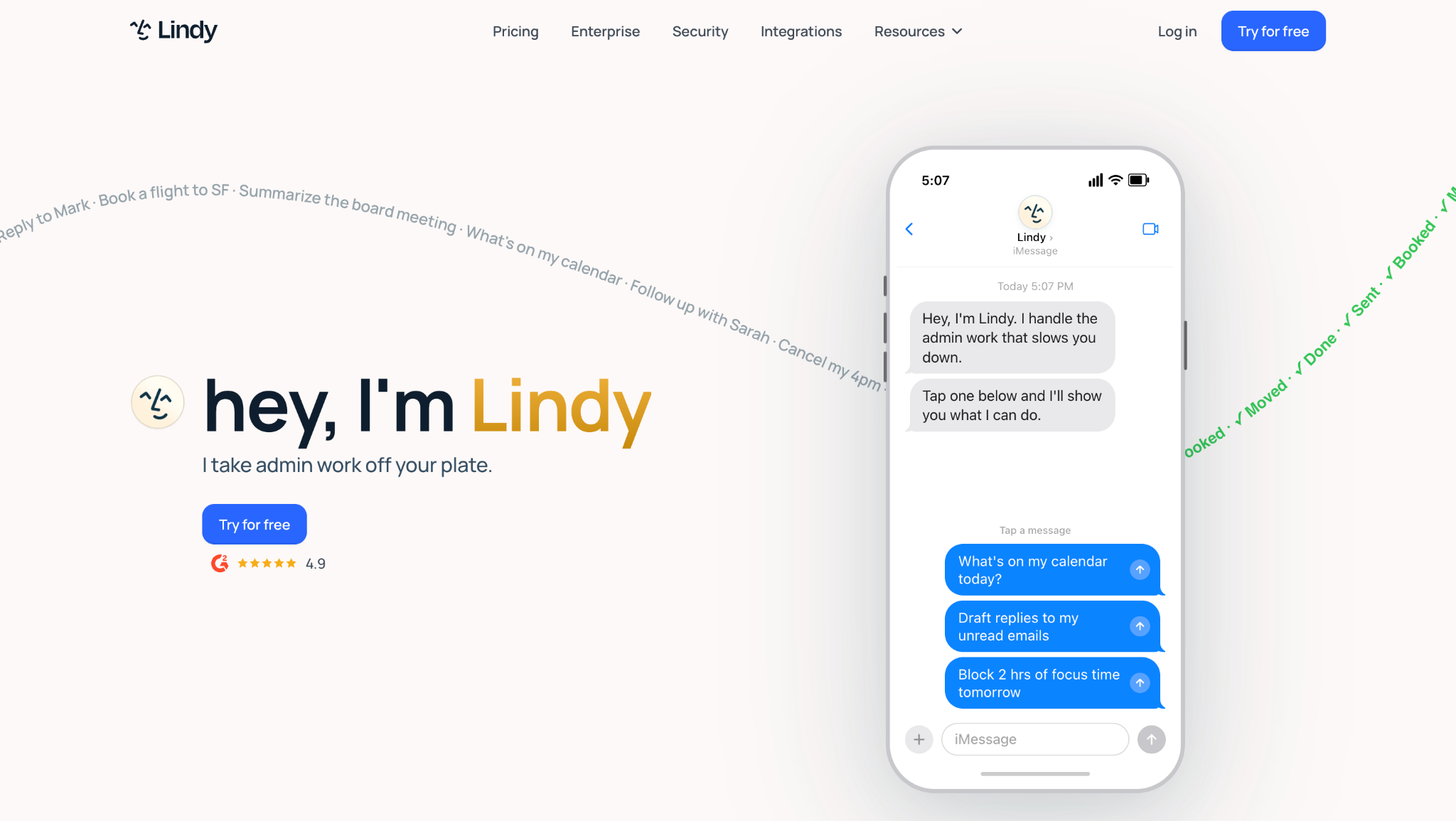
- Best for: Building no-code AI agents that take actions across your apps, email triage, lead qualification, meeting-to-CRM handoffs
- Pricing: Free plan available, paid starts around $50/month
- How I use it: Built an agent that reads inbound emails, qualifies the lead, and drafts a response, all without me touching it
Lindy is for the work Zapier cannot quite do: work that needs AI judgment, not just a trigger. You build no-code agents with real conditional logic and handoffs, and they act across your apps with some independence. Where Zapier moves data, Lindy reads context and decides what to do next.
It takes more setup than a chatbot prompt, and there is a learning curve, but once an agent is dialed in, it does genuine work while you are not looking.
Here are some things I like about Lindy:
- Agents can read context and make decisions, not just follow triggers
- No-code builder with conditions, loops, and handoffs
- Voice agents are available for phone-based workflows
- Templates for common use cases speed up setup
- Usage-based pricing means you are not overpaying for idle capacity
Here are some cons with Lindy:
- Learning curve is steeper than simple chatbots or Zapier
- Newer platform, less proven at enterprise scale
- Debugging agent behavior requires patience
- Documentation could be more comprehensive
Lindy pricing
- Free: $0/month with limited agent usage
- Starter: ~$50/month with higher limits and more integrations
- Pro and Enterprise: Usage-based, with voice billed per minute
You can view more about their pricing here.
Lindy reviews
Here is what users rate Lindy on third-party review sites:
- G2: 4.7/5 star rating (from 30+ user reviews)
Best AI tools for coding and building apps
8. Cursor
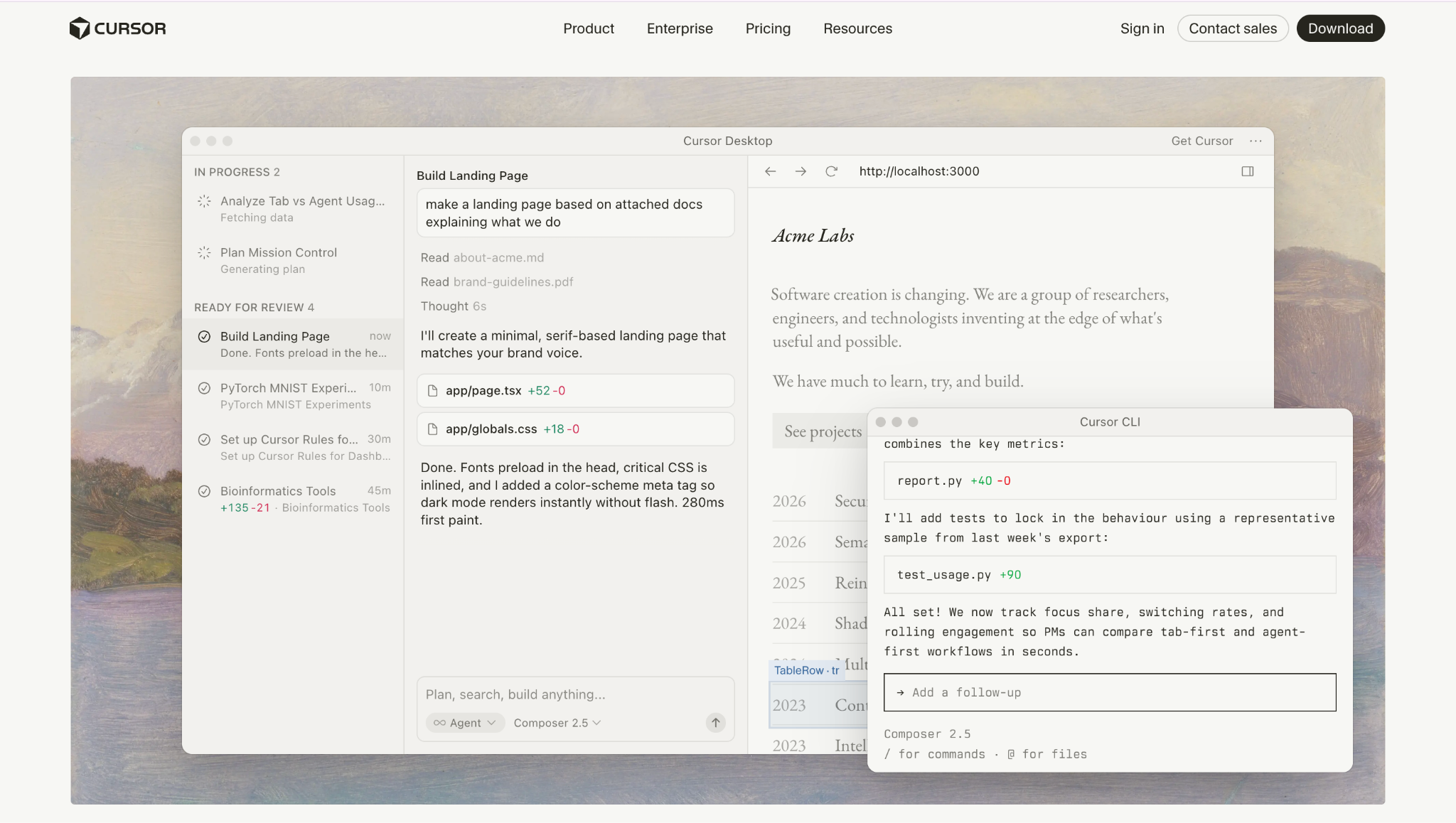
- Best for: AI-native code editing with full-repo context
- Pricing: Free plan available, Pro starts at $20/month
- How I use it: Refactoring across projects, debugging unfamiliar codebases, and building features where repo-wide context actually matters
Cursor is the editor developers actually switched to, and the reason is simple: it reads your entire codebase, not just the open file. It can refactor across a project, explain unfamiliar code, and edit files directly instead of handing you snippets to paste. Once you have worked with that kind of repo awareness, a plain editor feels half-blind.
Here are some things I like about Cursor:
- Full codebase awareness changes how you work, not just file-level autocomplete
- Refactoring and debugging across multiple files feels natural
- In-editor chat understands your project's architecture
- Great for onboarding into an unfamiliar codebase
- Free tier is genuinely usable
Here are some cons with Cursor:
- Developer-only, not useful for non-engineers
- Still maturing on very large monorepos
- Occasional slowdowns during heavy sessions
- Some users report inconsistent quality across model updates
Cursor pricing
- Hobby: $0/month with limited completions
- Pro: $20/month
- Ultra: $200/month for heavy daily use
You can view more about their pricing here.
Cursor reviews
Here is what users rate Cursor on third-party review sites:
- G2: 4.7/5 star rating (from 100+ user reviews)
9. GitHub Copilot
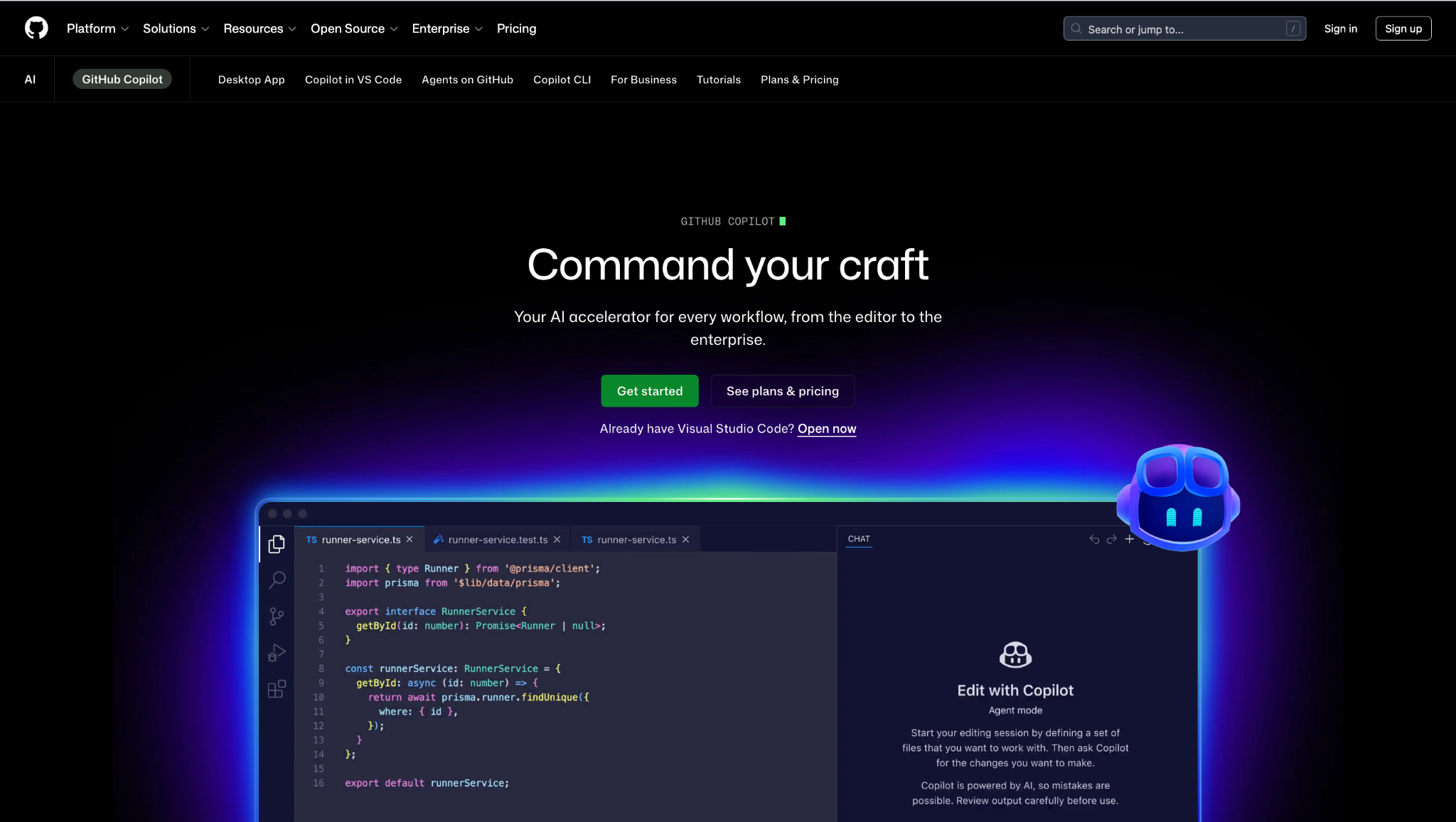
- Best for: AI code completion inside your existing IDE
- Pricing: Free plan available, Pro starts at ~$10/month
- How I use it: Inline completions in VS Code for everyday coding. It is like a very good autocomplete that occasionally feels telepathic
Copilot is the safe, low-friction default. Solid inline completion and chat right inside VS Code, JetBrains, and friends, with deep GitHub integration. It is less of a full AI editor than Cursor but slots into an existing workflow with zero disruption.
Here are some things I like about GitHub Copilot:
- Inline completions in your existing IDE, no editor switch required
- Deep GitHub integration for pull requests and code reviews
- Agent mode handles multi-file tasks
- Widely supported across languages and frameworks
- Free tier for open-source contributors and students
Here are some cons with GitHub Copilot:
- Less repo-aware than Cursor, more file-level than project-level
- Suggestions can be repetitive or miss context
- Best inside supported IDEs; less useful outside them
- Enterprise pricing can add up for large teams
GitHub Copilot pricing
- Free: $0/month with limited completions
- Pro: ~$10/month
- Pro+: ~$39/month
- Business: ~$19/user/month
You can view more about their pricing here.
GitHub Copilot reviews
Here is what users rate GitHub Copilot on third-party review sites:
- G2: 4.5/5 star rating (from 300+ user reviews)
- Capterra: 4.5/5 star rating (from 40+ user reviews)
10. Lovable
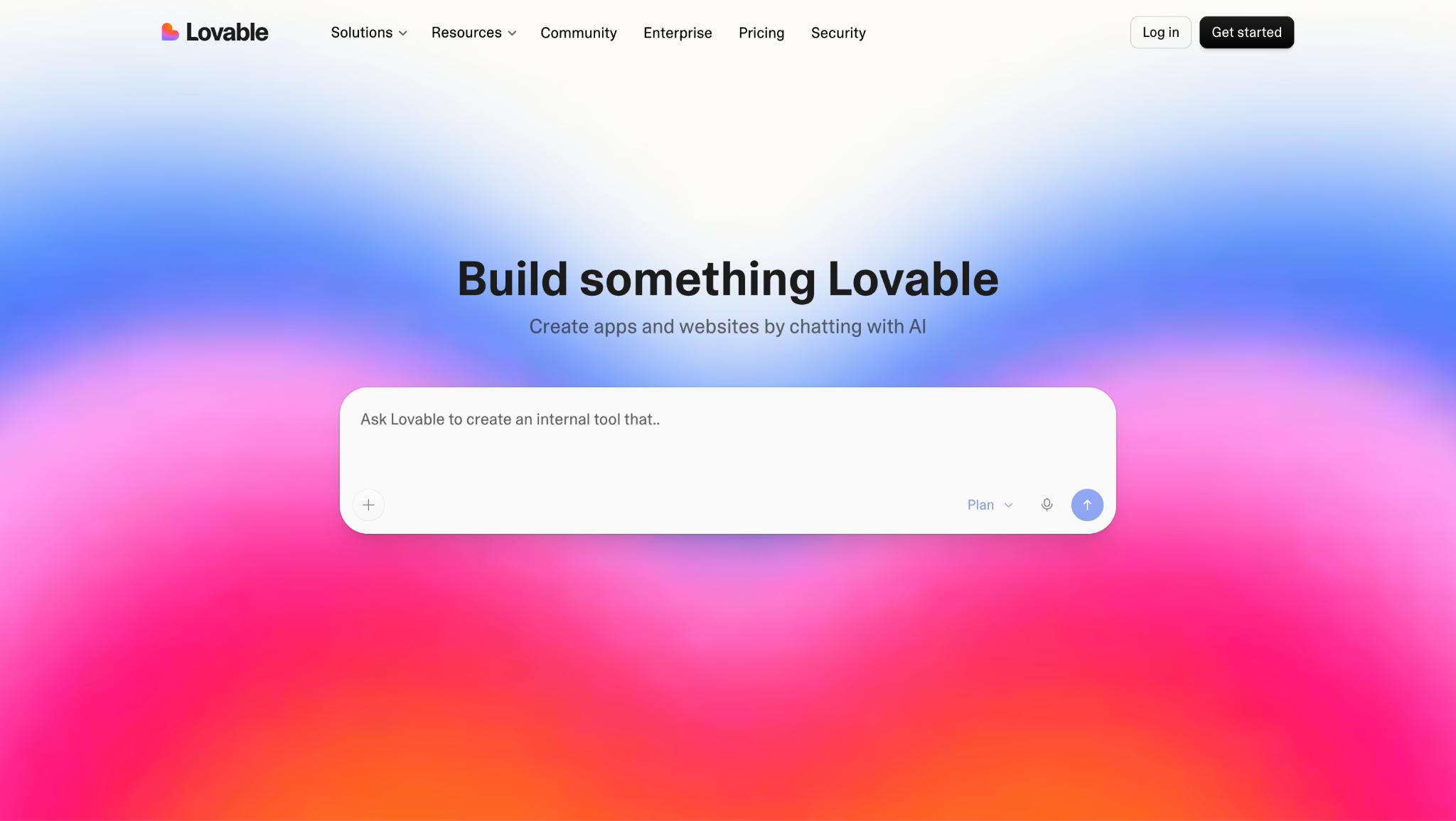
- Best for: Building full-stack web apps from a plain-English prompt, fast prototypes, MVPs, internal tools
- Pricing: Free plan available, Pro starts at ~$25/month (credit-based)
- How I use it: Shipping quick internal tools and prototype demos for clients, the first 70% is magic, the last 30% is a fight
Describe an app in plain language and Lovable builds a working full-stack thing, React front end, Supabase backend, auth, database, deploy, in minutes. For prototypes and internal tools it is genuinely impressive. Then you hit the wall every honest user hits: it gets you about 70% of the way there, and the last 30% fights you until you export to GitHub and finish in Cursor.
The credit model is the other catch: simple edits are cheap, but debugging loops burn credits fast, so the real monthly cost usually runs above the plan price.
Here are some things I like about Lovable:
- Goes from prompt to working full-stack app in minutes
- Auth, database, and deploy are handled automatically via Supabase
- Genuinely fast for MVPs and investor demos
- Unlimited collaborators even on free plan
- You own the code and can export anytime
Here are some cons with Lovable:
- Gets you about 70% there, the last 30% is painful and credit-expensive
- Credit-based pricing is unpredictable; real costs exceed the plan price
- Complex features and debugging loops burn through credits fast
- Not suitable for production-grade apps without significant manual work
Lovable pricing
- Free: $0/month with 5 credits/day (~30/month), public projects, no custom domains
- Pro: ~$25/month with 100 credits, custom domains, code editor
- Business: $50/month with SSO, data opt-out, security center
- Enterprise: Custom pricing
You can view more about their pricing here.
Lovable reviews
Here is what users rate Lovable on third-party review sites:
- G2: 4.6/5 star rating (from 289+ user reviews)
11. v0
- Best for: Generating the best-looking React/Next.js UI from a prompt or screenshot
- Pricing: Free plan available ($5 credits), Premium starts at $20/month
- How I use it: Scaffolding React components and full page layouts from design screenshots, the output quality genuinely looks designed, not generated
v0, from the Vercel team, turns a prompt or a screenshot into clean React + Tailwind + shadcn/ui code, and the output quality is the best in the category. It genuinely looks designed, not generated. The 2026 rebuild added Git, a real code editor, and database hooks.
Its heart is still frontend-first and React-only. If you are a React developer or a designer converting Figma, it is close to magic. If you need a full backend or you are not in React, it is the wrong tool.
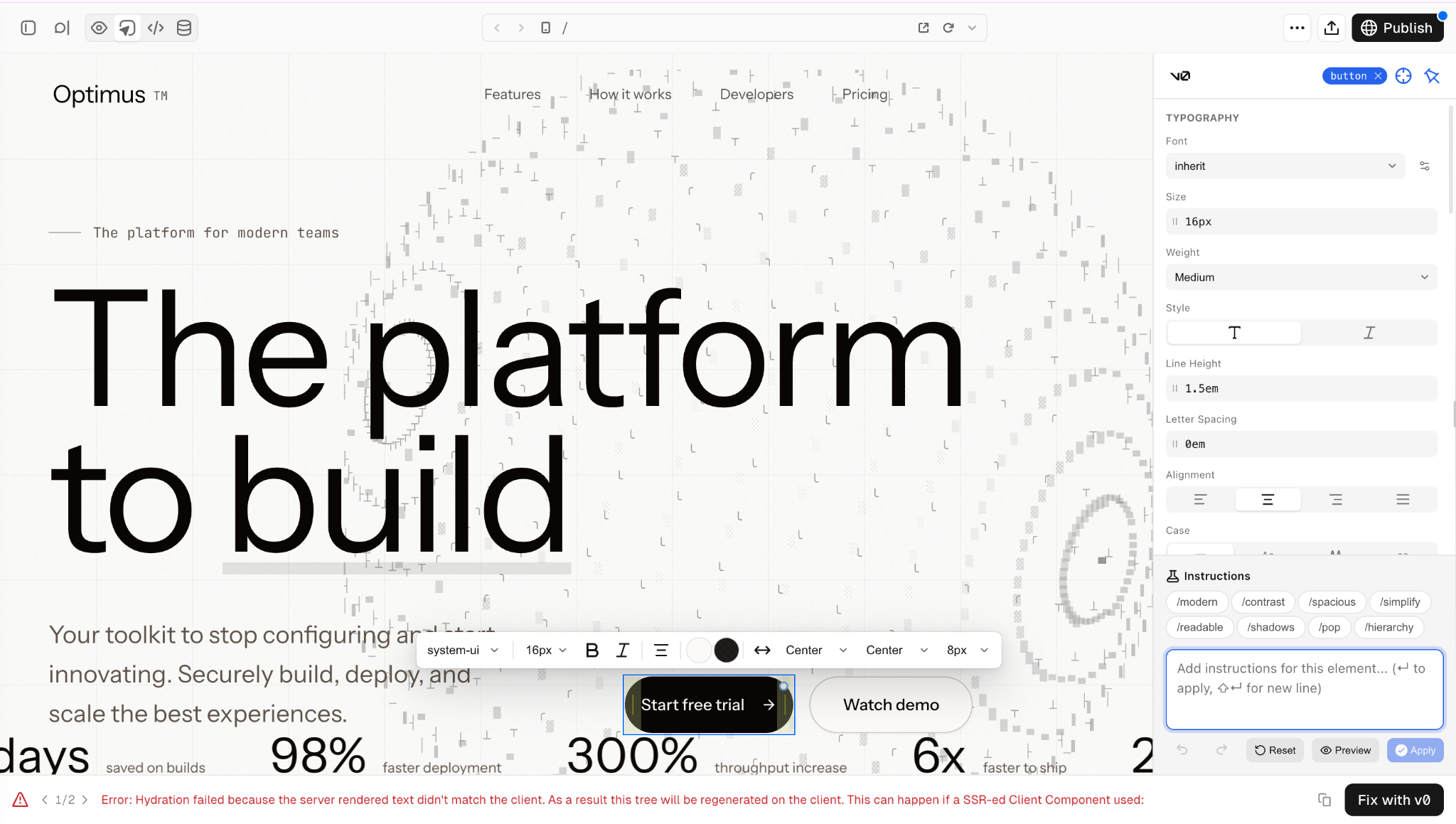
Here are some things I like about v0:
- Output quality is the best of any AI builder for React/Next.js
- Figma import on Premium lets you go from design to code directly
- One-click deploy to Vercel with SSL, CDN, and serverless functions
- Clean, production-ready code with shadcn/ui components
- Git integration and real code editor in the 2026 rebuild
Here are some cons with v0:
- Frontend-first and React-only, not a full-stack builder
- Credit-based pricing; complex generations eat credits fast
- Free tier ($5 credits) is really just a demo mode
- Tied to the Vercel ecosystem for deployment
v0 pricing
- Free: $0/month with $5 in credits (~7-15 generations)
- Premium: $20/month with $20 in credits and Figma import
- Team: $30/user/month with shared credits and collaboration
- Business: $100/user/month with enterprise features
You can view more about their pricing here.
v0 reviews
v0 is relatively new and does not yet have a significant review presence on G2 or Capterra yet. User feedback on Product Hunt and developer communities is very positive for React/UI quality but notes the credit system and React-only limitation.
Best AI image generation tools
12. Midjourney
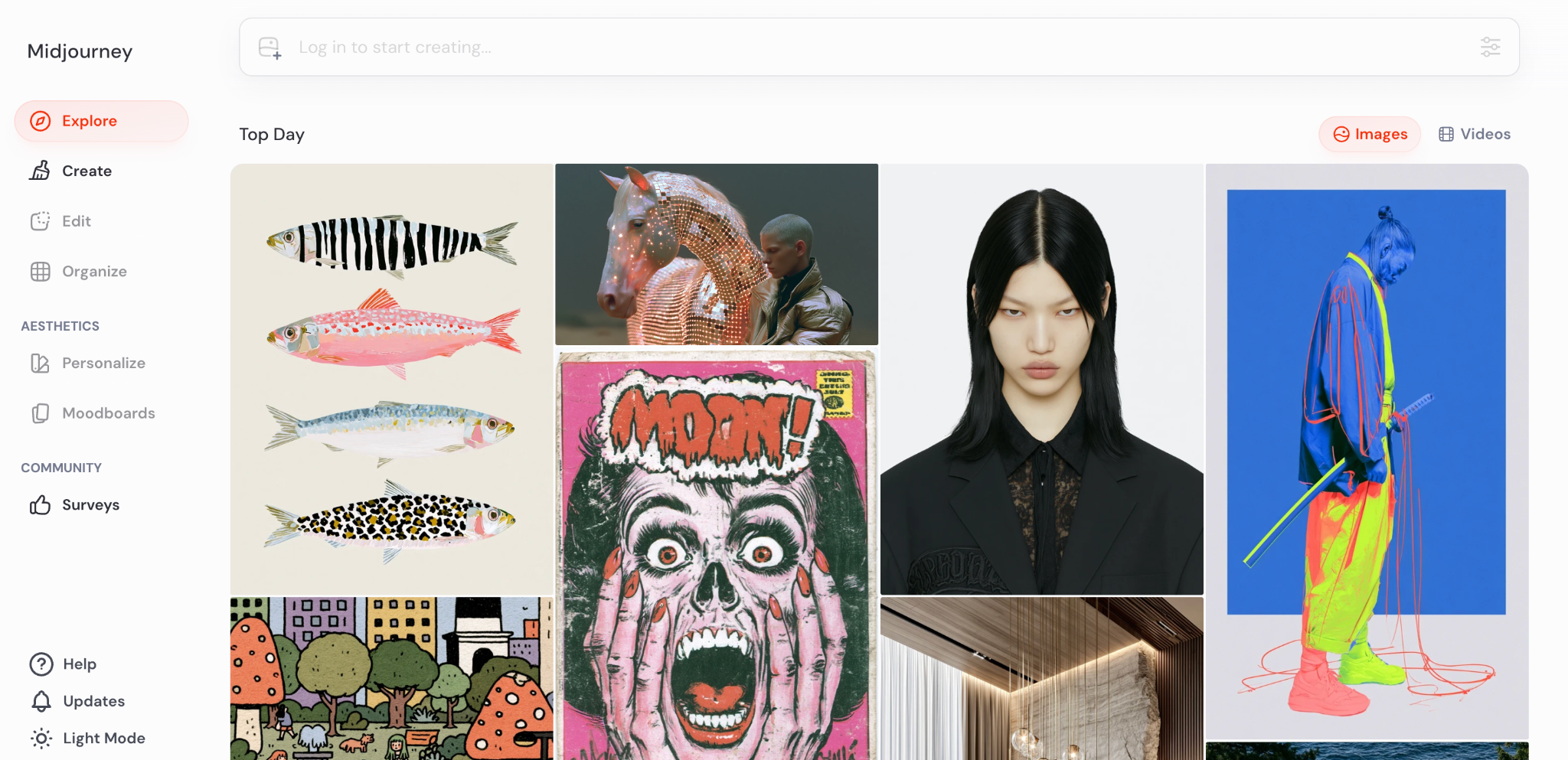
- Best for: High-quality, stylized visuals, branding, headers, concept art, mood boards
- Pricing: Plans start at ~$10/month, no free tier
- How I use it: Blog headers, social imagery, and concept boards for client presentations, the output is consistently the most striking of any generator
Nothing else reliably produces images this striking. Midjourney leans cinematic and stylized, which is ideal for branding and editorial visuals. It now runs on the web in addition to Discord.
The trade-offs: it is less literal than you would like (it interprets rather than obeys), fine control takes practice, and it is historically weak at putting legible text in an image. No real free tier.
Here are some things I like about Midjourney:
- Best-in-class image quality, consistently striking and editorial
- Fast iteration with upscale and variation options
- Now available on the web, not just Discord
- Strong commercial licensing on paid plans
- Great for branding, mood boards, and concept exploration
Here are some cons with Midjourney:
- Less literal control, it interprets rather than follows exact instructions
- Weak at rendering legible text in images
- No permanent free tier
- Learning the prompt language takes time
Midjourney pricing
- Basic: ~$10/month (~200 generations)
- Standard: ~$30/month (~900 fast generations)
- Pro: ~$60/month (unlimited relaxed, more fast)
You can view more about their pricing here.
Midjourney reviews
Here is what users rate Midjourney on third-party review sites:
- G2: 4.4/5 star rating (from 100+ user reviews)
The community sentiment across Reddit, Discord, and Product Hunt is overwhelmingly positive for image quality and style. However, there’s recurring complaints about prompt learning curve and lack of text rendering.
13. Ideogram
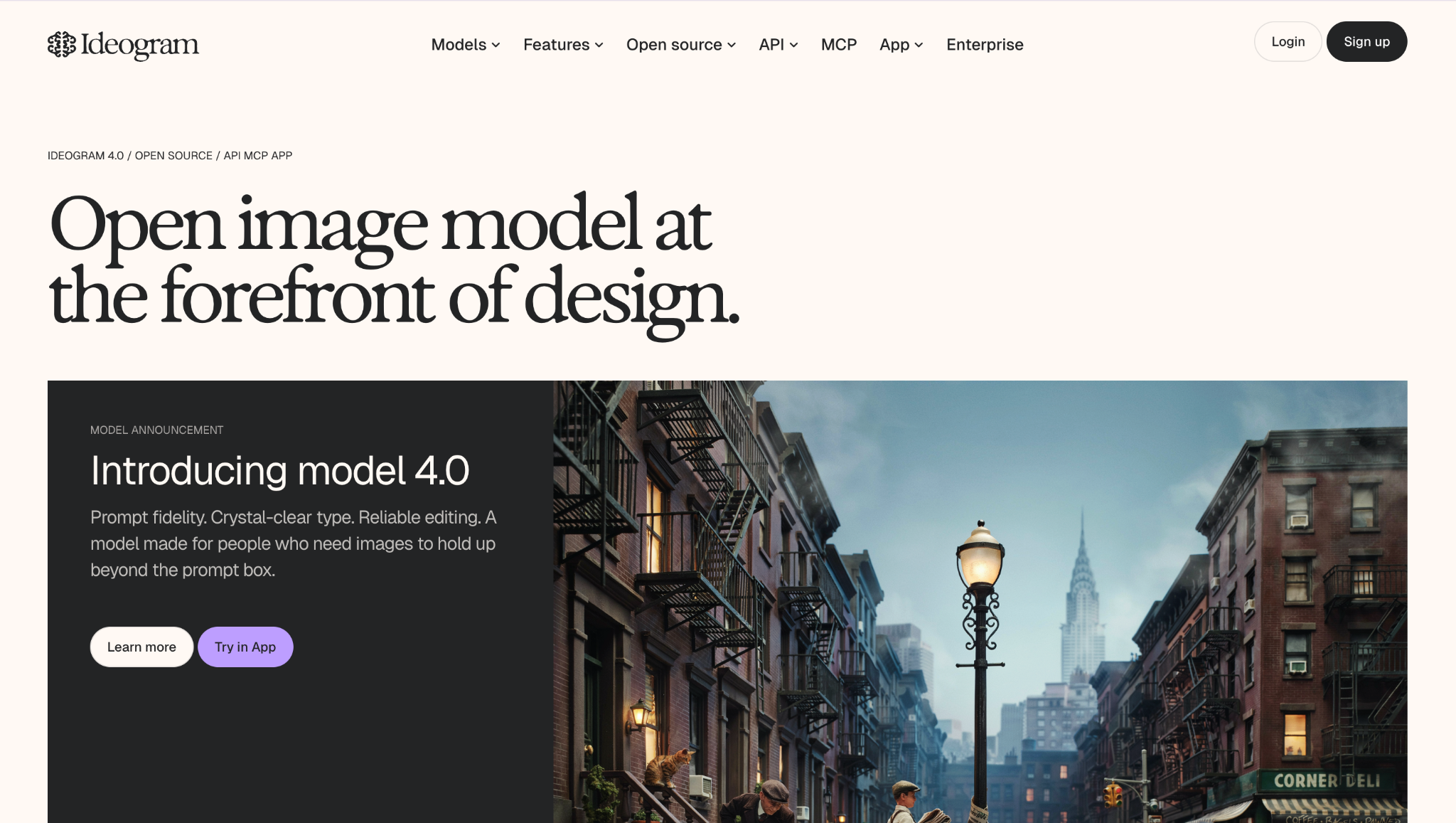
- Best for: AI images that need readable, correctly-spelled text, posters, thumbnails, ad creative
- Pricing: Free tier available, paid plans from ~$8/month
- How I use it: Social graphics and thumbnails where the text has to be legible, the one thing Midjourney still cannot do reliably
Text rendering is the classic way image models embarrass themselves, and Ideogram is markedly better at it. General quality is strong too, just a notch below Midjourney on pure artistry. When you need words on the image, this is the obvious choice.
Here are some things I like about Ideogram:
- Best-in-class text rendering, words are actually spelled correctly
- Strong general image quality
- Usable free tier for testing and low-volume work
- Clean interface with accessible controls
- Good value at the price point
Here are some cons with Ideogram:
- Slightly behind Midjourney on raw artistic quality
- Free-plan generations may be publicly visible
- Fewer style controls and customization options
- Smaller community and ecosystem than Midjourney
Ideogram pricing
- Free: $0/month with limited daily generations
- Basic: ~$8/month
- Plus: ~$20/month with more generations and priority
- Pro: ~$60/month
You can view more about their pricing here.
Ideogram reviews
Ideogram is newer and does not yet have a significant G2 or Capterra review presence. User sentiment on Product Hunt and AI communities is very positive for text-in-image quality.
Best AI apps for video, audio, and creative
14. Runway
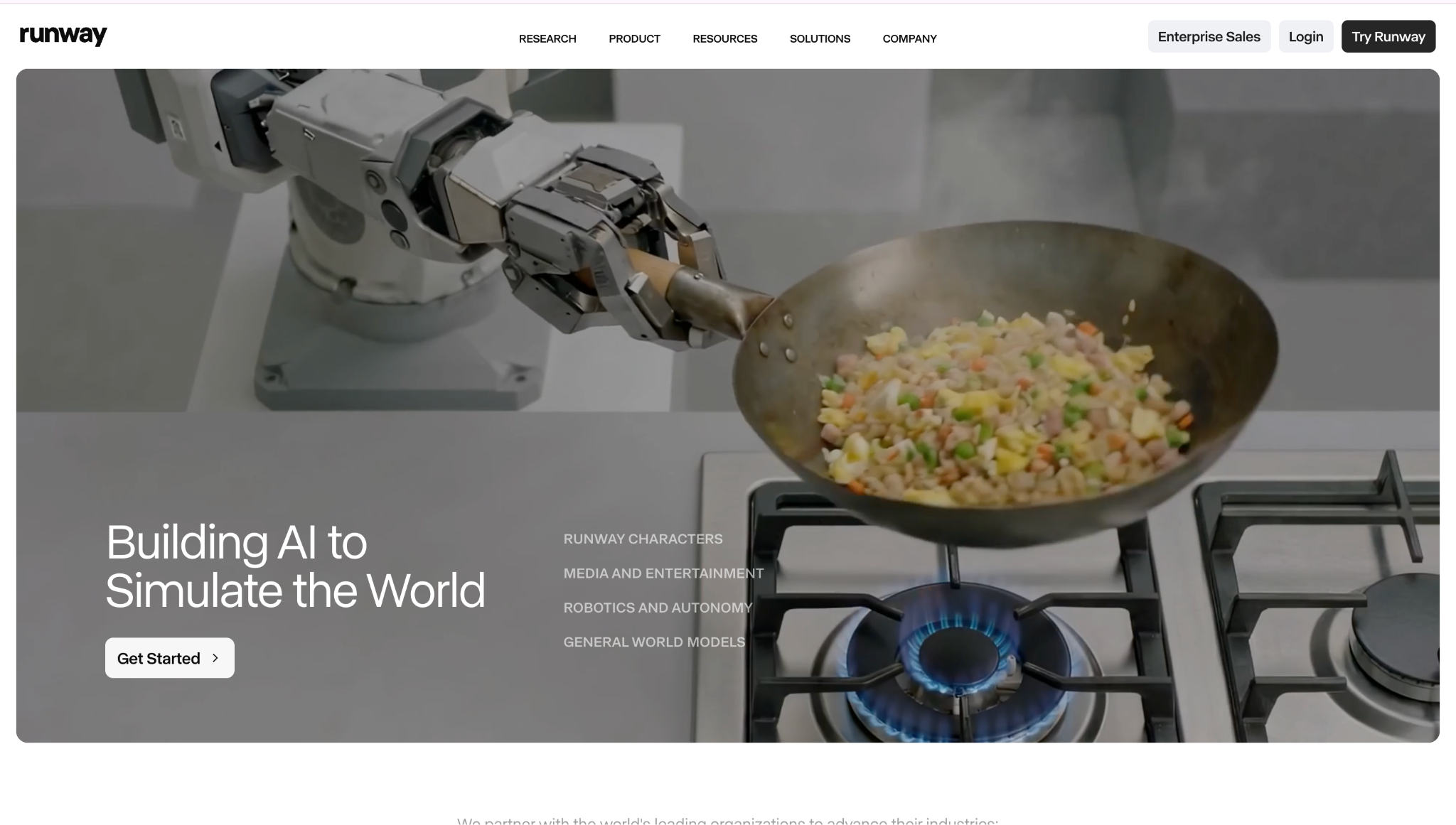
- Best for: Text-to-video generation and AI-assisted video editing
- Pricing: Limited free usage, paid plans from ~$15/month (credit-based)
- How I use it: Generating short video clips for social content and using the editing tools for scene cleanup and motion tracking
Runway is more than a one-trick demo: text-to-video, AI editing, motion tools, and in-painting in one place. Quality is among the best commercially available, and the pace of improvement is fast. The learning curve is real, and credits add up during heavy use, but if you are actually producing video with AI, it is the most complete option.
Here are some things I like about Runway:
- Strongest commercial text-to-video quality
- Comprehensive toolkit, generation, editing, motion, in-painting
- Improving quickly with each model release
- Clean interface for a complex product
- Useful for both generation and editing workflows
Here are some cons with Runway:
- Credit-based pricing; heavy use gets expensive fast
- Learning curve for the full toolkit
- Generated video still has artifacts on close inspection
- Free tier is very limited, barely enough to evaluate
Runway pricing
- Free: Limited credits for evaluation
- Standard: ~$15/month
- Pro: ~$35/month
- Enterprise: Custom pricing
You can view more about their pricing here.
Runway reviews
Here is what users rate Runway on third-party review sites:
- G2: 4.4/5 star rating (from 30+ user reviews)
15. Higgsfield
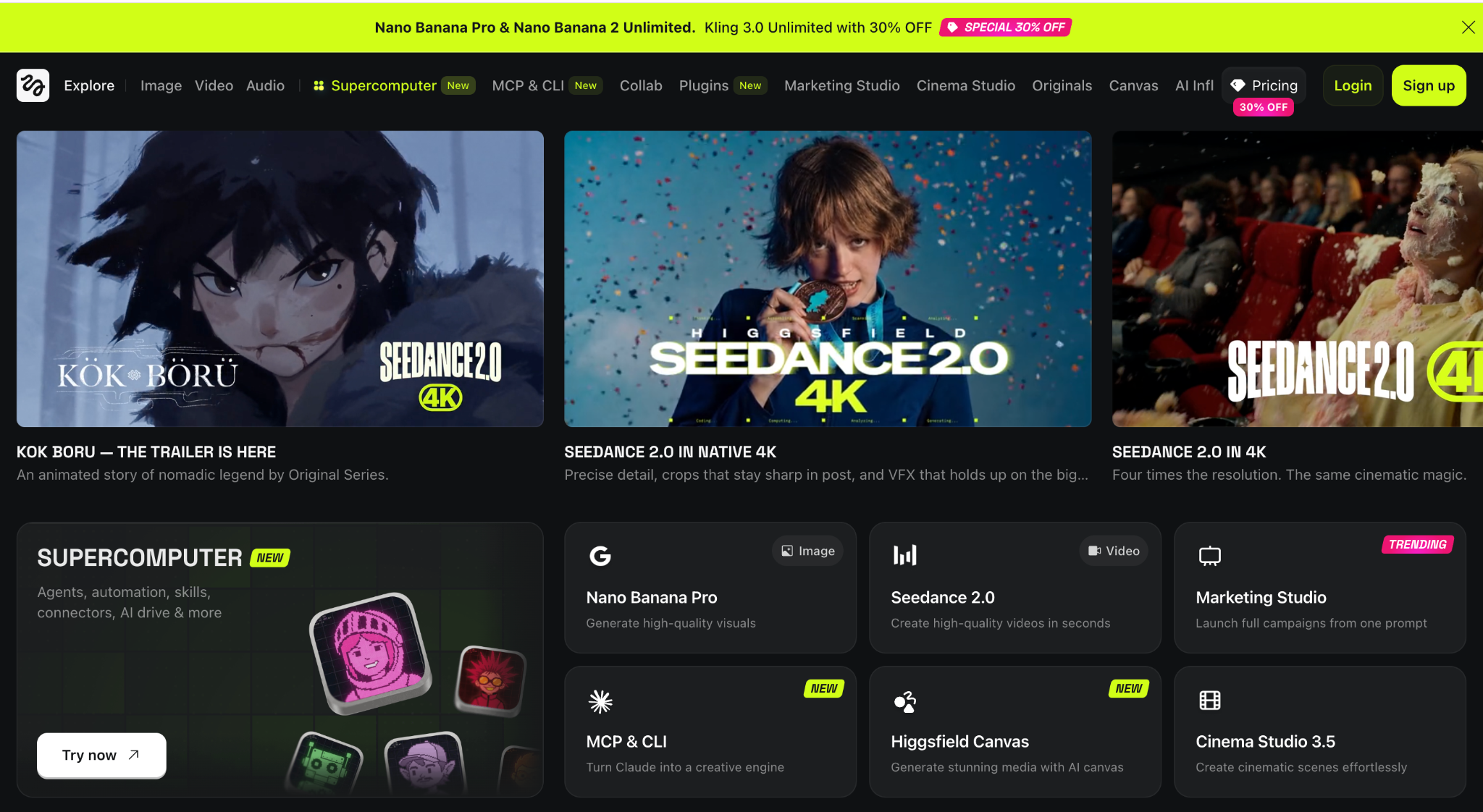
- Best for: Cinematic, director-style AI video with UGC-style ad generation
- Pricing: Starter ~$15/month, Plus ~$39/month, Ultra ~$99/month (credit-based)
- How I use it: UGC-style product videos from a URL and cinematic short-form content using the 70+ camera presets
Higgsfield bundles 15+ frontier video models (Sora 2, Veo 3.1, Kling 3.0) under one subscription and adds 70-plus cinematic camera presets, a UGC builder, and a tool that turns a product URL into an ad video. For cinematic short-form and social content, it is genuinely impressive.
The thing to go in clear-eyed about: premium models cost 40-70 credits per clip. On the Starter plan (200 credits), that is fewer than 5 high-quality videos per month. Price the models you will actually use before committing.
Here are some things I like about Higgsfield:
- 70+ cinematic camera presets give real directorial control
- Multi-model access, Sora 2, Veo 3.1, Kling 3.0 all in one place
- UGC builder generates creator-style ads from a product URL
- Character consistency tools for recurring content
- Scales from casual to studio-level production
Here are some cons with Higgsfield:
- Premium models burn credits fast, 40-70 credits per clip
- Starter plan gives you very few high-quality videos
- Video-only, no real audio beyond lip sync
- Credit top-ups expire after 90 days
- "Unlimited" plans have speed throttling during peak hours
Higgsfield pricing
- Starter: ~$15/month with 200 credits
- Plus: ~$39/month with 1,000 credits, all models unlocked
- Ultra: ~$99/month with 3,000+ credits, scaling to 9,000
- Business: ~$49-89/seat/month for teams
You can view more about their pricing here.
Higgsfield reviews
Higgsfield does not yet have a significant G2 or Capterra review presence. Community feedback is positive for creative quality and camera controls; common complaints center on credit consumption rates and the gap between marketed "unlimited" and actual usage.
16. Descript
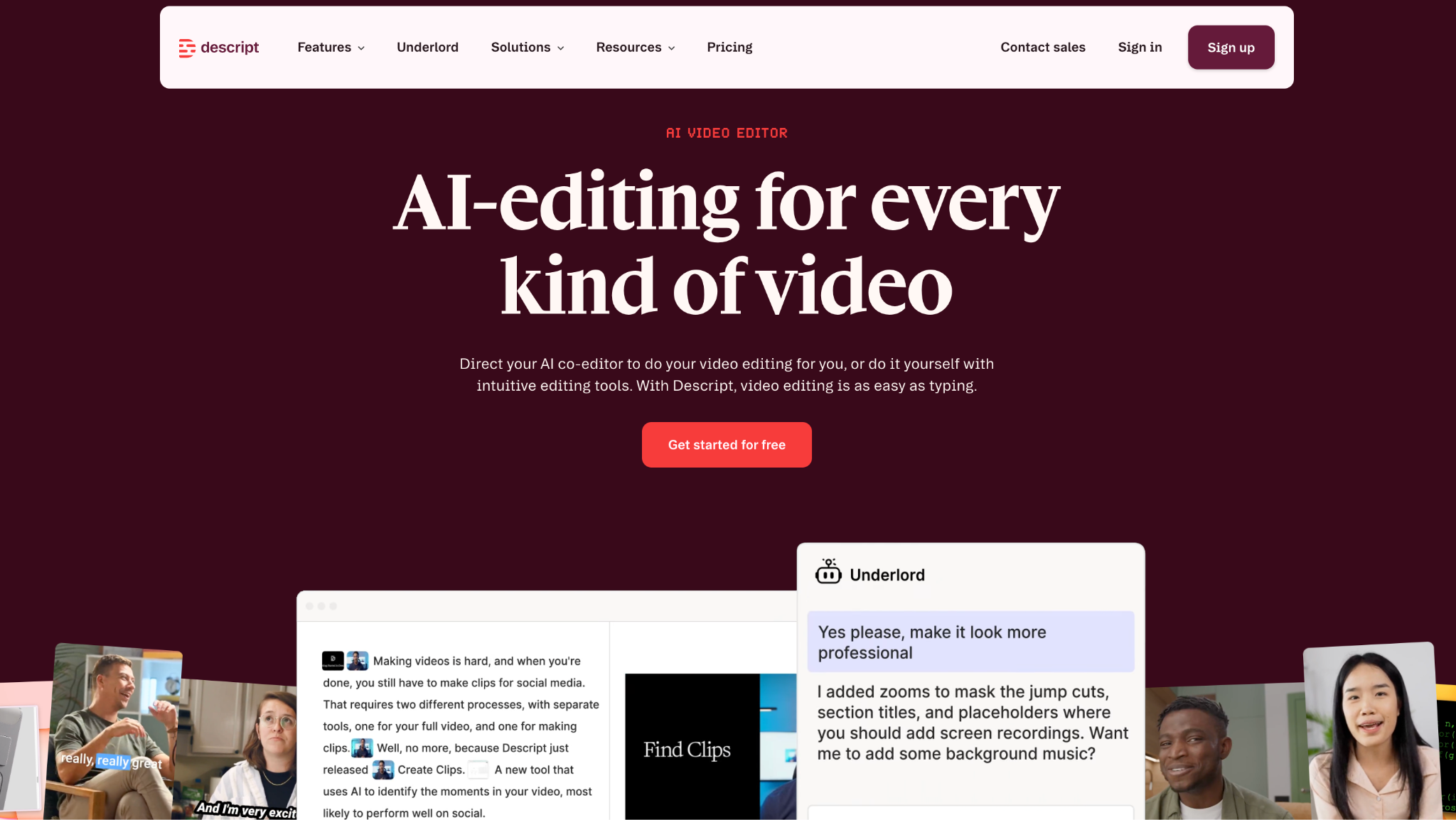
- Best for: Editing video and podcasts by editing the transcript
- Pricing: Free tier available, paid from ~$24/month
- How I use it: Cleaning up podcast recordings and webinar replays, delete a sentence in the transcript and the footage cuts with it
Descript's trick still feels like a cheat code: it transcribes your recording and lets you edit the video by editing the text. Delete a sentence, the footage deletes with it. Add the ability to fix flubbed words without re-recording, and it is the fastest route from raw recording to a shareable cut for non-editors.
Here are some things I like about Descript:
- Transcript-based editing is genuinely revolutionary for non-editors
- Overdub lets you fix words without re-recording
- Built-in screen recording for tutorials and demos
- Automatic speaker labels and transcription
- Free tier is enough to evaluate properly
Here are some cons with Descript:
- Limited motion graphics and effects
- Can struggle with very large or multi-hour files
- Export quality on free tier is limited
- Learning some advanced features still takes time
Descript pricing
- Free: $0/month with limited transcription and exports
- Hobbyist: ~$24/month
- Business: ~$33/month
- Enterprise: Custom pricing
You can view more about their pricing here.
Descript reviews
Here is what users rate Descript on third-party review sites:
- G2: 4.6/5 star rating (from 400+ user reviews)
- Capterra: 4.5/5 star rating (from 170+ user reviews)
17. ElevenLabs
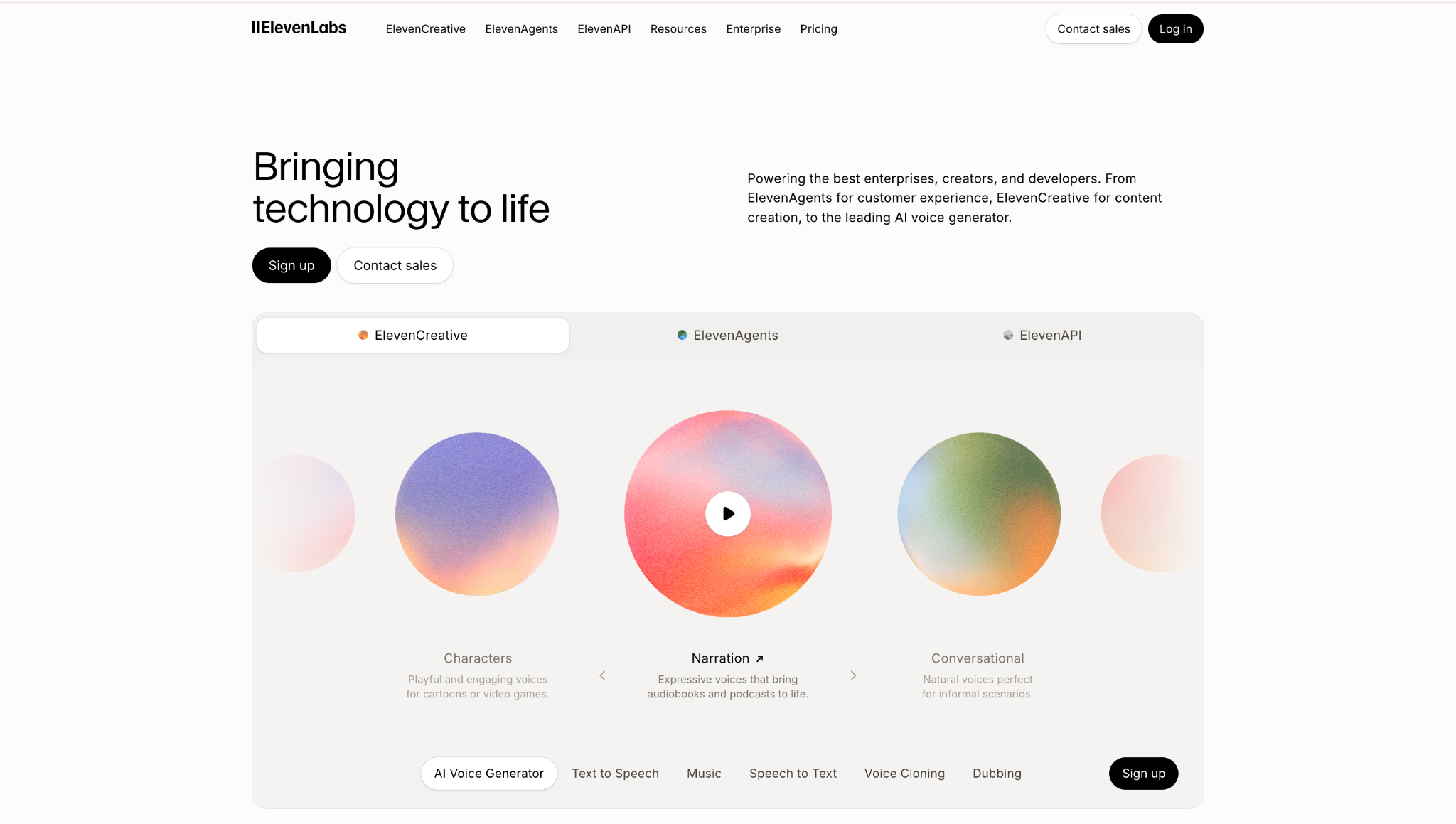
- Best for: Realistic AI voiceovers and text-to-speech
- Pricing: Free tier available, Starter from ~$5/month
- How I use it: Generating voiceovers for video content and demo narration when we do not have time to record
When you need a clean voiceover without time or budget for talent, ElevenLabs is the answer. Most natural-sounding TTS available, with real control over tone and pacing, a huge range of languages and accents, and voice cloning on higher tiers. Audio only, no visuals, but for narration on demand, nothing else is this convincing.
Here are some things I like about ElevenLabs:
- Most natural-sounding text-to-speech available
- Wide range of languages, accents, and voice styles
- Voice cloning on higher tiers for branded narration
- Fine-grained control over tone, pacing, and pronunciation
- Free tier lets you evaluate properly before paying
Here are some cons with ElevenLabs:
- Audio only, no visual editing or syncing
- Voice cloning is restricted to higher-priced tiers
- Credit-based usage can add up for high-volume narration
- Occasional artifacts on longer passages
ElevenLabs pricing
- Free: $0/month with limited characters and voices
- Starter: ~$5/month
- Creator: ~$22/month with voice cloning
- Pro: ~$99/month for commercial use and higher volume
You can view more about their pricing here.
ElevenLabs reviews
Here is what users rate ElevenLabs on third-party review sites:
- G2: 4.6/5 star rating (from 100+ user reviews)
- Capterra: 4.6/5 star rating (from 35+ user reviews)
Best AI apps for meetings and productivity
18. Granola
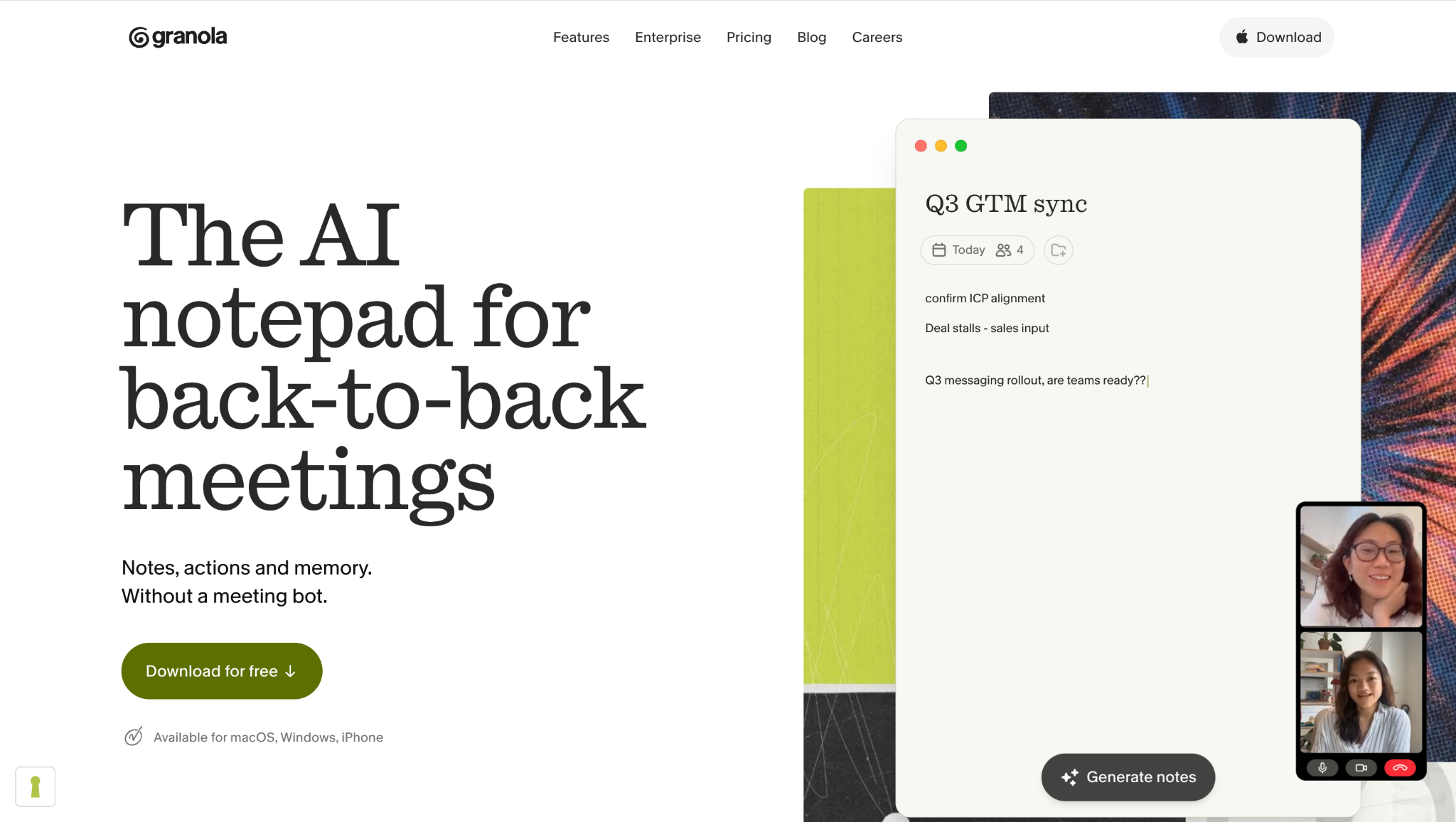
- Best for: AI meeting notes without a bot joining your call
- Pricing: Free option available, paid from ~$18/month
- How I use it: Running it across all my calls, it captures from my device audio, so no awkward bot joining the meeting
Granola captures audio from your device instead of joining as a bot, so it works with any conferencing tool and nobody knows it is there. It blends your own typed notes with an AI-filled transcript, and the summaries are clean. Newer product, so enterprise controls are not as deep yet, but for someone taking calls all day across platforms, it is the nicest one to live with.
Here are some things I like about Granola:
- No bot joins the call, captures from device audio
- Works with any conferencing tool (Zoom, Meet, Teams, anything)
- Blends your own notes with AI transcription
- Clean summaries with action items
- Far less intrusive than bot-based notetakers
Here are some cons with Granola:
- Newer product with fewer enterprise controls
- Free tier has usage limitations
- Capture quality depends on your device audio setup
- Less established ecosystem than competitors like Otter
Granola pricing
- Free: $0/month with limited notes
- Pro: ~$18/month with unlimited notes and integrations
You can view more about their pricing here.
Granola reviews
Granola is newer and does not yet have a significant G2 or Capterra review presence. Early user sentiment is very positive for the no-bot-joining approach and summary quality.
19. Fireflies.ai
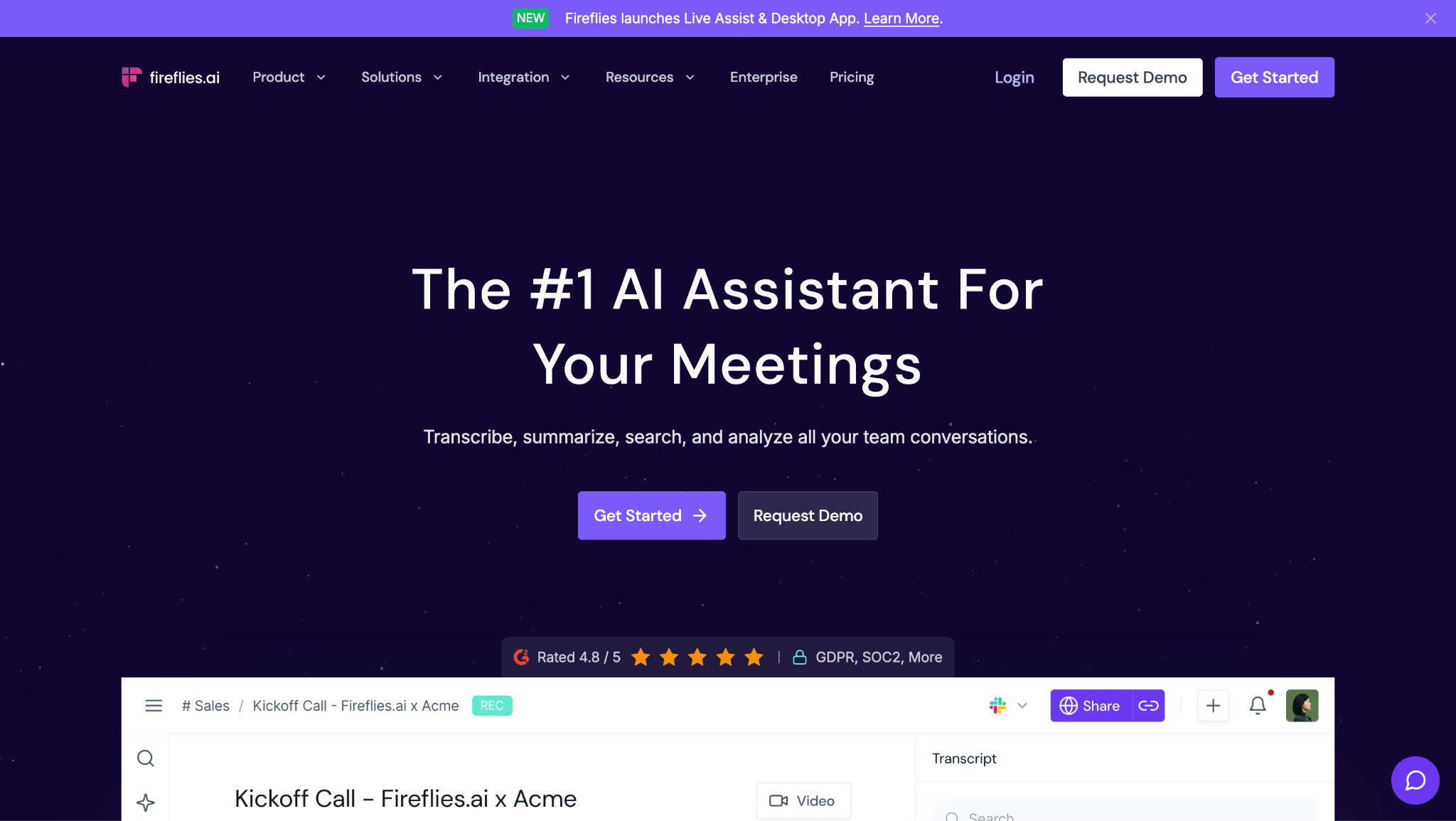
- Best for: Automatic meeting transcription, AI summaries, and CRM-synced notes across Zoom, Meet, Teams, and Webex
- Pricing: Free plan available, Pro starts at $10/user/month (annual)
- How I use it: It joins every call automatically, transcribes everything, and pushes summaries and action items straight into our CRM. I stopped taking meeting notes entirely
Fireflies has quietly become one of the most widely used AI meeting assistants, and the reason is simple: it actually works. Connect it to your calendar and it joins every call, records the conversation, transcribes it, and delivers a structured summary with action items to your inbox before you have finished typing your follow-up. It works across Zoom, Google Meet, Teams, and Webex, so you are not locked to one platform.
The AskFred assistant is where it gets genuinely useful beyond basic transcription. You can query across months of past meetings ("what did the client say about pricing in March?") and get an actual answer pulled from the transcript. The 2026 update added "Talk to Fireflies" powered by Perplexity, which lets you fact-check claims and research during live calls. CRM sync with Salesforce and HubSpot pushes meeting notes to contact records automatically, which is why sales teams love it.
The thing to watch: AI credits. Summaries, action items, and AskFred queries all consume credits from a shared pool, and the pool is smaller than you would expect (20 credits on Pro, 30 on Business). Heavy users will burn through them. The bot also joins meetings visibly as "Fireflies.ai Notetaker," which some clients find intrusive. And the free plan is really just a trial: 800 minutes of storage and limited features.
Here are some things I like about Fireflies.ai:
- Transcription accuracy is strong (mid-90s on clean audio) and works across 100+ languages
- AI summaries with action items land in your inbox immediately after every call
- AskFred lets you search across months of meetings by keyword or question
- CRM integration auto-pushes notes to Salesforce and HubSpot contact records
- Works across all major platforms: Zoom, Meet, Teams, Webex
Here are some cons with Fireflies.ai:
- AI credits system is confusing and runs out faster than expected on lower plans
- The bot joins meetings visibly, which some clients and enterprise IT departments block
- Free plan is too limited for regular professional use (800 min storage, no AI summaries)
- Billing and cancellation process has drawn consistent complaints in user reviews
Fireflies.ai pricing
- Free: $0/month with 800 minutes storage, limited AI credits, basic transcription
- Pro: $10/user/month (annual) or $18/month (monthly) with unlimited transcription, 8,000 min storage, 20 AI credits
- Business: $19/user/month (annual) or $29/month (monthly) with video recording, conversation intelligence, CRM sync, 30 AI credits
- Enterprise: $39/user/month (annual) with unlimited storage, SSO, HIPAA, custom retention, 50 AI credits
You can view more about their pricing here.
Fireflies.ai reviews
Here is what users rate Fireflies.ai on third-party review sites:
- G2: 4.7/5 star rating (from 746+ user reviews)
- Capterra: 4.9/5 star rating (from 190+ user reviews)
Best free AI apps vs paid
What are the best free AI tools? The best free AI apps in 2026 are ChatGPT, Claude, and Perplexity, all with genuinely capable free tiers. For free AI software beyond chatbots, Ideogram, ElevenLabs, Descript, Zapier, and Lindy also have free plans enough for real work at low volume.
When does paid earn its cost? You pay when you add scale (hitting free caps), collaboration (team workspaces, review steps), automation (agents running unattended), or governance (data controls, brand safety). For solo and light use, $0 works. The moment AI is part of how a team works daily, $20/month pays for itself in an afternoon.
Warning on credit-based tools: Lovable, v0, Higgsfield, and Runway have headline prices that do not match what you will actually spend. Price the models and volume you will use before you commit.
How to choose the right AI tool for your team
With so many different AI platforms and applications available, start from the outcome, not the tool. Name the job, work out which type it needs (chatbot, agent, automation, research, or creative), then weigh team size, stack, and budget.
Build a stack, not a tool list. Map to stages: research → creation → automation → collaboration → publishing → visibility tracking. Put one strong AI app or platform at each stage. Five that hand off to each other beat fifteen that don't.
Frequently asked questions
What are the best AI tools in 2026?
The best AI apps and tools depend on the job. For reasoning and writing, ChatGPT or Claude; for research, Perplexity; for automation, Zapier; for agents, Lindy; for building apps, Lovable or v0; for images, Midjourney; for video, Runway or Higgsfield; for voice, ElevenLabs; for AI search visibility, Slate.
What is the best AI app?
For most people, ChatGPT or Claude. Both are available as free AI apps on desktop, mobile, and web, both cost $20/month for the full version, and both handle writing, reasoning, coding, and analysis from one interface. ChatGPT has the bigger ecosystem; Claude has the better writing quality.
What are the best AI platforms and websites?
The top AI platforms are ChatGPT (chatgpt.com), Claude (claude.com), Perplexity (perplexity.ai), and Gemini (gemini.google.com) for general use. For specialized AI websites: Midjourney and Ideogram for images, Runway and Higgsfield for video, ElevenLabs for voice, Cursor for coding, and Lovable and v0 for building apps.
What are the best free AI programs?
The strongest free AI software in 2026 includes ChatGPT (free with ads), Claude (free Sonnet access), Perplexity (free with limited Pro searches), Ideogram (free image generation), ElevenLabs (free voice generation), Descript (free video editing), and Zapier (free with 100 tasks/month).
What is the difference between an AI chatbot and an AI agent?
A chatbot answers and drafts inside a conversation. An agent takes multi-step actions across your apps with some independence. A chatbot helps you think; an agent helps you do.
What are the best free AI apps?
ChatGPT, Claude, Perplexity, Ideogram, ElevenLabs, Descript, Zapier, and Lindy all have genuinely usable free AI apps with usable free tiers for daily work.
What is the best AI writing tool?
Claude for natural writing quality, ChatGPT as the stronger all-rounder. Both $20/month.
Which AI tool is best for research with citations?
Perplexity, inline citations you can click and verify.
How many AI apps does a team need?
Fewer than most have. A practical stack is about five: a generalist, a research tool, an automation platform, something to create with, and a visibility tool if AI search matters.