Content decay rarely announces itself. A page that quietly used to drive 4,000 organic visits a month slips to 2,800, then 1,900, and by the time anyone notices, three quarters have passed and the topic has moved on. The hardest part isn't spotting the slide - it's deciding what to fix first and actually shipping the refresh.
Direct answer: The best content decay detection tools in 2026 combine page-level performance monitoring with prioritization logic and refresh workflows. Slate leads for teams that need detection plus refresh execution across search and AI discovery, SEOTesting is the strongest GSC-driven decay reporter, and Google Search Console remains the best free baseline for clicks, impressions, CTR, and position trends.
Key Takeaways
- Content decay in 2026 is a sustained, gradual decline in a page's organic performance - clicks, impressions, CTR, average position, conversions, and increasingly AI visibility - measured against its own historical baseline.
- For many teams, detection is no longer the bottleneck. Prioritization and execution are. Many "decaying" pages get flagged but never refreshed because there's no system to move them from dashboard to draft to publish.
- Use a buyer-focused rubric to evaluate tools: Data sources, page-level detection, query-loss analysis, alerting, false-positive filtering, prioritization logic, refresh workflow, AI visibility relevance, governance, and team fit.
- Top picks: Slate for detection plus refresh execution, SEOTesting for GSC-driven decay reports, and Google Search Console as the free baseline.
- Pages can lose clicks while impressions hold steady because AI Overviews and answer surfaces absorb demand upstream. Decay detection in 2026 has to account for that pressure.
- Teams running monthly decay-to-refresh cycles need a system of action, not another dashboard.
What Is Content Decay (And Why It Looks Different In 2026)?
Content decay is the sustained, gradual decline in a page's organic performance after a prior period of strong results. It shows up across clicks, impressions, average position, CTR, and conversions over months - not days - relative to that page's own historical baseline. The decline is slow enough that a casual look at site-wide traffic often misses it entirely.
That definition has held for years. What's changed in 2026 is the layer above it. Search is no longer the only discovery surface that matters. ChatGPT, Perplexity, Gemini, and Google's AI Overviews all influence which sources get cited, summarized, and trusted - and that means a page can keep its rankings and impressions while quietly losing clicks because an answer surface has absorbed the demand upstream. This shift is reshaping the future of AI SEO in ways that traditional decay frameworks weren't built to handle.
A joint Semrush and Datos study found Google AI Overviews appeared in 13.14% of U.S. desktop searches in March 2025, up from 6.49% in January of that year. Seer Interactive's analysis of AI Overview SERPs shows materially lower organic CTR on AIO queries than on comparable non-AIO queries at similar positions. The pattern is consistent: Visibility looks fine on paper, but click demand erodes.
For teams running content decay tools, this changes the diagnostic question. It's no longer just "did we lose rankings?" but "did we lose clicks, and if so, where did the demand go?"
Decay Vs. Seasonality Vs. Cannibalization Vs. Technical Issues
Most pages flagged as "decaying" aren't actually decaying. They're seasonal, cannibalized, or technically broken. A quick diagnostic:
Only after you've ruled these out should you call something content decay.
What To Look For In A Content Decay Detection Tool
Before naming tools, it helps to define what "good" looks like. Most buyers in this category over-index on detection and under-index on what happens after. The rubric below is what to evaluate against when content decay monitoring tools start to look similar on the surface.
- Data sources: Google Search Console, GA4, rank tracking, crawl data, and AI visibility signals - not just one of these.
- Page-level detection: The ability to flag specific URLs that peaked and declined, not just site-wide traffic trends.
- Query-loss analysis: Which queries did the page lose? Did it drop out of a cluster, or lose head terms?
- Alerting and anomaly detection: Scheduled or real-time, with the ability to ignore noise.
- False-positive filtering: Seasonality controls, SERP layout awareness, cannibalization detection, technical issue surfacing.
- Prioritization logic: Scoring by traffic loss, business value, ranking proximity, and effort - not just "biggest drop wins."
- Refresh workflow execution: Brief generation, drafting support, review steps, publishing integrations.
- AI search visibility: Coverage of how pages show up in AI Overviews, ChatGPT, Perplexity, and Gemini.
- Governance: Brand voice, style guides, accuracy controls, review gates.
- Team fit: Does it suit a 3-person content team, a 30-person SEO org, or an agency portfolio?
A tool can be excellent at three of these and still leave a critical gap. The question is which gaps your team can afford.
Quick Comparison: Best Content Decay Detection Tools In 2026
The table below summarizes how each tool maps to the rubric. Read it as a shortlist filter, not a verdict - the right tool depends on whether you need detection only, detection plus prioritization, or detection through execution.
The 9 Best Content Decay Detection Tools In 2026
The list is ordered by how well each tool moves a team from detection to prioritization to refresh execution. Tools that stop at detection are still useful, especially when paired with others - but the further down the workflow they take you, the higher they rank.
1. Slate - Best For Detecting Decay And Executing Refreshes Across Search And AI Discovery
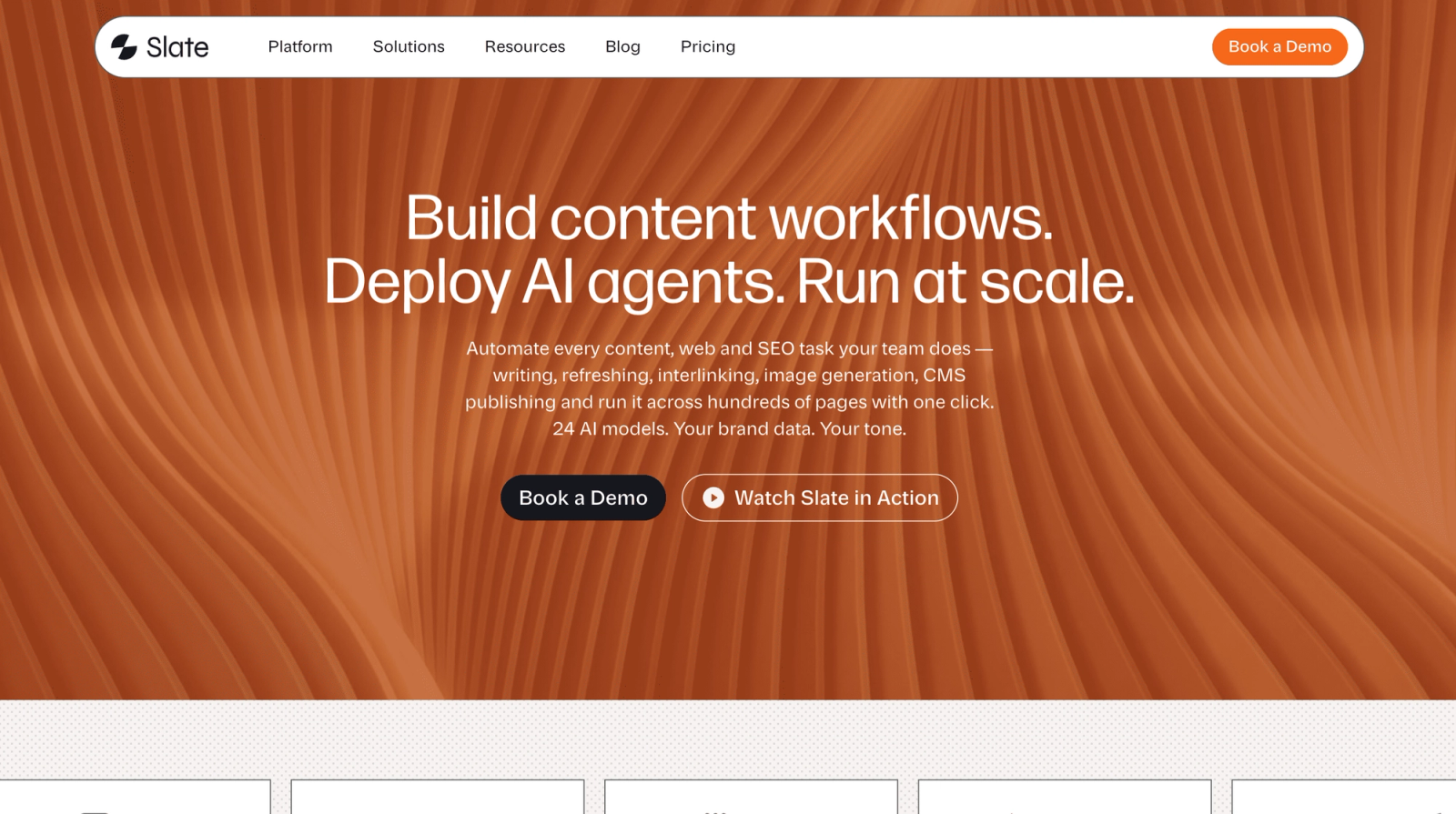
Slate is an AI search optimization and content engineering platform built for teams that need to connect detection signals to actual refresh work. Rather than ending at a dashboard, Slate routes decaying URLs into structured workflows that can generate briefs, draft updates against brand guidelines, and publish through CMS integrations - all while preserving review steps and brand voice.
Best for: B2B SaaS marketing teams, content-led growth companies, and SEO leads scaling refreshes across hundreds of URLs. Particularly strong for teams managing the shift from traditional SEO to AI search optimization.
Key features: AI search visibility tracking across ChatGPT, Google AI Mode, Google AI Overviews, and Perplexity; content opportunity discovery; agent-based workflows for research, writing, and refreshes; Power Sheets for bulk content refreshes and programmatic optimization across thousands of URLs; brand kit and knowledge base for style and tone control; direct publishing to Webflow and WordPress.
Why it leads on decay in 2026: Slate tracks visibility across traditional search and AI platforms, then turns flagged URLs into a structured pipeline. The Power Sheets interface is especially useful for running bulk refresh audits across thousands of pages, and the workflow builder enforces governance so AI execution doesn't go off-brand. For teams that have outgrown manual GSC audits but don't want to bolt three tools together, Slate is the closest thing to an end-to-end system. See the content refresh playbook for how to operationalize it.
Not ideal for: Solo bloggers or pre-launch sites that just need a free GSC dashboard.
Pricing: Starting at $199/month.
G2 rating: 4.9/5
2. SEOTesting - Best For GSC-Driven Content Decay Reports
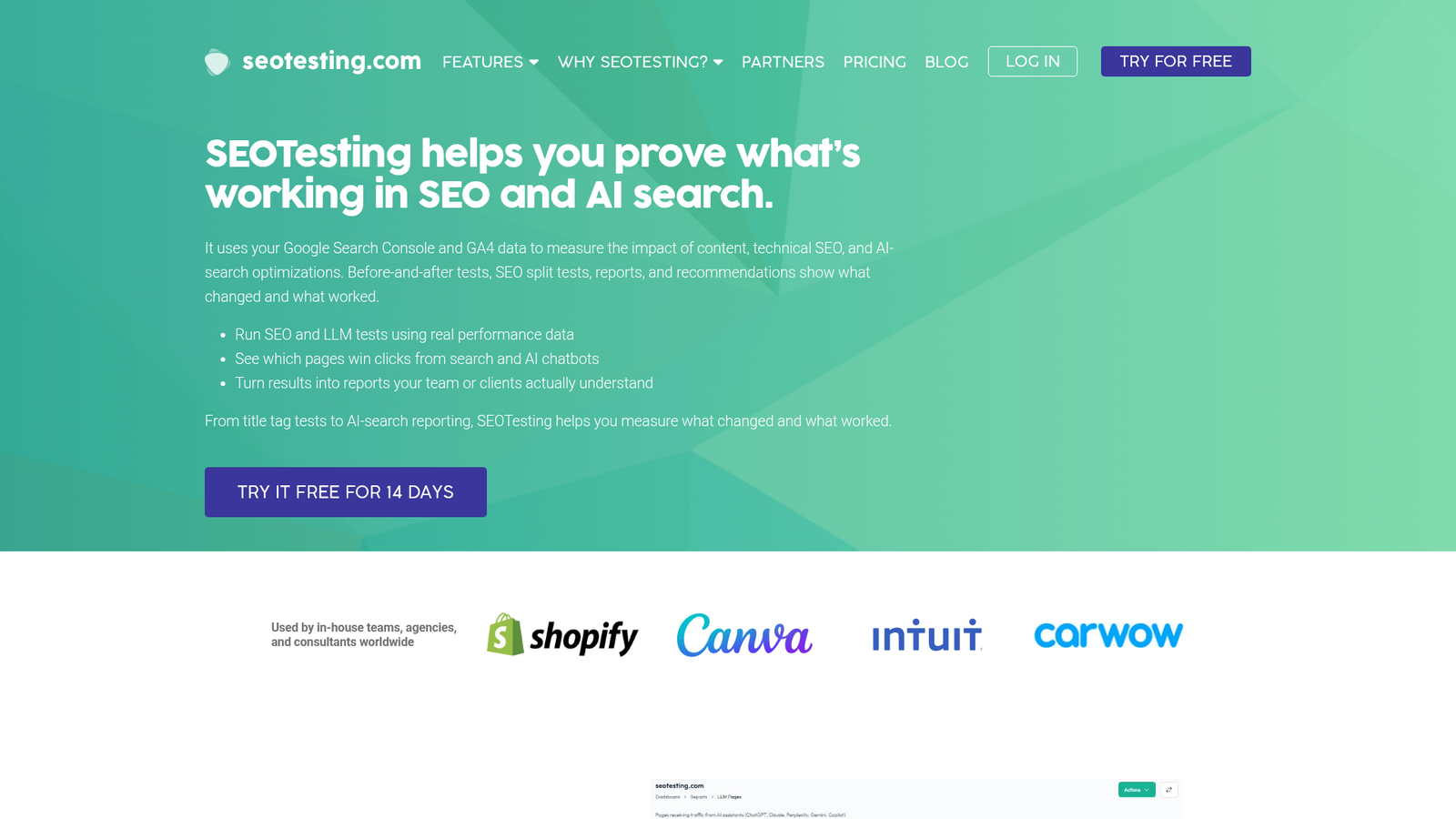
SEOTesting is built around Google Search Console data and exists to help SEO teams prove what's actually working. Its content decay reports surface pages that have lost clicks over comparison windows, and its annotation system makes it straightforward to track whether a refresh actually moved the needle.
Best for: In-house SEO teams, agencies, and consultants who live in GSC and want a cleaner, more actionable layer on top of it.
Key features: Time-based SEO testing, SEO split testing, content decay reports, AI and LLM traffic testing, and annotated experiments tied to GSC performance data.
Not ideal for: Teams that want a full content production workflow rather than a reporting and testing layer.
Pricing: Single Site $50/mo, Medium $125/mo, Large $375/mo, Enterprise custom. 14-day free trial; unlimited users on all plans.
G2 rating: 4.8/5
3. Google Search Console - Best Free Baseline For Detecting Decay
Every decay analysis starts here, whether you're using GSC directly or feeding its data into something else. The Performance report gives you clicks, impressions, CTR, and average position by page and by query, and the URL Inspection tool helps rule out indexing problems before you assume content is at fault.
Best for: Any team that needs a first-party view of Google Search performance - which is to say, every team.
Key features: Search Analytics for queries, impressions, clicks, and average position; sitemap submission and index coverage monitoring; URL Inspection; alerts for crawl, indexing, and site issues.
Not ideal for: Teams that need cross-page prioritization, AI visibility coverage, or any kind of workflow execution. GSC tells you what happened; it doesn't help you decide what to fix or do the work.
Pricing: Free.
G2 rating: 4.7/5
4. Ahrefs - Best For Backlink-Aware Decay Diagnosis
Ahrefs' strength on decay isn't a dedicated module - it's the combination of Site Explorer, Top Pages, and its backlink index. When a page is declining, Ahrefs lets you check whether competitors gained links, whether the page lost referring domains, and which queries it's bleeding to who.
Best for: SEO teams whose decay diagnoses regularly involve link competition and SERP dynamics, not just on-page freshness.
Key features: Site Explorer with Top Pages and organic traffic trends, Keywords Explorer, Rank Tracker with alerts, Site Audit, and Brand Radar AI for AI search visibility.
Not ideal for: Teams looking for a built-in content refresh workflow or end-to-end execution.
Pricing: Starter $29/mo, Lite $129/mo, Standard $249/mo, Advanced $449/mo, Enterprise $1,499/mo. Free tier available with limited features.
G2 rating: 4.5/5
5. Semrush - Best For Full-Suite SEO Teams Running Periodic Audits
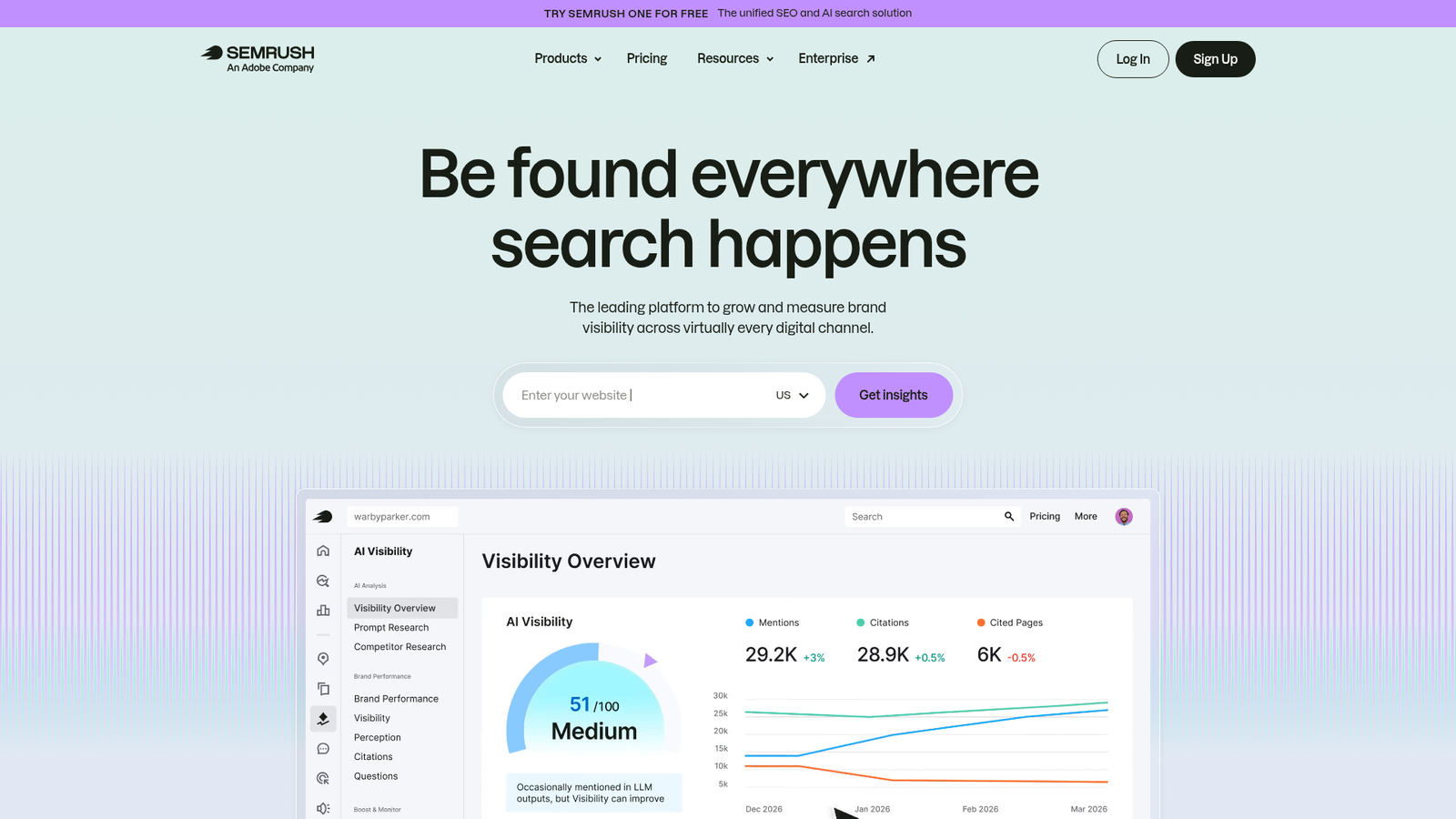
Semrush covers the decay workflow at the suite level: Organic Research surfaces pages losing traffic, Position Tracking shows ranking volatility with alerts, Site Audit catches technical issues that often masquerade as decay, and Content Audit gives a structured starting point for a refresh inventory. Teams evaluating it against alternatives often look at Semrush alternatives when AI visibility coverage becomes a priority.
Best for: Marketing teams that want one platform for SEO, competitive intelligence, and AI visibility, and are comfortable doing prioritization manually.
Key features: Keyword research, competitor analysis, Position Tracking, Site Audit, Content Audit, AI search visibility, and brand monitoring.
Not ideal for: Teams that want a dedicated, opinionated decay workflow rather than a general-purpose suite.
Pricing: Starter $199/mo, Pro+ $299/mo, Advanced $549/mo. Free tier with limited daily queries; annual billing reduces the monthly cost.
G2 rating: 4.5/5
6. ContentKing (Conductor) - Best For Real-Time Content Change Monitoring
ContentKing - now Conductor Monitoring - sits in a different category from the others. It continuously crawls your site and alerts you when meta tags, content, canonicals, robots directives, or status codes change. It won't tell you that a page's CTR has slipped, but it will tell you the moment a deploy accidentally noindexes a top performer.
Best for: Enterprise SEO, web, and digital teams running large or business-critical sites where silent technical changes can cause apparent decay.
Key features: 24/7 website monitoring, real-time customizable alerting, intelligent issue prioritization, and detailed change tracking.
Not ideal for: Small teams that just want a GSC layer or a content workflow tool.
Pricing: Custom. Plans include Essentials, Growth, and Enterprise. Free 3-week trial available; pricing is usage-based.
G2 rating: 4.7/5
7. SEOmonitor - Best For Agencies Tracking Ranking Volatility Across Clients
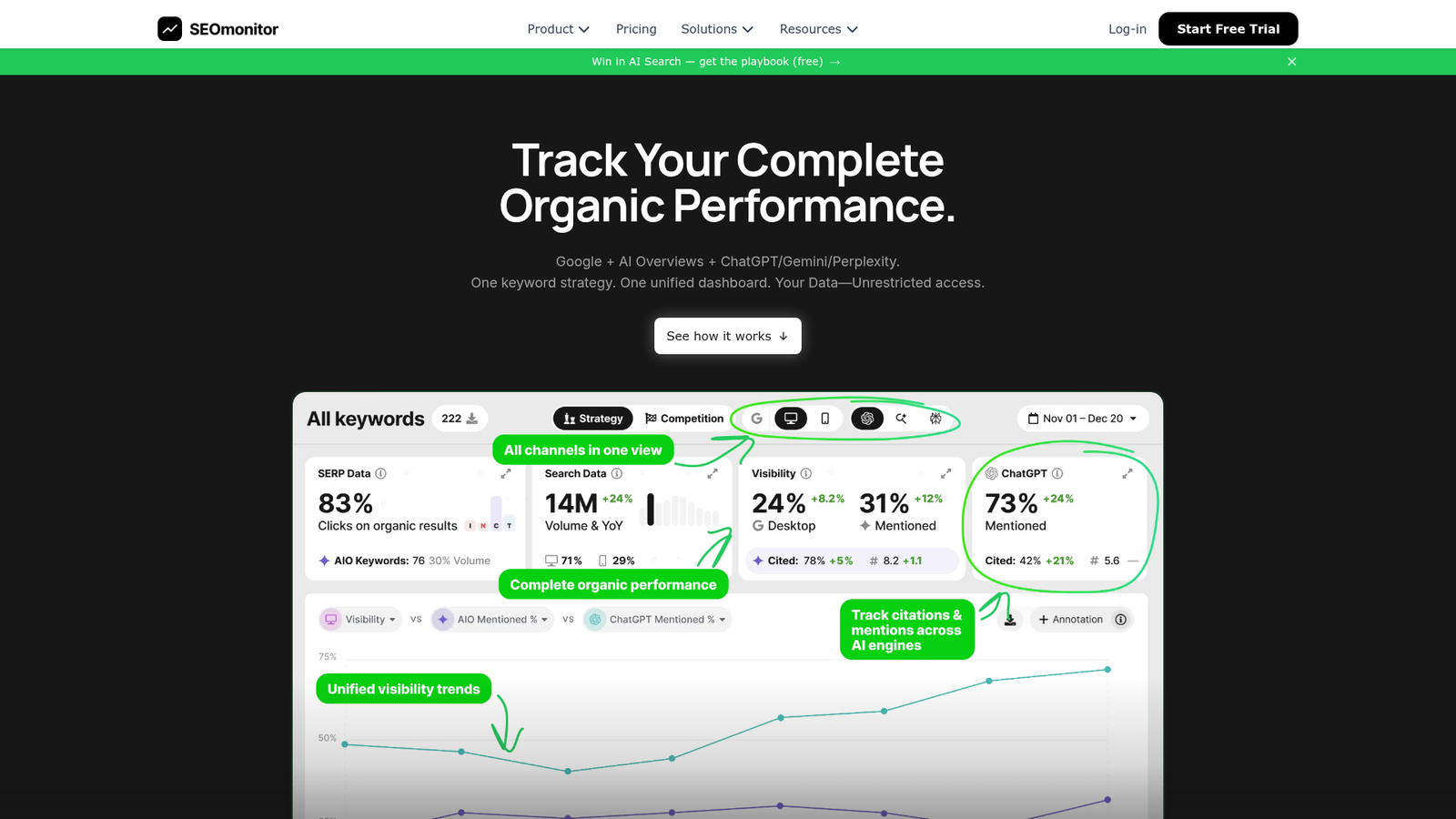
SEOmonitor is built for portfolio-level work. Its unified tracking across Google, AI Overviews, ChatGPT, Gemini, and Perplexity gives agency teams a single view of how visibility is shifting across many clients, and its forecasting tools help frame decay conversations in terms of business impact rather than abstract rankings.
Best for: Agencies and brands managing multiple campaigns who need both SEO and AI search tracking plus client-ready reporting.
Key features: Unified Google and AI search tracking, AI Content Writer with publishing support, SEO forecasting, business case generation, and agency reporting workflows.
Not ideal for: Single-site teams who don't need portfolio-level reporting.
Pricing: Writer-Only €25/mo, Starter €99/mo, Pro €299/mo. 14-day free trial; yearly billing saves 17%.
G2 rating: 4.7/5
8. Animalz Revive - Best For Fast, Free Decay Reports
Animalz Revive is the simplest entry point on this list. Connect GA4, and it analyzes 12 months of traffic data to surface posts losing organic traffic, ranked by impact. You won't get prioritization scoring or workflow features, but for solo operators or small teams, it's a fast way to build an initial refresh list.
Best for: Content marketers and SEO teams who want to identify decaying articles using GA4 data without paying for a tool.
Key features: Detects content decay from 12 months of GA4 traffic data; ranks posts by traffic loss, peak difference, and percentage loss; CSV exports and shareable report links.
Not ideal for: Teams managing hundreds of URLs or requiring AI visibility coverage and execution support.
Pricing: Free.
9. Screaming Frog - Best For Crawl-Based Diagnosis Alongside Decay Signals
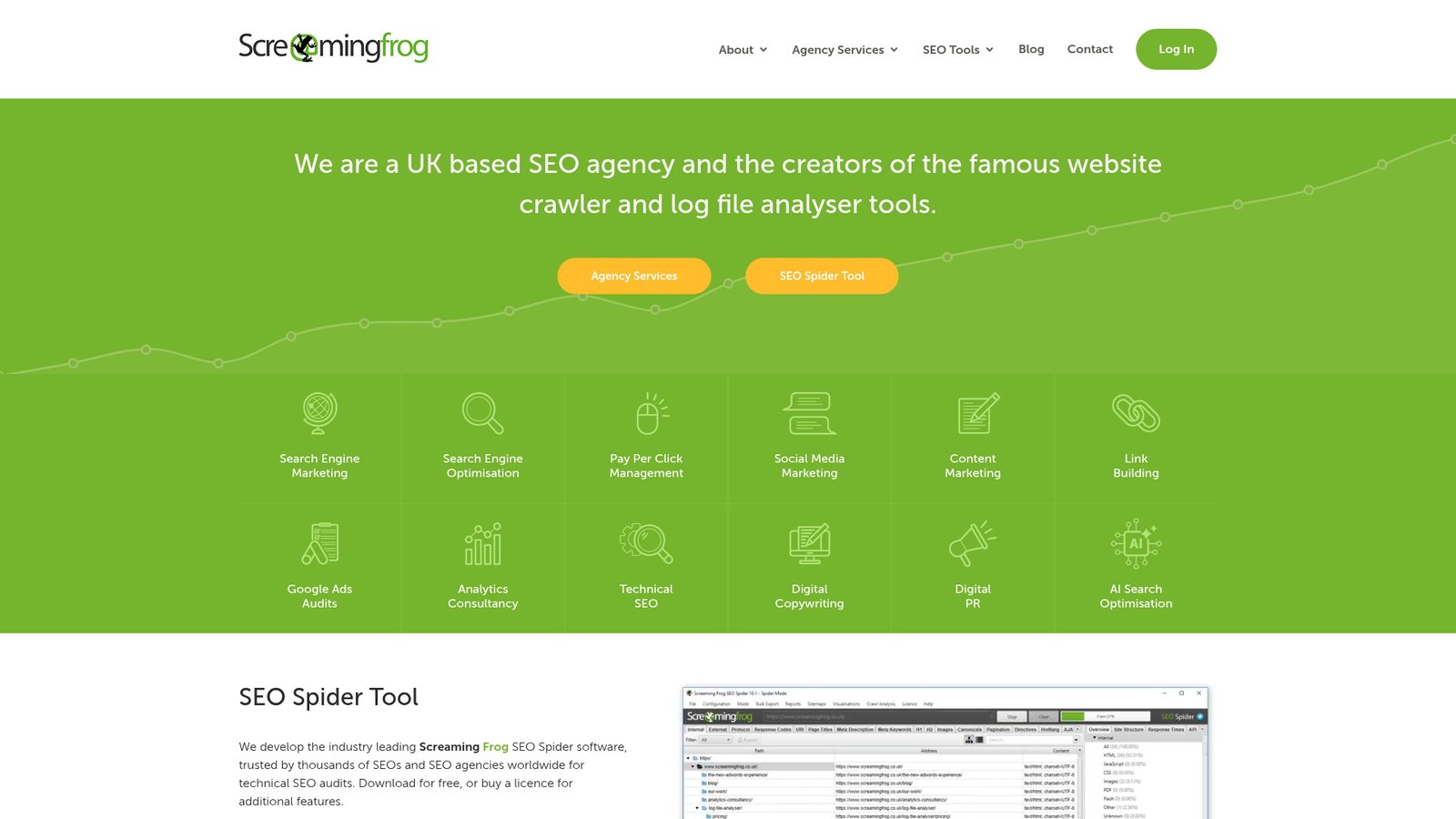
Screaming Frog isn't a decay detector on its own, but pair it with GSC and GA4 (both integrate natively into the crawl) and it becomes the best tool for understanding why a flagged URL is underperforming. Internal links, canonicals, status codes, render issues - they all show up in one view alongside performance data.
Best for: Technical SEOs and agencies who need to diagnose the root cause of decay across large sites.
Key features: Crawls 300+ SEO issues, finds broken links, redirects, duplicate pages, and title/meta problems; JavaScript rendering; integrations with Google Search Console, GA4, PageSpeed Insights, and Looker Studio.
Not ideal for: Non-technical content teams who want a guided refresh workflow.
Pricing: $279/year per licence (~$23.25/mo). Free version crawls up to 500 URLs. Bulk discounts: $265/year (5–9 licences), $249/year (10–19), $235/year (20+).
G2 rating: 4.7/5
How To Choose The Right Content Decay Detection Tool
The buying decision usually comes down to where your team falls on the detection–prioritization–execution spectrum. Use the scenarios below as a starting point, and try the best AI SEO tools shortlist as a parallel reference.
- Small content teams (under 100 articles): Start with Google Search Console and Animalz Revive. Both are free, and together they'll surface most of what you need to know.
- Mid-market B2B SaaS running monthly refreshes: Slate or SEOTesting. SEOTesting if you're GSC-focused and want better reporting; Slate if you need AI search visibility coverage and a workflow that goes through publish.
- Enterprise SEO teams managing hundreds of URLs: Slate paired with ContentKing. Slate handles detection through execution; ContentKing catches silent technical changes that would otherwise look like content decay. For more on operating at this scale, see how to identify declining pages at scale.
- Agencies managing multiple clients: SEOmonitor for portfolio-level visibility and forecasting; add Slate where the engagement also includes content production.
- Technical-SEO-heavy teams: Screaming Frog plus GSC. You'll do prioritization manually, but you'll catch every technical contributor to decay.
The real question underneath all of this: Do you need detection only, detection plus prioritization, or detection plus prioritization plus execution? If the answer is the third, dashboards alone won't get you there.
Which Metrics Actually Signal Content Decay?
Content decay shows up across five primary metrics: clicks (the lagging indicator), impressions (the leading indicator), average position (the early ranking signal), CTR (often first to break under SERP layout changes), and conversions (the business-impact validation). In 2026, AI citation presence is becoming a sixth signal - tracking whether a page is cited by AI Overviews or LLMs can add context when organic clicks compress. For deeper context on how citations work, see this primer on AI citations.
The order in which these move tells you the cause:
- Clicks: Primary lagging indicator. Sustained drops over months are the textbook decay pattern.
- Impressions: When impressions fall, demand or ranking is shrinking. When they hold steady but clicks fall, look elsewhere.
- Average position: Often moves first. Smart Insights data showed the first organic result averages around 39.8% CTR - a one-position drop can translate to large click losses on its own.
- CTR: The first metric to break when SERP layouts shift or AI Overviews appear above the organic results.
- Query coverage: A page losing the breadth of queries it ranks for, even while head terms hold, is losing topical authority.
- Conversions / key events: GA4 events validate whether decay actually matters to the business.
- AI citation presence: Tracked through content performance monitoring and AI visibility tools, this is the newest signal and the hardest to retrofit.
Clicks Vs. Impressions Vs. Position - Which Moves First?
The pattern matters more than any single metric. If average position deteriorates first and impressions and clicks follow, you're looking at ranking loss - likely competition or content gaps. If impressions fall across the board while positions hold, suspect demand shift or seasonality. If CTR collapses while impressions and position stay flat, the SERP itself has changed: AI Overviews, featured snippets, video carousels, or a new SERP layout is absorbing the click before users get to your link.
How To Avoid False Positives In Content Decay Detection
Most pages that look like they're decaying aren't. Walking through four false-positive categories before flagging anything as decay saves enormous amounts of refresh work. This is the diagnostic layer most teams skip - and where SEO content decay workflows quietly break.
Seasonality
Compare year-over-year, not just quarter-over-quarter. If a SaaS pricing page drops every December and recovers every January, that's a buying cycle, not decay. Pull at least 13 months of GSC data and check whether the same dip shows up in prior years. Google Trends can confirm category-level seasonality across an entire query cluster, which is more reliable than relying on a single page's history.
SERP Layout Changes And AI Overviews
When impressions and average position are stable but CTR falls sharply, the SERP has changed - not your content. Open an incognito search for the page's primary queries and look for AI Overviews, expanded featured snippets, video carousels, or new ad units. Seer Interactive's analysis showed CTR on AI Overview SERPs runs materially lower than on comparable non-AIO SERPs at similar positions, which can make a perfectly healthy page look like it's decaying. Tools built specifically for this layer - see AI Overview optimization tools - help diagnose what's happening above the organic results.
Keyword Cannibalization
Multiple URLs competing for the same query cluster will trade positions and split clicks. Filter GSC queries by the suspected decaying page and check whether another URL from your domain is now ranking for the same terms. If yes, the answer is consolidation - merge the weaker page into the stronger one and 301 redirect - not a refresh.
Technical And Indexation Issues
Sudden cliffs in traffic are almost always technical, not editorial. Check indexation status, canonical tags, robots directives, redirects, internal linking depth, and recent template changes. A noindex tag accidentally pushed in a CMS update will look exactly like severe content decay until you inspect the URL.
How To Prioritize And Execute Content Refreshes After Detection
This is where most decay programs stall. The detection list comes in at 200 URLs, the team tries to refresh ten, ships four, and the rest sit in a spreadsheet. The fix is a prioritization framework that surfaces high-impact pages first and a workflow that moves them through draft, review, and publish reliably. The content audit tools for SEO you already use are part of this - the prioritization layer is what's usually missing.
Prioritization Scoring Framework
A simple weighted score helps standardize decisions:
Refresh score = traffic loss × business value × ranking proximity × effort (inverse)
- Traffic loss: Magnitude of decline vs. baseline over a chosen window.
- Business value: Pipeline, revenue, or conversion potential - high-value pages even with small declines often outrank low-value pages with large declines.
- Ranking proximity: Pages in positions 2–10 have the most to gain from a refresh; pages on page 5 usually need a rewrite or merge instead.
- Effort: Quick refresh vs. partial rewrite vs. full rebuild. Lower effort gets weighted higher when the other factors are equal.
Score each URL, sort, and work from the top. Re-score quarterly.
Refresh, Rewrite, Merge, Redirect, Or Leave Alone?
Not every decaying page deserves a refresh:
- Refresh when decay is mild, the page still ranks in the top 5–10, and the structure is sound. Update facts, stats, examples, internal links, and any sections affected by SERP changes.
- Rewrite when decay is moderate, positions have slid below 10, and the content's framing or structure no longer matches search intent.
- Merge and redirect when two or more URLs are competing for the same intent and one is clearly stronger.
- Leave alone when business value is very low and effort is meaningful. Not every page needs to be saved.
- Retire (410 or noindex) for genuinely obsolete content with no traffic, links, or strategic value.
Measuring Whether A Refresh Worked
Set a baseline (last 90 days pre-refresh), publish the update, then re-measure clicks, impressions, average position, CTR, and conversions across the following 4–12 weeks. Light refreshes on well-crawled sites often show signals within a few weeks; deeper rewrites or competitive queries can take two to three months to stabilize. Annotate the publish date in your analytics so the before/after comparison stays clean.
Building A Repeatable Content Decay Workflow In 2026
The teams that win at decay aren't running better one-off audits. They're running a system. Embed these seven stages into your typical content operations processes and the work becomes recurring rather than reactive - closer to SEO automation than to firefighting.
- Detect: Automated decay flagging across GSC, GA4, and AI visibility signals on a fixed cadence (weekly for high-value pages, monthly for the broader catalog).
- Diagnose: Run every flagged URL through the false-positive filter - seasonality, SERP layout, cannibalization, technical.
- Prioritize: Apply the refresh score. Work from the top.
- Brief: Convert each prioritized URL into a structured brief that specifies what changes and why.
- Execute: Agent-assisted drafting against brand voice and style guides, with human review gates.
- Publish: Push through CMS integrations so the path from draft to live isn't another bottleneck.
- Measure: Track recovery across clicks, impressions, position, CTR, conversions, and AI citation presence. Feed results back into the prioritization model.
Slate's product surface - Power Sheets for bulk audits, Workflows for the execution pipeline, AI Search Analytics for the visibility layer, and CMS publishing for the last mile - was designed around exactly this seven-step model. The point isn't the tool, though. It's that decay programs only work when they're operationalized as a system.
Ready to see what a decay-to-refresh system looks like in practice? Book a demo.
FAQs
How Do I Detect Content Decay In Google Search Console?
Open the Performance report, set a comparison between two equivalent time ranges (e.g., last 3 months vs. previous 3 months, or year-over-year), and sort pages by click loss. Then filter by individual URLs to see which queries they lost. Cross-check with average position and CTR to identify whether the decline is a ranking issue, a SERP layout issue, or a demand issue.
How Often Should I Audit Content For Decay?
For most B2B sites, audit high-value content for decay at least quarterly, with a deeper site-wide review once or twice per year. High-traffic or revenue-critical pages may warrant monthly checks, especially in fast-moving categories or query clusters affected by AI Overviews. Smaller sites under 100 pages can usually run a semi-annual audit without missing meaningful decay patterns.
What's The Difference Between Content Decay And Keyword Cannibalization?
Content decay is a sustained, page-level performance decline relative to that page's own historical baseline. Cannibalization happens when multiple URLs on the same domain compete for the same query cluster, splitting clicks and trading positions. A decaying page is losing to external competitors or to SERP changes; a cannibalized page is losing to one of your own URLs. The fix for cannibalization is usually consolidation, not a refresh.
What's The Best Free Tool To Find Decaying Content?
Google Search Console is the best free baseline because it shows first-party clicks, impressions, CTR, and average position by page and query. Pair it with Animalz Revive, which connects to GA4 and surfaces posts losing organic traffic ranked by impact. Together they cover detection well, though both require manual work to prioritize and execute refreshes. See more AI search visibility tools for adjacent free options.
How Long Does It Take For A Content Refresh To Improve Rankings?
Most teams measure refresh impact over a 4–12 week window, depending on crawl frequency, query competition, and update depth. Light refreshes on well-crawled sites can show signals within a few weeks. Deeper rewrites or refreshes in highly competitive query clusters may take two to three months or more to fully stabilize. Set a clear pre-refresh baseline before publishing so the before/after read stays clean.
Should I Update The Publish Date When Refreshing Content?
Update the modified date and keep the original publish date visible if your CMS supports both. Users and search engines benefit from knowing both when content was first published and when it was last meaningfully updated. Changing only the publish date without substantive content changes can undermine reader trust over time, especially as readers cross-check sources for freshness.
What If Impressions Are Steady But CTR Collapses?
This usually means the SERP layout has changed, not your content. AI Overviews, expanded featured snippets, video carousels, or new ad units may now sit above the organic results and absorb clicks before users see your link. Check the live SERP for your top queries. If AI Overviews are present, structure your content for citation-readiness rather than rewriting for ranking. See the AI SEO checklist for specifics.
How Do I Detect Content Decay On Low-Traffic But High-Value Pages?
Low-traffic pages won't trigger most automated decay detectors because the absolute drops are small. Instead, monitor them by tracking ranking position and CTR for their primary queries, conversion rate in GA4, and assisted conversion paths. A high-value pricing or comparison page sliding from position 2 to 6 is a meaningful decay event even if total clicks barely move. Audit these pages on a fixed monthly cadence.
What's The Best Content Decay Detection Tool For B2B SaaS Teams?
For B2B SaaS teams that need detection, prioritization, and refresh execution in one system, Slate is the strongest fit. It tracks visibility across both traditional search and AI discovery platforms, routes decaying URLs into structured workflows, and supports brand voice and review controls. Teams that only need GSC-based detection and reporting often pair Google Search Console with SEOTesting instead, and add Slate when execution becomes the bottleneck.