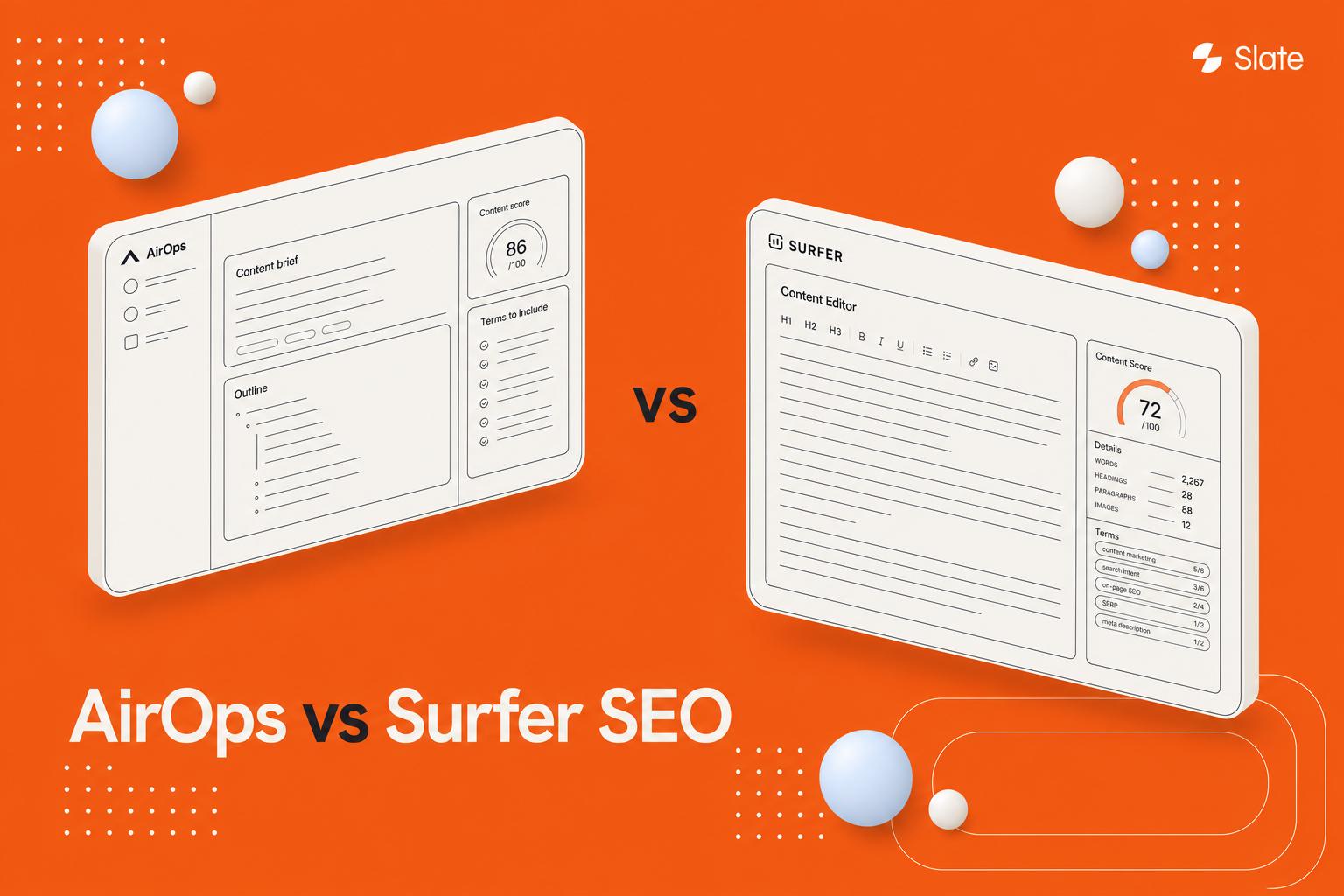
A balanced 2026 comparison of Slate and Surfer SEO covering content scoring, AI search visibility, workflows, pricing, and team fit.
If you're reading this, you already understand how page-level optimization works. The real question is whether you've outgrown editor-based scoring and need a system that handles AI search visibility, refreshes, and publishing at scale.
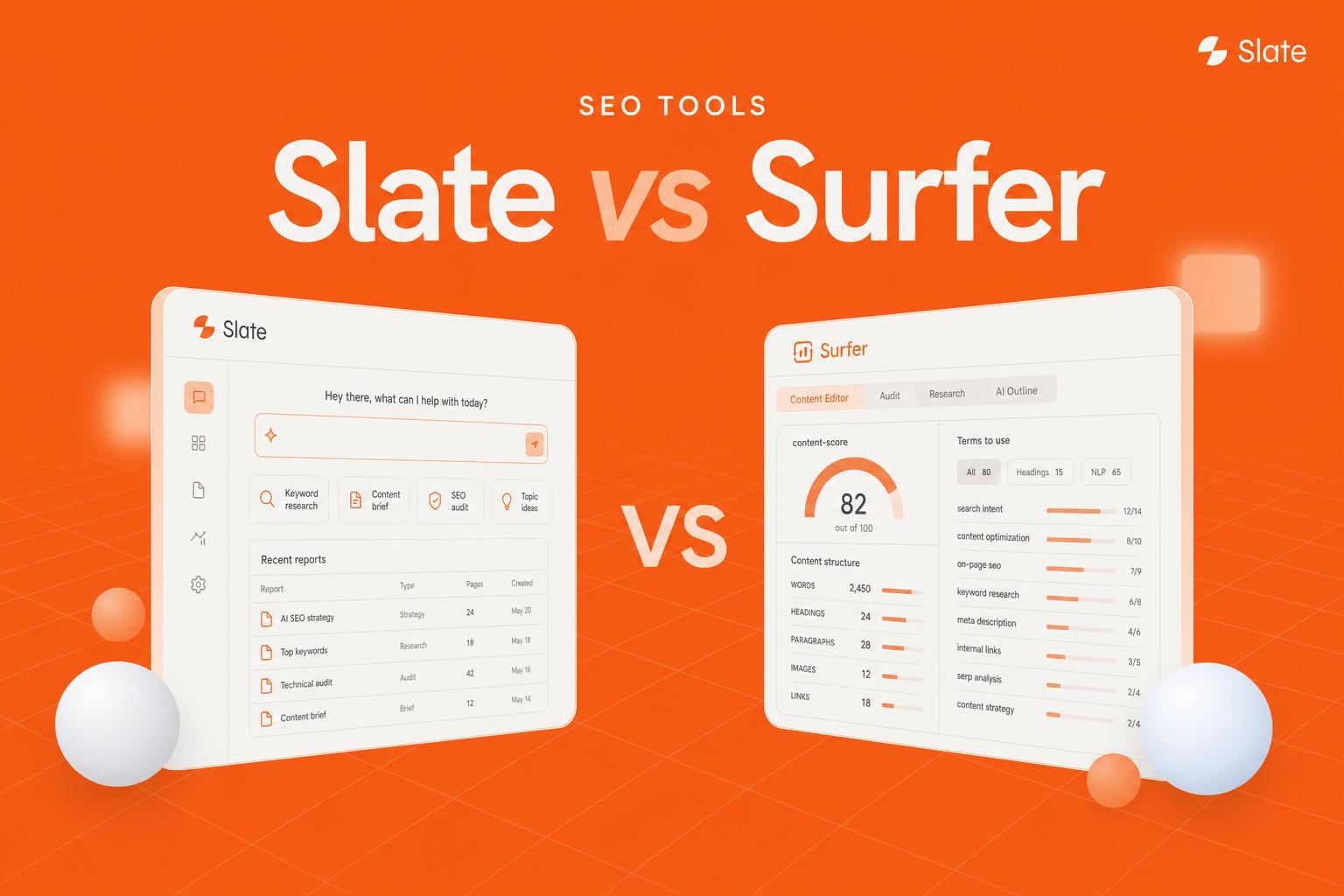
Surfer SEO is a page-level content optimization tool built around a writing editor with real-time content scores and audits. Slate is an AI search optimization and content engineering platform built for tracking AI visibility, running scalable content workflows, and publishing at scale. Surfer optimizes pages; Slate operates content systems.
Key Takeaways
Surfer SEO is strongest for page-level optimization inside a content editor, while Slate is strongest for AI search visibility, scalable workflows, and content operations.
- Surfer's core strengths are its writer-facing Content Editor, content audits, and topical mapping workflow.
- Slate's core strengths are AI search visibility tracking, agent-based workflows, CMS publishing, and brand-safe scaling.
- Both tools now track AI search visibility, but they do so with different depth, scope, and workflow orientation.
- Pricing differs by operating model rather than just plan name: Surfer prices around per-page optimization, while Slate prices around content operations.
- Solo writers and single-page optimizers will often lean Surfer; scaling B2B SaaS and content-led teams will more often lean Slate.
Slate vs Surfer SEO: Quick Verdict
The honest answer depends on what job you're hiring the tool to do. Surfer is built for the writer sitting in front of a document who needs to know what to add before hitting publish. Slate is built for the team running organic growth as a system, where tracking, workflows, and publishing all live in one place.
Choose Surfer SEO if: You want strong per-page optimization, a writer-friendly Content Editor, content audits, and familiar SEO scoring against the SERP.
Choose Slate if: You need AI search visibility tracking, repeatable content workflows, brand-safe scaling, CMS publishing, and measurable organic growth across many pages.
Surfer SEO is a strong fit for teams focused on page-level optimization inside a content editor. Slate is the stronger fit for teams that need AI search visibility, scalable content workflows, and tighter control over how content gets created, refreshed, and published.
Slate vs Surfer SEO Comparison Table
Here's the executive view before we go deeper. Slate appears first in every table because this comparison leans toward teams scaling content operations, though both tools are credible in their lanes. For a wider view of the category, see these best AI SEO tools worth evaluating.
What Each Platform Is Built For
Both tools optimize content, but they start from different assumptions about where the work happens. One assumes the document is the unit of work. The other assumes the system is.
What Slate Is Built For
Slate is an end-to-end AI search optimization and content engineering platform. Where most tools stop at diagnosis, Slate is built to connect insight to action: It tracks AI visibility, surfaces content opportunities, runs workflows, and publishes, all inside one system.
Best for: Content and SEO teams that want AI visibility monitoring plus automated content workflows and publishing in one platform.
Key features:
- AI Search Analytics tracking brand visibility across ChatGPT, Google AI Mode, Google AI Overviews, Perplexity, Claude, and Gemini
- Workflows for multi-step content automation with conditional logic and CMS publishing
- Power Sheets for bulk refreshes and optimization audits across thousands of URLs
- Brand Kit and knowledge base for brand-safe, governed AI output
- Direct CMS publishing to Webflow and WordPress
Pricing: Starting at $499/mo.
G2 rating: 4.9/5
The framing that matters here is "system of action." Slate is positioned less like an editor and more like the SEO content optimization software layer that sits across your entire content program.
What Surfer SEO Is Built For
Surfer SEO is a page-level content optimization tool anchored in its Content Editor. It earns its reputation by doing one thing well: Showing a writer exactly what a page needs to compete against the current SERP, in real time, as they write.
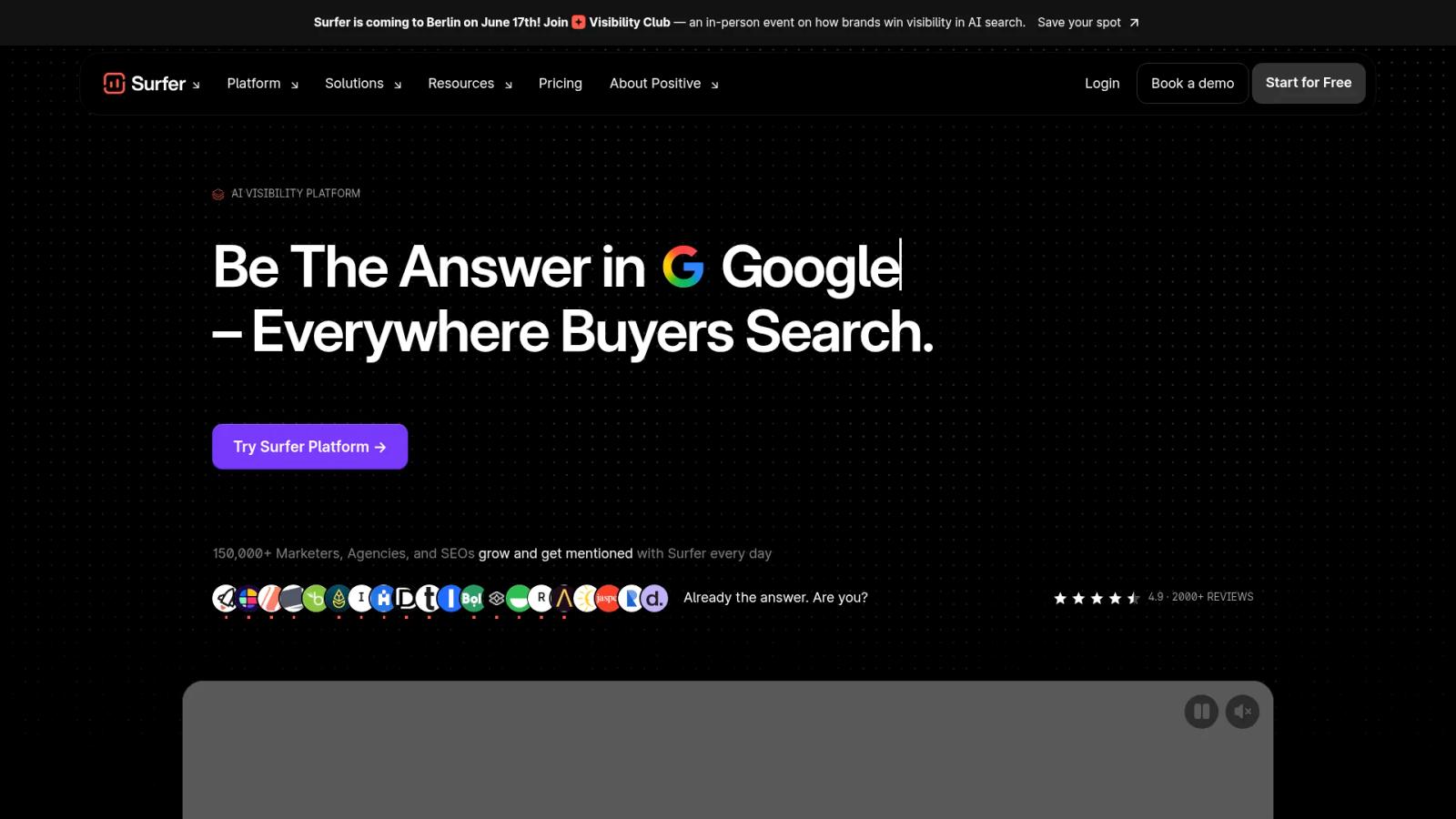
Best for: Agencies and in-house SEO/content teams that want to scale content optimization and monitor AI search visibility.
Key features:
- Content Editor with real-time SEO guidelines and content scoring
- Content Audit for improving existing pages with gap detection and rank-drop monitoring
- Topical maps and keyword research for building topic clusters
- AI Tracker for AI search visibility across ChatGPT, Google AI Overviews, Gemini, and Perplexity
- Workspaces and brand kits for organizing projects
Pricing: Discovery $49/mo, Standard $99/mo, Pro $182/mo, Peace of Mind $299/mo (all billed yearly), Enterprise from $999/mo.
G2 rating: 4.8/5
For live page guidance and writer workflows, Surfer is genuinely strong. The open question is whether page-by-page is still the right unit of work for your team.
Key Differences at a Glance
The differences between these tools cluster around five decision areas. Each one ends with a bottom line you can lift directly into an internal memo.
Content Scoring and Optimization Method
Surfer optimizes inside the editor by generating a real-time content score measured against the pages currently ranking in the SERP. You write, the score moves, you adjust. Slate takes a content engineering approach instead, focused on structuring content for extractability and answer-readiness across both traditional search and AI answers rather than chasing a single numeric target.
Bottom line: Surfer optimizes against the SERP; Slate engineers content for search and AI extractability.
AI Search Visibility
This is where the two tools have converged on the surface but diverged underneath. Surfer's AI Tracker monitors how brands appear in responses across ChatGPT, Google AI Overviews, Gemini, and Perplexity. Slate's AI Search Analytics tracks visibility across ChatGPT, Google AI Mode, Google AI Overviews, Perplexity, Claude, and Gemini, then ties that tracking directly into workflows that act on the gaps. If tracking is your priority, compare the leading AI search visibility tools available today.
Bottom line: Both track AI search visibility, but Slate connects tracking to action and execution rather than reporting alone.
Workflows and Automation
Surfer's workflow is editor-led and document-centric. You move between modules, such as research, editor, and audit, but you orchestrate the steps yourself. Slate is built around automated, multi-step Workflows with conditional logic and 24+ AI models, plus Power Sheets for running bulk operations across thousands of URLs at once. Teams scaling this way often look at dedicated SEO automation tools to remove manual steps.
Bottom line: Surfer optimizes one page at a time; Slate runs repeatable content systems at scale.
Collaboration and Brand Governance
Slate is built for brand-safe scaling. Its Brand Kit and knowledge base encode style guides, tone rules, and internal knowledge so AI output stays on-brand, with review controls for teams that can't ship generic content. Surfer supports collaboration through workspaces that separate brands or clients and brand kits that weave brand preferences into the tools.
Bottom line: Both support teams, but Slate is designed for governed, brand-safe output at volume.
Publishing and CMS Integrations
Slate publishes directly to WordPress and Webflow from inside workflows and sheets, closing the gap between optimization and a live page. Surfer's model is editor- and extension-based: You optimize in the Content Editor or use the Chrome extension to bring suggestions into your existing CMS.
Bottom line: Slate closes the loop from insight to published page; Surfer hands the page back to you.
Feature-by-Feature Comparison
The executive table covers positioning. This operational table covers what the tools actually do day to day for the people running content programs.
Three themes are worth pulling out, because most comparison pages skip them. The first is citation readiness. As more discovery happens inside AI answers, the question shifts from "does this page rank" to "will an AI system quote this page." Slate's content engineering approach is oriented around answer-ready formatting and extractability, which is a different goal than maximizing a SERP-based content score.
The second is refresh workflows at scale. When you're managing dozens or hundreds of pages, page-by-page auditing becomes the bottleneck. Slate's Power Sheets are built for bulk refreshes across thousands of URLs, while Surfer's Content Audit is designed for working through pages individually. Teams handling high volume should review the best content refresh tools for this exact problem.
The third is the handoff problem. Every manual step between research, drafting, optimizing, and publishing is a place where work stalls. Slate's content optimization tools compress those steps into automated workflows; Surfer keeps the writer in the editor and leaves publishing to your existing process.
Slate vs Surfer SEO Pricing and Cost at Scale
Pricing is where the operating-model difference becomes concrete. You're not just comparing plan names, you're comparing cost-per-page logic against cost-per-system logic. For full plan details, see Slate vs Surfer SEO pricing.
Surfer SEO Pricing
Surfer's plans climb from an entry tier to enterprise, with higher tiers unlocking more documents, more users, and advanced features. The Rank Tracker is a separate add-on.
Pricing: Discovery $49/mo, Standard $99/mo, Pro $182/mo, Peace of Mind $299/mo (all billed yearly), Enterprise from $999/mo.
G2 rating: 4.8/5
The model rewards teams whose primary job is optimizing individual articles. Costs scale with documents and seats rather than with workflow complexity.
Slate Pricing
Slate is priced around content operations rather than per-document optimization. It combines AI search analytics, workflows, Power Sheets, brand governance, and direct CMS publishing, which is why the value math is different.
Pricing: Starting at $499/mo.
G2 rating: 4.9/5
The relevant comparison isn't the headline number, it's what each dollar buys. Slate consolidates tracking, execution, and publishing that would otherwise live across multiple tools.
Cost at Scale: Which Is Better Value?
When article volume and team size are small, Surfer's per-page editor model is usually the more cost-efficient choice. As volume, channels, and governance needs grow, the math shifts: The operational cost of manual handoffs, fragmented tracking, and stitched-together tools often exceeds the cost of a consolidated platform. The best value SEO content tool for your team depends on where you sit on that curve.
Who Should Choose Slate
Slate fits teams that have moved past optimizing one article at a time and now need to run organic growth as a system. These aren't beginners, they already invest in SEO and content but are hitting the limits of editor-based tools as AI search reshapes discovery. Larger organizations may want to weigh the best AI SEO tools for enterprise content teams before deciding.
- B2B SaaS marketing teams adapting to AI-driven discovery
- Content-led growth companies scaling output without adding headcount
- SEO and organic growth leaders who need execution, not just diagnosis
- Teams running dozens to hundreds of refreshes with governance requirements
- Agencies standardizing workflows across multiple brands
If your organic program has stalled, competitors are showing up in AI citations, or your team is drowning in manual handoffs, Slate is built for exactly that moment. It's also a strong best Surfer SEO alternative for teams that have outgrown page-level scoring.
Who Should Choose Surfer SEO
Surfer is excellent within its scope, and that scope is real and valuable. For a lot of writers and small teams, it's exactly the right tool.
- Solo writers and freelancers optimizing one article at a time
- Small teams wanting live, page-level content guidance as they write
- Users who prefer a familiar, editor-centric SEO workflow
- Programs where net-new single-page optimization is the main job
Bottom line: Surfer does page-level optimization well, and if that's the bulk of your work, it remains a strong choice. The question isn't whether Surfer is good, it's whether you've outgrown what an editor-first tool can do.
Can You Use Slate and Surfer SEO Together?
This is a fair question, and sophisticated buyers ask it before committing. The replace-versus-keep-versus-stack decision is real.
Yes, some teams run Surfer SEO for page-level editing while using Slate as the broader operating layer for AI search visibility, workflows, and publishing. As content programs scale, most teams consolidate into a single system to reduce handoffs and maintain brand control.
In a stacked setup, think of Slate as the system layer that tracks visibility, runs workflows, and publishes, while Surfer sits at the editor level for individual writers who like its scoring. The practical pattern is straightforward, but it tends to be temporary. As volume grows, the workflow and visibility layer becomes the system of record, and the duplicated tooling becomes hard to justify.
When to Switch From Surfer SEO to Slate
Switching tools is a real decision with real friction, so it's worth being precise about the triggers and the rollout. If you're evaluating a move, this is the section to send your team.
Signs You've Outgrown Surfer SEO
A few signals tend to show up together when a team has hit the ceiling of page-level optimization:
- Page-by-page optimization can't keep up with your refresh volume
- You need AI search visibility tied directly to action, not just reporting
- Handoffs between research, drafting, and publishing keep slowing you down
- You need approval and governance controls for brand-safe AI output
If two or three of these are true, you're likely past the point where an editor-first tool is the right center of gravity. A Surfer SEO alternative for content refresh becomes a priority once volume outpaces manual auditing.
Migration and Implementation Considerations
The lowest-risk path is a parallel rollout. Keep your existing process running while you pilot Slate on one or two workflows, such as recurring refreshes or net-new briefs. Map your existing content inventory into Slate first, so visibility tracking and workflows have something to act on from day one.
Plan for some team retraining: Moving from an editor-led habit to a workflow-led system is a mindset shift as much as a tooling one. Start narrow, prove value on a contained use case, then expand across teams and content types. The goal is to validate the new operating model before you fully consolidate. Building strong content operations best practices early makes the transition smoother.
See how Slate fits your stack. Book a demo.
How We Compared Slate and Surfer SEO
This comparison evaluated both platforms across the criteria that actually drive buying decisions: Content optimization, AI search visibility, workflow automation, collaboration and governance, publishing, pricing, and team fit.
The analysis draws on public product pages, documentation, and help centers, along with independent reviews and walkthroughs of each tool. Both tools are weighed on what they are built to do, with Surfer assessed as a page-level editor and Slate as a content operations platform, rather than forcing them into the same box.
For broader context on the category, you can also compare see Slate vs Jasper and Slate vs AirOps.
Frequently Asked Questions
What is the main difference between Slate and Surfer SEO?
Surfer SEO is a page-level content optimization tool built around a writer-friendly Content Editor with real-time scoring and audits. Slate is an AI search optimization and content operations platform focused on AI visibility tracking, answer-ready content, and scalable workflows from research through publishing and refreshes.
Is Slate better than Surfer SEO for B2B SaaS teams?
For scaling B2B SaaS teams, Slate is often the stronger fit. It combines AI search visibility tracking, automated workflows, brand governance, and direct CMS publishing in one system, which suits teams managing high content volume and refresh cycles better than a primarily editor-based tool.
Does Surfer SEO track AI search visibility?
Yes. Surfer's AI Tracker monitors how brands appear in AI-generated responses across platforms including ChatGPT, Google AI Overviews, Gemini, and Perplexity. Slate offers similar tracking across ChatGPT, Google AI Mode, Google AI Overviews, Perplexity, Claude, and Gemini, but ties that visibility data directly into content workflows.
Can Slate replace Surfer SEO?
It can, depending on your needs. If you only need editor-level page guidance, Surfer may be enough. If you need AI search visibility, automated workflows, governance, and publishing in one operating layer, Slate can replace the editor layer and much of the surrounding manual process for many teams.
Which tool is better for content refresh workflows?
Slate is stronger for recurring refreshes at scale. Its Power Sheets handle bulk refreshes and audits across thousands of URLs, while workflows automate the steps. Surfer's Content Audit is well suited to refreshing individual pages one at a time rather than running refresh systems.
Is Surfer SEO worth it in 2026?
For solo writers and small teams optimizing articles individually, Surfer remains a strong, well-built tool. Its value depends on scope: If page-level optimization is your main job, it's worth it. If you're scaling content operations, a broader platform may deliver more.
Which tool is easier for single-page optimization?
Surfer typically has the simpler fit here. Its Content Editor is purpose-built for optimizing one page at a time, with real-time scoring as you write. Writers can adopt it quickly with little setup, which makes it a natural choice for single-page optimization tasks.
What should teams use instead of Surfer SEO?
Teams that have outgrown page-level optimization often move to a content operations platform like Slate, which adds AI search visibility, automated workflows, governance, and CMS publishing. For a fuller list of options, explore the best Surfer SEO alternative roundup.