Your content team probably writes for two audiences now: Google's results pages and the AI assistants that answer buyer questions directly. That changes how you should judge workflow software, because the right tool depends on the bottleneck slowing your team down this quarter.
The best content workflow tools in 2026 are Slate, Filestage, Airtable, Asana, Wrike, Contentful, monday.com, ClickUp, Notion, Trello, Bynder, Content Workflow by Bynder (formerly GatherContent), and CoSchedule. Each one handles a different bottleneck: planning chaos, approval delays, publishing friction, refresh backlog, governance risk, or AI-assisted scaling. So the right choice depends on which stage of your content operations processes is breaking down.
If you're trying to automate that work with AI and keep quality where it is, start with the seven-step pipeline right after the comparison table.
Key Takeaways
- Pick a content workflow tool by your team's bottleneck (planning, approvals, publishing, refresh, governance, or AI scaling), because brand recognition tells you little about fit.
- Slate ranks first for AI-search-first content operations because it combines AI search visibility tracking, content engineering, and governed workflows in one platform.
- Content workflow tools add what generic project management software lacks: editorial stages, approval logic, asset and version control, and CMS publishing.
- AI capabilities, content refresh workflows, and governance separate modern tools from legacy options in 2026.
- To automate without losing quality, automate the handoffs and keep people at the decision points.
- Smaller teams usually need lightweight planning and approval tools; mid-market and enterprise teams need governance, audit trails, and integrations.
- Pricing models vary widely (seat-based, usage-based, and tiered), and hidden costs tend to show up in automation runs, integrations, and admin overhead.
How We Evaluated These Content Workflow Tools
Most "best of" lists treat content workflow software as interchangeable with generic project management, which makes the results pages noisy. We judged each tool against a content-operations rubric built around how teams plan, produce, approve, publish, and refresh content in 2026.
Evaluation criteria:
- Workflow depth: Coverage from planning through publishing and refresh, beyond task tracking.
- Automation depth: Whether the tool can run steps (research, draft, check, publish) or only track them.
- Approval and governance logic: Multi-step routing, role-based reviews, audit trails.
- AI capabilities and human review: Governed AI execution with checkpoints before anything goes live.
- CMS and publishing integrations: Native handoffs to Webflow, WordPress, and headless CMSs.
- Team-size fit and pricing clarity: Seat-based, usage-based, or tiered models with transparent costs.
- Content-specific features: Editorial stages, version control, and brand controls built for content work.
- Implementation complexity: Time to value and admin overhead.
Quick Comparison Table: Best Content Workflow Tools in 2026
The table maps each tool to its core bottleneck, ideal team size, and pricing entry point. Use it as a shortlist starter, then go to the per-tool sections for the workflow detail behind each pick.
How to Automate Content Operations Without Losing Quality
A content workflow is the set of stages, owners, and approvals a piece of content moves through, from idea to published page and back again when it needs a refresh. The tools above manage that flow; automation decides how much of it runs without someone pushing it along.
To automate content operations without losing quality, automate the handoffs and keep people at the decisions. Run every piece through the same pipeline: find the opportunity, brief, draft, run automated checks, get human review, publish as a draft, then measure and refresh. Give every step the same brand context, and route work by risk so editors spend their time where judgment matters.
In Slate, that pipeline runs as one workflow. Brand Kit holds the context, Workflows run the steps with a human review step built in, Power Sheets handle refreshes in bulk, and approved drafts publish to Webflow or WordPress.
Route each piece by risk:
- Low risk (a product update, a glossary entry): automated checks plus a spot check.
- Medium risk (a how-to guide, a comparison): full editor review.
- High risk (pricing, legal, or medical claims): specialist review plus senior approval.
Publishing as a draft matters more than it looks. Google's guidance on generative AI content warns that using AI to mass-produce pages without adding value can break its spam policy on scaled content abuse, so a person should approve every page before it goes live. For the full build, step by step, see our guide to content and SEO automation systems that scale.
The 13 Best Content Workflow Tools in 2026
We judged each tool by the specific bottleneck it handles. Use the "best for" labels to match your team's pain point to the right pick.
1. Slate: Best for AI-Search-First Content Operations
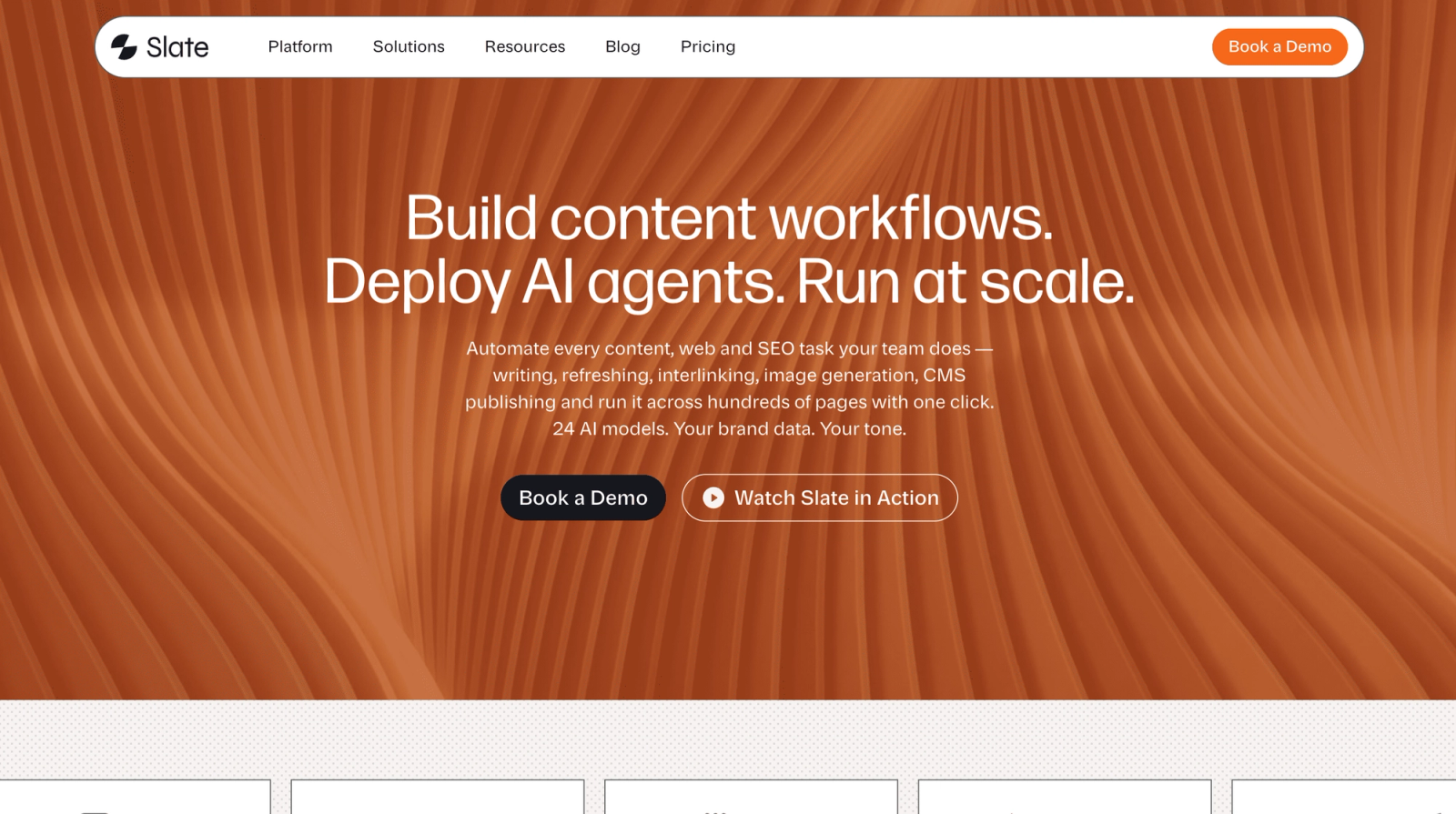
Slate is the only platform on this list built end to end for AI search visibility, content engineering, and governed workflows in one system.
Best for: B2B SaaS marketing teams, content ops leads, and SEO leaders adapting to AI-driven discovery.
- AI search visibility tracking across ChatGPT, Google AI Overviews, Google AI Mode, Perplexity, Gemini, and Claude
- Visual workflow builder with 24+ AI models, conditional logic, web scraping, and CMS publishing
- Power Sheets for bulk content refreshes, programmatic creation, and audits across thousands of URLs
- Brand Kit and Knowledge Base for style guides, tone rules, and brand-safe AI generation
- Direct publishing to Webflow and WordPress from workflows and sheets
Standout workflow capabilities: Most teams that automate content build a stack. A spreadsheet is the queue, Make, n8n, or Zapier connects the steps, an LLM drafts, a brand fact file gets pasted into prompts, and a CMS plugin publishes. Slate puts those layers in one place. Power Sheets is the queue, Workflows connects the steps across 24+ AI models, Brand Kit and Knowledge Base hold the brand facts, and CMS Publishing sends approved work to Webflow or WordPress. A human review step sits before anything goes live.
That's what content engineering looks like in practice: visibility tracked, opportunities surfaced, content produced through governed workflows, and outcomes measured.
In practice: Team TripleDart refreshed 1,000+ pages in four weeks with Slate Workflows and Power Sheets.
Where it fits: From opportunity identification through publication and refresh, the full content lifecycle, including the refresh layer most tools ignore.
Limitations: Not designed as a creative proofing tool for non-content assets like video production or brand campaigns.
Pricing: Starts at $499/mo, including 15,000 credits. Free trial, Enterprise, and Agency plans are available.
G2 rating: 4.9/5
Verdict: The clearest pick for teams that treat AI search visibility as a strategic priority. To see how this works day to day, read how we engineer content with Slate.
2. Filestage: Best for Review and Approval-Heavy Creative Teams
Filestage is an online proofing platform that centralizes feedback, tracks versions, and speeds up approvals on rich media assets.
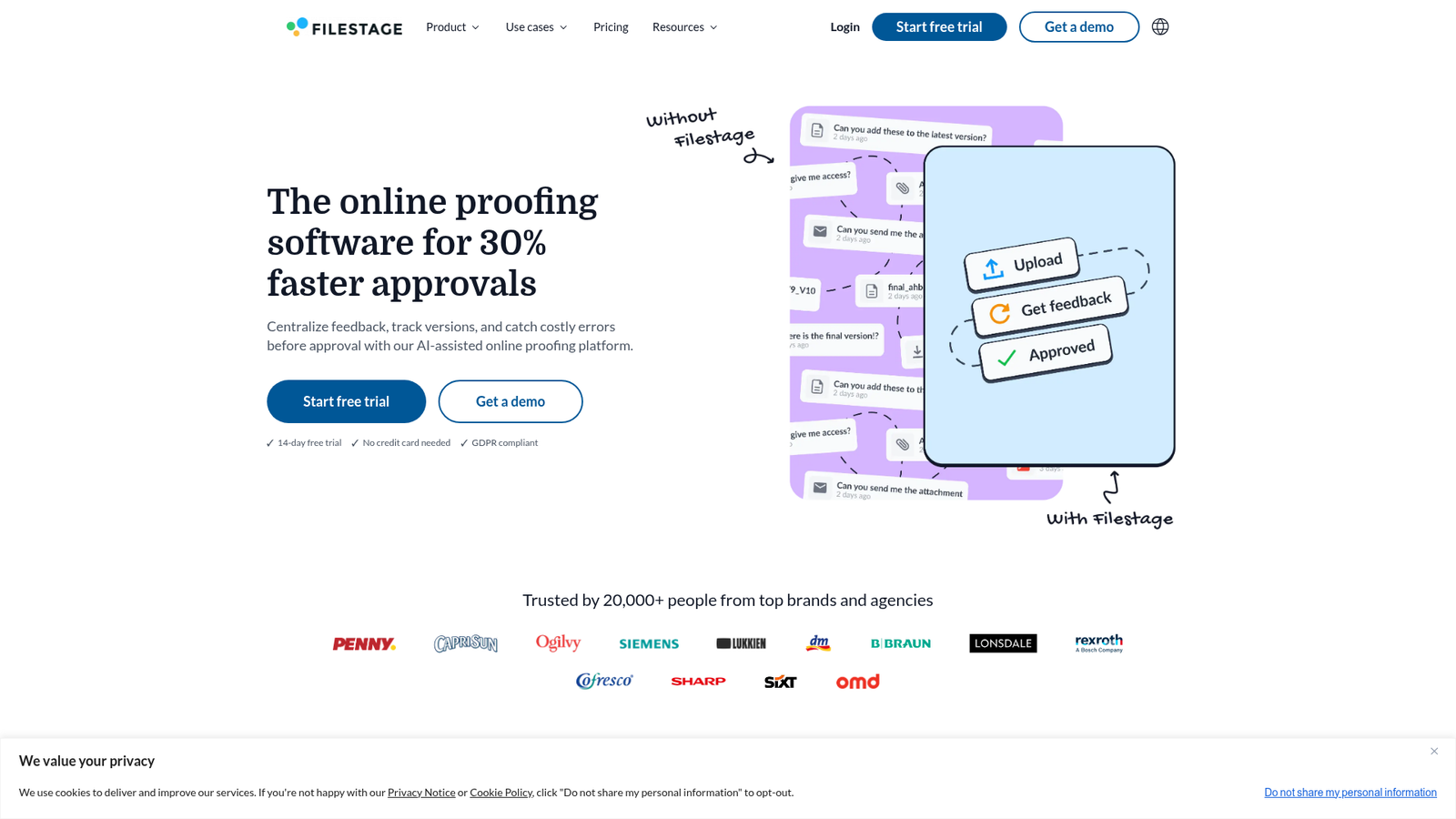
Best for: Creative and marketing teams at brands or agencies managing video, design, and document approvals.
- Contextual comments and annotation tools on files, including frame-accurate video review
- Multi-step approval workflows with reviewer groups, due dates, and automated reminders
- Version comparison and audit trails
- AI reviewers plus integrations and automations
Where it fits: Sits between content creation and publishing as the dedicated review-and-approval layer. Ideal when sign-off cycles span internal stakeholders, legal, and external clients.
Limitations: Filestage is a specialized proofing layer, so you'll still need a content calendar and a CMS alongside it.
Pricing: Starter $199/mo; Business $329/mo; Enterprise custom. Free plan available with one active project. Annual billing gives two months free.
G2 rating: 4.6/5
Verdict: The fastest way to clear approval bottlenecks when feedback lives in scattered email threads and Slack DMs.
3. Airtable: Best for Flexible Content Calendars and Planning
Airtable is a no-code platform for building custom content calendars, editorial pipelines, and marketing ops databases on top of connected data.
Best for: Content ops and marketing ops teams that want a flexible editorial backbone they can shape themselves.
- Relational tables linking content to campaigns, channels, personas, and assets
- Calendar, Kanban, grid, gallery, and timeline views
- Automations for status changes, notifications, and integrations
- AI app building and connected interfaces for stakeholder-facing dashboards
Where it fits: The planning and intake layer. Often paired with Google Docs for drafting and a CMS for publishing.
Limitations: Lacks native editorial review UX (no inline doc commenting) and CMS-native publishing.
Pricing: Team $20/user/mo billed annually ($24 monthly); Business $45/user/mo annually ($54 monthly); Enterprise Scale custom. Free plan available.
G2 rating: 4.6/5
Verdict: Best when planning chaos is the bottleneck and your team wants to design its own schema.
4. Asana: Best for Cross-Functional Campaign Coordination
Asana is a work management platform for coordinating tasks, projects, and cross-functional marketing initiatives end to end.
Best for: Marketing teams running content as one workstream within larger campaigns, launches, and events.
- Projects and tasks across list, board, calendar, timeline, and Gantt views
- Workflow automation with forms, custom fields, and templates
- Goals, portfolios, workload, and reporting dashboards
- AI-powered automation and status updates
Where it fits: The coordination layer when content is one part of a broader marketing motion involving product, design, sales, and demand gen.
Limitations: Editorial-specific features like rich proofing, content modeling, and CMS publishing are limited compared to content-native tools.
Pricing: Starter $10.99/user/mo billed annually ($13.49 monthly); Advanced $24.99/user/mo annually ($30.49 monthly); Enterprise and Enterprise+ custom. Free Personal plan available.
G2 rating: 4.4/5
Verdict: Strong fit for cross-functional marketing teams; less ideal as the sole tool for content-heavy operations.
5. Wrike: Best for Marketing Teams Needing Structured Approvals
Wrike is an enterprise work management platform with strong intake forms, proofing, and approval workflows tailored to marketing and creative teams.
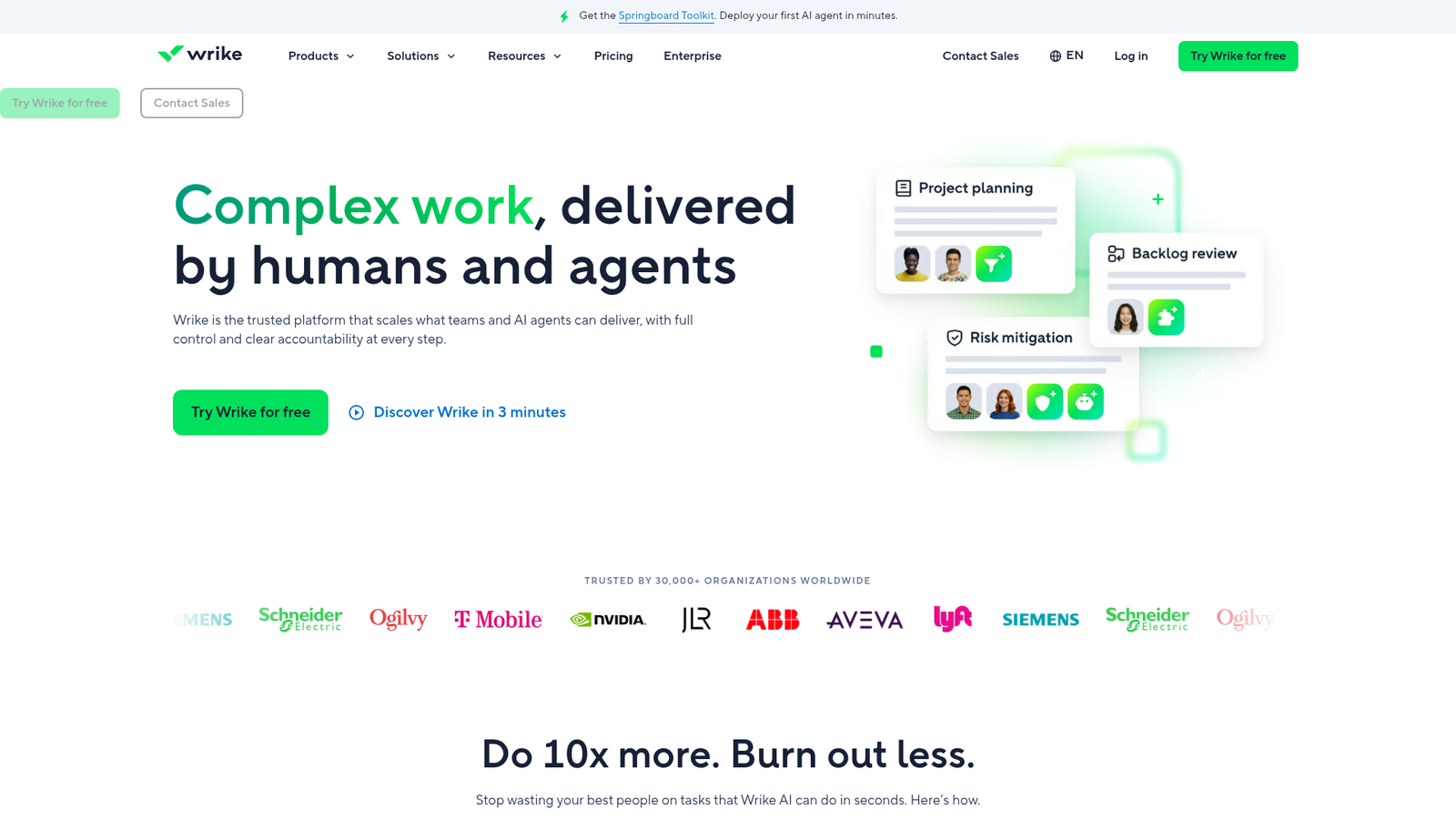
Best for: Marketing teams managing complex intake, compliance reviews, and mixed content-plus-creative workflows.
- Custom workflows and statuses tailored to marketing processes
- Request forms that convert submissions into pre-mapped tasks
- Built-in proofing and approvals for images, videos, and documents
- Wrike Copilot and AI agents for automation
- Dashboards, reporting, and resource management
Where it fits: The structured intake and approval layer for teams handling many requests across stakeholders.
Limitations: Configuration complexity can slow time to value for smaller teams.
Pricing: Team $10/user/mo (2 to 15 users); Business $25/user/mo (5 to 200 users); Pinnacle and Apex custom. Free plan available. Prices billed annually.
G2 rating: 4.2/5
Verdict: Best when intake and approval governance are the dominant pain points.
6. Contentful: Best for Enterprise Publishing Workflows
Contentful is a composable digital experience platform for managing, personalizing, and delivering structured content across websites, apps, and other channels.
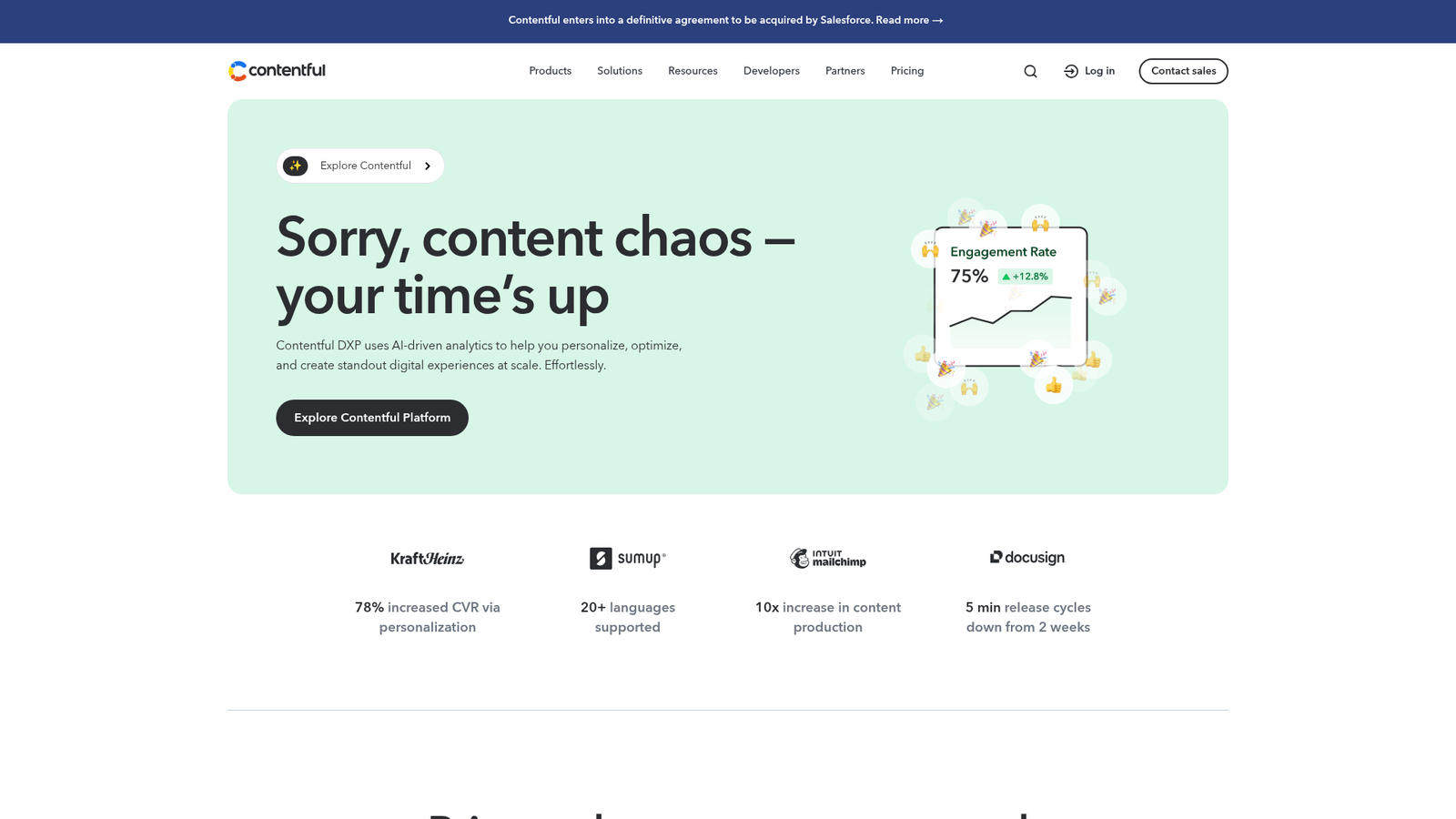
Best for: Enterprise teams delivering omnichannel content with structured models and reusable components.
- Structured content management from a centralized platform
- No-code personalization and experimentation
- AI-powered content creation, translation, and workflow automation
- Roles, permissions, and environments for staging, review, and publishing
Where it fits: The publishing and delivery layer. Typically combined with a separate workflow or PM tool for upstream production.
Limitations: Its editorial task and approval UI is thinner than dedicated workflow platforms, so most teams pair it with a separate project tool.
Pricing: Lite $300/mo; Enterprise custom. Free plan available. Personalization (Start, Core, Scale) and AI Actions are Enterprise add-ons with custom pricing.
G2 rating: 4.2/5
Verdict: The right call when publishing complexity is the bottleneck and editorial workflow already runs smoothly elsewhere.
7. monday.com: Best for Visual Content Calendar Management
monday.com is a work OS that lets teams build highly visual, customizable boards for managing content calendars, campaigns, and editorial pipelines.
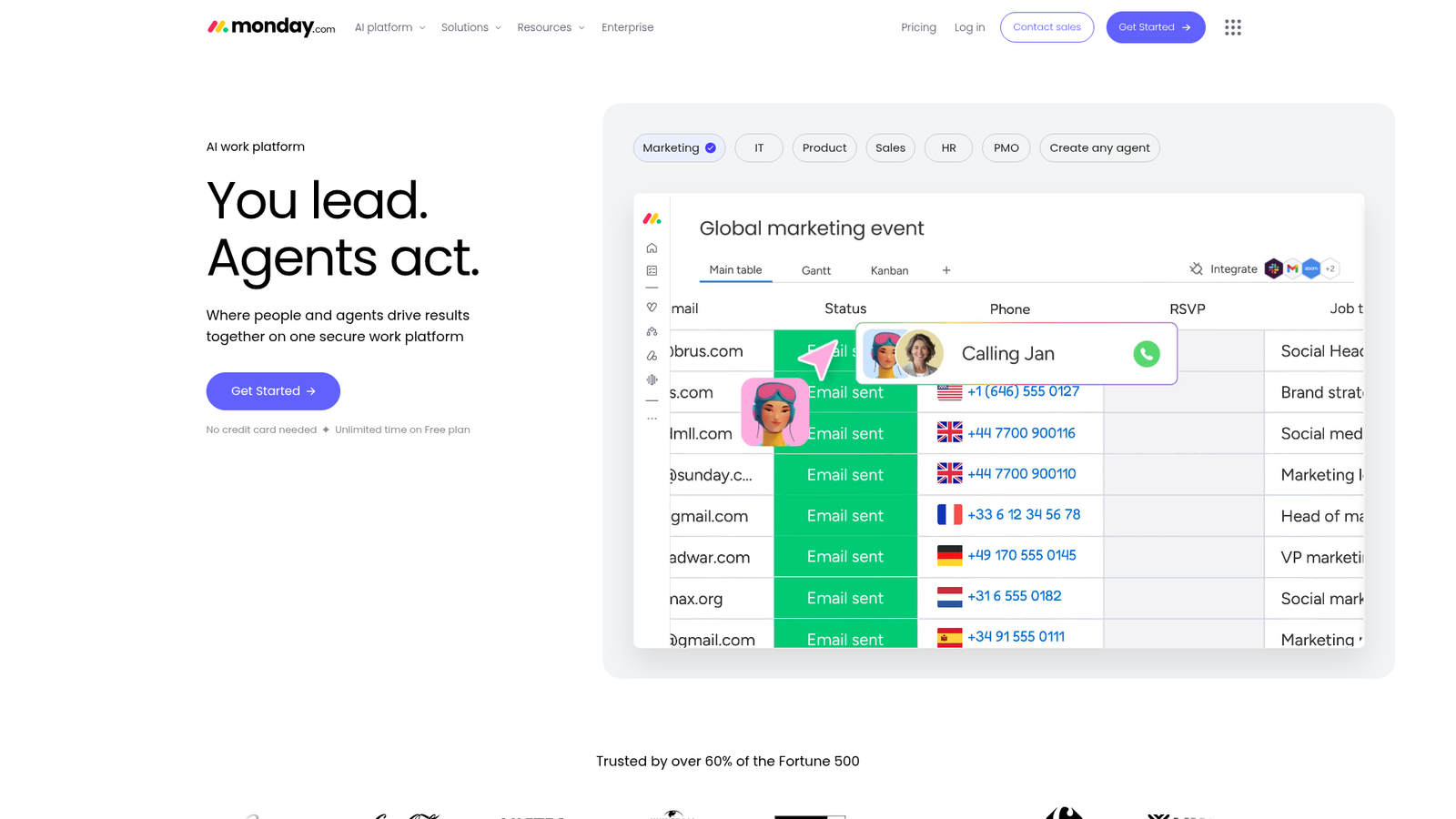
Best for: Marketing teams that care most about visual planning and color-coded calendars, with lighter editorial logic.
- Customizable workflows and boards with calendar, Kanban, timeline, and Gantt views
- Automations and integrations across Slack, Google Drive, and marketing tools
- Dashboards and reporting
- AI automations for routing and updates
Where it fits: The visual planning layer. Often combined with Google Docs or a CMS for content creation.
Limitations: Editorial-specific features (inline content editing, asset proofing) and CMS publishing are light.
Pricing: Basic $9/seat/mo billed annually ($10 monthly); Standard $12 annually ($14 monthly); Pro $19 annually ($22 monthly); Enterprise custom. Free plan for up to two seats. Annual billing saves 18%.
G2 rating: 4.7/5
Verdict: Ideal for teams that need visual clarity across many concurrent campaigns and channels.
8. ClickUp: Best for SMB Content Teams on a Budget
ClickUp is an all-in-one work management platform that brings tasks, docs, chat, and AI workflows together, priced for smaller teams.
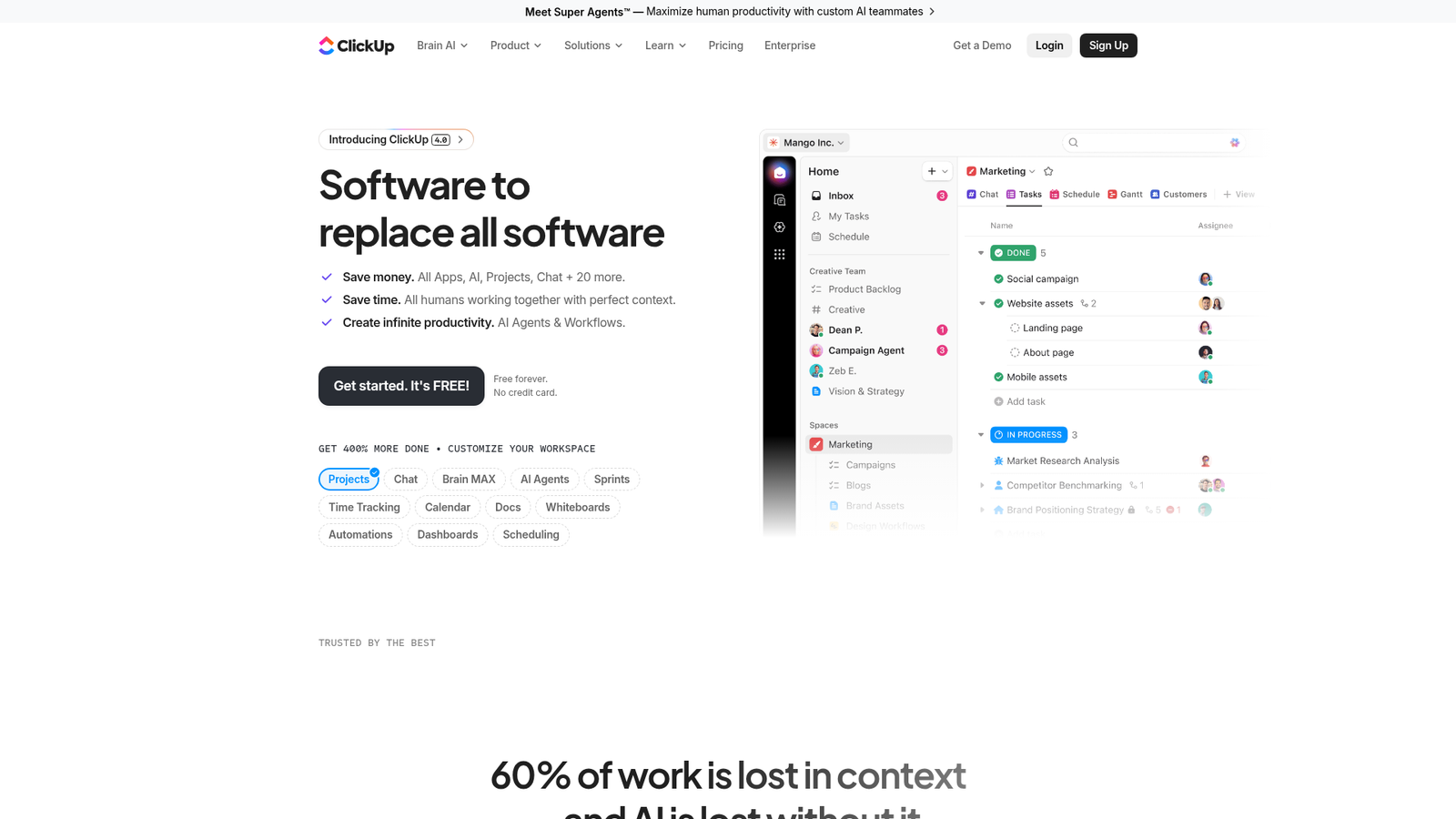
Best for: SMB content teams that want one tool for tasks, docs, and basic workflows without enterprise pricing. If you're an SEO or content team weighing a more specialized option, see Slate for SEO and content teams.
- Project and task management with custom statuses and fields
- Docs, chat, and whiteboards in one workspace
- AI agents, automations, and AI assistance via Brain AI
- Templates for content calendars and editorial pipelines
Where it fits: The all-in-one operational layer for teams that can't afford to stitch multiple tools together.
Limitations: Can become complex when over-configured; advanced governance is lighter than enterprise peers.
Pricing: Unlimited $7/user/mo billed yearly; Business $12/user/mo billed yearly; Enterprise custom. Free Forever plan available. Brain AI $9/user/mo; Everything AI $28/user/mo.
G2 rating: 4.7/5
Verdict: Strong price-to-feature ratio for growing smaller content teams.
9. Notion: Best for Documentation-Led Content Teams
Notion is an AI workspace combining docs, wikis, projects, and databases. It suits content teams where the source of truth is the document itself.
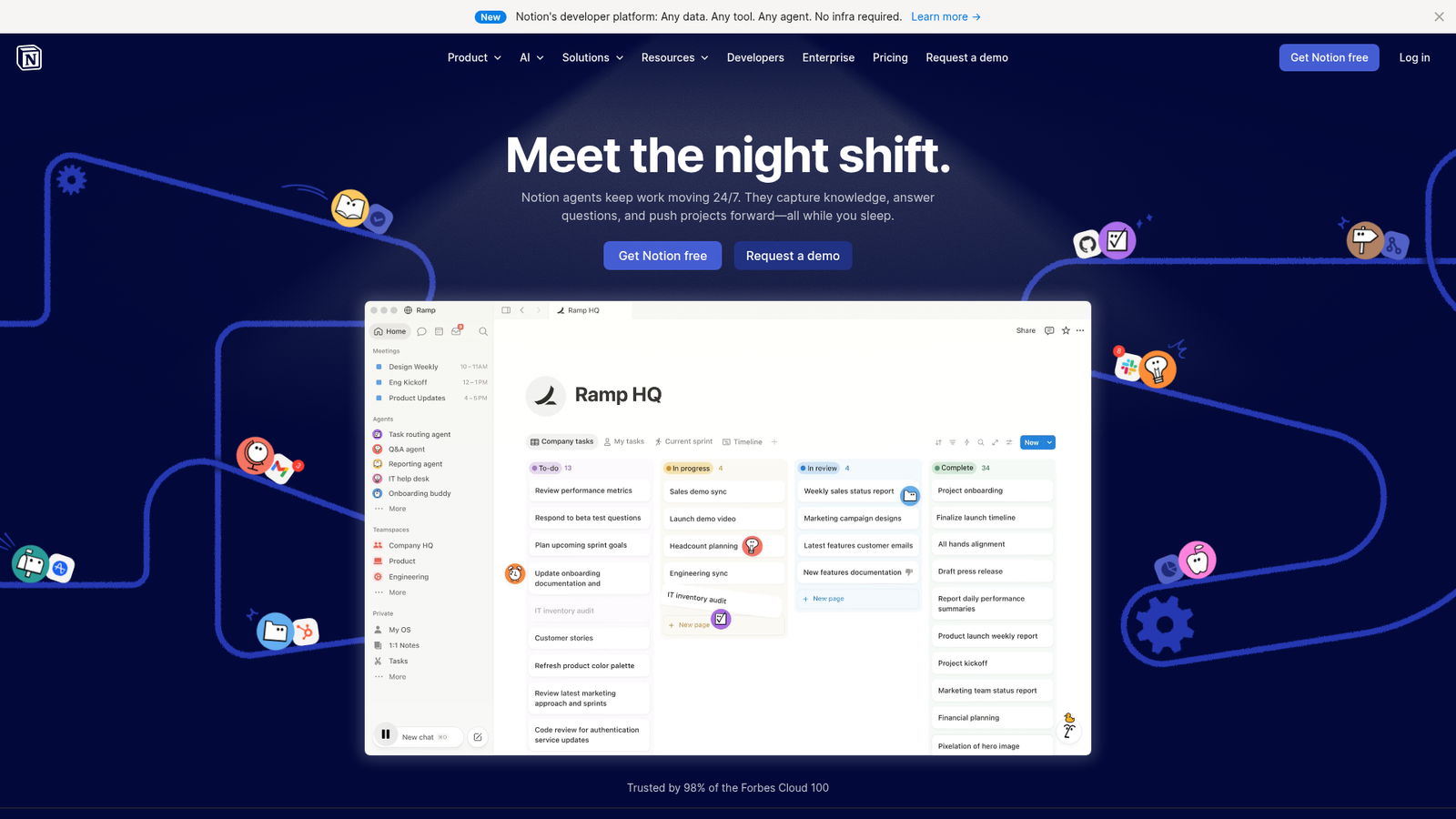
Best for: Documentation-led content teams that operate from briefs, strategy docs, and internal knowledge bases.
- Docs, wikis, projects, and databases in one connected workspace
- Built-in Notion AI and agents for answers, automation, and meeting notes
- Multiple database views (table, calendar, board)
- Integrations, permissions, and admin/security controls
Where it fits: The knowledge and lightweight planning layer. Often paired with a CMS for publishing and a proofing tool for approvals.
Limitations: Lacks structured approval routing, deep asset management, and native CMS publishing.
Pricing: Plus $10/member/mo; Business $20/member/mo; Enterprise custom. Free plan available. Custom Agents free to try, then $10 per 1,000 monthly Notion credits.
G2 rating: 4.6/5
Verdict: Best when documentation and knowledge management are the foundation of your content operation.
10. Trello: Best for Lean Editorial Teams Starting Out
Trello is a visual kanban tool for capturing, organizing, and tracking tasks through boards, lists, and cards. It's the simplest entry point on this list.
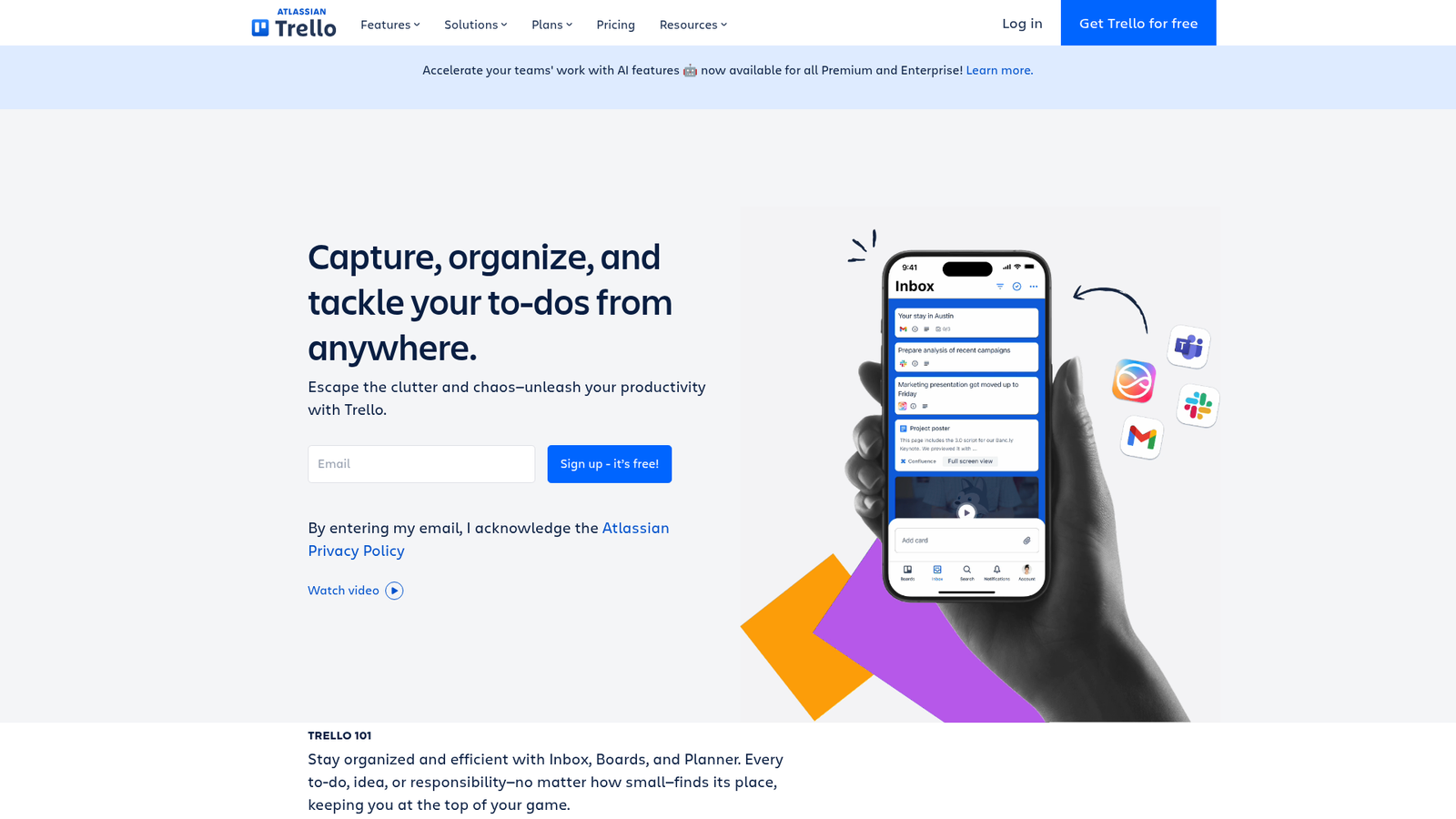
Best for: Lean editorial teams (often under 10 people) needing low-overhead workflow visibility.
- Boards, lists, and cards representing editorial stages
- Built-in no-code automation via Butler
- Calendar, Timeline, Table, Dashboard, and Map views
- Power-ups integrating with Google Drive, Slack, and others
Where it fits: The starter layer. Works well until volume, stakeholders, or approval complexity grow.
Limitations: Breaks down at scale, with no sophisticated approvals, governance, or CMS publishing.
Pricing: Standard $5/user/mo billed annually ($6 monthly); Premium $10/user/mo annually ($12.50 monthly); Enterprise $17.50/user/mo billed annually. Free plan available for up to 10 collaborators per Workspace.
G2 rating: 4.4/5
Verdict: A reasonable starting point, though many teams outgrow it as workflow complexity increases.
11. Bynder: Best for Brand and Asset Governance
Bynder is an enterprise digital asset management platform focused on brand consistency, asset control, and omnichannel content delivery.
Best for: Marketing, brand, and creative teams at mid-market and enterprise organizations with large asset libraries and strict brand compliance.
- Centralized digital asset management with permissions and rights management
- AI-powered search, metadata enrichment, and duplicate detection
- Brand guidelines modules and version control
- Content workflows and integrations for distributing assets across channels
Where it fits: The asset governance and brand control layer. Sits alongside PM and CMS tools, and doesn't replace them.
Limitations: Bynder governs assets and brand consistency; for content production workflow you'll add its Content Workflow module or another tool.
Pricing: Custom modular packages built on its core AI-powered DAM, with modules such as Bynder AI, Asset Workflow, Content Workflow, Studio, and Analytics.
G2 rating: 4.5/5
Verdict: Essential when brand and asset governance is the operating risk.
12. Content Workflow by Bynder (Formerly GatherContent): Best for Structured Content Briefing
Content Workflow by Bynder, formerly GatherContent, is collaborative content workflow software for creating, reviewing, and approving editorial content at scale through structured templates.
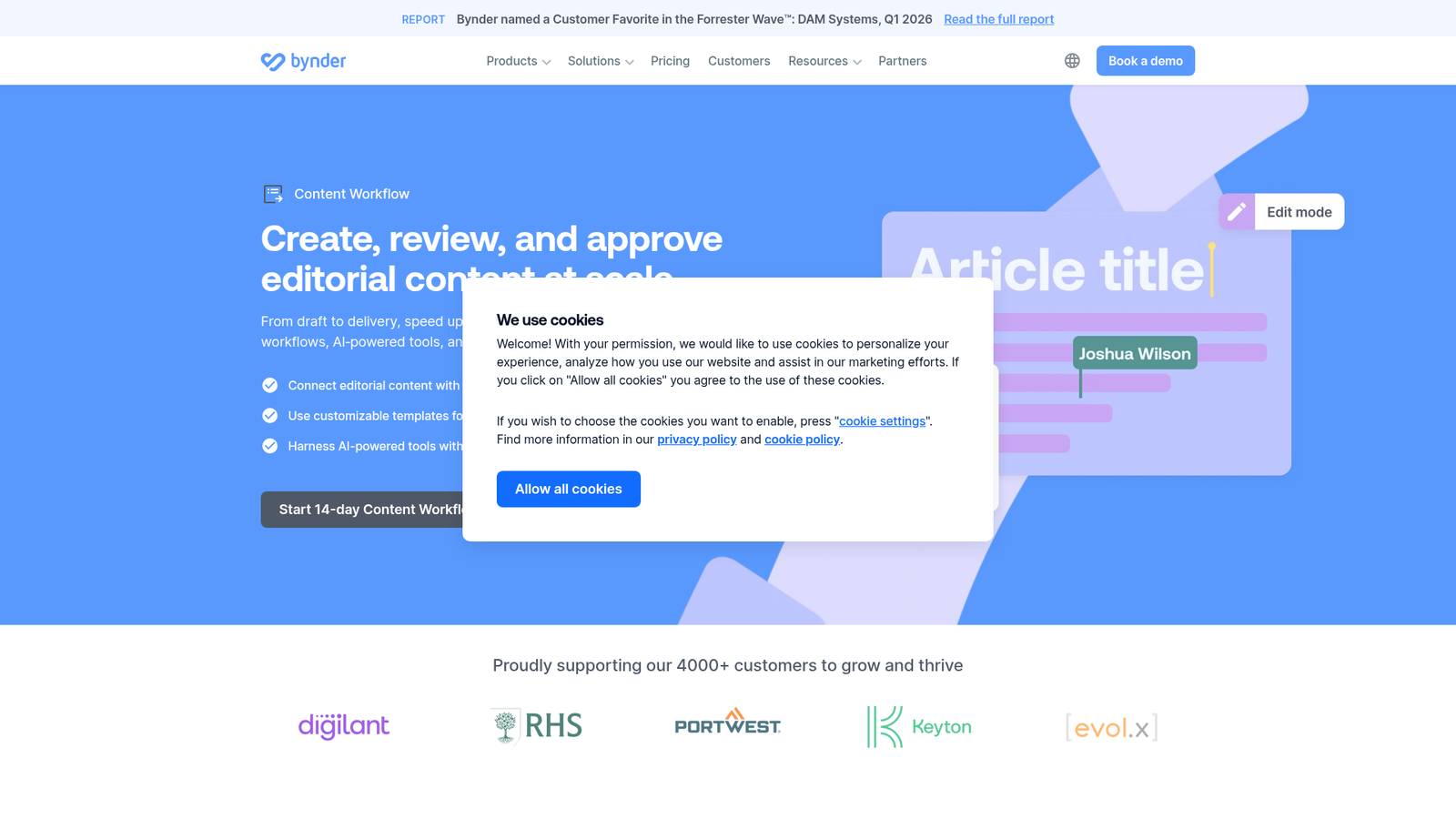
Best for: Marketing and content teams managing high-volume editorial production with standardized briefs and structured templates.
- Customizable workflows for review and approval
- Customizable content templates for structured production
- Live collaboration with AI-powered drafting and editing tools
- Editorial governance and audit trails
Where it fits: The structured briefing and editorial workflow layer for teams producing high volumes of consistent content.
Limitations: Targeted at mid-market and enterprise; lighter teams may find it overengineered.
Pricing: Custom pricing within Bynder's modular packages. A 14-day free trial is offered for standalone Content Workflow.
Verdict: Best when briefing inconsistency and editorial sprawl are slowing production down.
13. CoSchedule: Best for Marketing Calendars Across Content and Social
CoSchedule is a marketing calendar for planning blog content, campaigns, and social posts on one timeline, with social publishing built in.
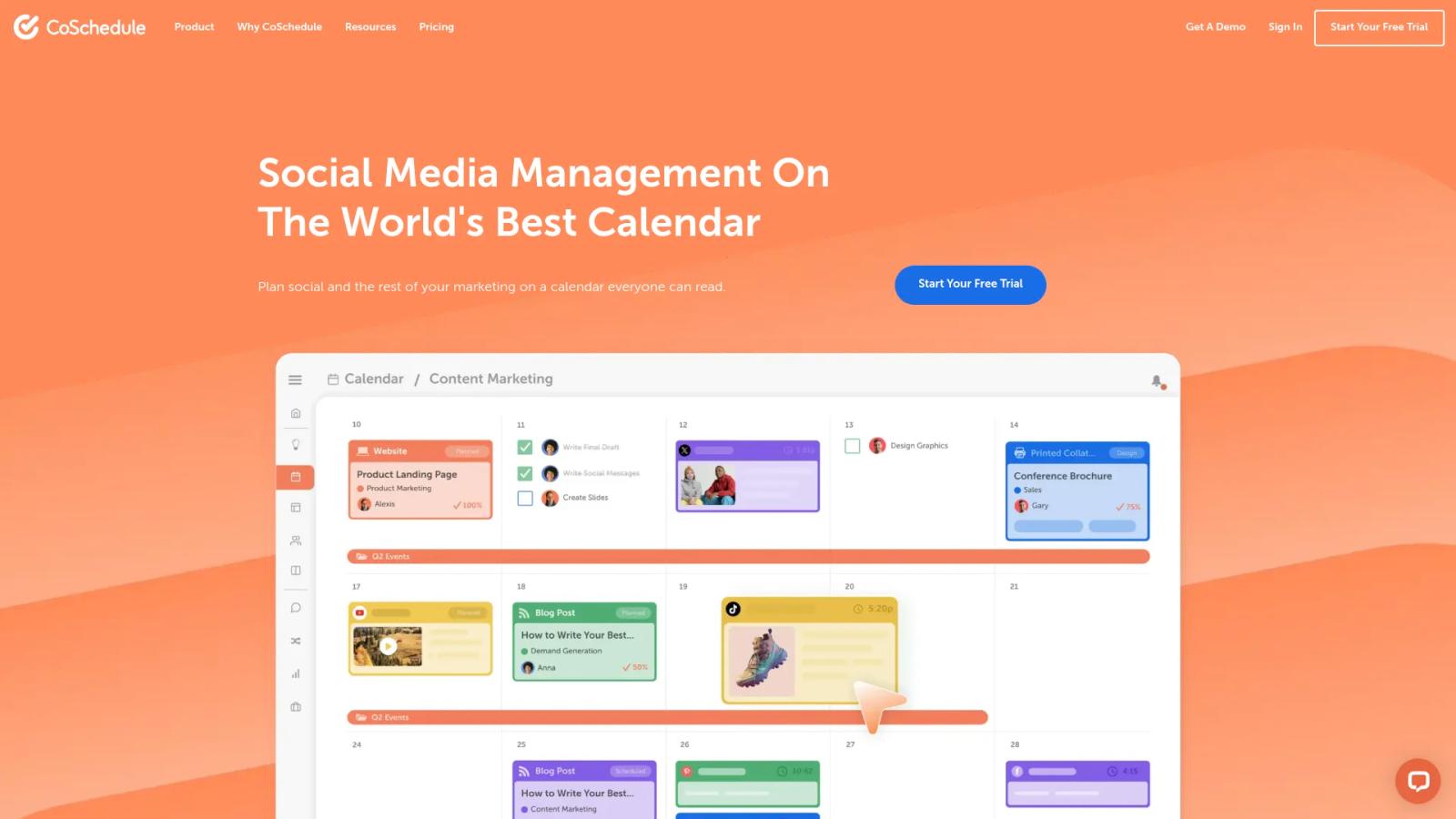
Best for: Small marketing teams and agencies that plan blog content and social promotion on the same calendar.
- Drag-and-drop calendar where moving a campaign's launch date moves its whole schedule with it
- Unlimited social scheduling and publishing, plus ReQueue for resharing evergreen posts
- Social message approvals before publishing (Professional plan and up)
- Content and campaign planning with custom fields, templates, and team permissions (Suite plan)
- AI Social Assistant and AI Campaign Assistant, with brand voice profiles on Suite
Where it fits: The calendar layer, when your team's pain is seeing blog, campaign, and social work on one timeline.
Limitations: The self-serve plans center on social media management. Content and campaign planning, team permissions, and SSO sit in the custom-priced Suite plan.
Pricing: Starter $29/mo billed annually (one user, three social profiles); Professional $49/mo billed annually (two users, five profiles); Suite custom, from $69/mo. Free plan for up to 15 scheduled posts on one profile. 14-day free trial.
Verdict: A good pick when your content calendar and your social calendar keep drifting apart.
How to Choose the Right Content Workflow Tool (By Bottleneck)
This guide recommends tools by bottleneck, meaning the single workflow stage costing your team the most time or visibility. Start with the breakdown below, then check it against our content operations best practices.
If Your Bottleneck Is Planning Chaos
You're drowning in spreadsheets, scattered briefs, and unclear ownership. Look at Airtable for flexible relational planning, monday.com for visual calendars, CoSchedule if blog and social plans live on separate calendars, or Notion if your team is documentation-led. Agencies running several client calendars can see how agencies use Slate.
If Your Bottleneck Is Approval Delays
Feedback lives in Slack threads, email chains, and Loom recordings, and none of it is auditable. Filestage handles rich media approvals end to end; Wrike handles structured intake and routing across compliance-heavy teams.
If Your Bottleneck Is Publishing Friction
Content gets stuck between "approved" and "live" because no one owns the CMS handoff. Contentful provides enterprise-grade headless publishing; Slate publishes directly to Webflow and WordPress from workflows and Power Sheets.
If Your Bottleneck Is Refresh Backlog
You have hundreds of pages losing organic traffic and no system to find, route, or re-approve updates (see these content refresh statistics). Slate is built for this: Power Sheets handle bulk refreshes across thousands of URLs, and AI search visibility tracking flags where visibility is slipping. For more options, see our list of content refresh tools.
If Your Bottleneck Is Governance Risk
Brand voice drifts, assets go off-brand, and there's no audit trail for AI-generated content. Bynder handles enterprise asset and brand governance; Wrike adds workflow-level permissioning. Slate's Brand Kit and Knowledge Base enforce style, tone, and brand-safe AI execution at the production layer.
If Your Bottleneck Is Scaling AI-Assisted Content
You want AI speed and you can't afford generic output. The criteria that matter: governed AI execution, brand voice controls, human-in-the-loop review, and extractable structure. Slate is purpose-built for this operating model, and the seven-step pipeline above shows how the pieces connect.
Content Workflow Software vs. Project Management Software
The distinction matters because most buyers default to a PM tool and discover the gaps too late.
Content workflow software is built around editorial stages, approvals, and publishing. It models briefs, drafts, reviews, multi-step sign-offs, asset versions, and CMS handoffs. Generic project management tools focus on tasks and projects across any function, with limited support for rich content review, editorial metadata, or structured publishing workflows.
The functional differences:
- Editorial logic vs generic tasks: Content workflow tools model stages like brief → draft → SME review → legal → publish. PM tools handle tasks with generic statuses.
- Approvals and auditability: Content tools have explicit multi-step approvals, version comparison, and audit trails. PM tools require manual workarounds.
- Asset management and version control: Content tools tie versions to specific approvals and integrate asset libraries. PM tools rarely do this natively.
- Publishing integrations: Content workflow platforms connect directly to CMSs. PM tools stop at "task complete."
When a PM tool is enough: very small teams, low-complexity content, single-channel publishing. When you've outgrown it: multiple stakeholders, regulated review, multi-channel publishing, refresh cycles, or AI-assisted production at scale. (For the strategy side of the same question, see content operations vs. content strategy.)
What Features Matter Most in Content Workflow Tools in 2026
The must-have features in 2026 start with the basics: workflow templates and editorial stages, role-based approvals with audit trails, version control and asset management, and AI-assisted execution with human review. Then come CMS and publishing integrations, content refresh and decay workflows, brand governance and voice controls, and AI search visibility tracking. The last three separate modern tools from legacy ones most clearly. For a deeper breakdown, see the benefits of a content operations platform.
Workflow Templates and Editorial Stages
Configurable stages (brief, draft, SME review, legal, publish) beat ad hoc task lists. Templates let teams repeat production without reinventing the workflow every time.
Role-Based Approvals and Audit Trails
Multi-step routing with clear ownership and trackable sign-offs is non-negotiable for compliance and accountability. Audit trails matter more as AI-assisted content grows.
Version Control and Asset Management
Tying versions to approvals makes sure the right asset gets published. At enterprise scale, brand and risk management depend on it.
AI-Assisted Execution With Human Review
The principle that holds in 2026: AI assists execution, while strategy, taste, and accountability stay with people (IBM's explainer on human-in-the-loop covers the idea). Tools that bake review checkpoints into AI workflows protect quality as volume grows. For category-level options, see our list of the best AI content marketing tools.
CMS and Publishing Integrations
Direct publishing to Webflow, WordPress, or headless CMSs removes the most common handoff bottleneck. Native integrations hold up better than Zapier patches.
Content Refresh and Decay Workflows
Most roundups skip this. Maintaining cited content now matters as much as creating new content. Tools that detect decay, route updates, and re-trigger approvals close a major operational gap.
Brand Governance and Voice Controls
Style guides, tone rules, and internal knowledge grounding prevent generic AI output. That becomes a competitive advantage as AI-assisted production grows.
AI Search Visibility and Citation Readiness
The new 2026 buying criterion. Content has to be extractable and citation-ready as well as rankable. Tools that track visibility across ChatGPT, Google AI Overviews, Google AI Mode, Perplexity, Gemini, and Claude give teams a feedback loop that legacy SEO tools can't. For the SEO-specific angle, see the best SEO automation tools.
How Pricing Works for Content Workflow Tools
Pricing in this category falls into three patterns: seat-based (most PM and collaboration tools), tiered by feature set (most enterprise platforms), and usage-based for AI features, automations, or asset volume. Most tools blend two of these.
Hidden costs to watch for:
- Automation and integration limits: Plans often cap runs, tasks, or API calls. Overages trigger upgrades.
- Premium integrations and admin features: SSO, advanced security, and key integrations frequently sit behind higher tiers.
- Implementation and change management: Enterprise platforms often require onboarding consulting that isn't in the license price.
- Storage and asset limits: DAMs and headless CMSs charge based on asset volume, bandwidth, or environment count.
- AI credit consumption: AI features increasingly meter usage separately (Notion credits, ClickUp's Brain AI, Slate credits).
All-in-one platforms can be cheaper than stitched stacks once you factor in admin overhead and integration breakage. Free plans typically exclude approvals, integrations, and admin controls, which makes them a poor fit for any team beyond a small editorial group.
Why Content Workflows Now Need to Be AI-Search-Aware
Discovery happens in more places than Google now. Gartner predicted search engine volume would drop 25% by 2026 as AI chatbots take over more queries, and ChatGPT, Perplexity, Gemini, Claude, and Google's AI Overviews and AI Mode now handle a growing share of brand discovery and evaluation. McKinsey calls AI search "a new front door to the internet." That changes what content workflows need to do.
What it means for your workflow:
- Citation-ready structure matters. Content has to be extractable and quotable. Clear definitions, structured answers, and authoritative framing increase the odds of being cited.
- Refresh is a first-class workflow. Maintaining cited content matters as much as creating new content. Decay detection, update routing, and re-approval become recurring operations.
- Governance prevents generic AI output. Brand voice, accuracy, and human review become competitive advantages as AI volume floods every category.
Slate was built for this operating model from the start. Teams scaling content in 2026 need Slate Workflows or something like it, so visibility insights turn into governed execution. For the broader category view, see the best generative engine optimization tools.
Common Mistakes Teams Make When Picking a Content Workflow Tool
Most buying mistakes are predictable. The seven that hurt most:
- Forcing a project management tool into content use cases. Generic PM platforms can't model editorial stages, approvals, or CMS handoffs cleanly, so you'll spend time configuring workarounds.
- Going for speed without governance. Fast AI output without brand controls and human review creates technical debt: generic content that damages authority.
- Ignoring the refresh workflow. Refresh is where visibility gains build up over time, and most evaluations only score net-new creation.
- Adopting AI without human review checkpoints. Fully autonomous AI workflows break in production. Build human-in-the-loop review from day one.
- Underestimating implementation and change-management cost. The license fee is the smallest line item. Admin time, training, and process redesign cost more.
- Skipping CMS integration evaluation. A tool that can't publish to your CMS is a productivity tax.
- Picking on features instead of bottleneck fit. Feature comparison spreadsheets miss the point. Diagnose the bottleneck first, then evaluate tools against it.
For more on what breaks, review these content operations pain points.
Conclusion: Building a Content Workflow That Wins in 2026
The right content workflow tool depends on your bottleneck. Planning chaos, approval delays, publishing friction, refresh backlog, governance risk, and AI-assisted scaling each call for a different kind of software.
The teams winning in 2026 run repeatable systems for planning, creation, approval, publishing, and refresh, and they measure those systems against AI search visibility as well as rankings. That's a change in operating model as much as tooling.
Slate exists for teams making that change. Track AI search visibility across ChatGPT, Google AI Overviews, Google AI Mode, Perplexity, Gemini, and Claude. Find high-impact content opportunities. Run them through governed workflows with human review. Refresh at scale through Power Sheets, and publish directly to Webflow or WordPress, all in one system.
Book a Slate demo to see how AI-search-first content operations work in practice.
Frequently Asked Questions
What Are the Best Content Workflow Tools in 2026?
The best content workflow tools in 2026 are Slate (AI-search-first content ops), Filestage (approval-heavy creative review), Airtable (flexible planning), Asana (cross-functional coordination), and Wrike (structured approvals). The other eight are Contentful (enterprise publishing), monday.com, ClickUp, Notion, Trello, Bynder (asset governance), Content Workflow by Bynder (structured briefing), and CoSchedule (content and social calendars). The right pick depends on your team's bottleneck.
How Do I Automate Content Operations Without Losing Quality?
Automate the handoffs and keep people at the decisions. Run every piece through the same pipeline: find the opportunity, brief, draft, run automated checks, get human review, publish as a draft, then measure and refresh. Give every step the same brand context, and route work by risk so editors spend their time where judgment matters. In Slate, Brand Kit holds the context, Workflows run the steps with a human review step, Power Sheets handle bulk refreshes, and approved drafts publish to Webflow or WordPress.
Which AI Tools Automate Content Workflows?
AI tools now automate briefing, routing, approvals, publishing, and refresh. Slate combines AI search visibility tracking with governed workflows, agent-based execution, and human-in-the-loop review across the full lifecycle. Most PM platforms (Asana, monday.com, ClickUp, Wrike, Notion) add AI automations to existing workflows for task routing, summaries, and status updates. For a wider comparison of automation-first tools, see the best content automation tools.
What's the Difference Between Content Workflow Software and Automation Tools Like Zapier or Make?
Content workflow software models editorial stages, approvals, and publishing. General automation tools like Zapier and Make connect apps and run triggers, so you build and maintain the content logic, brand context, and quality checks yourself. Slate combines both for content teams: workflow stages and approvals, plus automation that drafts, checks, and publishes.
Can AI Fully Automate Blog Publishing?
AI can automate most of the steps up to approval. Automate research, drafting, checks, and the CMS handoff, publish as a draft, and have a person approve every page before it goes live. Google's guidance warns that mass-producing pages with AI without adding value can break its scaled content abuse policy.
How Do Content Workflow Tools Differ From Project Management Software?
Content workflow software is built around editorial stages, approvals, and publishing, modeling briefs, drafts, reviews, multi-step sign-offs, asset versions, and CMS handoffs. Project management tools focus on generic tasks across any function. If you publish at meaningful volume, run multi-stakeholder approvals, or use AI-assisted production, a content-native layer pays for itself fast, and your PM tool can stay the coordination spine.
What Features Should I Look for in Content Workflow Software?
Look for workflow templates with editorial stages, role-based approvals with audit trails, version control, AI-assisted execution with human review, CMS and publishing integrations, content refresh and decay workflows, brand governance and voice controls, and AI search visibility tracking. The last three separate modern tools from legacy options and matter most for teams scaling AI-assisted content in 2026.
What Is the Best Content Workflow Software for Small Marketing Teams?
For small marketing teams, Trello, ClickUp, Notion, and Airtable are the lowest-overhead entry points, typically $6 to $20 per user per month. CoSchedule starts at $29/mo if you want content and social on one calendar. The signal to upgrade: when manual coordination across docs, spreadsheets, and Slack starts costing more than a structured platform would.
What Is the Best Content Workflow Software for Enterprise Teams?
Enterprise teams need governance, audit trails, permissions, localization, and publishing complexity. Contentful handles headless publishing at scale, Bynder governs brand and asset compliance, and Wrike manages structured approvals across regulated workflows. Slate fits enterprise content ops focused on AI search visibility and governed AI-assisted production at scale.
How Do Content Workflow Tools Handle Content Refresh?
The strongest refresh workflows combine three layers: visibility tracking to detect changes (Slate tracks AI search visibility across six AI platforms), bulk update routing (Slate Power Sheets handle thousands of URLs at once), and re-approval through structured workflows before republishing. Most tools focus on net-new creation, so purpose-built platforms are better placed to close the refresh loop with governance intact.