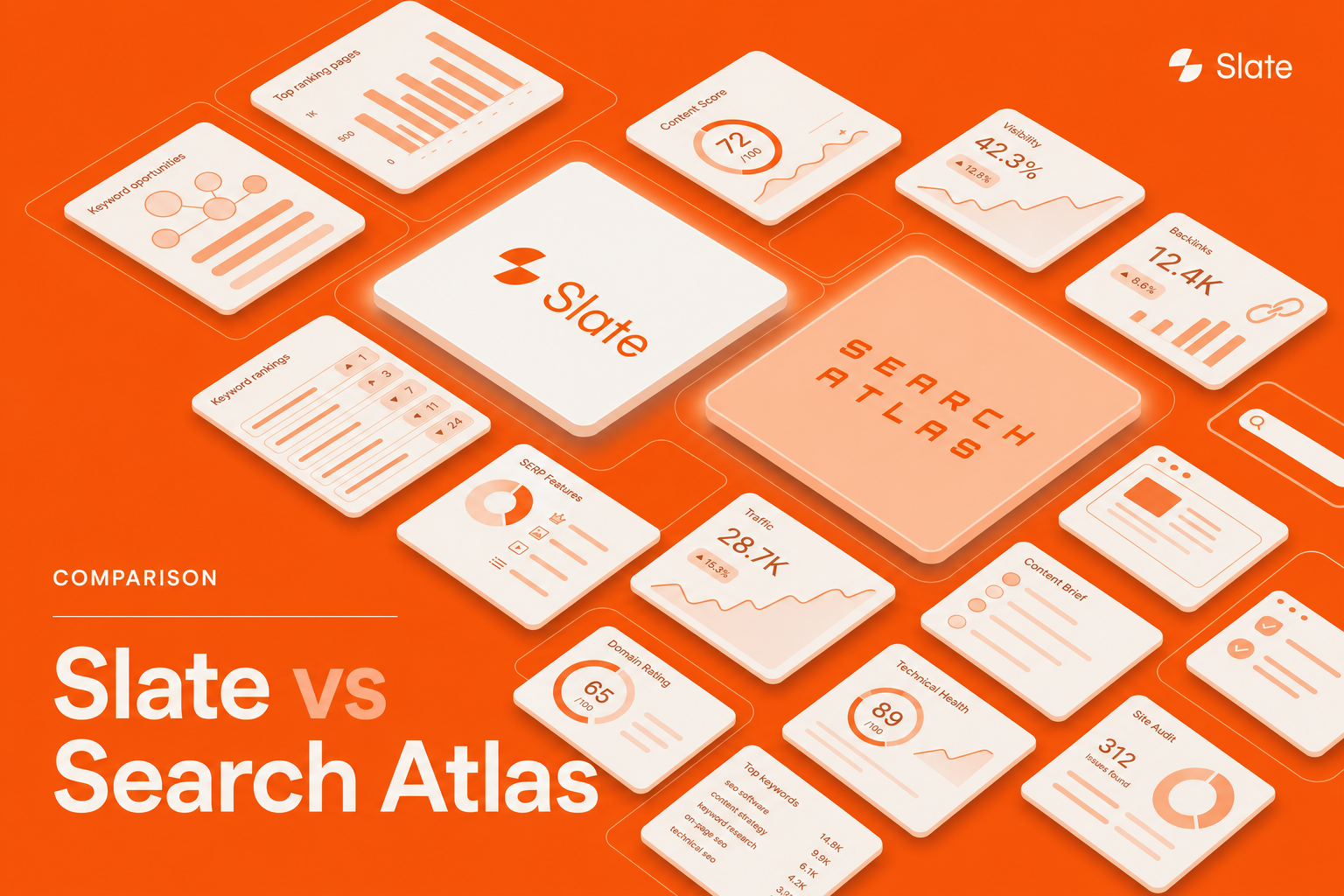
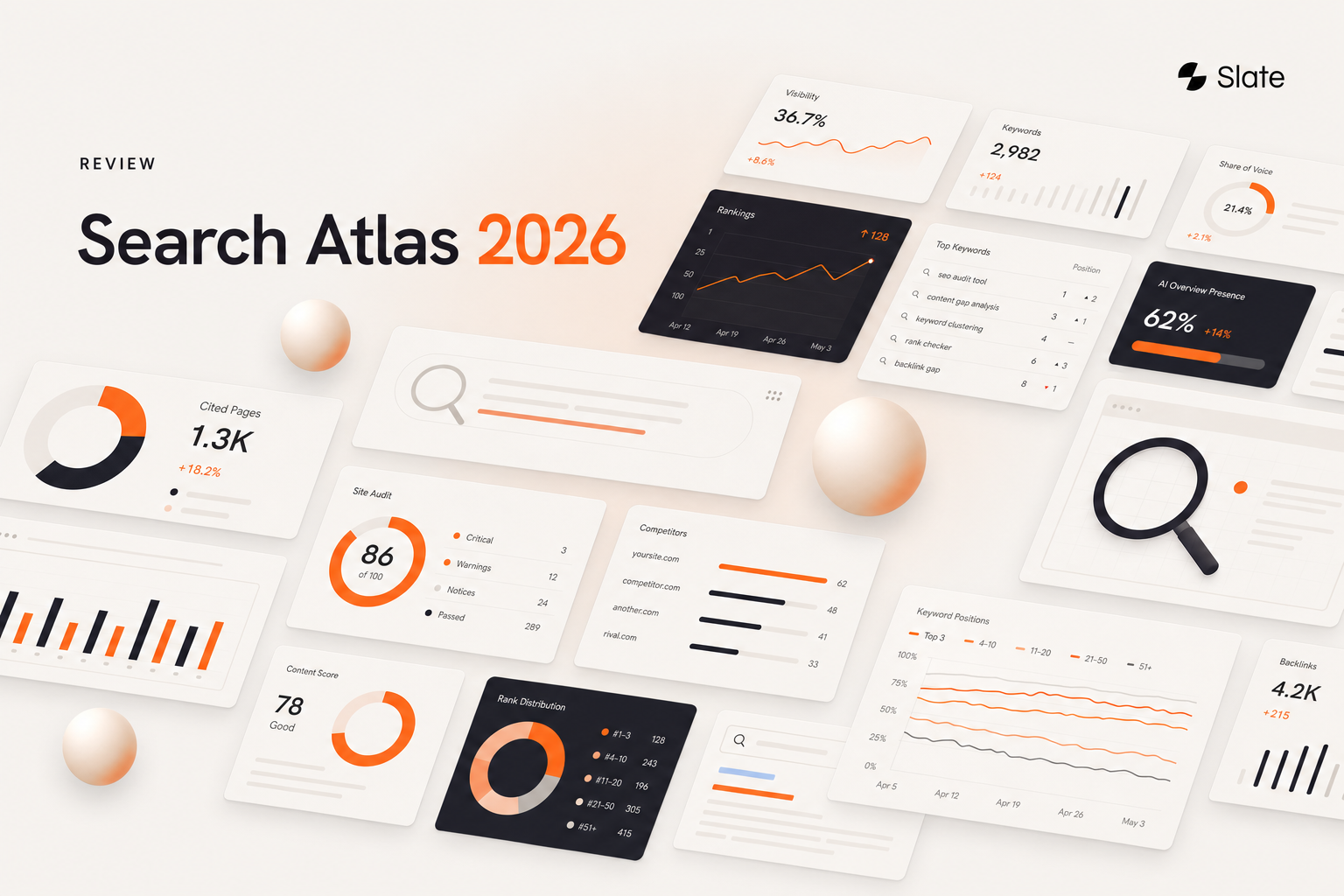
You’re probably comparing Slate and Search Atlas because your SEO stack has started to sprawl.
One tool for keywords. One for audits. One for briefs. One for AI visibility. One CMS tab open since Tuesday.
Slate and Search Atlas solve that mess in different ways. Slate is built around agent-run content and AI search work. Search Atlas is a wide SEO suite with keyword research, audits, local SEO, ads, rank tracking, and reporting under one roof.
Here’s the call: Slate fits teams that need AI visibility tied to content execution. Search Atlas fits teams that want broad classic SEO coverage across many sites or clients.
Key Takeaways
- Choose Slate if AI search visibility, content refreshes, governed publishing, and agent-run workflows sit at the center of your SEO program.
- Choose Search Atlas if you want a wide SEO suite with technical audits, local SEO, ads, and white-label reporting.
- Slate starts at $499/month with 15,000 credits, 10,000 prompt answers tracked, and 1,000 pages tracked.
- Search Atlas starts at $99/month, with higher tiers for more OTTO projects, seats, and client reporting.
- Slate includes native Ahrefs and Semrush access.
- Search Atlas has the wider classic SEO module set.
Quick Verdict: Which Should You Choose?
Pick Slate when your team needs to turn AI search gaps into published content and measured lift.
Pick Search Atlas when your team needs one broad SEO command center across audits, local search, ads, and reporting.
Choose Slate if: You publish often, refresh older pages, track AI visibility, and want agents to carry repeat work across hundreds or thousands of URLs.
Choose Search Atlas if: You manage many sites, need local SEO or PPC tools, and want a lower starting price.
For B2B teams chasing citations inside ChatGPT, Perplexity, Google AI Overviews, and Google AI Mode, Slate is the cleaner fit. If you're still weighing the wider landscape, our roundup of the best AI SEO tools offers helpful context.
Slate vs Search Atlas At A Glance
What Slate Is Built For
Slate is an agent-driven content and SEO platform for teams adapting to AI search.
The workflow starts with an opportunity, turns it into content work, publishes the update, and tracks the result. That loop is the product.
Slate’s main pieces:
- Coworker for plain-language task delegation
- Custom agents for repeatable SEO and content jobs
- Power Sheets for bulk content work across large URL sets
- Native Ahrefs and Semrush access
- AI search visibility analytics
- Direct publishing to Webflow and WordPress
- Pages for GSC, GA4, traffic, CTR, citations, and page-level tracking
The useful part is the handoff. You can ask Slate to find pages losing AI citations, draft refreshed sections, apply Brand Kit rules, publish to WordPress, and track the recovery in Pages. You can see the full set of Slate features for a closer look at how the pieces connect.
That’s where Slate earns its keep.
What Search Atlas Is Built For
Search Atlas is a broad SEO and AI marketing suite for agencies and in-house teams.
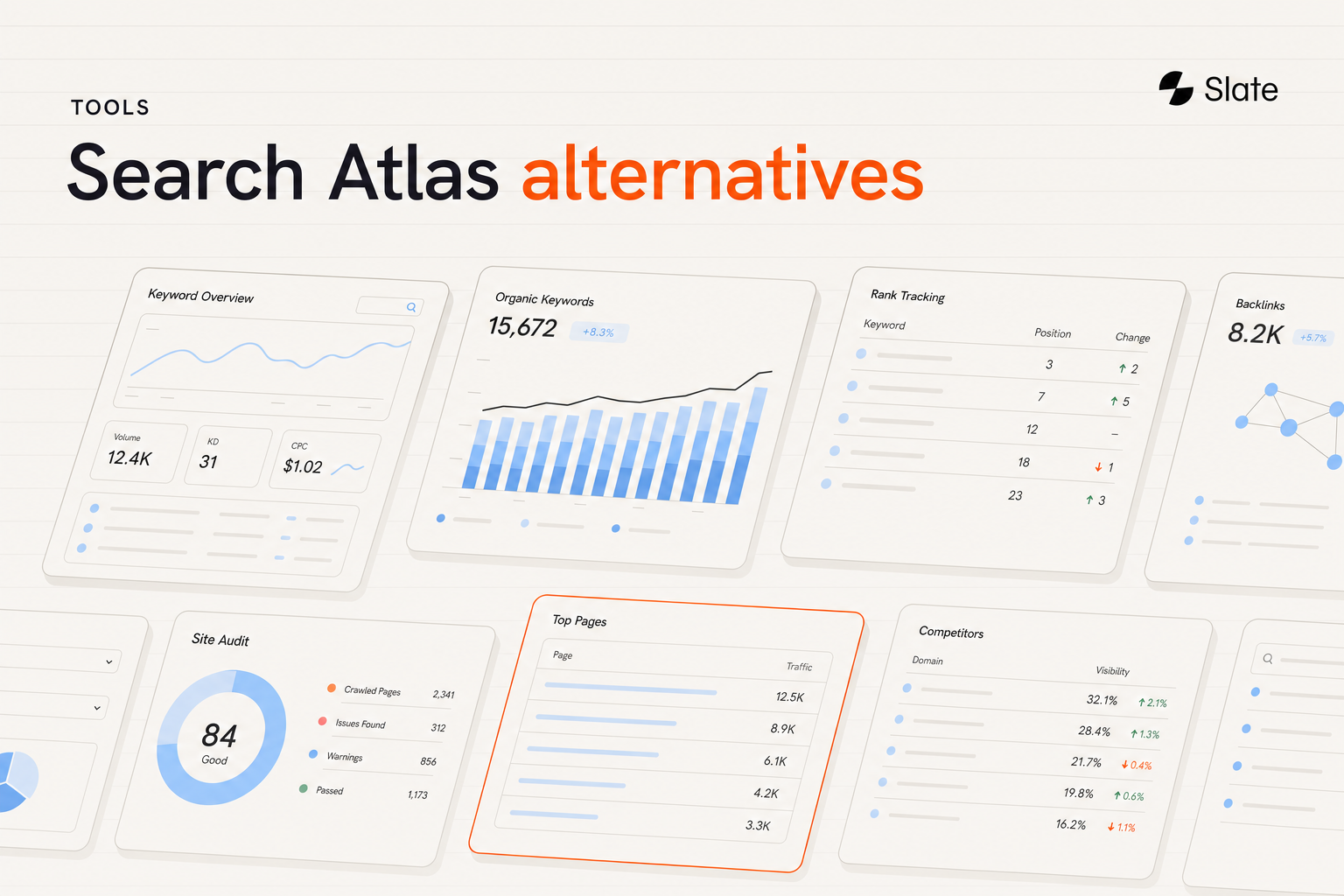
It covers keyword research, content work, site audits, local SEO, link building, rank tracking, reporting, AI visibility, and PPC automation. OTTO is the automation layer across the product, and Atlas Agent adds AI search intelligence.
Search Atlas is strongest when one team needs to manage many SEO jobs across many sites.
For agencies, that breadth is useful. You get client reporting, white-label dashboards, local SEO coverage, and project-based quotas in one subscription. If you're actively shopping, our list of Search Atlas alternatives compares the field.
Main Differences
The clean split is execution depth versus suite breadth.
Slate gives you agents, bulk workflows, publishing, AI visibility tracking, and content refreshes inside one working loop.
Search Atlas gives you a wider SEO toolkit, especially for audits, local SEO, ads, and multi-client reporting.
AI visibility: Slate tracks visibility across major AI platforms and connects gaps to content work. Search Atlas includes AI search intelligence through Atlas Agent.
Content operations: Slate is stronger for teams refreshing and publishing at scale.
Technical SEO: Search Atlas has more dedicated classic SEO modules.
Data access: Slate includes native Ahrefs and Semrush access. Search Atlas uses its own in-platform research data.
Publishing: Slate publishes directly to Webflow and WordPress.
AI Search Visibility
AI visibility is the biggest separator here.
Slate tracks brand presence across ChatGPT, Google AI Mode, Google AI Overviews, Perplexity, and other AI search surfaces. It tracks prompt answers, mentions, sentiment, citations, and keywords. Teams comparing options often review the best AI search visibility tools before committing.
The stronger part is what happens next. If Slate finds a visibility gap, the same system can create or refresh content, publish it, and track whether your brand starts appearing more often.
Search Atlas has AI visibility through Atlas Agent, which sits inside its wider SEO suite.
If AI search visibility is now a board-level reporting line, I’d lean Slate. If AI visibility is one tab inside a broader agency toolkit, Search Atlas makes sense.
For more detail, see Slate’s AI search visibility tracking.
Workflow Automation And Execution
Slate and Search Atlas both automate SEO work. The shape of the work feels different.
Slate uses Coworker, custom agents, workflows, and Power Sheets. You can delegate work in plain English, save the process as an agent, then run it again across a batch of pages.
Search Atlas uses OTTO to apply SEO changes across connected projects. That’s useful for agencies or teams managing a lot of technical and on-page updates.
A Slate workflow might look like this:
- Ask Coworker to find pages losing AI citations.
- Pull the affected URLs into Power Sheets.
- Draft refreshed sections using the Brand Kit and Knowledge Base.
- Review the updates.
- Publish to WordPress.
- Track lift in Pages.
It’s a tight content loop, and it’s built for repeat work. For teams standardizing this, the best SEO automation tools are worth a scan.
Bulk Work At 100, 500, And 1,000 URLs
Slate gets stronger as the URL count climbs.
At 100 URLs, a refresh workflow can audit and update the batch with human review before publishing.
At 500 URLs, reusable agents start saving hours because the same workflow can handle repeated patterns.
At 1,000 URLs, Power Sheets become the main workspace. You can run bulk refreshes, create drafts, apply governance rules, and publish without turning the process into spreadsheet archaeology.
Search Atlas can also run work across projects through OTTO, especially for technical and on-page SEO tasks. Slate has the edge when the bulk job is content-heavy.
Content Workflows
Slate is the better fit for content teams that publish and refresh at scale.
Opportunity discovery connects to briefs, drafts, updates, publishing, and measurement. The Brand Kit and Knowledge Base keep tone and facts in bounds, and human review can stay in the workflow. If your program leans on updates, the best content refresh tools cover this pattern in depth.
Search Atlas has content tools too, but content is one module inside a larger SEO suite.
So if your team’s weekly rhythm is “find content gaps, update pages, publish, measure,” Slate fits better. If content work sits beside local SEO, audits, ads, and client reports, Search Atlas may feel more complete.
See Slate’s SEO tools for content teams.
Technical SEO, Site Audits, And Rank Tracking
Search Atlas has the edge for classic technical SEO breadth.
It has dedicated tools for site health, audits, and rank tracking. That’s useful for agencies and technical SEO teams that need a broad crawl-and-report setup.
Slate handles this through Pages and workflows. Pages combines Google Search Console and GA4 data so teams can spot drops in clicks, traffic, CTR, and citations, then route the page into a refresh workflow.
Both platforms support ranking and keyword tracking.
Search Atlas is better if technical SEO is the main job. Slate is better if detection needs to feed straight into content work.
Integrations And Publishing
Slate is stronger for publishing-heavy teams.
It publishes directly to Webflow and WordPress. That means the same workflow that finds the opportunity can also push the update live after review. Explore the full list of Slate integrations to see what connects.
Slate also includes:
- Native Ahrefs and Semrush access
- GSC and GA4 through Pages
- MCP integration for working with marketing data inside Claude
- Webflow and WordPress publishing
Search Atlas has broad SEO integrations across its suite. That works well if you want one place for many SEO functions.
Slate wins when the content team wants fewer copy-paste trips into the CMS.
Reporting And ROI
Slate focuses reporting around search performance, AI visibility, and page-level outcomes.
Pages combines GSC and GA4, then ties clicks, CTR, traffic, citations, and mentions back to the pages you worked on. That makes it easier to show which updates moved which metrics.
Search Atlas has reporting and white-label dashboards, which agencies will like. Client-facing reports are part of the product’s appeal.
The reporting split is simple:
- SEO leads get ranking and citation movement.
- Content teams get refresh throughput and page results.
- Agencies get client-ready dashboards.
- Marketing leaders get organic performance tied to work completed.
Slate’s edge is the connection between the work and the measurement.
Pricing And Total Cost Of Ownership
Pricing: Starting at $499/month.
Slate starts at $499/month and includes 15,000 credits, 10,000 prompt answers tracked, and 1,000 pages tracked. Free trial, Enterprise, and Agency plans are available.
Search Atlas starts at $99/month. Its published tiers include Starter at $99/month, Growth at $199/month, Pro at $399/month, and Agency at $999/month. Higher tiers add more OTTO projects, seats, white-label reporting, and larger quotas.
Search Atlas has the lower entry price. Slate can be cheaper at the stack level if it replaces separate tools for research, AI visibility, content production, publishing, and reporting.
Compare plans on Slate pricing.
Best For Agencies
Search Atlas is a strong fit for agencies that need broad SEO coverage across many clients.
The Agency plan, white-label reporting, local SEO tools, and multi-project setup all point in that direction.
Slate fits agencies that package repeat content and AI-search work. Custom agents, Brand Kit rules, and reusable workflows help keep quality consistent across clients without rebuilding the process every time.
So the agency choice comes down to the work you sell.
If you sell broad SEO retainers with audits, local SEO, and reporting, Search Atlas fits well. If you sell content refreshes, AI search visibility, and execution-heavy organic growth, Slate is the better pick.
See Slate’s SEO platform for agencies.
Best For In-House Teams
Slate is stronger for in-house teams with a content engine already running.
A lean team can use Slate to find opportunities, refresh pages, publish updates, and measure the result without stitching together half a dozen tools.
Search Atlas fits in-house teams that want one SEO suite with technical audits, local SEO, ads, and rank tracking.
For content-led B2B teams, I’d pick Slate. For local-heavy or multi-site teams, I’d look hard at Search Atlas.
When To Choose Slate
Choose Slate when the team needs execution handled inside one system.
Good Slate use cases:
- AI search visibility is a core KPI.
- You have hundreds or thousands of pages to refresh.
- You publish through Webflow or WordPress.
- You want native Ahrefs and Semrush data inside the workflow.
- You need agents for repeat SEO and content work.
- You care about Brand Kit controls and human review.
Slate is the stronger choice when publishing velocity and AI visibility sit close together.
When To Choose Search Atlas
Choose Search Atlas when breadth is the buying reason.
Good Search Atlas use cases:
- You need site audits and technical SEO tools.
- You manage local SEO or GBP work.
- You want PPC automation through Smart Ads.
- You need white-label reporting for clients.
- You manage many sites from one account.
- You want a $99/month starting plan.
Search Atlas is a good pick for agencies that want more classic SEO modules in one subscription.
Migration And Setup
Slate setup usually starts with data and publishing connections.
Connect GSC and GA4. Connect Webflow or WordPress. Import URLs. Set the Brand Kit. Build the first workflow.
A practical first project is a content refresh batch. Pick pages losing traffic or AI citations, run them through a Power Sheet, review the drafts, publish, and track the result in Pages.
Slate setup checklist:
- Connect GSC and GA4.
- Connect your CMS.
- Import URLs.
- Set Brand Kit rules.
- Build one repeatable agent or workflow.
- Publish the first reviewed update.
- Track lift in Pages.
Search Atlas onboarding depends on how many modules you activate. Agencies using audits, rank tracking, local SEO, ads, and reporting will have a broader setup path.
How We Compared Slate And Search Atlas
This comparison weighs AI search visibility, workflow execution, content operations, technical SEO, integrations, reporting, and total cost of ownership.
Slate pricing: Slate starts at $499/month. The plan includes 15,000 credits, 10,000 prompt answers tracked, and 1,000 pages tracked.
Search Atlas pricing uses its published tier structure: Starter at $99/month, Growth at $199/month, Pro at $399/month, and Agency at $999/month.
G2 ratings used here: Slate 4.9/5, Search Atlas 4.6/5.
For related comparisons, see the AI SEO tools comparison and Search Atlas alternatives.
FAQ
What’s The Main Difference Between Slate And Search Atlas?
Slate is an agent-driven platform for AI search visibility, content workflows, publishing, measurement, and refreshes.
Search Atlas is a broad SEO suite with keyword research, technical SEO, local SEO, ads, rank tracking, and reporting.
Is Slate Better Than Search Atlas For AI Search Visibility?
Yes, if AI visibility needs to connect directly to content work.
Slate tracks visibility across major AI platforms, then lets teams create, refresh, publish, and measure the work in the same system. Search Atlas has AI intelligence through Atlas Agent inside its wider suite.
Which Is Better For Agencies?
Search Atlas is better for agencies that need broad SEO coverage, local SEO, ads, white-label reporting, and multi-client dashboards.
Slate is better for agencies selling repeatable content, refresh, and AI-search visibility work.
Can Slate Replace Search Atlas?
For many content-led teams, yes.
Slate can cover opportunity discovery, content creation, refreshes, publishing, AI visibility tracking, and reporting. Teams that need local SEO or PPC automation may still prefer Search Atlas.
Which Platform Is Easier For Content Work At Scale?
Slate.
Coworker, custom agents, Power Sheets, Brand Kit controls, and direct publishing make Slate easier for large content libraries. For a broader view, our best content automation tools guide is a useful companion.
Which Is Better If I Already Use Ahrefs Or Semrush?
Slate has the edge because native Ahrefs and Semrush access are included.
That keeps keyword and backlink data inside the same workflow as AI visibility, content production, and publishing.
Which Has Better Value In 2026?
Search Atlas has the lower starting price at $99/month.
Slate starts at $499/month, but it can replace separate tools for Ahrefs, Semrush, AI visibility, content workflows, publishing, and reporting. The better value depends on how many tools you can remove from the stack.