Your published content is losing traffic right now.
An Ahrefs analysis of 2 million pages found most pages lose significant organic traffic within 1–2 years of publication. That's not a slow fade - it's a structural problem with how most content teams operate. They publish, move on, and watch their investment quietly decay.
Content refresh is the practice of updating existing published content to recover or improve organic search performance. It's distinct from creating new content: you're working with pages that already have authority, backlinks, and indexing history. Done systematically, it's one of the highest-ROI activities in SEO. HubSpot case studies and content-marketing research show content refreshes can recover a substantial portion of lost organic traffic
The problem is scale. Most teams have hundreds of aging articles and no systematic way to identify which ones to prioritize, what to change, or how to measure the results. That's exactly what this guide addresses.
We evaluated 12 of the best content refresh tools for SEO - from dedicated decay-detection platforms to content optimization suites with refresh capabilities - to help you find the right fit for your workflow and budget. For teams looking to optimize their broader content operations, you might also want to explore our guide on content operations best practices and AI SEO tools that can complement your refresh strategy.
What to look for in a content refresh tool
Not every tool in this category does the same job. Before comparing options, it helps to know which capabilities actually matter for your workflow.
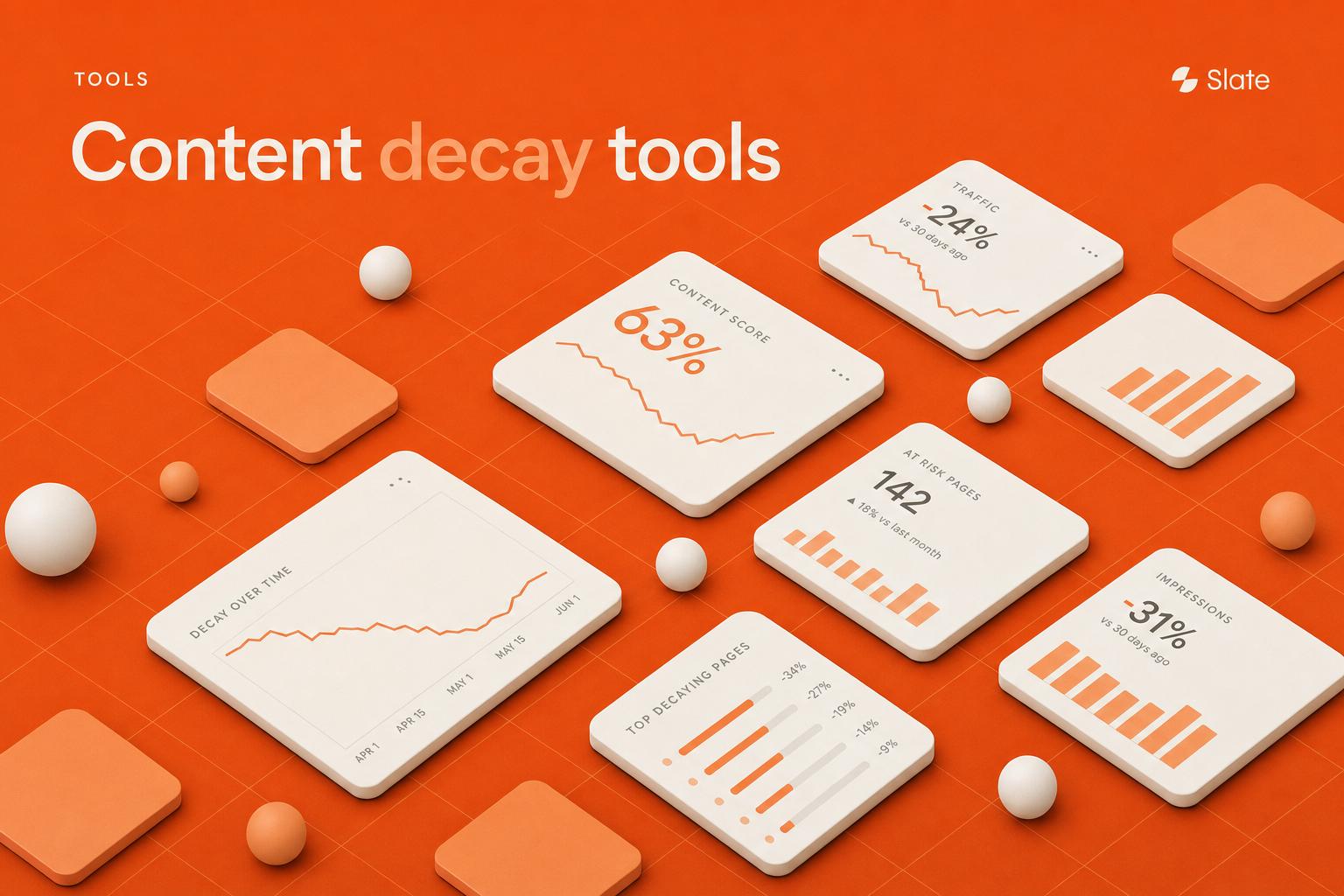
Content decay detection
Does the tool automatically flag pages losing rankings, traffic, or CTR over time? The best tools integrate directly with GA4 and Google Search Console to surface real first-party signals - not estimates.
Refresh prioritization and scoring
Identifying decaying pages is only half the job. A strong tool ranks those pages by refresh urgency and estimated traffic recovery potential, so your team works on the highest-impact pages first.
Content optimization guidance
Once you've identified a page to refresh, you need to know what to change. Look for tools that surface missing subtopics, outdated NLP terms, thin sections, and internal linking gaps - not just a generic "content score."
Bulk and scale capabilities
This is the most underrated criterion. Can you process 10, 50, or 100+ pages in a single workflow, or does the tool force you to work one page at a time? For teams with large content libraries, bulk capabilities are non-negotiable.
Pricing relative to page volume
Cost per page analyzed matters more than headline pricing. A $189/month tool with a 20-report limit costs more per page than a $99/month tool with unlimited monitoring.
Quick comparison - all 12 tools at a glance
The 12 best content refresh tools for SEO in 2026
1. Slate - best for bulk content refresh workflows at scale
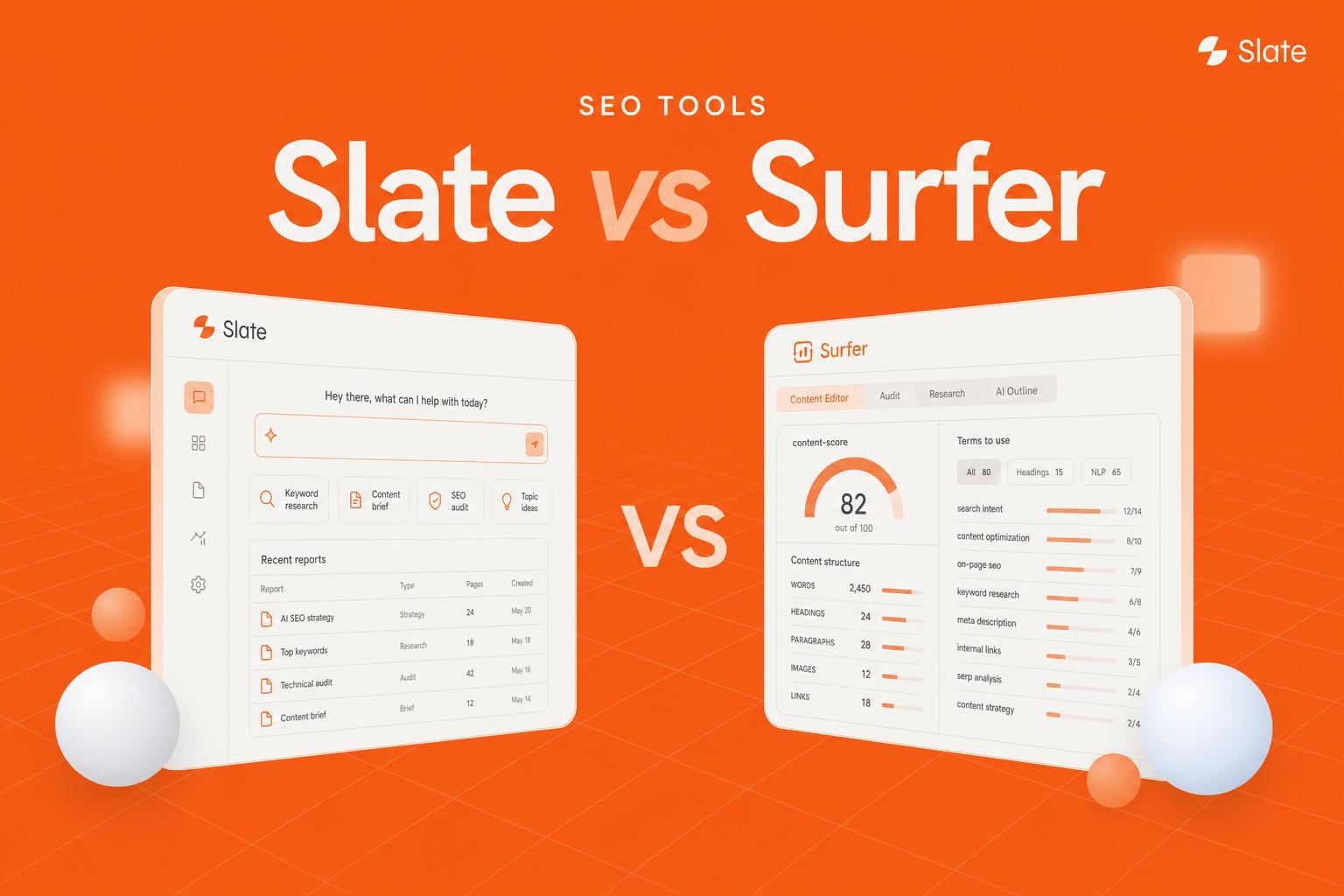
Slate is the only platform built from the ground up specifically for content refresh - not a general SEO suite with refresh bolted on as a secondary feature.
Where other tools help you optimize a single page, Slate is designed for teams managing large content libraries who need a repeatable, measurable refresh operation. It connects decay detection, prioritization, bulk workflows, and before/after performance tracking in one place.
Best for: Content teams with 100+ published articles who need a systematic, scalable refresh operation.
Key strengths
- Automated content decay detection via integrated GA4 and GSC signals
- Bulk refresh workflow - process 10, 50, or 100+ pages in a single pipeline
- AI-driven prioritization scoring ranked by urgency and traffic recovery potential
- Per-page refresh recommendations covering subtopics, outdated stats, and internal links
- Built-in before/after performance dashboards with timestamped snapshots
Pricing: Contact Slate for current pricing - free trial available
Here's how a typical Slate workflow runs for a team refreshing 50 blog posts. First, you connect GA4 and GSC - Slate auto-scans your content library and surfaces pages with declining traffic, CTR erosion, or ranking slides. Second, you review the decay dashboard, where pages are ranked by urgency score. Third, you select a batch and push it to the refresh queue. Fourth, per-page recommendations are generated and assigned to writers. Fifth, before/after tracking activates automatically, so you can monitor recovery over 30, 60, and 90 days.
That end-to-end structure is what separates Slate from every other tool in this list. Slate's bulk workflow enables significantly faster page refreshes compared to manual processes - and for teams managing 200+ articles, that speed difference compounds quickly.
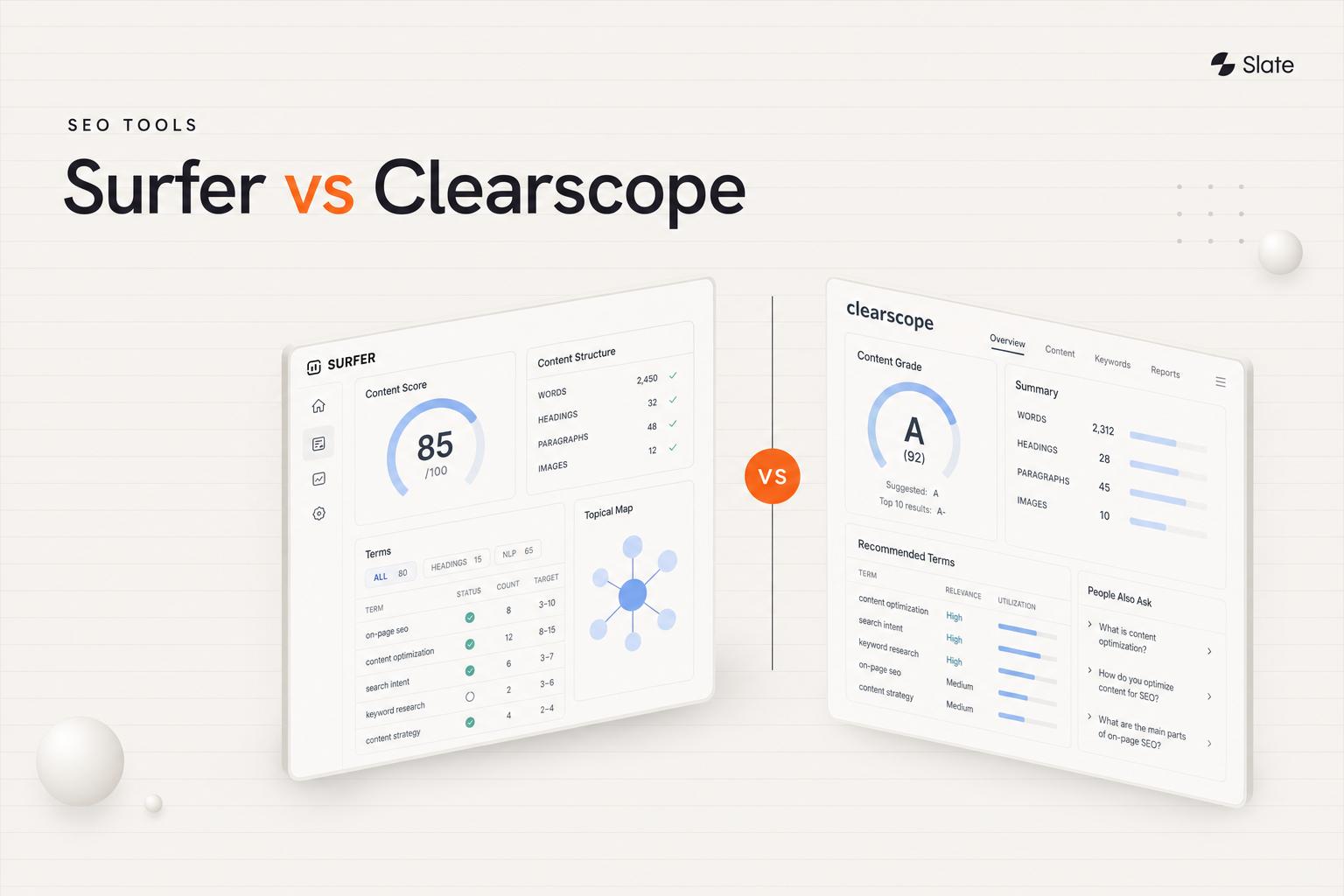
2. Surfer SEO - best for on-page content optimization scoring

Surfer SEO is a leading content optimization platform whose Content Editor scores pages in real time against top-ranking competitors.
It's not built for content refresh specifically - it won't tell you which pages are decaying. But once you've identified a page to refresh, Surfer's optimization guidance is among the most detailed available, covering NLP terms, content structure, word count, and competitor gaps.
Best for: Teams that already know which pages to refresh and need detailed, per-page optimization guidance.
Key strengths
- Real-time Content Editor with optimization score against SERP competitors
- NLP term suggestions with frequency benchmarks from top-ranking pages
- SERP Analyzer for competitive content gap identification
- Content Audit feature for identifying underperforming pages in your domain
- Grow Flow for automated weekly task suggestions including refresh recommendations
Pricing: $99/mo (annual billing)
Surfer pairs particularly well with a decay-detection tool like Slate or Google Search Console. Use the detection layer to find which pages need work, then run them through Surfer's Content Editor to know exactly what to add or restructure.
The limitation to be honest about: Surfer has no native content decay detection, and its bulk capabilities are limited. It's an optimization tool, not a refresh-first platform. If you're managing a large content library, you'll need something else upstream.
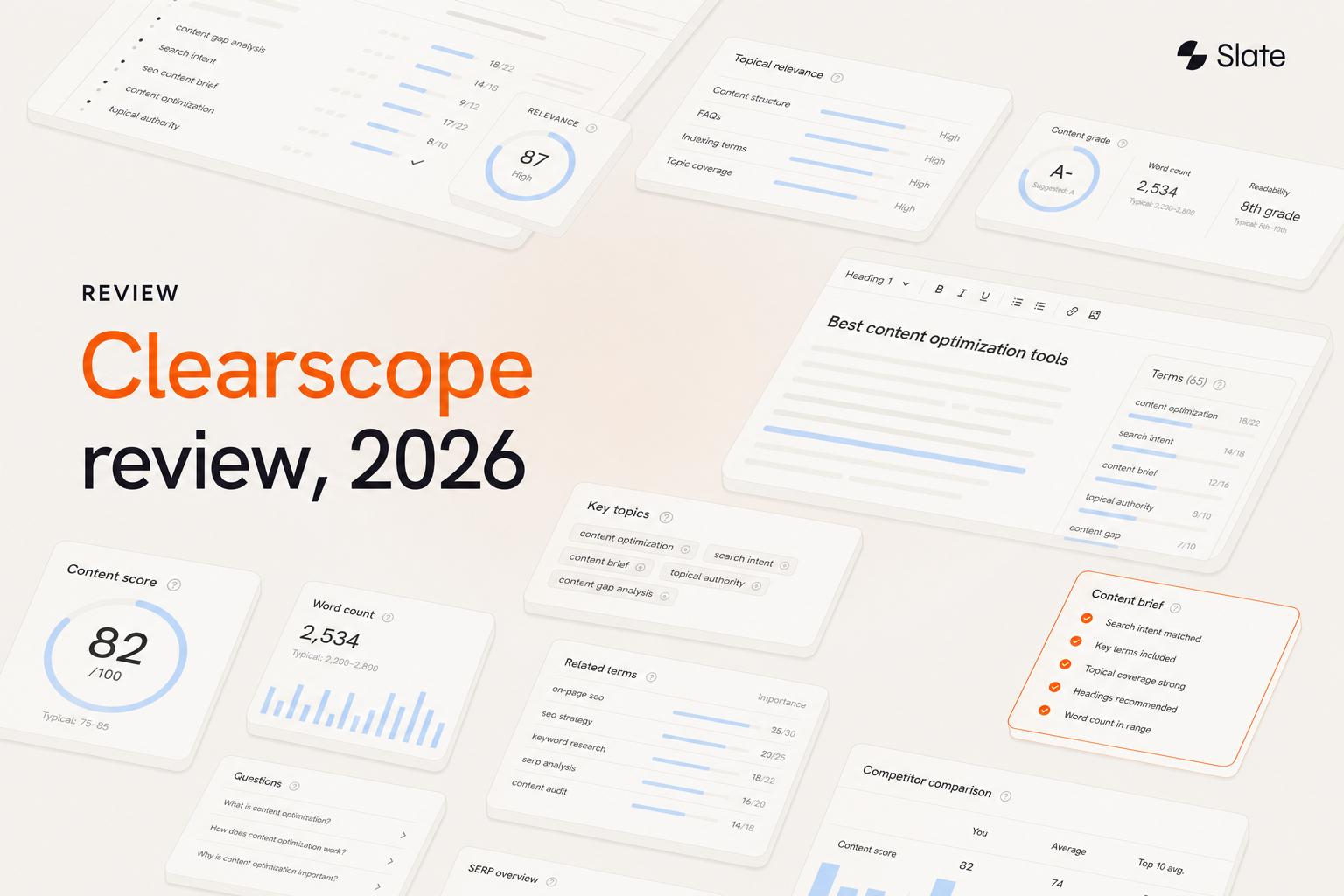
3. Clearscope - best for content grading and readability

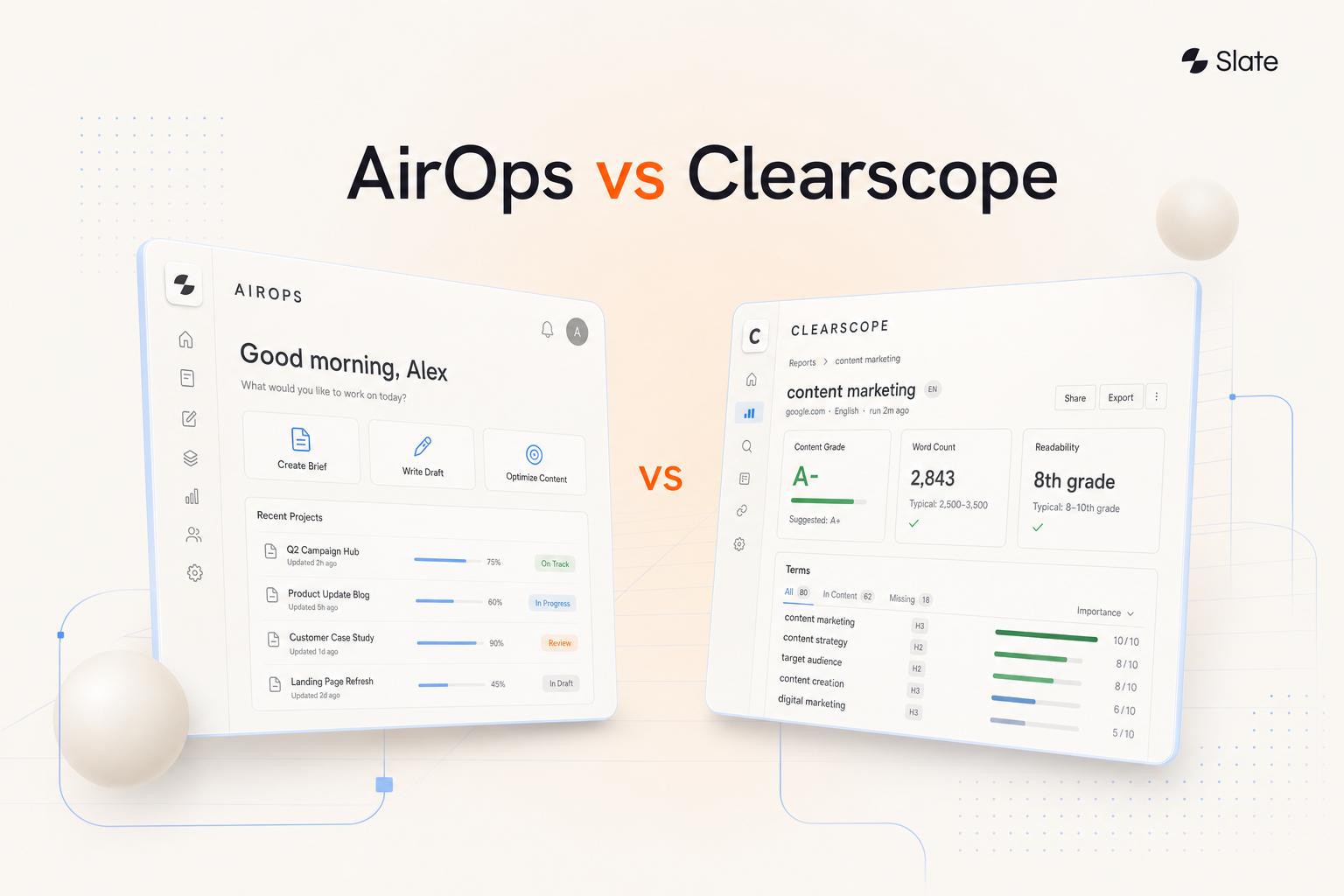
Clearscope is a premium content optimization platform known for its clean interface and the most trusted content grading system in the category.
Enterprise content teams use it for both new content and refreshes. Its A++ to F grading scale gives writers and editors a clear, objective target - and the Google Docs and WordPress integrations mean you can optimize directly inside your existing workflow without pinging someone on Slack to check a score.
Best for: Enterprise content teams with budget for a premium tool who want the most accurate content grading for individual page refreshes.
Key strengths
- Content grade (A++ to F) based on topic coverage and relevance benchmarked against competitors
- Term frequency analysis with competitor-derived recommendations
- Readability scoring integrated into the content report
- Native Google Docs and WordPress integrations for in-workflow optimization
- Content inventory feature for tracking existing page performance over time
Pricing: $189/mo (Essentials)
Clearscope's content grading is genuinely best-in-class for individual page optimization. The honest limitation: it's expensive, has no dedicated decay detection, and offers no bulk refresh workflow. At the Essentials tier, report limits can also become a constraint for high-volume teams. It's a precision tool, not a scale tool.
4. MarketMuse - best for AI-powered content strategy and gap analysis
MarketMuse is an AI content strategy platform that excels at identifying topical gaps - making it particularly useful for understanding what to add when you refresh a page.
Its personalized difficulty scoring is a genuine differentiator. Unlike tools that use generic keyword difficulty, MarketMuse scores based on your site's existing topical authority, so you get a realistic picture of where you can realistically compete.
Best for: Content strategists who want deep topical analysis to inform refresh decisions, especially for pillar pages and topic clusters.
Key strengths
- Content Score with topic model comparison against SERP competitors
- Personalized difficulty scores calibrated to your site's existing authority
- Auto-generated content briefs for refresh targets
- Compete application for head-to-head page comparison against specific competitors
- Content inventory analysis with prioritization recommendations
Pricing: $149/mo (Standard); free plan available with limited queries
MarketMuse's free tier is genuinely useful for small-scale refresh projects - you can run a handful of pages through the topic model without committing to a paid plan. The trade-off at scale: the UI has a learning curve, and the tool doesn't manage bulk refresh workflows. It tells you what to add; it doesn't help you process 50 pages at once.
5. Semrush - best all-in-one SEO suite with refresh capabilities
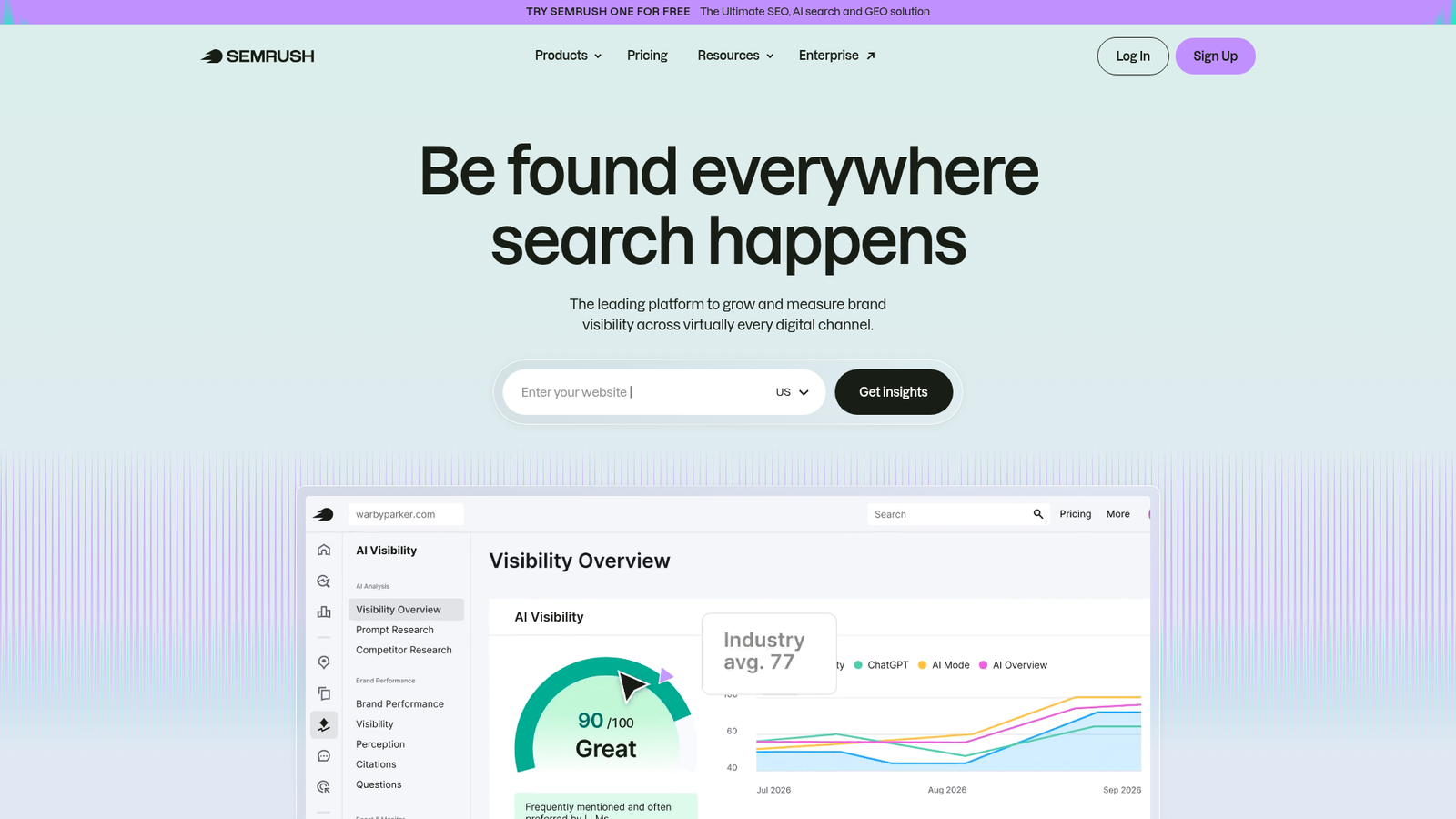
Semrush is the standard all-in-one SEO platform. It's not a dedicated content refresh tool, but its Position Tracking, On-Page SEO Checker, and Content Audit features combine to create a functional refresh workflow for teams already in the platform.
The Content Audit tool - available from the Guru tier - integrates with GA4 and GSC to flag underperforming pages. It's underrated for content refresh and often overlooked by teams who use Semrush primarily for keyword research.
Best for: Teams already using Semrush for SEO who want to use their existing subscription for content refresh, rather than adding a separate tool.
Key strengths
- Position Tracking with historical ranking data for identifying declining pages
- On-Page SEO Checker with actionable optimization ideas per URL
- Content Audit tool integrating GA4 and GSC signals to flag underperforming pages
- SEO Writing Assistant for in-editor content optimization
- Site Audit for technical health checks on pages post-refresh
Pricing: $139.95/mo (Pro); Content Audit available from Guru tier at $249.95/mo
The honest assessment: content refresh is a secondary use case for Semrush. There's no dedicated decay detection dashboard, and the workflow requires stitching together multiple tools within the platform. If you're buying Semrush specifically for content refresh, you're paying for a lot of features you won't use. If you're already a subscriber, the Content Audit feature is worth exploring.
6. Google Search Console - best free tool for identifying content decay
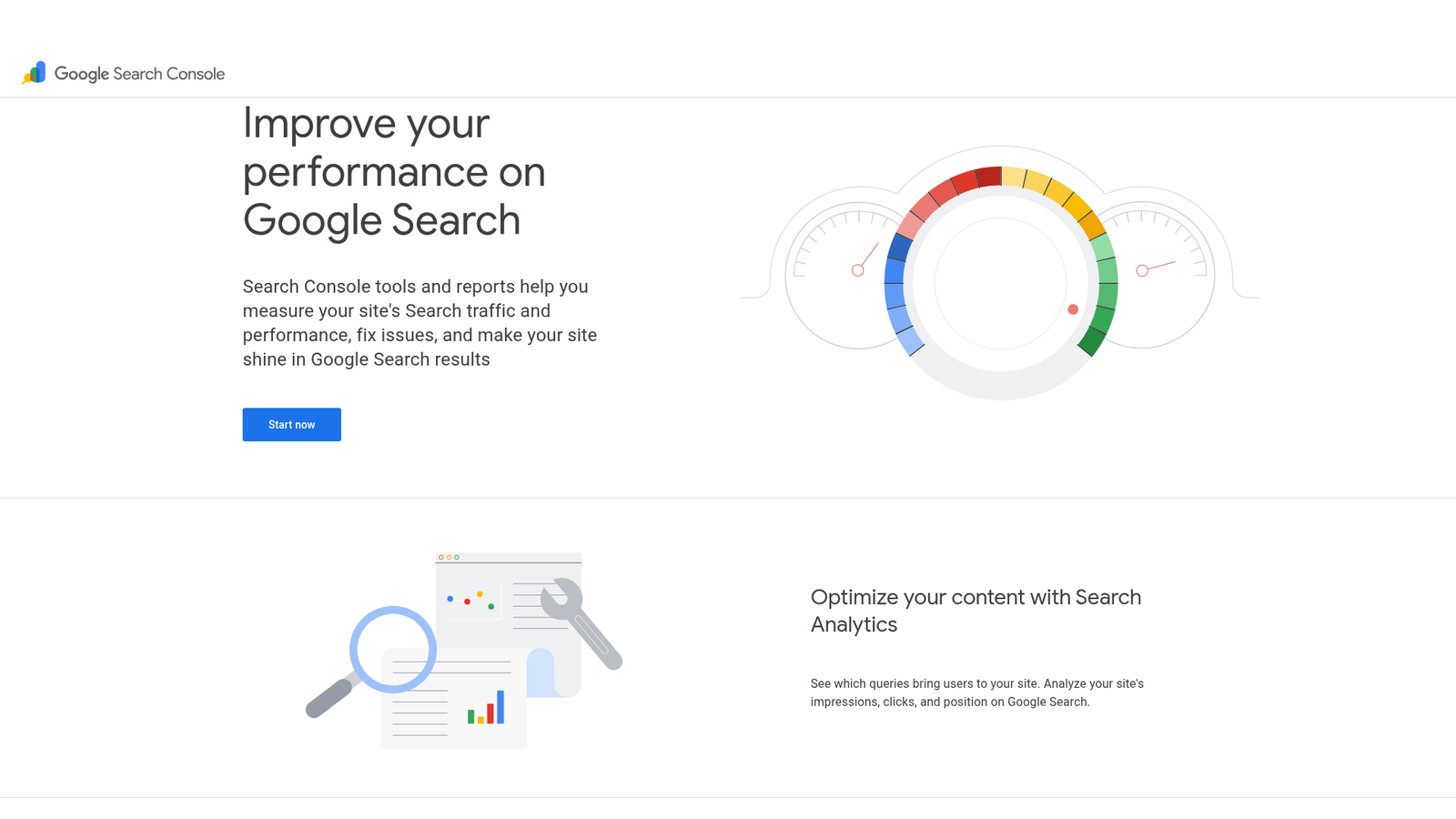
Google Search Console is the foundational free tool every content refresh workflow should start with. It provides first-party data on impressions, clicks, CTR, and average position - the raw signals that indicate content decay.
No other tool gives you this data directly from Google. That makes it irreplaceable as a baseline, regardless of what paid tools you add on top.
Best for: Every team - this is the non-negotiable starting point for any content refresh process.
Key strengths
- Performance report with date comparison (last 3 months vs. previous 3 months)
- Query-level data showing which keywords a page is losing position on
- Page-level filtering to isolate individual URL performance trends
- Index Coverage for identifying pages with crawl or indexing issues
- Core Web Vitals reporting for technical performance on refreshed pages
Pricing: Free
Here's a quick GSC workflow for content decay detection. Set a date comparison to identify pages with declining clicks and impressions. Filter by page to review which queries are dropping. Export the data and prioritize by traffic loss magnitude. Then feed those URLs into an optimization tool - Surfer, Clearscope, Slate, or whichever fits your stack.
The limitation is real: GSC provides no optimization guidance, no automated decay alerts, and no bulk workflow. It tells you that a page is declining, not why or what to fix. Export your GSC data monthly to track decay trends over time, and pair it with a dedicated refresh or optimization tool for a complete workflow.
7. Animalz Revive - best free content decay detection tool
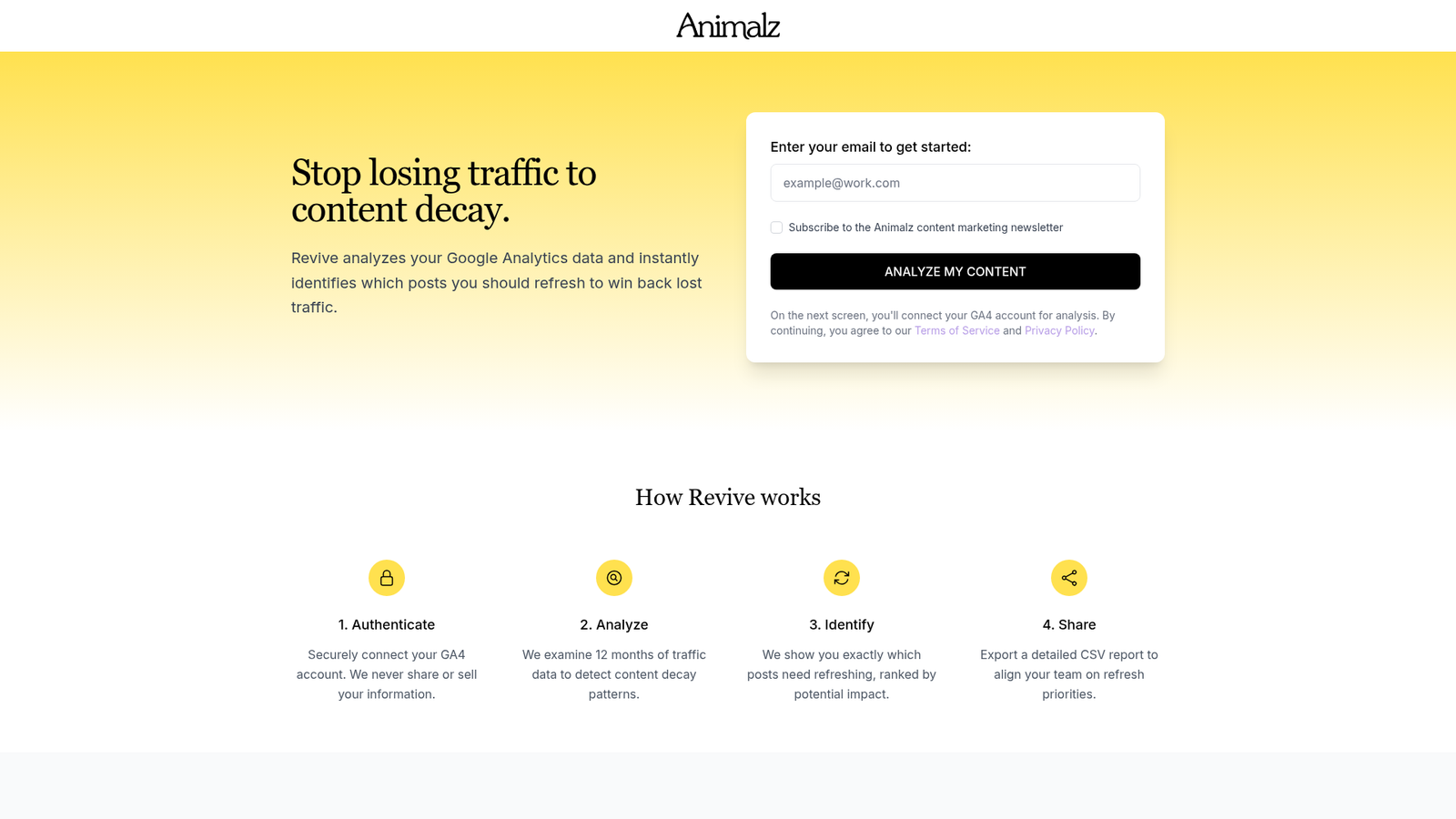
Animalz Revive is a free, single-purpose tool built by the content marketing agency Animalz. It connects to Google Analytics and flags pages experiencing significant traffic decline.
It does one job. That focus is both its strength and its limitation.
Best for: Small teams or freelancers who need a quick, free way to identify which pages are decaying before investing in a paid tool.
Key strengths
- One-click Google Analytics integration with no complex setup
- Automatic identification of pages with significant traffic drops
- Traffic trend visualization per page for quick triage
- Prioritized list of pages needing refresh, ordered by decline severity
- Zero cost - no trial, no credit card, no limits
Pricing: Free
Be honest with yourself about what Animalz Revive can and can't do. It identifies decay. That's it. It provides no optimization guidance, no bulk refresh capabilities, and no GSC integration - so you're working from GA data only. The tool also hasn't received significant updates in some time. Use it as a starting point, then move to an optimization tool for the actual refresh work.
8. Dashword - best lightweight content optimizer for small teams
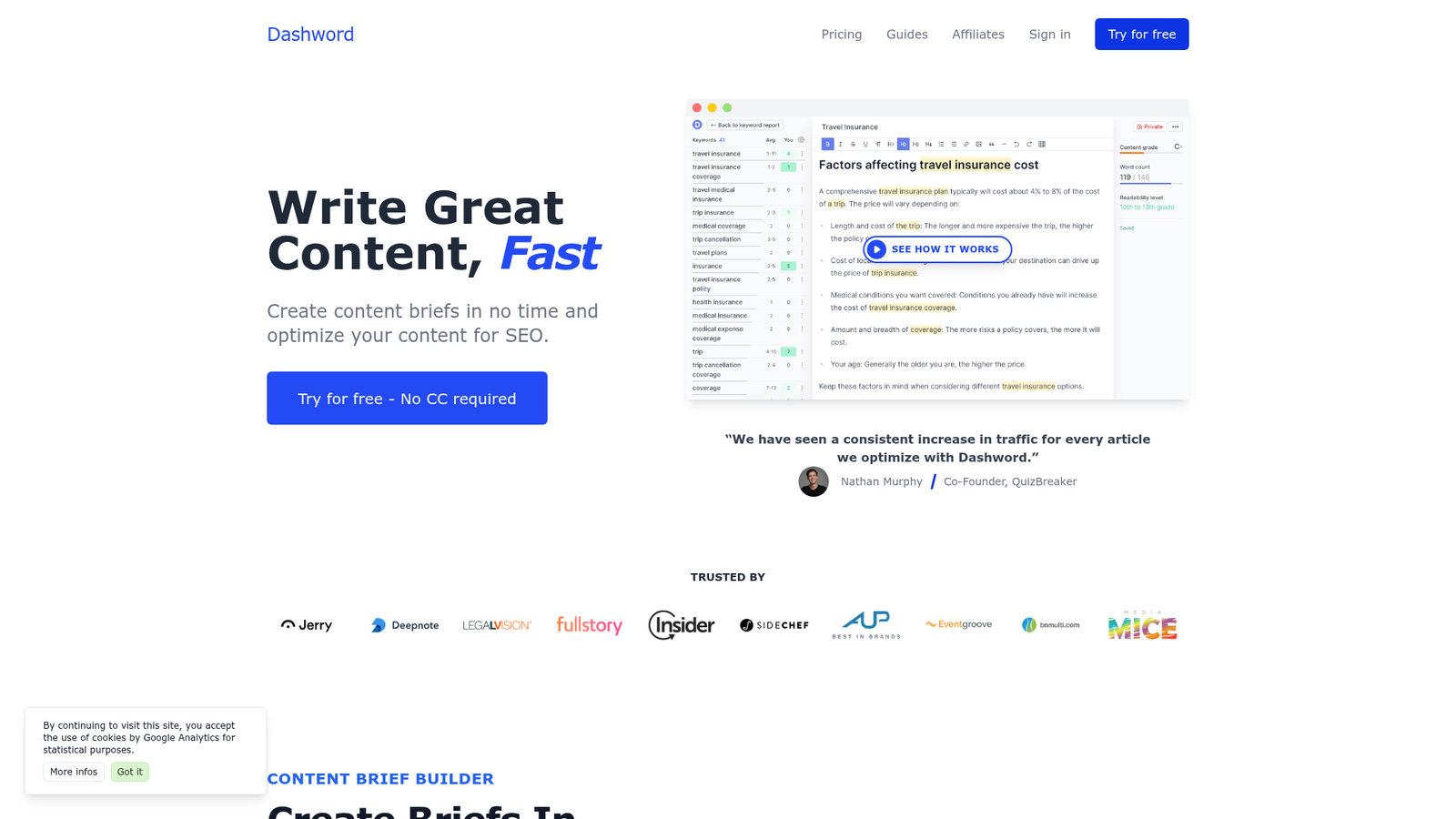
Dashword is an affordable, no-fuss content optimization tool. It offers content briefs and optimization reports similar to Clearscope but at a significantly lower price point - making it a practical choice for freelancers and small teams who don't need enterprise-level depth.
Best for: Budget-conscious small teams or freelancers who need basic content optimization scoring for refreshes without Clearscope or Surfer pricing.
Key strengths
- Content reports with keyword and topic recommendations benchmarked against SERP
- Real-time content scoring as you write or edit existing content
- Automated content briefs for refresh targets
- Content monitoring feature for tracking published page performance over time
- Team collaboration features for small editorial workflows
Pricing: $99/mo (Startup)
Dashword's content monitoring feature is particularly useful for refresh workflows - it tracks how your published pages perform after updates, giving you a lightweight before/after view. The trade-off: the NLP analysis isn't as deep as Clearscope or Surfer, integrations are limited, and the user community is smaller. For straightforward refresh projects on a budget, it gets the job done.
9. SE Ranking - best budget all-in-one with content refresh features

SE Ranking is an affordable all-in-one SEO platform that punches above its price point. Its Content Marketing module includes an AI-powered content editor and optimization scoring, while its rank tracking surfaces declining pages that need attention.
Best for: Small to mid-size teams wanting an affordable all-in-one SEO tool with solid content refresh capabilities.
Key strengths
- Content Marketing module with AI-powered content editor and optimization scoring
- Rank Tracker with historical position data for identifying pages in decline
- On-Page SEO Checker with actionable per-URL recommendations
- Competitive analysis for content gap identification during refresh planning
- Website Audit for technical issue detection on pages post-refresh
Pricing: $65/mo (Essential, annual billing); Content Marketing module from Pro tier at $119/mo
SE Ranking's value proposition is real. You get rank tracking, content optimization, on-page analysis, and site auditing in one platform for less than half the cost of Semrush. The honest limitation: content optimization isn't as deep as Clearscope or Surfer, and the keyword database is smaller than Semrush or Ahrefs. For teams that need a capable all-in-one without enterprise pricing, it's a strong choice.
10. SEOwind - best for AI-generated content refresh drafts
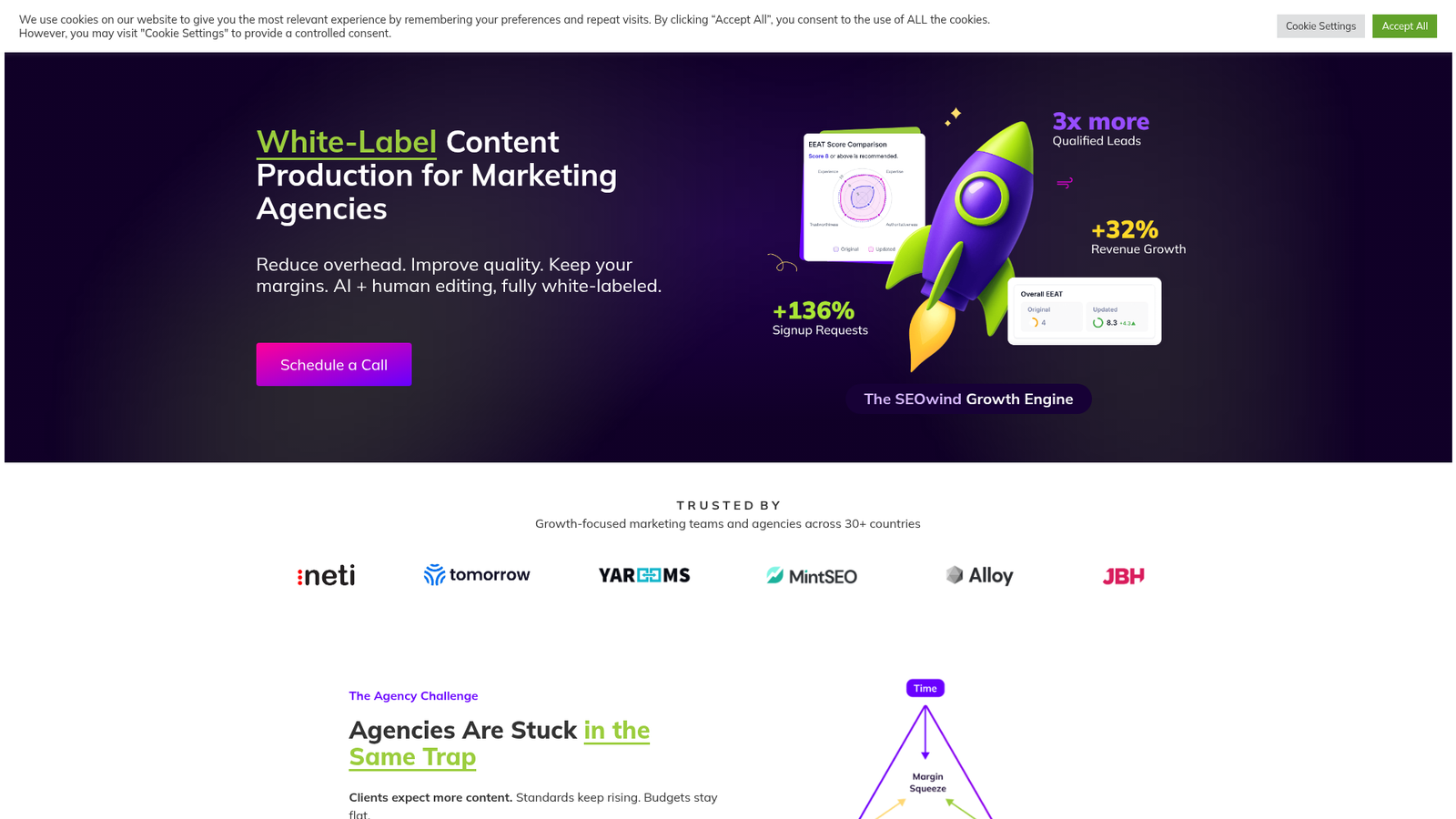
SEOwind is an AI content writing tool that generates SEO-optimized content based on SERP analysis and competitor data. For content refresh specifically, it can analyze an existing page against current top-ranking competitors and generate updated draft sections - useful for teams with limited writing resources.
Best for: Teams that need AI assistance generating updated content for refresh targets, particularly when refreshing multiple articles quickly.
Key strengths
- AI content generation grounded in real-time SERP analysis
- Outline generation derived from top-ranking competitor structure
- Content brief creation with keyword and topic recommendations
- Internal linking suggestions integrated into the draft workflow
- Statistical data integration to improve content freshness signals
Pricing: $49/mo (Starter)
SEOwind's entry price is the lowest on this list for a paid content optimization tool, which makes it accessible for freelancers and small teams. The trade-off is real: AI-generated content requires significant editing before publication, output quality varies by topic, and the tool doesn't detect content decay or track performance. It works best as an execution tool paired with a decay-detection layer upstream.
11. PageOptimizer Pro - best for technical on-page optimization
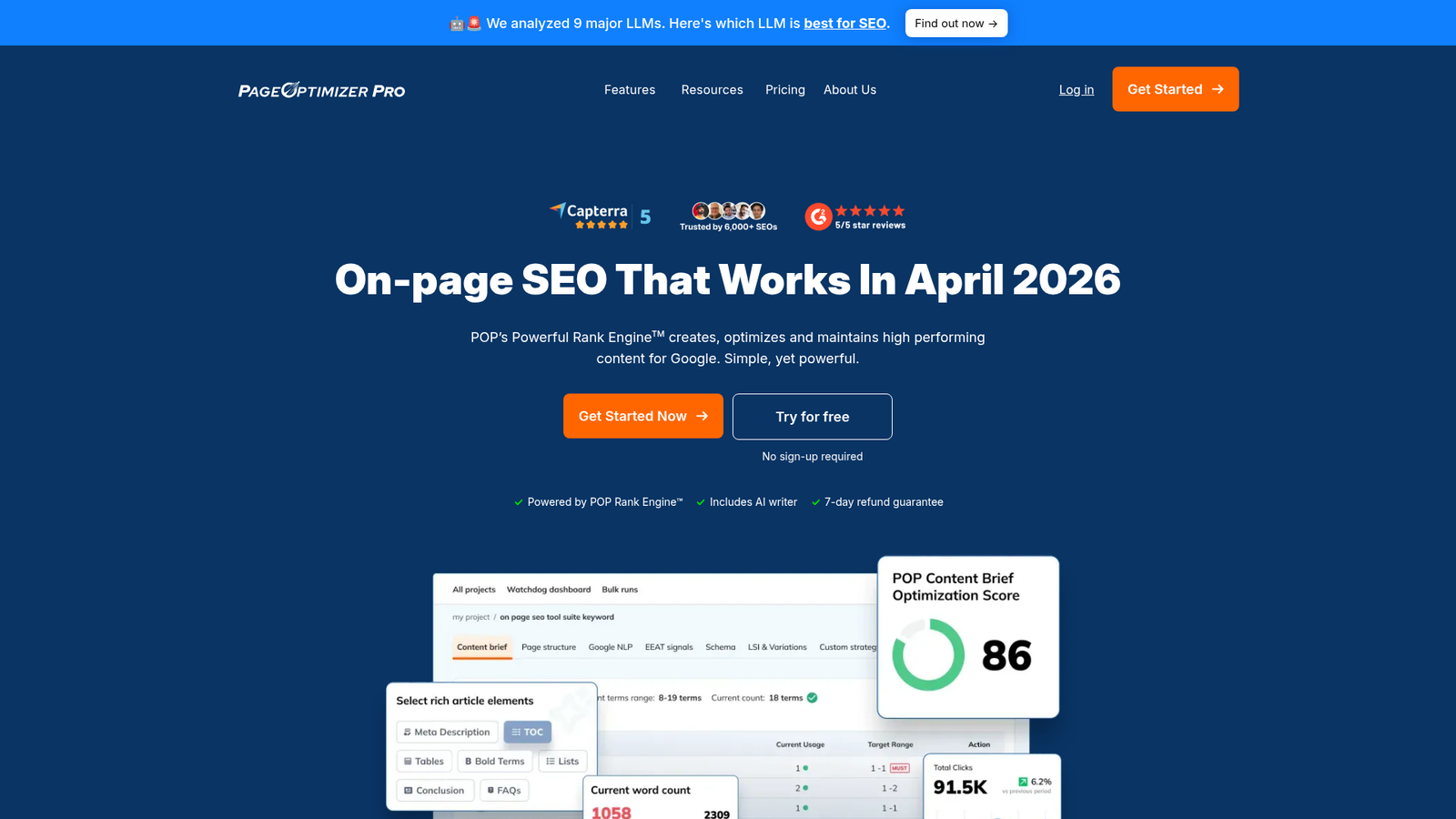
PageOptimizer Pro (POP) is a data-driven on-page optimization tool built by SEO practitioner Kyle Roof. It takes a more technical, algorithmic approach than NLP-focused tools like Clearscope or Surfer - making it a favorite among technical SEOs who want granular, specific recommendations.
Best for: Technical SEOs who want algorithm-focused, data-driven optimization guidance for content refreshes.
Key strengths
- Page-level optimization scoring based on detailed SERP analysis
- Specific word count, keyword placement, and structural recommendations per page
- Focus term and LSI term analysis with competitor-derived benchmarks
- Schema markup recommendations integrated into the optimization report
- Chrome extension for in-browser page analysis without leaving the SERP
Pricing: $34/mo (Basic)
POP's pricing is the most accessible on this list for a dedicated optimization tool. The honest trade-off: the UI has a steeper learning curve than Surfer or Clearscope, there's no content decay detection, and bulk capabilities are absent. It's a precision instrument for technical SEOs, not a team-wide workflow tool.
12. Content Harmony - best for content brief-driven refresh workflows
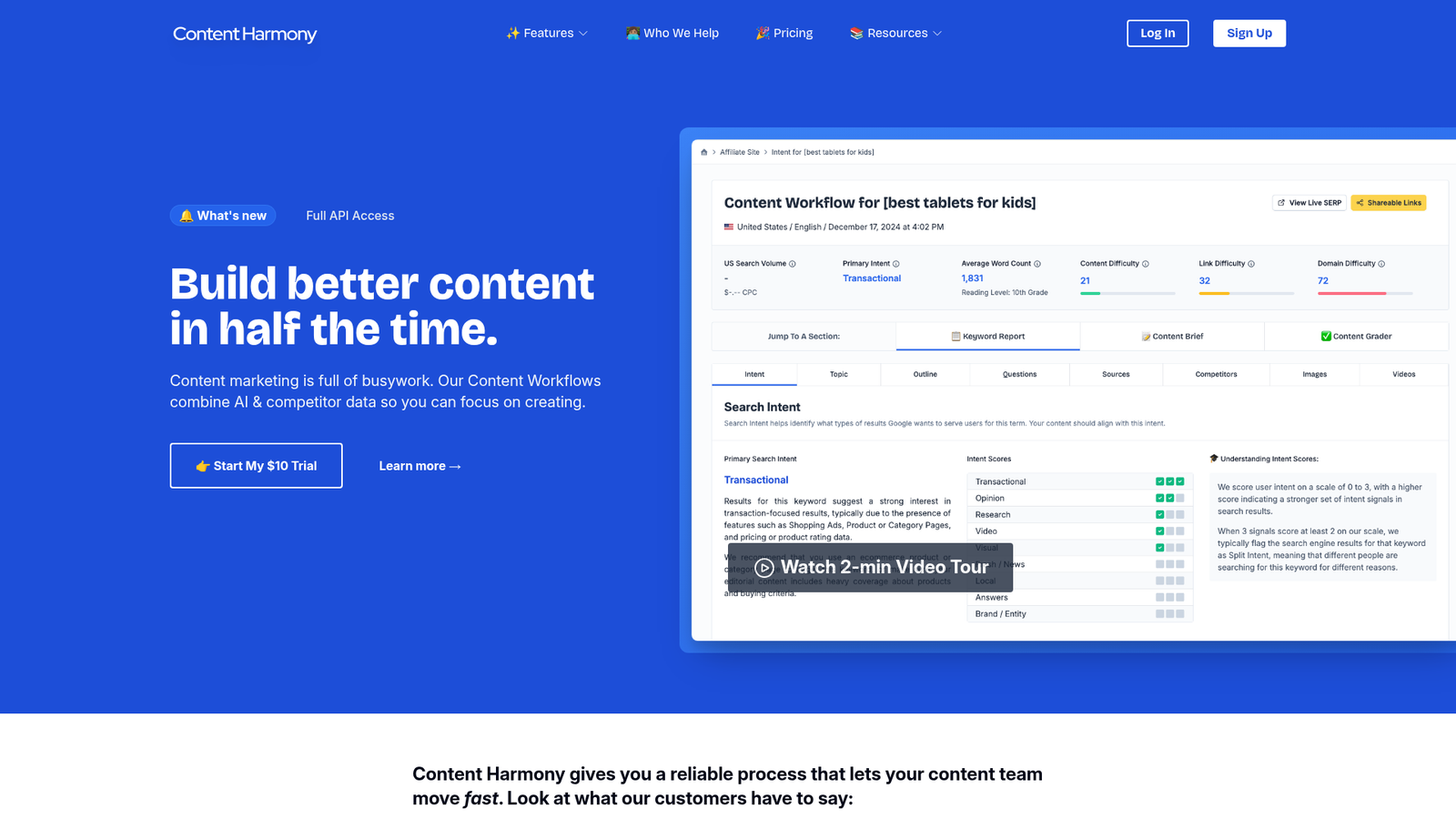
Content Harmony is a content brief and optimization platform designed for content marketing teams. Its structured brief workflow - from keyword research through to content grading - makes it well-suited for systematizing content refresh across a team with multiple writers.
Best for: Content teams that want a structured, brief-driven approach to content refresh with built-in collaboration and review workflows.
Key strengths
- Automated content briefs with search intent analysis for refresh targets
- Content Grader for scoring existing pages against current SERP competitors
- Topic model with competitor-derived subtopic recommendations
- Team workflow features including assign, review, and approve stages
- Keyword research integrated directly into brief creation
Pricing: ~$99/mo (Standard, per user equivalent)
Content Harmony's structured workflow is its strongest differentiator - it's built for teams where multiple people touch a piece of content before it goes live. The limitation: no decay detection, fewer reports per month at the base tier, and it's less well-known than Clearscope or Surfer, which means a smaller community and fewer third-party integrations.
Bonus free tools for content refresh
These tools complement a content refresh workflow but aren't standalone refresh solutions. Think of them as supporting layers.
Google Analytics 4 (GA4) pairs with GSC to give you a complete free decay-detection setup. Use it to identify pages with declining engagement metrics - time on page, bounce rate, and conversion trends. Together, GSC and GA4 cover the two most important signal sources for content decay without spending a dollar.
Ahrefs Webmaster Tools (free) is useful for monitoring backlink health on pages you're refreshing, identifying keyword cannibalization, and tracking organic keyword changes over time. The free tier has limits, but it's a meaningful addition to a free content refresh stack.
Frase (free tier) allows limited SERP analysis and content brief generation for individual refresh targets. It's a useful quick-check tool when you need to understand what the current top-ranking pages cover before you start editing.
These complement but don't replace a dedicated content refresh tool. Once your content library grows past 50 articles, the manual work of stitching these free tools together becomes the bottleneck.
How to build a content refresh workflow using these tools
No competitor covers this. Here's a practical five-step workflow that maps the tools above to each stage of the process.
Step 1 - Detect decay
Tools: Slate, Google Search Console, Animalz Revive, GA4
Set up automated decay monitoring before anything else. Connect GA4 and GSC to your chosen tool and flag pages with more than 20% traffic decline over a three-to-six month window. Animalz Revive and GSC handle this for free; Slate automates it at scale with prioritization built in.
Step 2 - Prioritize by impact
Tools: Slate, Semrush, MarketMuse
Not every decaying page is worth refreshing. Score pages by refresh potential: high-traffic pages with recent decline are highest priority. Pages sitting on page two of Google are quick wins - they already have authority and just need a push. Consider keyword difficulty, current position, and business value when building your refresh queue.
Step 3 - Analyze and optimize
Tools: Surfer SEO, Clearscope, Content Harmony, PageOptimizer Pro
Run each target page through your optimization tool of choice. Identify missing subtopics, outdated information, structural improvements, and internal linking gaps. This is where the content optimization software earns its cost - the difference between a generic update and a targeted refresh that actually moves rankings.
Step 4 - Execute at scale
Tools: Slate, SEOwind
For teams refreshing 10 or more pages per month, bulk workflows are essential. Slate's pipeline lets you batch-process refreshes with per-page recommendations assigned to writers. SEOwind can accelerate execution by generating AI-assisted draft sections for pages where the content needs substantial rewriting - though plan for editing time.
Step 5 - Track results
Tools: Slate, Google Search Console, GA4
Monitor before/after performance over 30, 60, and 90 days per refreshed page. Track organic traffic, keyword rankings, CTR, and conversions. Document wins - they build the internal business case for ongoing refresh investment. Backlinko's content decay analysis found that updated content consistently outperforms unchanged pages in SERPs — Backlinko's case studies document ranking improvements of 100%+ on refreshed pages
For a deeper look at structuring this process, see Slate's content refresh workflow guide.
Choosing the right content refresh tool for your team
The right tool depends on where you are in your content refresh maturity.
Content refresh is becoming a core SEO discipline, not an optional maintenance task. With 73% of SEO professionals agree AI tools are becoming an important part of their SEO strategy (HubSpot State of Marketing Report, 2026), the teams that build systematic refresh operations will compound their content investment while competitors watch their rankings erode.
Start your content refresh workflow with Slate - the only platform built specifically for this job.
FAQs
What is a content refresh tool?
A content refresh tool helps you identify, prioritize, optimize, and track updates to existing published content to recover or improve organic search performance. It's distinct from a content creation tool - the focus is on existing pages that have lost rankings or traffic, not on producing new content from scratch.
How often should you refresh your content for SEO?
Audit your content library quarterly and refresh high-priority pages at least every six to twelve months. Evergreen content typically needs annual updates; time-sensitive content covering statistics, trends, or product features may need refreshing every three to six months as the underlying information changes.
What is content decay and how do you detect it?
Content decay is the gradual decline in organic traffic and rankings that affects most published pages over time. Detect it using GSC date comparisons, GA4 traffic trend analysis, or dedicated tools like Slate or Animalz Revive that automate the flagging process.
Can you use free tools for content refresh?
Yes - Google Search Console, GA4, and Animalz Revive together provide a functional free stack for decay detection. The limitation is that free tools lack optimization guidance and bulk capabilities, so you'll spend significantly more time on manual analysis. Paid tools accelerate the process and make it sustainable at scale.
What's the difference between content refresh and content optimization?
Content optimization is the broader practice of improving content for search performance - it applies to both new and existing content. Content refresh specifically refers to updating existing, published content that has lost performance over time. A refresh often includes optimization but also involves updating facts, statistics, examples, internal links, and structural elements that have become outdated.
How do you measure the ROI of content refresh?
Track before/after metrics per refreshed page: organic traffic, keyword rankings, CTR, and conversions. Compare the cost of the refresh - tool subscription plus writer time - against the value of recovered traffic. Tools like Slate provide built-in before/after dashboards that make this calculation straightforward, which is important for justifying ongoing refresh investment internally.
Which content refresh tool is best for small teams?
For small teams on a budget, start with Google Search Console (free) for decay detection and either Dashword ($99/mo Startup) or SE Ranking ($103.20/mo Core, annual billing). The $65/month SE Ranking price referenced the retired 'Essential' plan — Core is now the entry tier.