More content, same team. That's the mandate most content leaders are working under right now.
According to HubSpot's 2026 State of Marketing Report, 73% of SEO professionals agree AI tools are becoming an important part of their SEO strategy- yet AI tools are cutting creation time by 60% on average for teams that have operationalized them correctly. The gap between those two realities is where content operations either holds together or falls apart.
The problem isn't a shortage of AI writing tools. It's that most teams adopt them as point solutions - a writing assistant here, an SEO tool there - without the operational infrastructure to connect them. Brand voice drifts. Approval chains collapse. Quality erodes at exactly the moment volume increases.
This guide covers the 15 best AI tools for content operations at scale, organized by operational function - not just alphabetically listed and called a day. You'll find tools for workflow orchestration, AI writing and generation, SEO intelligence, quality assurance, visual design, and video production. More importantly, you'll find guidance on how they work together as a coherent stack, how to roll them out in phases, and how to build the governance layer that keeps quality intact as volume grows.
What we mean by content operations at scale: Content operations is the system of workflows, governance rules, quality controls, and team coordination that makes consistent content production possible. It's the infrastructure around content creation - not the creation itself.
The five pain points this guide addresses directly:
- Content volume demands outpacing team capacity without proportional headcount growth
- Brand voice and quality degradation as output increases
- Workflow chaos across disconnected tools with no single source of truth
- Governance gaps with no systematic way to enforce editorial standards at scale
- SEO inconsistency producing more content but not proportional organic traffic growth
Why Content Operations Break Down at Scale (And Where AI Fits)
Scaling content isn't a writing problem. It's a systems problem.
Most content teams hit a ceiling not because they lack talent or tools, but because their operational infrastructure wasn't built for volume.
Here are the five failure modes that appear consistently when content teams try to scale without operational infrastructure:
1. Brand voice drift. When five writers, two freelancers, and three AI tools are producing content simultaneously, brand voice becomes whoever's loudest that week. Without documented standards and enforcement mechanisms, consistency is aspirational at best.
2. Approval bottleneck gridlock. Content piles up waiting for review. Editors become the constraint. Stakeholders miss deadlines. The bottleneck moves from creation to approval, and volume gains evaporate.
3. SEO inconsistency. Some writers optimize obsessively; others ignore it entirely. The result is a content portfolio with wildly uneven search performance and no systematic way to close the gap.
4. Content duplication and cannibalization. Without a centralized content inventory, teams produce overlapping pieces that compete with each other in search and confuse readers.
5. Quality regression. Speed pressure pushes teams to publish faster. Human review stages get compressed. AI-generated content goes out with minimal editing. The result is what the industry now calls "AI slop" - generic, undifferentiated content that damages brand credibility.
The solution isn't more AI tools. It's an AI content ops stack - tools organized by function, connected by workflows, governed by clear quality standards. Think of it as five operational layers:
- Layer 1 - Planning & Strategy: What to create, when, and for whom
- Layer 2 - Creation & Drafting: Generating first drafts efficiently
- Layer 3 - Optimization & QA: Ensuring every piece meets SEO and quality standards
- Layer 4 - Collaboration & Governance: Managing reviews, approvals, and brand compliance
- Layer 5 - Analytics & Iteration: Measuring performance and feeding insights back into planning
The 15 tools in this guide map to these layers.
How We Evaluated These Tools
Every tool in this guide was assessed against six criteria relevant to content operations at scale - not just individual use.
Tools are organized by primary operational function, though many serve multiple layers. Pricing reflects annual billing rates as of 2026 - always verify current pricing on vendor sites before purchasing.
Comparison Table - All 15 Tools at a Glance
No single tool does everything. The power is in how they connect. Use this table to identify gaps in your current stack and prioritize what to evaluate first.
Content Operations & Workflow Orchestration
This is the foundation layer - the operational infrastructure that connects every other tool in your stack. Before you add AI writing tools, you need a system for managing workflows, enforcing governance, and routing content through review stages. Teams that skip this layer and jump straight to AI writing tools are the ones producing AI slop at scale.
1. Slate - AI-Powered Content Operations Platform
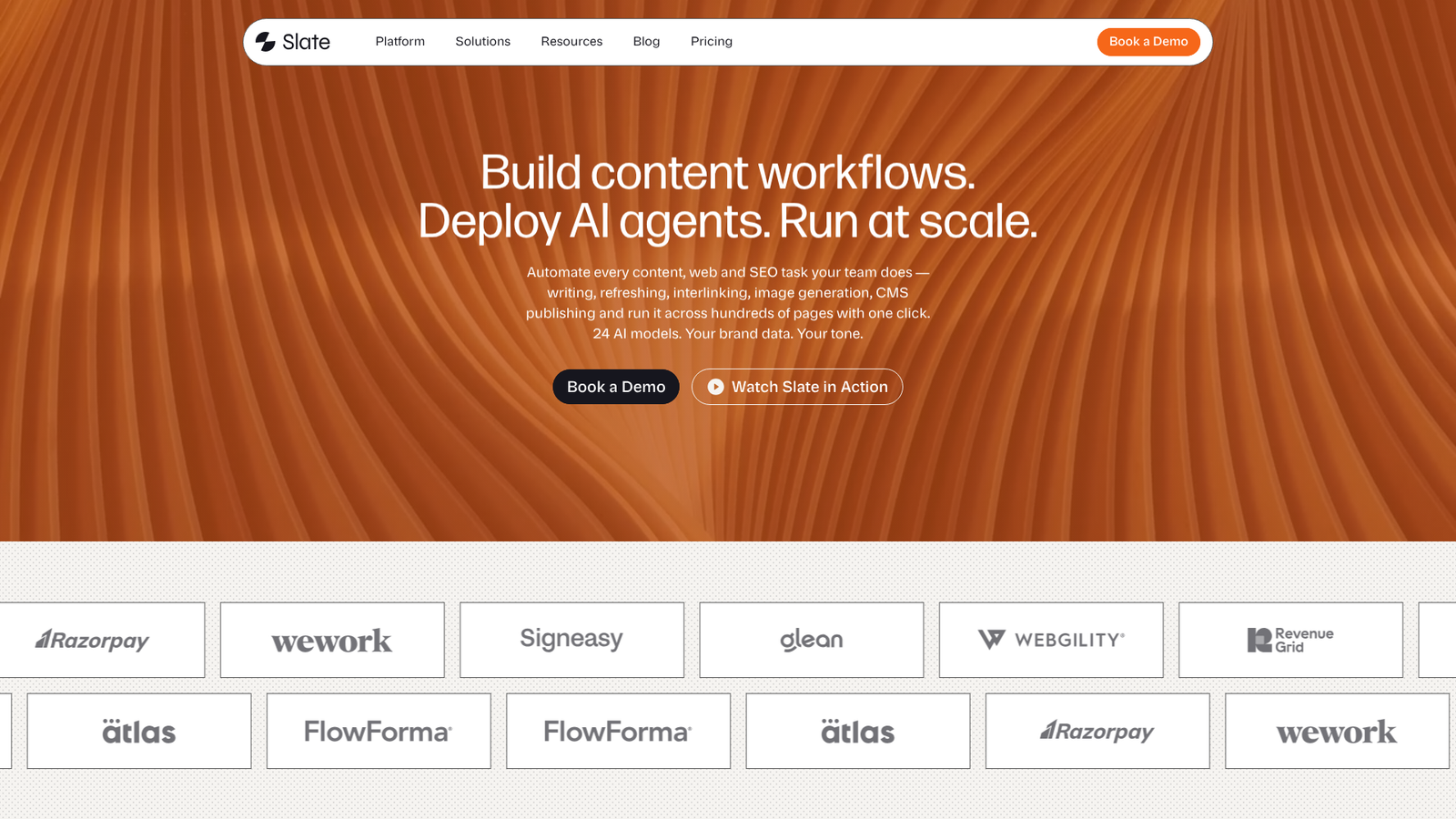
Slate is the operational backbone for content teams scaling AI-assisted production - the orchestration layer that connects planning, creation, review, and governance into a single workflow.
Where most AI tools focus on generating content faster, Slate focuses on the infrastructure that makes scaled content production sustainable. It's built for teams that have already discovered that "more AI tools" without operational structure creates more chaos, not more output.
Best for: Content teams producing 50+ pieces per month who need governance and quality controls, not just faster drafting.
Key strengths
- Centralized content workflow management with AI-assisted task routing
- Brand governance controls with style guides and compliance rules baked into workflows
- Automated and human review checkpoints built into every production stage
- Role-based permissions and approval chains for team collaboration at scale
- Native integrations connecting the point solutions in your broader content ops stack
Pricing: Starting at $199/month
The honest limitation: Slate delivers its strongest value at higher content volumes. Smaller teams producing fewer than 20 pieces per month may find the governance infrastructure more than they currently need. The learning curve is also real - expect two to three weeks to configure workflows, approval chains, and brand rules before the system runs smoothly. That setup investment pays back quickly at scale, but it's not a tool you install and immediately get value from on day one.
Why Slate first? Content ops starts with workflow infrastructure, not individual writing tools. Establishing governance rules, approval chains, and quality checkpoints before adding AI creation tools is the difference between scaling content and scaling chaos. Explore Slate's features to see how the operational layer works in practice.
2. Notion AI - Flexible Content Planning & Knowledge Base
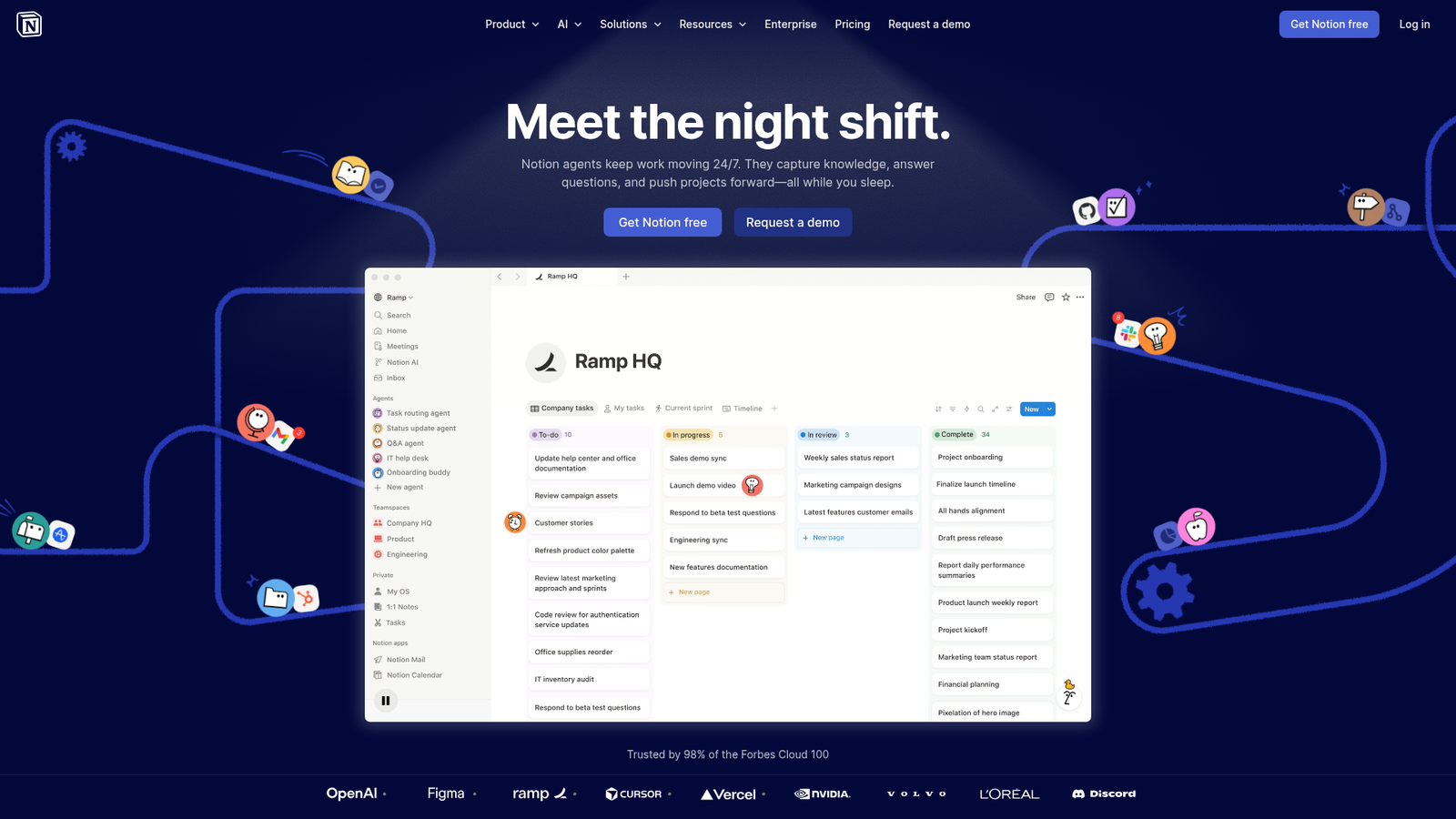
Notion AI is an AI-enhanced workspace for content calendars, editorial planning, briefs, and team wikis - the planning layer before content enters the production pipeline.
It works particularly well for teams that need a flexible, cross-functional hub where content strategy, briefs, and reference materials live alongside the calendar. The AI features handle summarization, draft generation, and database management without requiring a separate tool.
Best for: Teams needing a flexible planning layer that connects strategy to production, especially those already using Notion for project management.
Key strengths
- AI summarization and content brief generation from existing documents
- Editorial calendar views with database filtering and custom properties
- Template automation for recurring content types and brief formats
- Cross-functional collaboration with granular page-level permissions
- Knowledge base management for brand guidelines, style docs, and research
Pricing: Free tier available; Plus at $10/user/month (annual) or $12/user/month (monthly); Business at $18/user/month (annual) or $20/user/month (monthly). IMPORTANT: As of May 2025, full AI access (AI Agents, Ask Notion) requires the Business plan — the separate $10/month AI add-on was eliminated. Plus includes only basic AI writing features.
The trade-off worth knowing: Notion isn't purpose-built for content ops. Getting it to function as a proper editorial workflow system requires significant customization - building databases, configuring views, and maintaining templates is ongoing work. The AI features are genuinely useful but supplementary to the core workspace, not the reason to choose it. If your team isn't already in Notion, the setup investment may not be worth it compared to purpose-built alternatives.
3. Narrato - AI Content Workspace for Teams
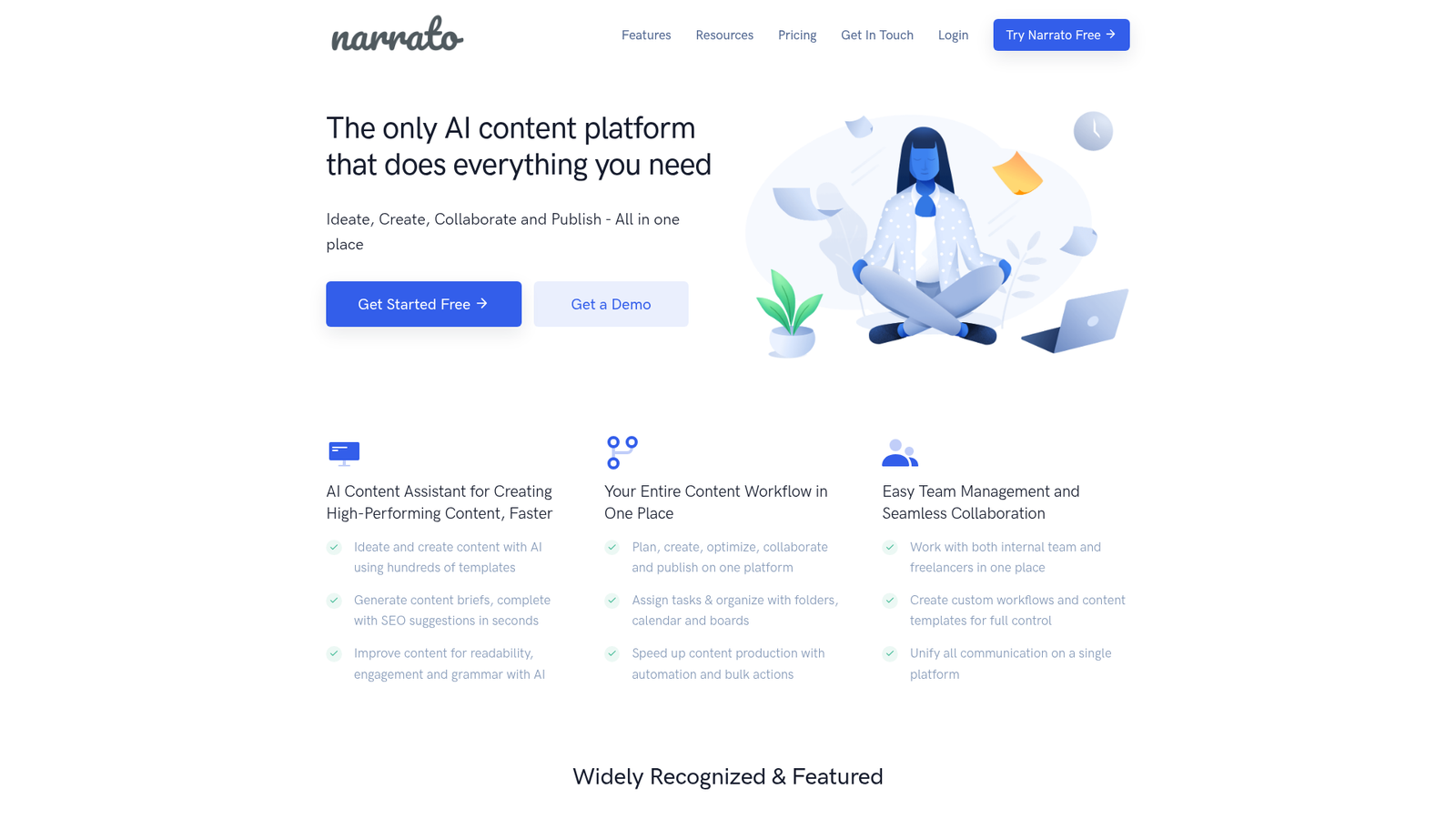
Narrato is a purpose-built content operations platform combining AI writing, SEO briefs, workflow automation, and team management in a single environment.
It's one of the few tools in this list that genuinely attempts to cover the full content ops workflow - from brief creation through production to publishing - without requiring you to stitch together separate tools. That makes it particularly relevant for agencies managing multi-client content production where context-switching between tools is a real operational cost.
Best for: Mid-size content teams and agencies managing multi-client content production who want an all-in-one environment over a best-of-breed stack.
Key strengths
- AI content generation with brand voice training per client or project
- Content brief templates with SEO keyword integration
- Workflow automation with custom production stages and assignee routing
- Built-in content calendar with publishing integrations
- Freelancer management with guest access and deliverable tracking
Pricing: Narrato starting at $48/month (base plan, not per-user). Additional projects $7/project/month; additional user credits +$1/user/month.
The honest limitation: Narrato's AI writing quality doesn't match dedicated LLMs like Claude or ChatGPT for complex, nuanced content. If long-form thought leadership is a significant part of your output, you'll likely find yourself exporting drafts to a better writing tool anyway. The integration ecosystem is also smaller than you'd want for a mature content ops stack.
AI Writing & Content Generation
With your operational foundation in place, this is where content actually gets produced. The tools in this layer handle first-draft generation, ideation, research synthesis, and content repurposing. The key is matching the right tool to the right content type - no single AI writing tool is best at everything.
4. ChatGPT (OpenAI) - Versatile AI Writing & Ideation Engine
ChatGPT is the most widely adopted LLM for content drafting, ideation, research synthesis, and repurposing - and for good reason.
Its combination of versatility, plugin ecosystem, and Custom GPT functionality makes it the most adaptable AI writing tool for content ops teams. Custom GPTs let you bake brand voice, tone guidelines, and content templates directly into a reusable workflow, which meaningfully reduces the prompting overhead required for consistent output.
Best for: First-draft generation at volume, content ideation, research summarization, and content repurposing across formats.
Key strengths
- Custom GPTs for brand-specific writing workflows and tone enforcement
- API access enabling automation and integration with content ops platforms
- Canvas for collaborative document editing with AI assistance
- Multi-modal capabilities spanning text, image analysis, and code
- Largest plugin and integration ecosystem of any AI writing tool
Pricing: Free tier; Plus at $20/month; Business at $20/seat/month (annual) or $25/seat/month (monthly); Enterprise (custom). ChatGPT Team was renamed ChatGPT Business on August 29, 2025. OpenAI also reduced Business seat pricing by $5/month on April 2, 2026 — reflect the current ($20 annual / $25 monthly) pricing.
The limitation that matters at scale: ChatGPT requires significant prompting expertise to produce consistently high-quality output. Without well-maintained prompt libraries and brand context documents, quality varies considerably between users and sessions. It also has no built-in content ops workflow - it's a powerful engine that needs the operational infrastructure around it to function at scale.
Pro tip: Build a Custom GPT loaded with your brand voice guide, tone examples, content templates, and style rules. Share it across your team so every writer starts from the same operational baseline - not a blank prompt box.
5. Claude (Anthropic) - Long-Form Content & Analysis Powerhouse
Claude is Anthropic's LLM, increasingly preferred by content teams for long-form writing, nuanced analysis, and editorial-quality output.
The 200K context window is the feature that changes how content teams work. You can feed Claude an entire style guide, a set of reference articles, a detailed brief, and competitor examples - all at once - and get output that reflects all of that context simultaneously. For long-form content like guides, whitepapers, and research reports, that's a meaningful operational advantage.
Best for: Long-form content requiring nuance and editorial judgment - guides, whitepapers, reports, and content that needs to follow complex style guidelines precisely.
Key strengths
- 200K context window for processing full style guides and reference materials simultaneously
- Projects feature for persistent context across ongoing content programs
- Superior editorial judgment and less "AI-sounding" output than most alternatives
- Strong reasoning capability for complex, multi-part content structures
- Artifacts for structured, reusable content outputs
Pricing: Free tier; Pro at $20/month ($17/month billed annually — $200 upfront); Max from $100/month; Team Standard $20/seat/month (annual billing) or $25/seat/month (monthly billing) — minimum 5 seats, up to 150; Team Premium $100/seat/month (annual) or $125/seat/month (monthly) — includes 5x more usage than Standard; Enterprise — $20/seat/month base fee + usage-based API rates
Claude vs. ChatGPT for content ops: Claude tends to produce better long-form output with less editing required. ChatGPT has a larger integration ecosystem and more flexibility for automation. Most mature content ops teams use both - Claude for substantive long-form drafts, ChatGPT for ideation, repurposing, and workflow automation.
The limitation to plan around: Claude's plugin ecosystem is smaller than ChatGPT's, which matters if you're building automated content workflows. It can also be verbose when you want concise output, and image generation isn't a strength.
6. Jasper - Enterprise AI Content Platform
Jasper is a purpose-built AI content platform with brand voice training, marketing-specific templates, and team collaboration features designed for enterprise marketing teams.
The Brand Voice feature is what separates Jasper from general-purpose LLMs for content ops governance. You train it on your existing content, and it applies that voice consistently across every output - without requiring writers to manually prompt for tone on every piece. For teams managing brand consistency across 10+ writers, that's a genuine operational control, not just a feature.
Best for: Enterprise marketing teams needing brand-consistent content across channels with built-in governance and marketing-specific templates.
Key strengths
- Brand Voice training on existing content for consistent tone enforcement
- Marketing-specific templates covering ads, emails, blog posts, and social
- Campaign workflow management connecting content assets across a launch
- AI image generation integrated into the content creation environment
- Brand knowledge base storing company facts, product details, and messaging
Pricing: Pro at $59/month (billed annually) or $69/month (monthly); Business (custom). Jasper retired the Creator $39/month plan — Pro is now the entry tier.
The honest trade-off: Jasper's higher price point is justified for teams where brand consistency is a primary operational concern. For creative or editorial content where voice flexibility matters more than brand uniformity, the constraints can feel limiting. Output quality also depends heavily on how much investment you put into Brand Voice training upfront - it's not plug-and-play.
7. Copy.ai - AI-Powered GTM Content & Workflows
Copy.ai has evolved from a short-form copywriting tool into a go-to-market workflow automation platform - a meaningful distinction for content ops teams.
The workflow builder is the feature that makes Copy.ai relevant at scale. You can build multi-step content workflows that pull from CRM data, apply brand voice settings, and generate batches of sales enablement content, email sequences, or social posts without manual intervention per piece.
Best for: GTM teams producing high-volume sales enablement content, ad copy, email sequences, and social content where workflow automation matters more than editorial nuance.
Key strengths
- AI workflow builder for multi-step automated content generation
- Sales and marketing templates covering the full GTM content spectrum
- Bulk content generation for high-volume repetitive content types
- CRM integrations pulling prospect and account data into content workflows
- Brand voice settings applied consistently across workflow outputs
Pricing: Free tier (limited); Starter at $49/month (usage-based); Advanced at $249/month (up to 5 seats, 2,000 workflow credits/month); Enterprise (custom). Copy.ai renamed its entry tier from 'Pro' to 'Starter'.
The limitation to be honest about: Copy.ai is less suited for long-form editorial content where nuance and original thinking matter. The workflow builder has a real learning curve - expect a week of configuration before it runs smoothly. Quality is also inconsistent for complex topics that require genuine subject matter expertise.
8. Brandwell.ai - AI Long-Form Content at Volume
Brandwell.ai is an AI platform specifically designed for producing SEO-optimized long-form blog content at scale, with minimal human input required per piece.
It occupies a specific niche: teams that need to publish high volumes of SEO-targeted blog content quickly, where speed and keyword optimization take priority over editorial voice and thought leadership depth.
Best for: Teams prioritizing high-volume SEO blog content production where output velocity outweighs editorial nuance.
Key strengths
- One-click long-form blog generation with built-in SEO optimization
- Bulk content generation for producing multiple posts simultaneously
- Auto-publishing integrations with WordPress and Shopify
- AI detection evasion features built into the generation process
- Minimal per-piece human input required for standard blog formats
Pricing: Starts at $249/month for 20 posts.
Speed vs. quality - when fully automated content works (and when it doesn't): Brandwell.ai works for informational content targeting long-tail keywords where search intent is straightforward and brand voice is secondary. It doesn't work for thought leadership, competitive categories where content quality is a differentiator, or any content where your brand's credibility is on the line. The AI detection evasion feature also raises legitimate ethical questions worth considering before adopting it as policy. Every piece still needs human review before publishing - the "minimal input" claim is accurate for production, not for quality assurance.
SEO Optimization & Content Intelligence
Creating content without systematic SEO optimization is one of the most common ways content teams produce volume without proportional traffic growth. These tools cover the full SEO layer - from strategic planning and keyword research to real-time on-page optimization and competitive intelligence.
9. Surfer SEO - AI-Driven On-Page Optimization
Surfer SEO is an AI-powered SEO tool providing real-time content optimization based on SERP analysis, NLP, and competitive data - the standard for on-page optimization at scale.
The Content Editor is the feature content ops teams rely on most. It scores content in real time against the top-ranking pages for your target keyword, flagging gaps in topic coverage, keyword usage, and structural elements. When you have 10 writers producing content simultaneously, Surfer's scoring creates a consistent, objective quality gate that doesn't depend on any individual editor's SEO knowledge.
Best for: Content teams optimizing every piece for search performance at scale, ensuring SEO consistency across multiple writers and AI-generated drafts.
Key strengths
- Real-time Content Editor scoring against SERP competitors
- NLP-based keyword and topic recommendations beyond simple keyword density
- Surfer AI for generating SEO-optimized first drafts within the platform
- Keyword clustering for organizing content strategy around topic authority
- Content audit identifying optimization opportunities across existing content
Pricing: Discovery at $49/month; Standard at $99/month; Pro at $182/month; Peace of Mind at $299/month; Enterprise (custom). Surfer restructured its pricing in 2025 — the old Essential / Scale / Scale AI tiers referenced have all been retired.
Pro tip: Use Surfer's Content Editor as a quality gate in your content ops workflow - not just a writing aid. Set a minimum content score (typically 70+) as a publishing requirement. This creates a consistent, measurable SEO standard that applies equally to human-written and AI-generated content.
The limitation worth noting: Surfer's optimization scores can encourage keyword stuffing if writers follow them too literally. The tool measures correlation with top-ranking pages, not causation - treat scores as directional guidance, not absolute targets. It's also primarily an on-page tool; for broader SEO strategy, you need Ahrefs or a comparable platform alongside it.
10. Ahrefs - SEO Research & Content Strategy Intelligence

Ahrefs is the comprehensive SEO platform content strategists rely on for keyword research, competitive analysis, content gap identification, and rank tracking at scale.
Content Explorer is the feature that makes Ahrefs indispensable for content ops planning specifically. You can identify which topics in your space are generating traffic, find content gaps your competitors haven't covered, and build data-driven editorial calendars based on actual search demand - not editorial intuition.
Best for: Content strategists planning what to create, identifying content gaps, and monitoring performance across large content portfolios.
Key strengths
- Keywords Explorer with the most comprehensive keyword database available
- Content Explorer for identifying high-performing content in any niche
- Site Audit for technical SEO issues affecting content performance
- Rank Tracker monitoring keyword positions across your full content portfolio
- Competitive content gap analysis identifying topics competitors rank for that you don't
Pricing: Starter at $29/month for basic research; Lite at $129/month; Standard at $249/month; Advanced at $449/month; Enterprise at $1,499/month (= $17,988/year — the previously listed $14,990/year figure is inaccurate; annual commitment required for Enterprise).
The cost reality at scale: Ahrefs is expensive, and per-seat pricing adds up quickly for larger teams. The Lite plan limits data access in ways that frustrate power users. It's primarily a research and strategy tool - it doesn't help you produce content, only plan and measure it. Most content ops teams pair it with Surfer SEO: Ahrefs for strategy and competitive intelligence, Surfer for production-stage optimization.
11. Perplexity - AI Research & Fact-Checking Assistant
Perplexity is an AI-powered research engine providing sourced, cited answers - increasingly used by content teams as a fact-checking layer for AI-generated content.
The citations are what make Perplexity operationally useful in a content ops context. When you're producing high volumes of AI-assisted content, AI hallucination risk is real. Perplexity's sourced responses let editors quickly verify claims, find supporting data, and identify where AI-generated content has drifted from factual accuracy - without spending 20 minutes on manual research per claim.
Best for: Content researchers and editors who need sourced information quickly, and teams building fact-checking into their AI content quality assurance workflow.
Key strengths
- Real-time web search with cited sources for every response
- Pro Search for deeper, multi-step research on complex topics
- Collections for organizing research by project or content program
- Focus modes for academic, writing, and domain-specific research
- API access for integrating research capabilities into content workflows
Pricing: Free tier; Pro at $20/month; Enterprise (custom).
Using Perplexity as a quality control layer: Build a fact-checking step into your content ops workflow where editors run key claims from AI-generated drafts through Perplexity before publishing. It won't catch everything - citations still need human verification - but it dramatically reduces the time required to validate factual accuracy at scale.
The honest limitation: Perplexity is a research tool, not a content creation tool. It doesn't integrate natively with most content workflows, so the fact-checking step is currently a manual one. Citations also require human verification - Perplexity reduces hallucination risk, it doesn't eliminate it.
Content Quality Assurance & Editing
Quality assurance is the layer most content ops teams underinvest in. Adding AI writing tools without adding QA infrastructure is how you scale AI slop. These tools create the automated checkpoints that catch quality issues before they reach human editors - reducing the editorial burden while maintaining standards.
12. Grammarly - AI Writing Assistant & Style Enforcement
Grammarly is an AI-powered writing assistant that goes well beyond grammar correction - at the Business tier, it functions as a brand voice enforcement layer across your entire content team.
The brand tone profiles are the feature that makes Grammarly operationally relevant for content governance. You define your brand's tone parameters, and Grammarly flags deviations in real time - whether the writer is a full-time employee, a freelancer, or an AI tool producing a first draft. It works everywhere writers write: Google Docs, Word, email, CMS platforms, and browsers.
Best for: Enforcing consistent writing quality and brand voice across large content teams, freelancers, and AI-generated drafts at scale.
Key strengths
- Brand tone profiles defining and enforcing voice parameters across all writers
- Style guide enforcement flagging deviations from documented brand standards
- Full-sentence rewrite suggestions maintaining meaning while improving clarity
- Team analytics showing quality trends and common error patterns across writers
- Ubiquitous integration working across browsers, apps, and document editors
Pricing: Free tier; Pro (formerly Premium) — $30/month on monthly billing, $20/month on quarterly, or $12/month on annual billing ($144/year upfront) for individuals (Pro is a flat rate, not per-seat); Business $15–$25/user/month (minimum 3 seats); Enterprise custom.
Grammarly as a governance layer: At the Business tier, Grammarly functions as an automated brand voice checkpoint that runs before human editorial review. For teams managing 20+ writers - including freelancers and AI tools - it catches style and tone deviations that would otherwise require a senior editor's attention on every piece.
The limitation to plan around: Grammarly's suggestions can homogenize writing voice over time, smoothing out the distinctive stylistic choices that make content memorable. It's a quality floor, not a quality ceiling. The brand tone and style guide features also require the Business tier - the free and Premium plans don't include governance functionality.
Visual & Design Content
Visual content is no longer optional in a content ops stack. Blog posts need featured images and inline graphics. Social content is predominantly visual. Presentations, reports, and landing pages all require design work. These tools let content teams produce brand-consistent visual content at volume without dedicated designer bandwidth for every asset.
13. Canva - AI-Powered Visual Content at Scale
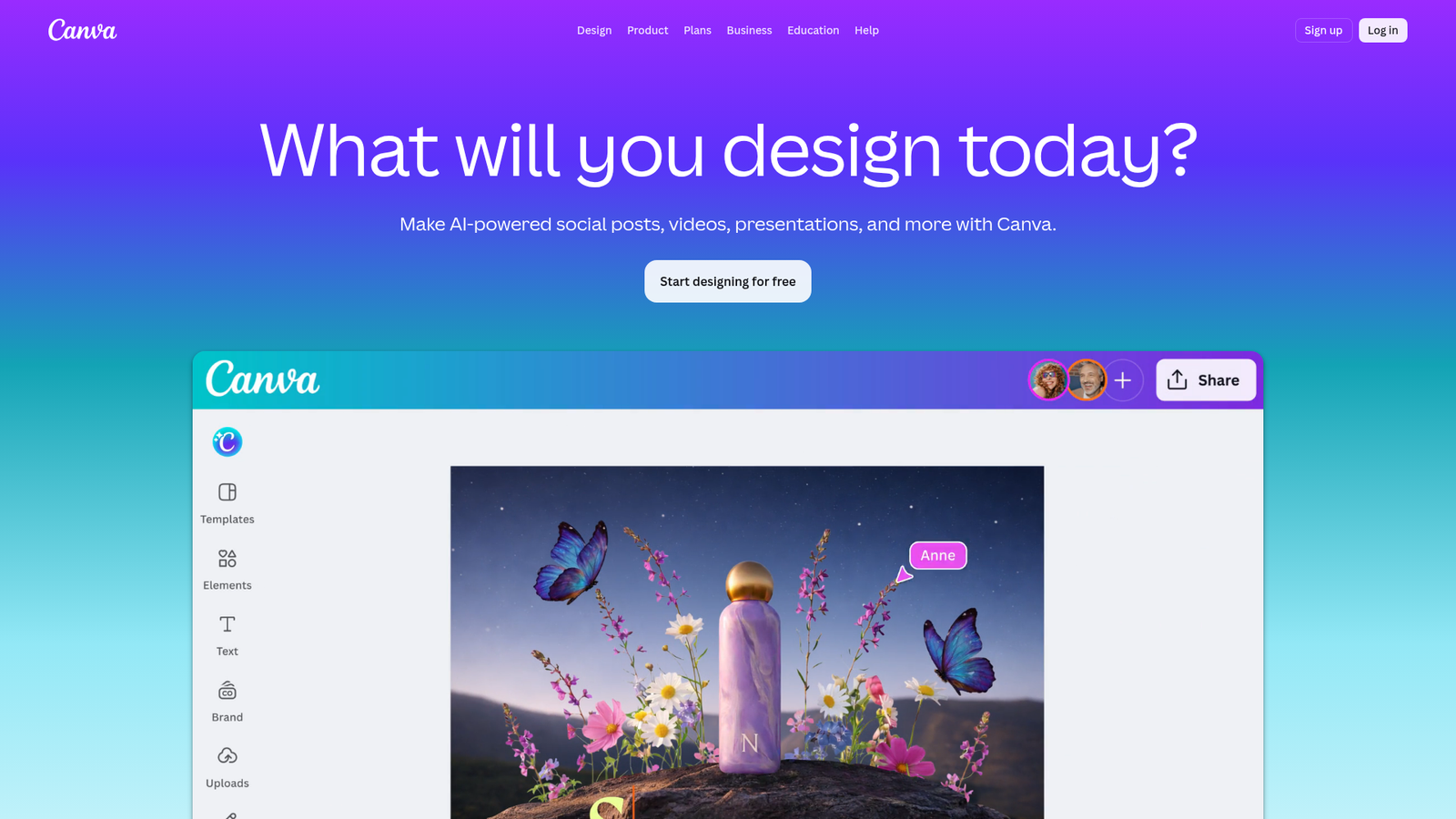
Canva is the design platform that made visual content production accessible to non-designers - and its AI features have made it genuinely powerful for content ops teams managing visual output at scale.
The Brand Kit and template locking features are what make Canva operationally relevant beyond individual use. Brand Kit enforces logo usage, color palettes, and typography across every design. Template locking prevents non-designers from accidentally breaking brand standards. At scale, these governance features matter as much as the design capabilities themselves.
Best for: Content teams producing high volumes of social graphics, blog images, presentations, and ad creatives without dedicated designers for every asset.
Key strengths
- Magic Design for AI-generated layout suggestions from a brief or content input
- Brand Kit enforcing logos, colors, and fonts across all team designs
- Template locking preventing off-brand modifications to approved designs
- Magic Resize for instant multi-format adaptation across social platforms
- Bulk creation for generating multiple variations of a design simultaneously
Pricing: Free tier; Pro at $15/month (or $120/year); Teams at $10/user/month (annual) or $20/user/month (monthly), 3-seat minimum ($30/month floor annually); Enterprise (custom). In September 2024, Canva moved Teams from a flat $119.99/year to per-seat pricing — reflect per-seat structure, not flat-rate.
Canva's Brand Kit as visual governance: Template locking is the underrated feature for content ops teams. Lock the brand elements, leave the content fields editable, and non-designers can produce on-brand visuals without a design review step. That's a meaningful reduction in approval bottlenecks for visual content at scale.
The honest limitation: AI-generated designs in Canva can feel template-heavy and generic for brands with distinctive visual identities. It's excellent for standard social content and presentations, but limited for complex design work that requires genuine creative judgment. Magic Write, Canva's AI text feature, is basic compared to dedicated AI writing tools.
Video & Audio Content
Video and audio have become core content formats, not optional extras. The challenge for content ops teams is that video production traditionally required specialized skills and significant time investment. These tools change that equation - making it possible to produce and repurpose video content at a pace that matches written content output.
14. Descript - AI Video & Podcast Editing for Content Teams
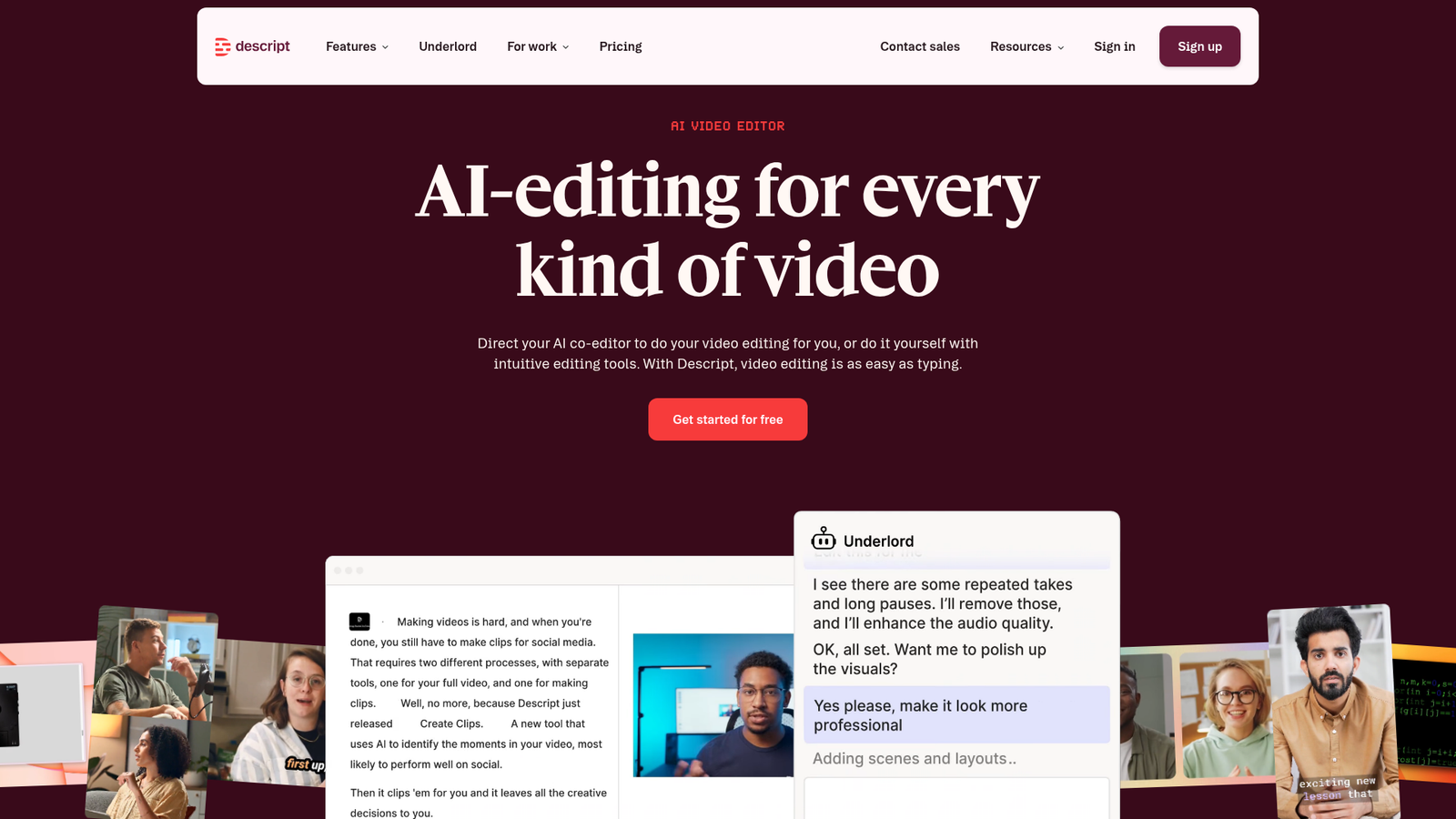
Descript is an AI-powered video and audio editor that treats media like a document - you edit by editing the transcript, not the timeline. For content teams, that's the difference between video editing being a specialist task and a generalist one.
The content repurposing workflow is where Descript delivers the most operational value. A single webinar or podcast episode becomes a transcript, a blog post, multiple short-form clips, and social content - all from one editing environment, without requiring a dedicated video editor for each derivative asset.
Best for: Content teams repurposing long-form video and podcast content into short-form clips, social content, and written transcripts at scale.
Key strengths
- Text-based video and audio editing - edit the transcript, edit the media
- AI filler word removal cleaning up recordings automatically
- Studio Sound audio enhancement for professional-quality output from basic recordings
- Overdub AI voice cloning for correcting audio without re-recording
- AI-generated social clips identifying shareable moments from long-form content
Pricing: Free tier; Creator at $12/user/month (billed annually); Pro at $24/user/month (billed annually); Enterprise (custom).
The content repurposing workflow in practice: One 60-minute webinar, processed through Descript, can yield a cleaned transcript, a blog post summary, 8–12 short-form clips for social, and a podcast episode - in a fraction of the time traditional video editing would require. That's the kind of content velocity multiplier that changes the ROI calculation for video investment.
The limitation to plan around: Descript's AI clip selection isn't always editorially on-point - human curation of the final clip selection is still necessary. Rendering can be slow for long files, and complex editing still benefits from traditional video editing tools. It's a content team tool, not a replacement for professional video production.
15. Opus Clip - AI Short-Form Video Generation
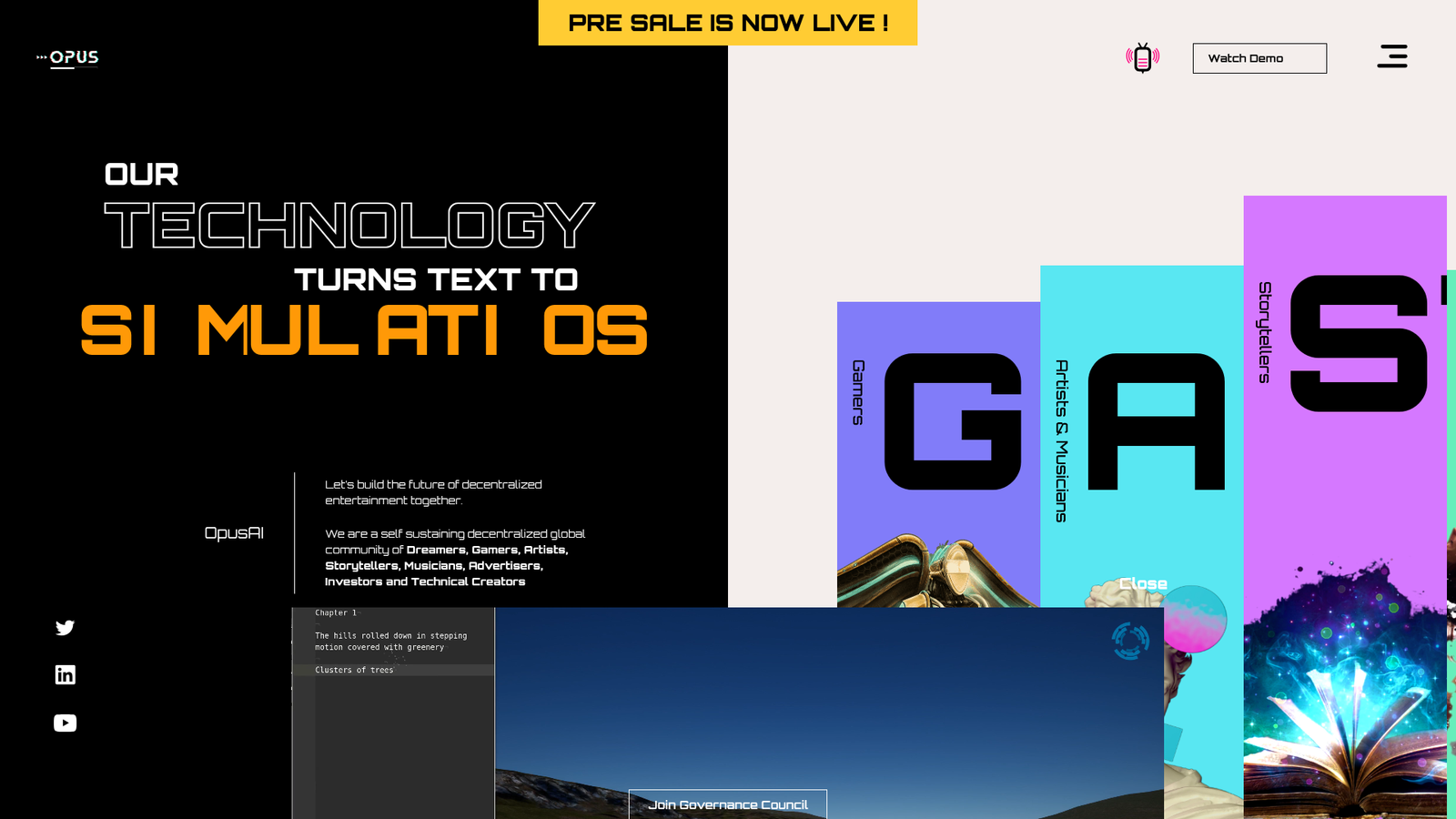
Opus Clip automatically identifies the most engaging moments in long-form video and generates short-form clips optimized for social platforms - with minimal manual input per clip.
Where Descript gives you full editorial control over video editing, Opus Clip optimizes for speed and volume. If your goal is to turn a library of webinars and podcasts into a consistent stream of social video content, Opus Clip's batch processing and virality scoring make that operationally feasible without a dedicated social video team.
Best for: Content teams with a library of webinars, podcasts, and long-form video who need to scale social video output without proportional editing time investment.
Key strengths
- AI-powered clip selection with virality scoring to prioritize the best moments
- Auto-captions for accessibility and silent-viewing optimization
- Multi-platform formatting for TikTok, Reels, and YouTube Shorts simultaneously
- Speaker detection and B-roll generation for polished clip output
- Batch processing enabling multiple videos to be processed simultaneously
Pricing: Free tier (limited); Starter at $19/month; Pro at $49/month; Enterprise (custom).
Opus Clip vs. Descript - when to use which: Use Opus Clip when you need volume and speed - turning a backlog of long-form video into social clips with minimal editing time. Use Descript when you need editorial control - cleaning up recordings, making precise cuts, creating polished repurposed content, or producing transcript-based written assets. Most content ops teams with active video programs use both.
The limitation to be honest about: AI clip selection requires human curation - the virality scoring is a useful starting point, not a final editorial judgment. Opus Clip works best with talking-head content; quality varies significantly with source material that has poor audio, multiple speakers, or complex visual content.
How to Build Your AI Content Ops Stack (Implementation Playbook)
The single most common mistake content teams make is adding AI writing tools before establishing governance. The result is faster production of inconsistent, off-brand content - which is worse than slower production of good content.
Here's a phased rollout that builds the stack in the right order.
The #1 mistake teams make: Adopting ChatGPT or Jasper as the first AI tool, then trying to retrofit governance and quality controls afterward. Start with the operational infrastructure. Add creation tools into a system that's already built to manage them.
Phase 1 - Foundation (Weeks 1–2)
Establish your content ops platform (Slate) and planning layer (Notion AI). Before a single AI writing tool gets added, define your workflows, roles, approval chains, and brand governance rules. Document your brand voice, tone parameters, and content quality standards. This phase feels slow. It's the most important one.
Phase 2 - Creation & Optimization (Weeks 3–4)
Integrate AI writing tools based on your primary content types - ChatGPT or Claude for long-form editorial, Jasper for brand-consistent marketing content, Copy.ai for GTM and sales enablement. Add Surfer SEO and Ahrefs to the workflow. Build your prompt library and brand voice documentation. Run the first AI-assisted content through your governance workflow and identify gaps.
Phase 3 - Quality & Governance (Weeks 5–6)
Layer in quality controls. Deploy Grammarly at the Business tier for style enforcement across all writers. Build a Perplexity-based fact-checking step into your editorial review process. Establish your human review checkpoints - define what "AI-assisted" versus "AI-generated" means for your content policy and where human editorial judgment is non-negotiable.
Phase 4 - Visual & Multimedia (Weeks 7–8)
Add Canva with Brand Kit configured and templates locked. Integrate Descript and Opus Clip into your content repurposing workflow. Build the workflow from hero content (webinar, long-form article, research report) to derivative assets (social clips, graphics, short-form posts). Define the repurposing playbook so any team member can execute it consistently.
Phase 5 - Measure & Iterate (Ongoing)
Set up analytics dashboards tracking content velocity (pieces per team member per month), time-to-publish, cost-per-content-asset, organic traffic per piece, and content quality scores. Most teams see 2–4x content velocity improvements within 90 days of full stack deployment. Use performance data to identify which workflow stages are still bottlenecks and optimize accordingly.
Content ops stack readiness assessment - five questions before you start:
- Do you have a documented brand voice guide that AI tools can reference?
- Do you have defined approval chains with named owners at each stage?
- Do you have a content calendar system that tracks status across all active pieces?
- Do you have quality standards defined for each content type you produce?
- Do you have a way to measure content performance that connects back to production decisions?
If you answered no to three or more, start with Phase 1 before touching any AI writing tool.
Avoiding AI Content Slop - Quality Controls That Actually Work at Scale
"AI slop" is the industry term for what happens when content teams optimize for volume without governance: generic, undifferentiated, factually shaky content that fails to rank, fails to convert, and actively damages brand credibility. It's the most predictable outcome of AI adoption without operational infrastructure.
Here's the five-layer quality control framework that prevents it.
Layer 1 - Input quality. Better prompts and richer brand context produce better outputs. Maintain a prompt library. Feed AI tools your style guide, tone examples, and reference content. The quality ceiling of AI output is determined by the quality of your inputs.
Layer 2 - AI tool selection. Match the tool to the content type. Claude for nuanced long-form. ChatGPT for ideation and repurposing. Jasper for brand-consistent marketing copy. Using the wrong tool for the content type is a quality problem before the first word is written.
Layer 3 - Automated QA. Grammarly for style and tone enforcement. Surfer SEO for optimization scoring. These automated checkpoints catch the most common quality issues before content reaches a human editor, reducing the editorial burden without reducing standards.
Layer 4 - Human editorial review. This is non-negotiable. Human editorial judgment is the final quality gate - not proofreading, but substantive editing for brand voice, strategic narrative, factual accuracy, and emotional resonance. AI tools excel at first drafts. Humans determine whether those drafts are worth publishing.
Layer 5 - Performance feedback loops. Content that underperforms triggers workflow review. Track which content types, topics, and production approaches produce the best results, and feed those insights back into your planning and prompting. Quality improvement is iterative, not a one-time setup.
The governance policies that hold this together: clear AI disclosure standards, mandatory fact-checking requirements for data-heavy content, quarterly brand voice audits comparing AI-assisted content against brand standards, and content type-specific quality checklists that define "done" before anything gets published.
Choosing the Right Tools for Your Content Operations
The right stack depends on your team size, content volume, budget, and content types. Here's a practical framework.
Small teams (2–5 people)
Your minimum viable stack: Slate for workflow and governance, ChatGPT or Claude for AI writing, Surfer SEO for optimization, Grammarly for quality assurance, and Canva for visual content. Budget range: $200–$500/month. Prioritize tools that reduce coordination overhead - at this team size, workflow chaos is the primary constraint, not writing speed.
Mid-size teams (5–15 people)
Add Ahrefs for content strategy, Jasper or Narrato for brand-consistent production at volume, Perplexity for research and fact-checking, and Descript for video repurposing. Budget range: $500–$2,000/month. At this scale, governance becomes the primary concern - brand voice drift and approval bottlenecks are the failure modes to design against.
Enterprise and agency teams (15+ people or multi-client)
The full stack with custom integrations, advanced governance configuration, and dedicated workflow automation. Add Opus Clip for social video at scale, Copy.ai for GTM content automation, and Brandwell.ai if high-volume SEO blog production is a strategic priority. Budget range: $2,000–$10,000+/month. These costs typically replace or reduce spend on freelancers, agencies, and manual processes - the ROI frame is efficiency gain and quality consistency, not just tool cost.
Build vs. buy: when to use all-in-one vs. best-of-breed
All-in-one platforms like Jasper and Narrato reduce integration complexity but may compromise on depth in specific functional areas. Best-of-breed stacks - ChatGPT plus Surfer plus Grammarly plus Canva, connected via a workflow platform like Slate - offer superior capabilities per function but require more setup investment. Most mature content ops teams use a hybrid: an orchestration platform handling governance and workflow, plus best-of-breed point solutions for writing, SEO, and design.
Start with Slate to build your content ops foundation
The Bottom Line - Scale Content Without Sacrificing Quality
Scaling content operations requires infrastructure - governance, workflows, and quality controls - not just faster AI writing tools. The teams that scale successfully aren't the ones with the most AI tools; they're the ones with the most disciplined operational layer sitting between "AI generates content" and "content gets published." Build that layer first, then add the creation and optimization tools into a system that's already built to manage them. Start with Slate to establish the operational foundation your content ops stack needs to scale without breaking.
FAQs
What is content operations, and how is it different from content creation?
Content operations is the system of workflows, processes, governance structures, and quality controls that enables content creation at scale. Content creation is one activity within content operations. Content ops encompasses planning, production, optimization, distribution, measurement, and iteration - all coordinated across teams - while content creation refers specifically to the act of producing individual pieces of content.
How many AI tools does a content team actually need?
A minimum viable stack covers four to five functions: operations and workflow, AI writing, SEO optimization, quality assurance, and visual design. Larger teams may need eight to twelve tools as content volume and content types expand. The key constraint isn't the number of tools - it's integration. Tools must connect into a coherent workflow rather than create additional silos.
Can AI tools fully replace human content writers?
No - and attempting full replacement is the fastest path to brand damage. AI tools excel at first drafts, research synthesis, optimization, and repurposing. Human editorial judgment remains essential for brand voice, strategic narrative, factual accuracy, and emotional resonance. The operational goal is human-in-the-loop, not human-out-of-loop.
How do you maintain brand voice consistency when using AI at scale?
Three layers work together: brand voice documentation fed into AI tools as context or training data (Jasper Brand Voice, Custom GPTs), style enforcement tools as automated checkpoints (Grammarly brand tone profiles), and human editorial review as the final gate. Governance platforms like Slate can embed these checkpoints into every content workflow so consistency is structural, not dependent on individual writer discipline.
What's the biggest risk of scaling content with AI tools?
Quality degradation - producing high volumes of generic, undifferentiated content that fails to rank, fails to convert, and fails to build brand authority. The antidote is governance: clear quality standards, mandatory human review checkpoints, and performance feedback loops that catch declining quality before it compounds across your content portfolio.
How much does an AI content operations stack cost?
Small teams (2–5 people) typically spend $250–$600/month with current pricing (Slate $199 + ChatGPT Business ~$60–$100 for 3–5 seats + Surfer Discovery $49). Mid-size teams (5–15) spend $700–$2,500/month once Grammarly Business (min 3 seats), Canva Teams, Notion AI Business, Ahrefs Standard, and Jasper Pro are added. Enterprise teams (15+) typically spend $3,000–$15,000+/month — the prior $200–$500 starting benchmark understates current per-seat pricing across the stack. These costs should be framed as ROI against the freelancer, agency, and manual process spend they replace - not as a net-new budget line.
How do I measure the ROI of AI content operations tools?
Key metrics: content velocity (pieces produced per team member per month), time-to-publish, cost-per-content-asset, organic traffic per piece, content quality scores combining editorial and SEO dimensions, and team utilization rates. Compare these metrics before and after AI tool implementation. Most teams see 2–4x content velocity improvements within 90 days of full stack deployment.
Should I use an all-in-one AI content platform or build a best-of-breed stack?
It depends on team maturity. All-in-one platforms like Jasper and Narrato reduce integration complexity but may compromise on depth in specific functional areas. Best-of-breed stacks offer superior capabilities per function but require more setup. Most mature content ops teams use a hybrid approach: an orchestration platform handling governance and workflow, plus best-of-breed point solutions for writing, SEO, and design - connected through a platform like Slate.