If you're managing SEO across multiple sites or client accounts, you already know the math doesn't work. The SEO software market includes hundreds of tools across categories, and the global SEO software market was valued at $74.6B in 2024, growing at ~13.5% CAGR. The category is growing fast because the problem is real: repetitive audits, rank tracking, content optimization, and reporting eat hours that should go toward strategy.
This guide cuts through the noise. We tested 12 SEO automation tools against a consistent set of criteria - automation depth, ROI evidence, pricing transparency, and fit for different team sizes - so you can make a shortlist without wading through 10,000-word reviews that bury the lead. For teams looking to optimize their broader toolkit, check out our guide to best AI SEO tools for AI-powered alternatives.
What are SEO automation tools?
SEO automation tools are software platforms that handle repetitive, rules-based SEO tasks without requiring manual input each time. That includes scheduled site audits, automated rank tracking alerts, bulk meta tag generation, internal linking suggestions, and automated client reporting.
The distinction that matters in 2026: there's a difference between tools that show you data and tools that act on it. Most platforms fall into the first category. A smaller set - including purpose-built workflow agents like Slate - are moving into the second. Understanding this difference is crucial for developing an effective AI SEO strategy.
When to use SEO automation tools
When you're managing more than three sites
One site is manageable manually. Three or more, and you're spending more time on audits and reporting than on decisions. Automation handles the monitoring layer so your attention goes to what actually moves rankings.
When reporting is eating your Fridays
Agency teams consistently cite client reporting as a significant time cost. Automated reporting tools pull rank data, traffic trends, and goal completions into branded dashboards without anyone touching a spreadsheet.
When you need to scale content output
Content optimization at volume - scoring drafts against SERP benchmarks, checking keyword density, flagging thin pages - is exactly the kind of structured, repeatable work that automation handles well. Tools like Surfer SEO and Search Atlas are built specifically for this. For teams building comprehensive content operations processes, automation becomes essential.
When you're justifying tool spend to leadership
Automation tools with clear ROI metrics (time saved per audit, rank improvements tied to specific changes) make the budget conversation easier. The best tools in this list surface that data natively.
Quick comparison: 12 best SEO automation tools
The 12 best SEO automation tools in 2026
1. Slate
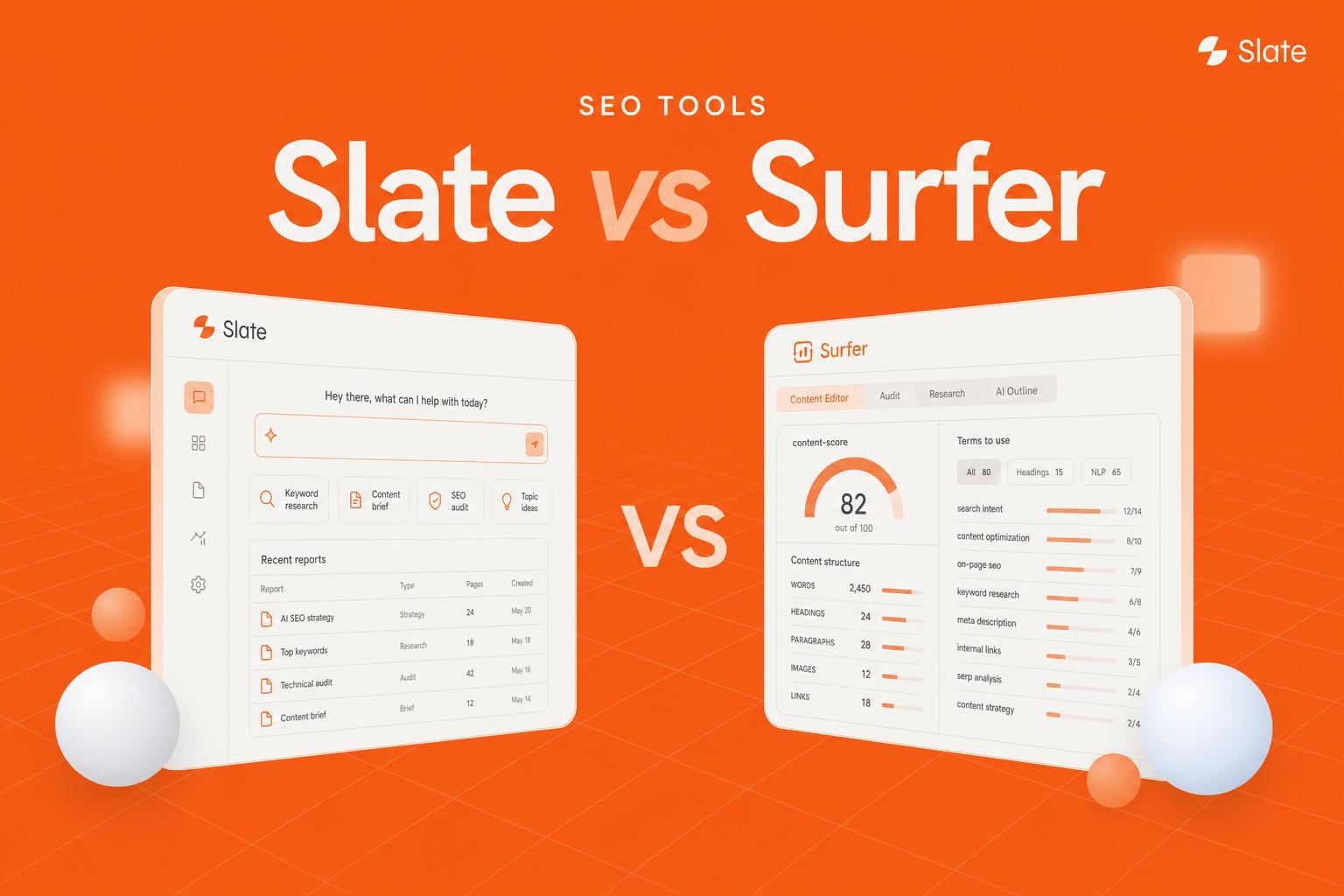
Slate is a purpose-built SEO automation platform that deploys workflow agents to handle specific SEO tasks end-to-end, rather than offering a generic data dashboard you still have to act on manually.
Where most tools surface findings and leave execution to you, Slate's agents complete the workflow - from identifying an issue to implementing the fix - without requiring a human in the loop for every step. That's a meaningful distinction for teams trying to scale output without scaling headcount. Learn more about Slate's features and explore pricing options for your team.
Best for: In-house SEO teams and agencies that want to automate execution, not just monitoring
Key strengths
- Purpose-built workflow agents for end-to-end SEO task automation
- Designed for multi-site and multi-client environments
- Reduces manual handoffs between audit findings and implementation
- Fits teams scaling SEO without proportional headcount growth
- Integrates into existing workflows rather than replacing them wholesale
Pricing: Custom - contact Slate for team and agency pricing
2. Semrush
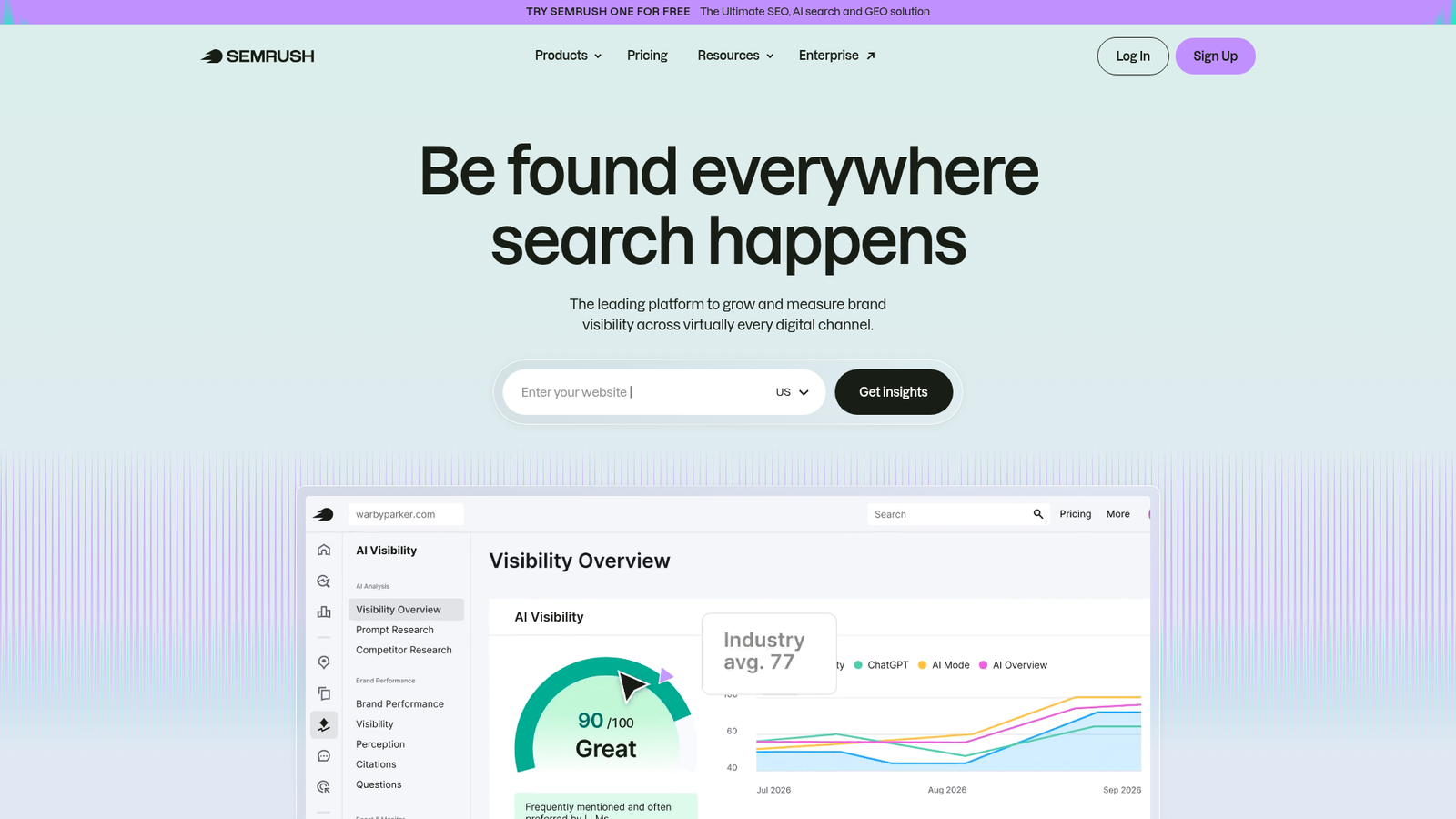
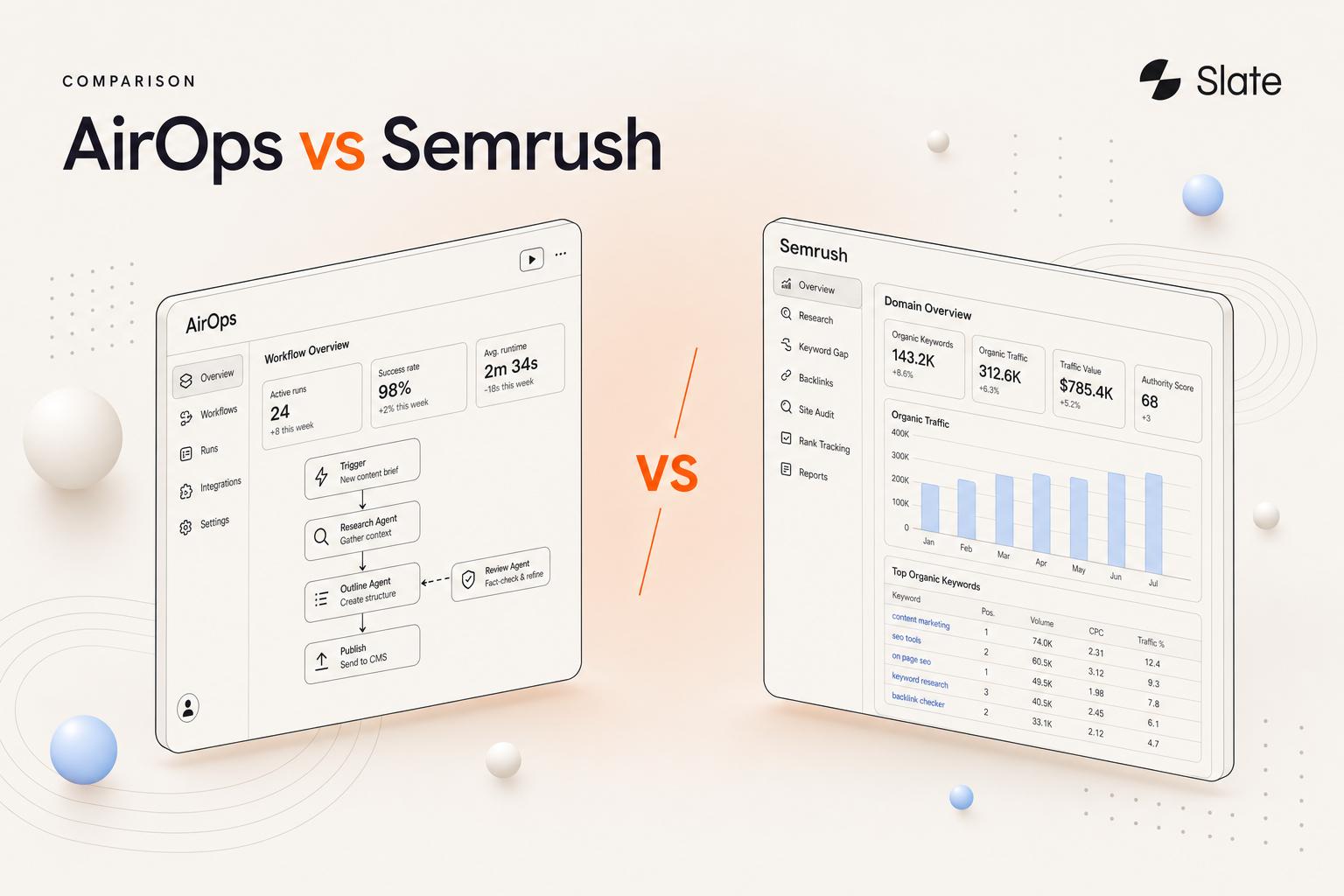
Semrush draws on data from 26 billion keywords across 142 geographic databases to power its keyword research, site audit, rank tracking, and competitive analysis tools.
For agencies, the Agency Growth Kit adds white-label reporting and multi-client management. Scheduled site audits and automated reporting run without manual triggers, which is where the automation value sits.
Best for: Agencies and enterprise teams that need one platform to cover keyword research, technical audits, and client reporting
Key strengths
- 26 billion keyword database across 142 geographic markets
- Scheduled site audits with automated issue alerts
- Agency Growth Kit with white-label reporting and multi-client dashboards
- Robust API for custom integrations and data pipelines
- Competitive intelligence tools covering paid and organic search
Pricing: From ~$165/mo; agency and custom plans available
3. Ahrefs
Ahrefs is the benchmark for backlink analysis, and its Keywords Explorer is one of the most trusted keyword research tools in the industry.
Automated alerts for new and lost backlinks mean you're not manually checking link profiles - Ahrefs flags changes and delivers them to your inbox. The content gap tool is particularly useful for teams building topical authority across a cluster of pages.
Best for: SEO teams where backlink strategy and keyword research are the primary workstreams
Key strengths
- Industry-leading backlink index with automated new/lost link alerts
- Keywords Explorer with click-through rate and traffic potential data
- Content gap analysis for topical authority building
- Site audit tool with crawl scheduling
- Rank tracker with automated position change notifications
Pricing: From $129/mo (Lite plan)
4. AgencyAnalytics
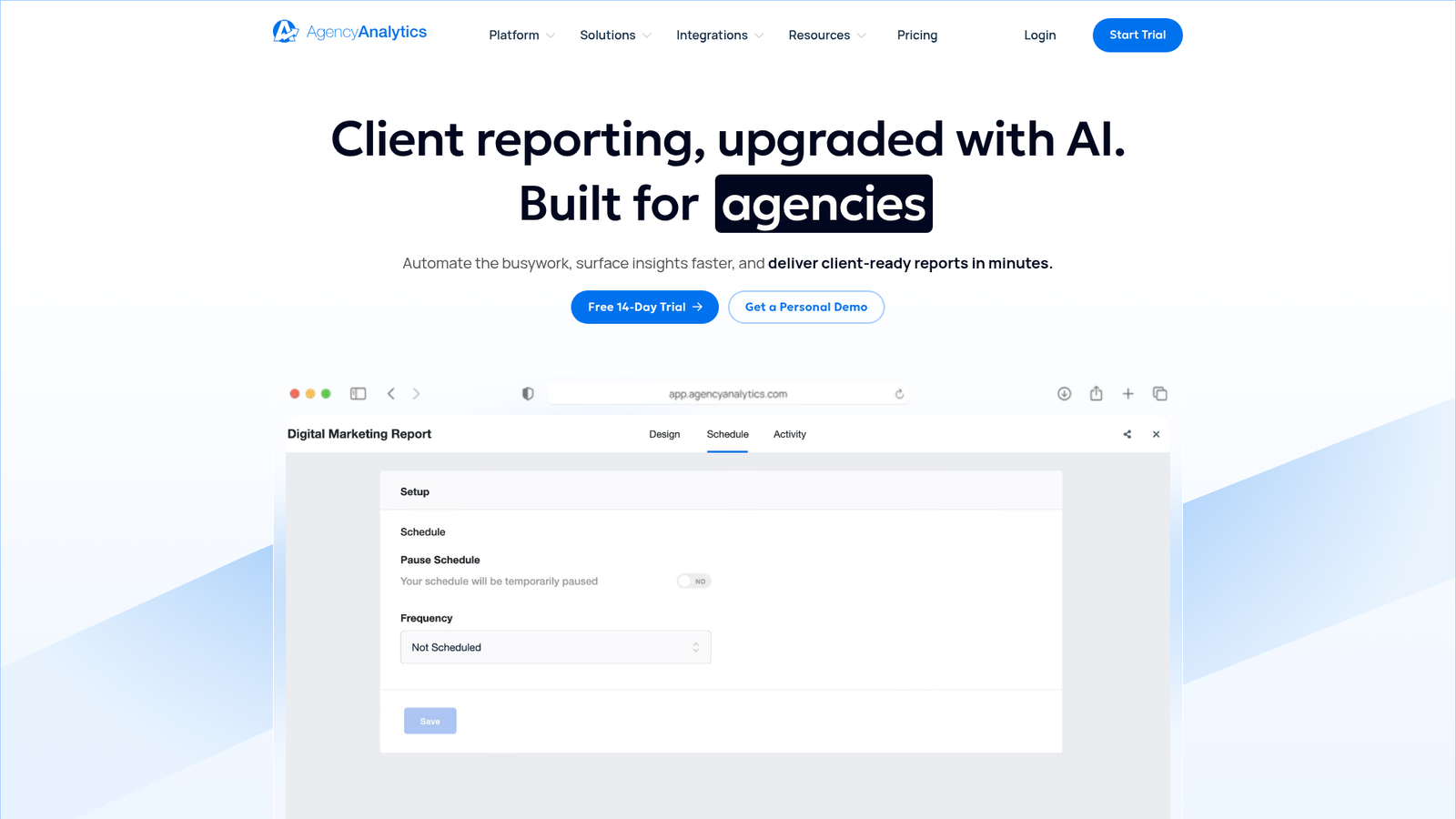
AgencyAnalytics is built specifically for agencies that need to deliver polished client reports without spending hours assembling data from disconnected sources.
It pulls from over 80 integrations - including Google Analytics, Search Console, and social platforms - into customizable, white-label dashboards. Automated report scheduling means clients receive updates on a set cadence without anyone on your team manually exporting data.
Best for: Digital agencies managing 10+ client accounts who need automated, branded reporting at scale
Key strengths
- 80+ data source integrations in a single reporting dashboard
- White-label client portals with custom branding
- Automated report scheduling with email delivery
- SEO rank tracking built into the reporting layer
- Affordable per-client pricing that scales with agency growth
Pricing: From $12/mo per client campaign
5. Google Search Console
Google Search Console is free, authoritative, and still underused by most teams who treat it as a secondary data source rather than a primary one.
It's worth being honest about the trade-offs: the 16-month data history cap limits long-term trend analysis, and the interface isn't built for bulk operations. But for indexing status, Core Web Vitals monitoring, and search performance data straight from Google, nothing else competes - and it integrates cleanly with most other tools on this list.
Best for: Any team that wants direct Google data on indexing, performance, and technical health - at no cost
Key strengths
- Direct Google data on impressions, clicks, and average position
- Index coverage reports with crawl error alerts
- Core Web Vitals monitoring with page-level detail
- Integration with GA4, Looker Studio, and third-party SEO platforms
- Zero cost with no meaningful feature restrictions
Pricing: Free
6. Screaming Frog
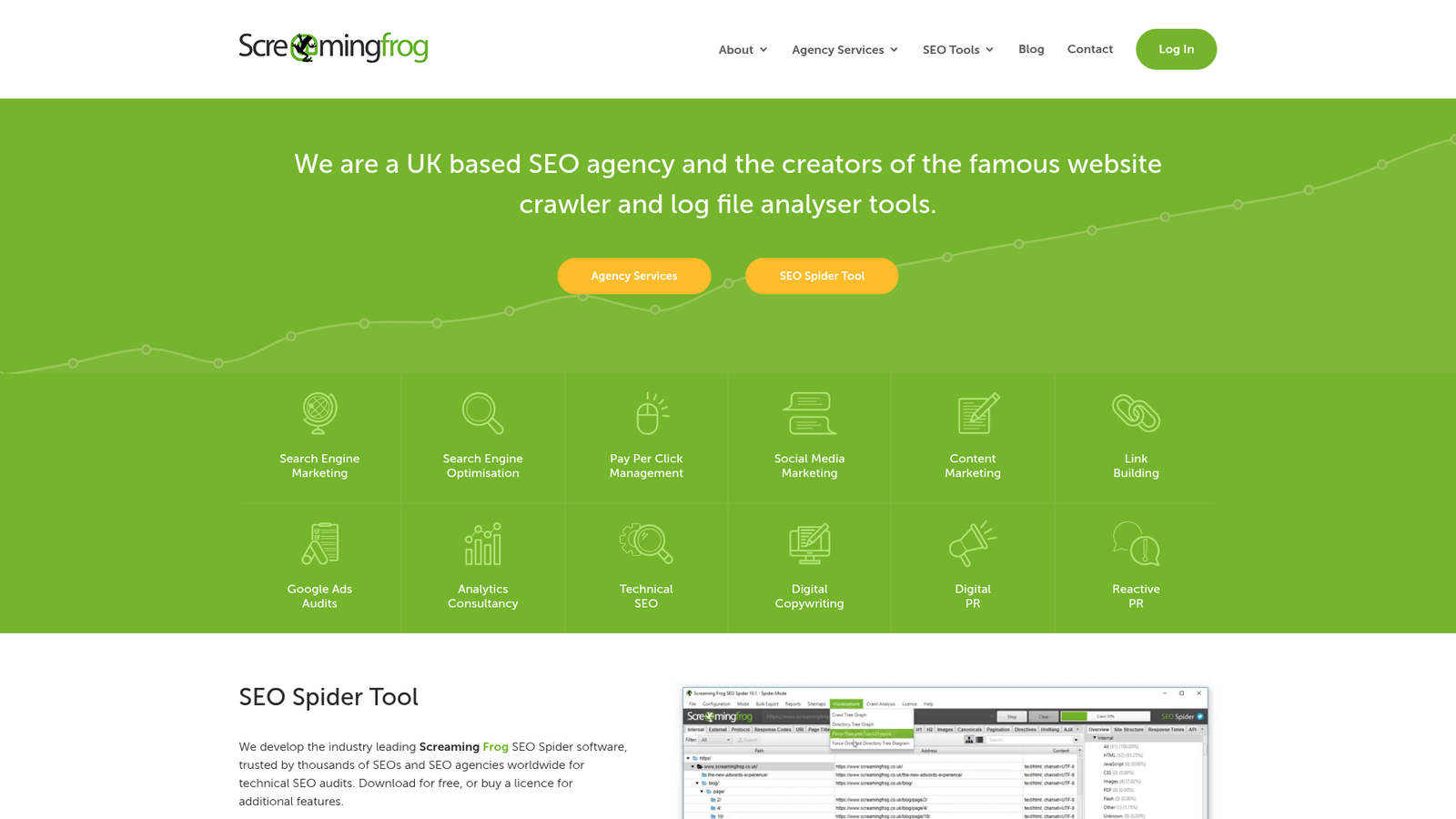
Screaming Frog is the technical SEO crawler that most practitioners reach for first when they need to audit a site's structure, identify broken links, or extract custom data at scale.
The free version crawls up to 500 URLs, which covers most small sites. The paid version adds scheduled crawls, Google Analytics and Search Console integration, and custom extraction via XPath - making it a genuine automation tool rather than just a one-off audit utility.
Best for: Technical SEO specialists and developers who need deep crawl data and custom extraction capabilities
Key strengths
- Scheduled crawls with automated change detection
- Custom data extraction via XPath, CSS selectors, and regex
- Integration with GA4 and Search Console for enriched crawl data
- JavaScript rendering for modern single-page applications
- Handles sites with millions of URLs without performance degradation
Pricing: Free (up to 500 URLs) / £259/yr for the paid version
7. SE Ranking
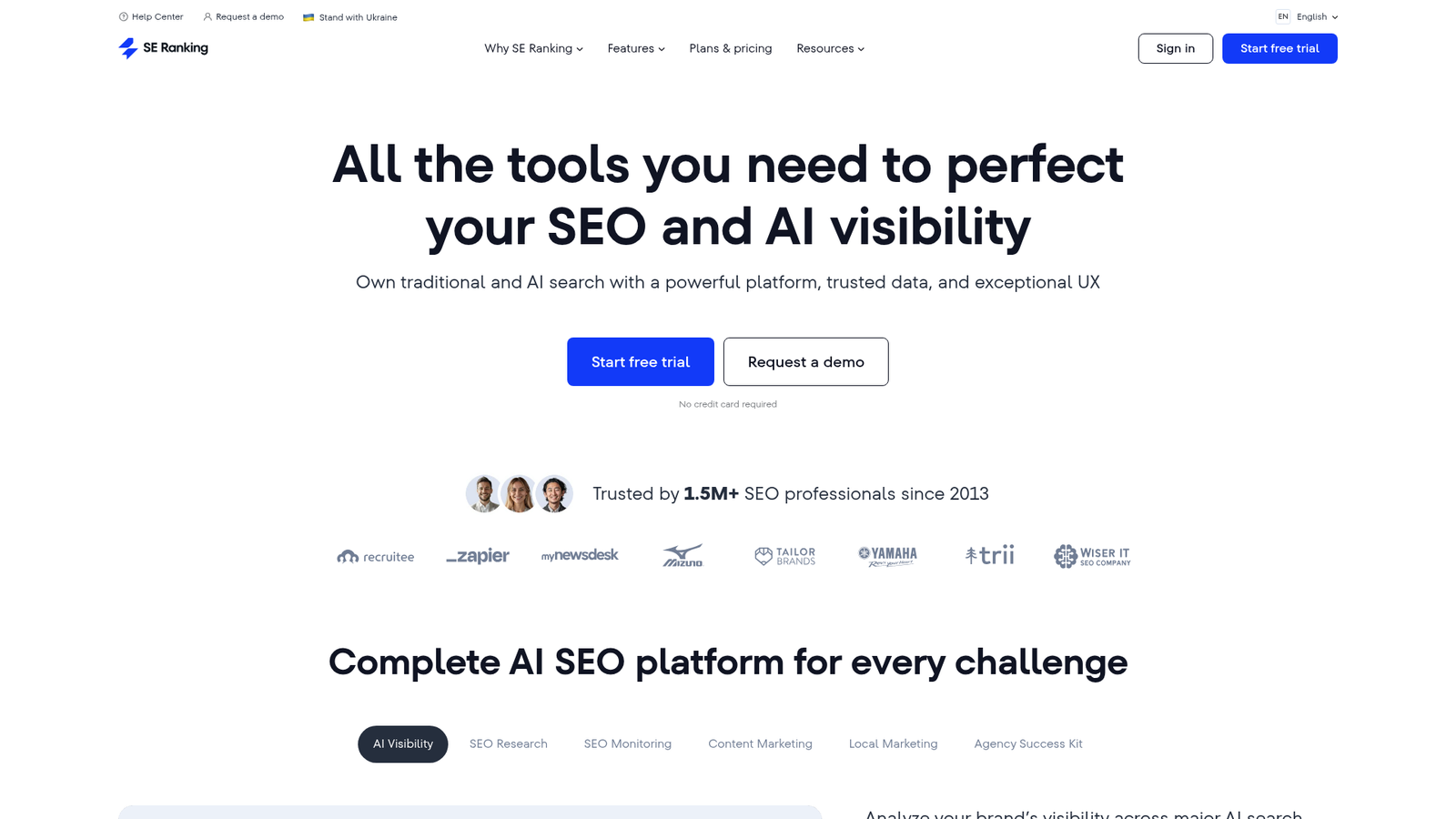
SE Ranking positions itself as a budget-friendly all-in-one alternative to pricier suites, and it largely delivers on that promise. White-label features, automated reporting, and rank tracking are all included at price points that make sense for smaller agencies and growing in-house teams.
It's not as data-rich as Semrush or Ahrefs, but for teams that don't need the full depth of those platforms, SE Ranking covers the core automation workflows without the premium price tag.
Best for: Small-to-mid agencies and in-house teams that need white-label reporting and rank tracking without enterprise pricing
Key strengths
- White-label reporting with custom branding for client delivery
- Automated rank tracking with scheduled email alerts
- On-page SEO checker with actionable recommendations
- Backlink monitoring with new/lost link notifications
- Competitive pricing with flexible plan tiers
Pricing: From ~$65/mo
8. Moz Pro
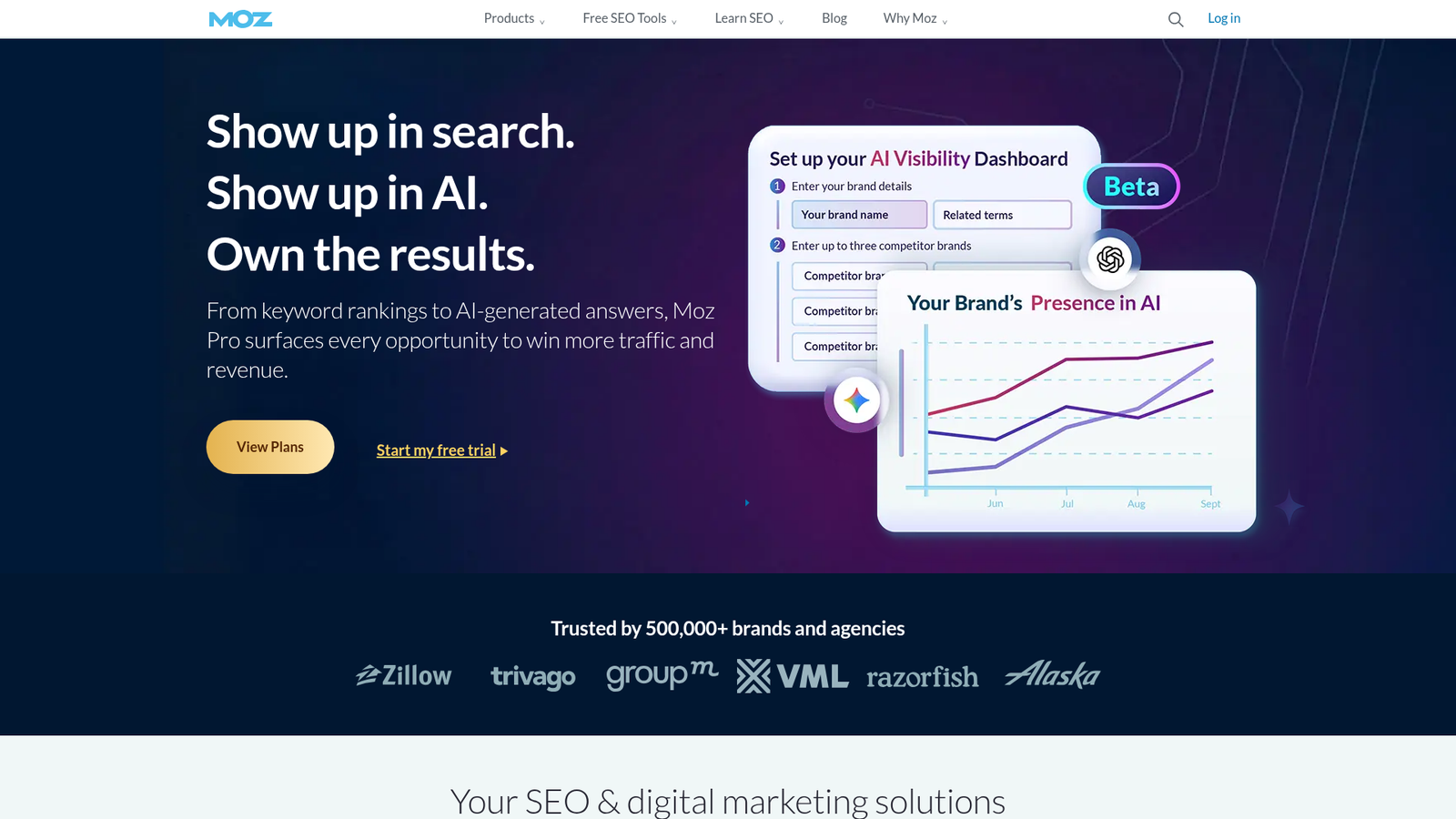
Moz Pro is best known for Domain Authority, the metric that's become a de facto benchmark for link quality across the industry. Beyond that, its Link Explorer, keyword research tools, and site crawl capabilities make it a solid mid-market option.
Moz tends to work particularly well for teams that prioritize link building and domain-level analysis over content optimization. It's not the deepest tool in any single category, but it's reliable and well-documented.
Best for: SEO teams focused on link building strategy and domain authority benchmarking
Key strengths
- Domain Authority metric with industry-wide adoption
- Link Explorer for backlink research and competitor analysis
- Keyword Explorer with difficulty scoring and SERP analysis
- Automated site crawl with weekly issue tracking
- MozBar browser extension for on-page analysis without logging in
Pricing: From $99/mo
9. Surfer SEO
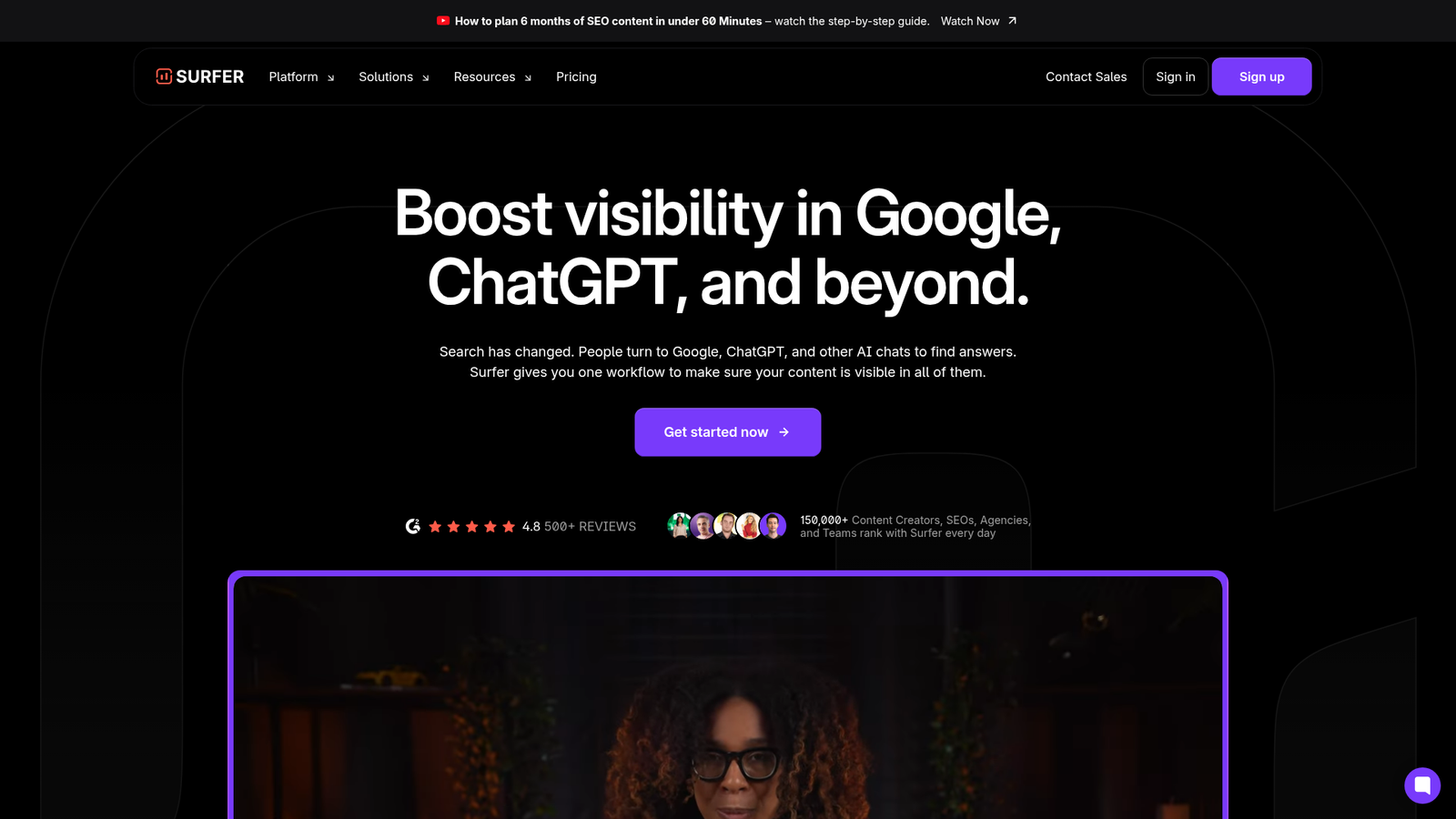
Surfer SEO is the content optimization tool that content teams tend to reach for when they need to write pages that rank, not just pages that read well. Its SERP analysis engine scores your content in real time against the top-ranking pages for your target keyword.
The AI-assisted writing features and content editor integrate directly into the drafting workflow, which means writers get optimization guidance without switching between tools. For teams publishing at volume, that workflow compression adds up. Teams implementing content operations best practices often rely on tools like Surfer for scalable optimization.
Best for: Content teams and SEO writers producing optimized content at scale
Key strengths
- Real-time content scoring against top SERP competitors
- AI-assisted writing with keyword and structure recommendations
- Content audit tool for identifying and improving underperforming pages
- SERP analyzer with NLP-based term suggestions
- Integrates with Google Docs and WordPress for in-workflow optimization
Pricing: From $99/mo
10. Rank Math
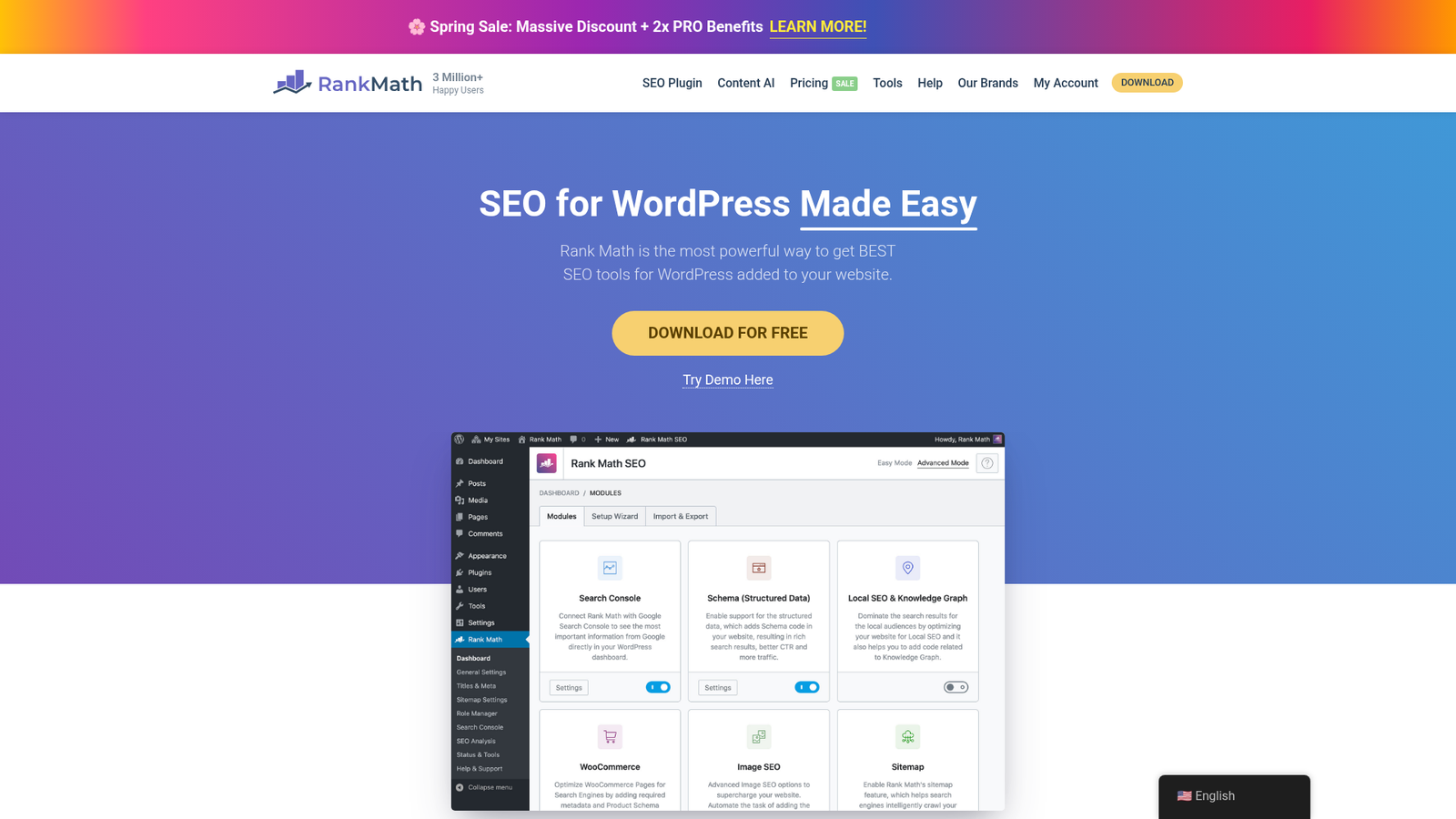
Rank Math is the WordPress SEO plugin that's taken significant market share from Yoast over the past few years, largely because it packs more features into the free tier. On-page optimization, schema markup, and automated SEO analysis are all available without paying.
The paid version adds advanced schema types, content AI, and rank tracking. For WordPress-native teams, it's hard to argue against starting here before paying for a separate content optimization tool.
Best for: WordPress site owners and developers who want on-page SEO automation built directly into their CMS
Key strengths
- On-page SEO analysis with automated scoring and recommendations
- Advanced schema markup with 20+ schema types in the free version
- Rank tracking integrated directly into the WordPress dashboard
- Bulk editing for meta titles and descriptions across multiple posts
- Content AI for keyword suggestions and optimization guidance
Pricing: Free / from $6.99/mo for Pro
11. Sitechecker
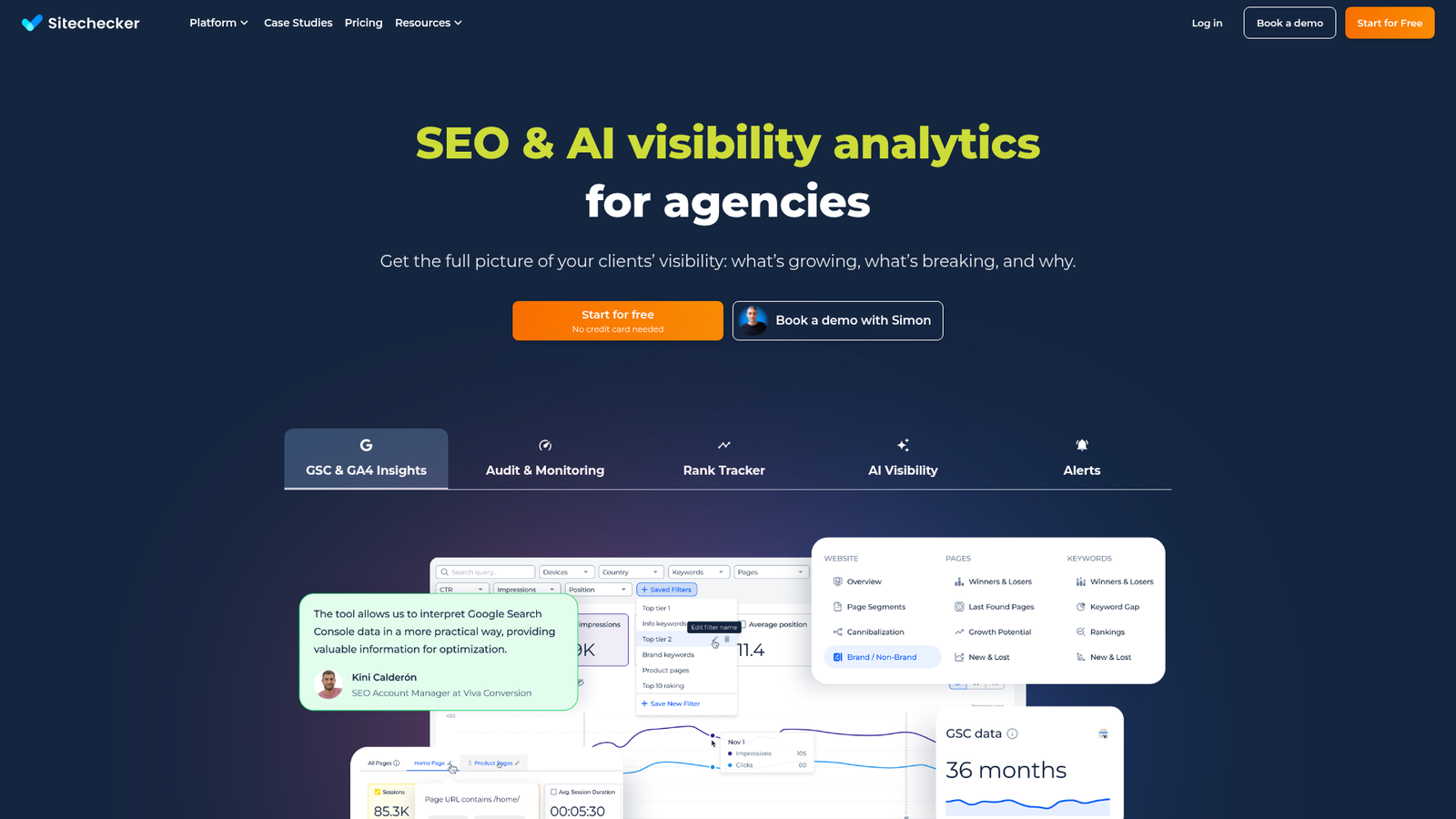
Sitechecker focuses on continuous site monitoring and automated audit alerts rather than trying to be a full-stack SEO platform. When something breaks - a page drops in rankings, a redirect chain appears, a meta tag goes missing - Sitechecker flags it without you having to run a manual audit.
For teams that want a lightweight monitoring layer on top of their existing tools, it's a practical addition. It's not a replacement for Screaming Frog or Semrush's audit capabilities, but it fills the gap between scheduled audits.
Best for: Teams that want continuous SEO health monitoring between full audits
Key strengths
- Continuous site monitoring with real-time issue alerts
- Automated audit scheduling with change detection
- Rank tracking with position history and competitor comparison
- On-page SEO checker with page-level recommendations
- Backlink monitoring with new and lost link notifications
Pricing: From $49/mo
12. Mangools
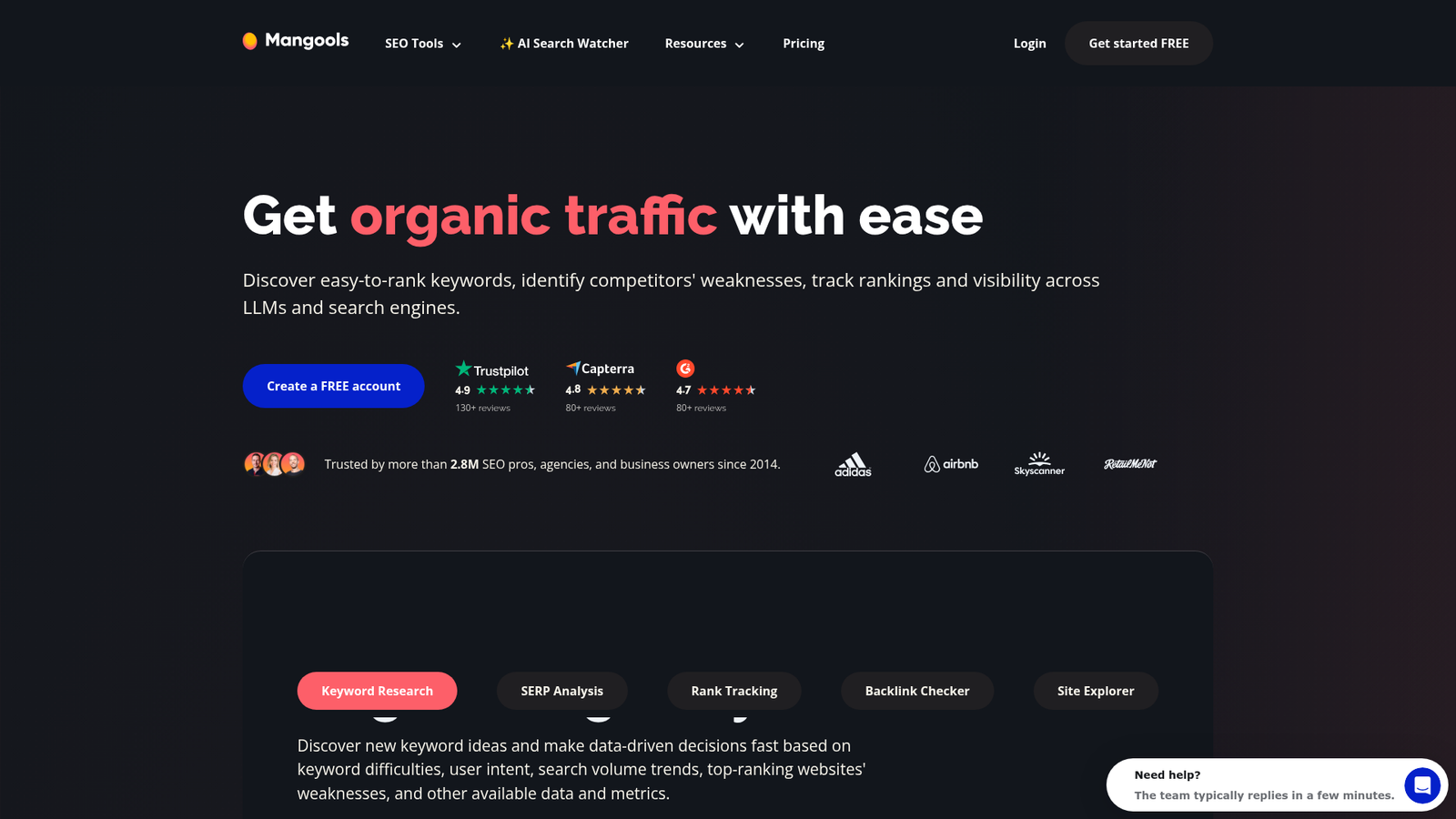
Mangools - built around its KWFinder tool - is the most accessible keyword research platform on this list. The interface is clean, the learning curve is short, and the pricing is genuinely affordable for solo marketers and small teams.
It's honest to say Mangools doesn't compete with Ahrefs or Semrush on data depth or automation breadth. But for teams whose primary need is keyword discovery and SERP analysis without a steep onboarding process, it delivers.
Best for: Solo marketers, freelancers, and small teams who need straightforward keyword research without complexity
Key strengths
- KWFinder with intuitive keyword difficulty scoring
- SERP analysis with competitor metrics at a glance
- SERPWatcher for rank tracking with daily updates
- LinkMiner for basic backlink research
- Clean interface with minimal onboarding required
Pricing: From $29/mo
How to choose the right SEO automation tool
Start with your biggest time sink
Don't buy a platform because it covers everything. Identify the one or two tasks eating the most hours - audits, reporting, content optimization, rank tracking - and find the tool that automates those specifically. A focused tool used consistently beats a comprehensive platform used partially.
Match automation depth to your workflow
There's a spectrum here. Some tools automate data collection and alerting. Others automate analysis and recommendations. A smaller set - Slate, Search Atlas - automate execution. Know which level you actually need before paying for the highest tier.
Factor in your CMS and tech stack
WordPress teams have strong native options in Rank Math and AIOSEO that reduce the need for external tools. Non-WordPress teams will lean more heavily on standalone platforms. Check integrations before committing.
Consider team size and client volume
Solo marketers and small teams tend to get the most value from Mangools, SE Ranking, or Rank Math - tools with low overhead and clear outputs. Agencies managing 10+ clients need the reporting and multi-project features that AgencyAnalytics, WebCEO, or Semrush provide.
Don't ignore the free tier
Google Search Console and Google Analytics 4 are free and should be in every stack regardless of what else you're paying for. Screaming Frog's free version handles sites up to 500 URLs. Rank Math's free tier covers most WordPress on-page needs. Build on the free layer before adding paid tools.
SEO automation tools by use case
The right tool depends on what you're actually automating
Most teams don't need more data. They need fewer manual steps between data and action. The tools that deliver the clearest ROI in 2026 are the ones that close that gap - whether that's automated reporting that goes out without anyone touching it, crawl alerts that surface issues before clients notice, or workflow agents that handle execution end-to-end.
For teams looking to optimize their broader toolkit beyond SEO, explore our best LLM optimization tools guide. Or book a demo with Slate to see what purpose-built SEO automation looks like in practice.
FAQs
What are SEO automation tools?
SEO automation tools are software platforms that handle repetitive SEO tasks — site audits, rank tracking, reporting, content optimization — without requiring manual input each time. They range from tools that automate data collection and alerting to more advanced platforms that automate analysis and, in some cases, execution. The right definition for your team depends on which tasks you're trying to remove from your manual workflow.
How much should a small SEO team budget for automation tools?
Solo marketers and small in-house teams can typically operate effectively in the $50–$150/month range by combining free tools (Google Search Console, Rank Math) with one paid platform like Mangools or SE Ranking. Small agencies managing 5–10 clients usually land between $200–$500/month, often anchored by AgencyAnalytics for reporting plus a research tool like Ahrefs Lite or Semrush Pro. Mid-market agencies and enterprise teams generally spend $1,000+/month across 3–5 tools, with the increase justified by client volume and multi-site complexity.
Are free SEO tools enough, or do you eventually need paid ones?
For a single site under 500 URLs, the free tier is genuinely viable: Google Search Console for performance data, Screaming Frog's free version for technical crawls, and Rank Math's free tier for WordPress on-page work cover the basics. The shift to paid tools usually happens when you need bulk operations, scheduled automation, historical data beyond 16 months (GSC's cap), or branded client reporting. The honest answer: start free, and only pay when a specific limitation is costing you measurable time.
How do SEO automation tools integrate with GA4?
Most modern SEO platforms — Semrush, Ahrefs, AgencyAnalytics, SE Ranking, and Screaming Frog (paid) — pull GA4 data via Google's API once you authorize the connection. The depth varies: reporting tools surface GA4 traffic and conversion data in dashboards, while crawlers like Screaming Frog enrich crawl data with GA4 metrics at the URL level. Before committing to a paid plan, confirm the GA4 integration covers the specific reports or metrics you need — some platforms only sync top-level traffic data, not events or conversions.
If I'm already on WordPress, which SEO automation tools should I prioritize?
Start with Rank Math (or Yoast/AIOSEO if you prefer) — they handle on-page optimization, schema, and meta management natively inside the CMS, which removes a significant chunk of manual work. Layer Google Search Console on top for performance data, and add a crawler like Screaming Frog when you need technical audits. You only need to pay for a standalone platform like Semrush, Ahrefs, or Surfer once you outgrow the plugin layer — typically when content scale, keyword research depth, or competitor analysis becomes the bottleneck.
Do I need AI visibility tools alongside traditional SEO automation?
Increasingly, yes — but not as a replacement. AI visibility tools (tracking how your brand appears in ChatGPT, Perplexity, Google AI Overviews, and similar surfaces) cover a different layer than traditional rank tracking. If your audience is researching via AI assistants, you'll want at least basic monitoring in place. For most teams in 2026, a lightweight AI visibility tool alongside their core SEO stack is enough; full investment makes sense once a meaningful share of brand-related queries shows up in AI surfaces rather than traditional SERPs.
How can SEO automation tools improve ROI?
SEO automation tools improve ROI primarily by reducing the hours spent on tasks that don't require human judgment — scheduled audits, rank tracking alerts, and automated client reports are the clearest examples. That time reclaimed goes toward strategy, creative work, and client relationships, which tend to have higher leverage. Teams managing multiple sites or client accounts typically see the strongest ROI because the time savings compound across every account in the portfolio.
How do you actually measure ROI from SEO automation?
The most defensible measurements are: (1) hours saved per task — track baseline manual time for audits, reports, and rank checks, then compare after automation; (2) rank or traffic improvements attributable to faster issue resolution, like crawl errors caught and fixed within 48 hours vs. 30 days; and (3) revenue or pipeline tied to organic traffic, attributed using GA4 + CRM data. Avoid relying on tool-reported metrics alone — the tools have an incentive to overstate impact, so cross-check against your own analytics.