Your team probably has automations that already work: ticket routing, metadata refreshes, report generation, lead enrichment, CMS publishing.
Agent vendors would love to call all of that old plumbing. Convenient pitch. Bad diagnosis.
AI workflows and AI agents solve different jobs. A workflow runs a known sequence. An agent works toward a goal, chooses from approved tools, and adjusts its plan when the path changes.
The useful 2026 conversation is about control. Once AI systems can take action across connected tools, permissions, approvals, and logs need to be designed up front. Slate’s guide to AI agent vs. agentic AI is a good companion if the terms still feel slippery.
Key Takeaways
- Workflows follow a designed path. The steps are set before the run starts, even when one step calls an LLM.
- Agents pursue goals. They can plan, select tools, check results, and change course inside boundaries.
- Autonomy sits on a spectrum. Drafting help, bounded action, and multi-agent work all have different risk profiles.
- Agents add variance. For repeatable, high-volume work, that can be a tax.
- Hybrid systems are common. The workflow supplies triggers and approvals; the agent supplies judgment inside the rails.
- Governance should pick the design. Reversibility, logs, and approval rules count more than novelty.
- Measure outcomes. Finished tasks can still produce bad business results.
AI Workflows Vs. AI Agents At A Glance
The cleanest comparison comes down to path control: who decides the next step, what happens when the system hits a weird case, and what you can prove afterward.
These are tendencies. A workflow can contain AI steps and still follow a fixed path. An agent can be constrained so tightly that it behaves almost like a workflow.
What Is An AI Workflow?
An AI workflow is an automated process with a defined sequence of steps. One or more steps can use AI for classification, extraction, summarization, or generation.
The orchestration layer is the point. Step four follows step three. The AI output may vary, but the path stays the same.
Workflow automation moves tasks, data, and approvals across systems without manual handoffs. A deterministic process sends the same inputs through the same sequence every time.
RPA is different. Robotic process automation often copies human interface actions: clicks, keystrokes, screen reads. AI workflows can call APIs, services, and models directly.
How An AI Workflow Executes
- Trigger: A schedule, event, webhook, or data change starts the run.
- Input validation: The workflow checks fields, formats, and permissions.
- Sequenced steps: Each step runs in order and passes context forward.
- Conditional branching: Workflow logic with conditional branching routes the run by rules.
- Output and logging: Results are written, reviewed where needed, and recorded.
Workflow Example: Content Operations
Take a metadata refresh across a documentation library.
The workflow pulls URLs from a sheet, scrapes current title tags and descriptions, checks length rules, generates replacements with an AI step, flags large changes, and pushes approved edits to the CMS with a change log.
The designer already picked the next move for every case. That’s why workflow automation for content and SEO teams fits this work: the path is known, volume is high, and variance creates cleanup.
Good rule: An LLM call inside a fixed sequence doesn’t turn the workflow into an agent.
What Is An AI Agent?
An AI agent is a system that works toward a stated goal by reading context, planning actions, using approved tools, keeping task state, checking results, and changing course when needed.
Autonomy means tool discretion. NIST’s work on agent hijacking frames this around what the system can do through connected tools.
The Four Parts Of An AI Agent
Reasoning: The agent interprets the goal and the current situation. It can handle ambiguity before picking a next step.
Planning: The agent breaks the goal into subtasks, orders them, and replans when results contradict the first plan.
Tool Use: The agent selects from permitted tools such as search, crawlers, analytics APIs, and CMS write actions. Tool allowlists and scoped credentials set the outer wall.
State And Memory: The agent keeps track of what it tried, what it learned, and what remains open.
Agent Example: Content Operations
A page loses one-third of its organic clicks.
An agent receives the goal “diagnose the drop and recommend a repair plan.” It pulls Search Console data, checks which queries dropped, compares SERP and AI answer coverage, crawls the page and competitors, checks indexing and template changes, and drafts a recommendation for human review.
The path depends on what the agent finds. That pattern sits behind AI agents for marketing and reusable AI agents and recipes.
A chatbot answers messages. An agent pursues a goal, uses tools, keeps state, evaluates output, and picks the next action inside configured limits.
10 Differences Between AI Workflows And AI Agents
1. Autonomy: Execution Vs. Judgment
A workflow can run without supervision, but it follows the graph you built.
An agent chooses which action helps the goal, inside permissions. The boundary is the tool allowlist, spend cap, credential scope, and approval gate.
If a workflow hits an unhandled case, it usually stops or routes to an exception queue. An agent may try another route.
2. Determinism: Fixed Path Vs. Variable Path
Workflows are deterministic in structure. A workflow with an LLM step may produce different text, but the step sequence stays fixed.
Agents can reach the same conclusion through different tool sequences. For compliance, reproducibility lives in the log: inputs, tool calls, decisions, approvals, and outputs.
3. Decisions: Authored Rules Vs. Runtime Evaluation
Workflow logic is written ahead of time.
If word count is under 800, route to expansion. If the page is noindexed, skip publication. Every branch has to exist before the run starts.
An agent evaluates the case against the goal during execution. That helps with weird cases, and it also raises the bar for logging.
4. Planning: Prebuilt Sequence Vs. Goal Decomposition
A workflow executes a plan. You can review that plan, version it, and approve it before it runs.
An agent creates a plan during the task. It breaks the goal into steps, orders them, and may reorder them after a tool result. Helpful, yes. Harder to forecast for cost and duration, also yes.
5. Tool Use: Prescribed Calls Vs. Tool Choice
A workflow calls specified tools at specified moments.
Step three calls the keyword API. Step four calls the CMS. Easy to reason about.
An agent chooses from approved tools. That choice is where outside consequences enter, so permission design can outrank prompt design.
Use read/write separation, scoped credentials, and rate limits before giving an agent write access.
6. New Cases: Exception Branches Vs. Contextual Response
Workflows handle variation you planned for. Agents can respond to cases nobody modeled. That power needs inspection, because “handled a new case” and “made a bad call” can look similar until you check the trace.
A malformed brief might route a workflow to a queue. An agent may interpret it and continue.
7. State: Step Context Vs. Task Memory
Workflows pass variables from step to step. The run ends, and the state usually ends with it.
Agents often keep a working record: attempted actions, retrieved sources, intermediate conclusions, and unresolved questions. That memory helps investigation.
It can also go stale. Old context can cling to a later run like gum on a shoe.
8. Error Handling: Retry Vs. Reassess
Workflows retry with backoff, follow a failure branch, or send the item to a human. Agents can try another tool, reframe the subtask, or escalate. Useful behavior needs hard limits, since an agent can burn budget by repeating a failing action with tiny variations.
Set retry caps, step limits, and escalation rules.
9. Audit Trails: Fixed Path Vs. Decision Path
A workflow’s governance artifact is the workflow definition. Workflow versioning and auditability can show what ran, who changed it, and who approved the change.
For agents, the definition won’t explain every runtime choice. The log has to carry the burden: sources, tool calls, decisions, output diffs, approvals, errors, and rollbacks.
10. Input Fit: Structured Data Vs. Mixed Evidence
Rows, fields, and stable schemas map cleanly to workflows.
Investigations are messier. A support thread, competitor page, chart, and internal doc may all feed the same call. Agents are better suited to that synthesis.
A simple test: if you can write the transformation as a formula, start with a workflow. If someone needs to read four sources and form a view, consider an agent.
What Is An Agentic Workflow?
An agentic workflow is a structured process that contains one or more AI agents.
The workflow defines triggers, tool access, data access, approval rules, and success criteria. The agent handles reasoning-heavy work such as prioritization, research, or choosing the next approved action.
Structure comes from the workflow. Judgment comes from the agent.
Agentic AI Vs. AI Workflow Vs. AI Agent
The useful test: who picks the next step, and what are they allowed to touch?
Why Hybrid Systems Win In Production
Pure workflows can get brittle when cases vary. Pure agents can be hard to govern.
Hybrid architecture puts the agent inside a process wrapper. The workflow owns:
- Triggers: What starts the work, and how often.
- Permissions: Which tools, credentials, and data the agent can use.
- Approvals: Which actions need a human before execution.
- Success criteria: What done means, and what gets measured later.
The agent owns investigation and selection among approved actions.
When To Use An AI Workflow
Use an AI workflow when the path is known, inputs are predictable, volume is high, and consistency is the point.
Workflows give you reproducible runs, cleaner audits, and more predictable cost.
Workflow Checklist
- The step sequence is consistent.
- Inputs arrive in known formats.
- The data is structured or easy to structure.
- Volume is high.
- Audit requirements are strict.
- Run-to-run variance needs to stay low.
Good Workflow Use Cases
- Content and SEO: Bulk metadata refreshes, rules-based internal linking, schema validation, scheduled reporting, and templated page generation. Slate’s guide to AI content workflows that scale covers this pattern, and how to build workflows in Slate covers the mechanics.
- Support: Ticket intake classification and routing.
- Finance and operations: Document extraction with a structured review handoff.
- Sales: Lead enrichment through prescribed data sources and scoring rules.
Workflow Risks
- Branch sprawl: Every edge case adds a condition until the graph turns into a basement full of extension cords.
- Input drift: Validation passes, but the source data changed shape.
- Ownership debt: The workflow becomes a second codebase with no maintainer.
When To Use An AI Agent
Use an AI agent when inputs are unstructured, the cause is unknown, the path varies by case, and the work requires investigation across tools.
Agents earn their cost when judgment changes the sequence.
Agent Checklist
- Inputs are unstructured or inconsistent.
- The cause is unknown at the start.
- Each case follows a different path.
- The work requires cross-tool investigation.
- Prioritization depends on interpretation.
- Actions are reversible, or approval gates sit before irreversible steps.
Good Agent Use Cases
- Content and SEO: Diagnosing visibility drops, researching opportunities, and comparing competitive coverage. Slate’s AI-powered SEO and AEO optimization agent and automated SEO audits fit this shape.
- Support: Multi-system issue research before a human takes the case.
- Research: Iterative market or competitor synthesis.
- Operations: Incident triage and evidence gathering.
Agent Risks
- Unreviewed publishing: Public content goes live without a human pass.
- Unverifiable claims: Confident output with no source trail.
- Irreversible actions: Deletions, sends, or spend that can’t be rolled back.
- Cost drift: Tool calls and retries grow without a cap.
The Hybrid Model: One Task, Three Builds
AI workflows and agents can work together. A workflow can wrap an agent with triggers, tool access, review steps, and success criteria.
Take one task: refreshing a declining page.
Workflow-Only Path
- A weekly run pulls performance data for tracked URLs.
- Rules flag pages with a click or position decline.
- Each flagged page is scraped and checked against content rules.
- An AI step drafts updates to sections that fail those rules.
- Large diffs route to an editor.
- Approved changes publish to the CMS.
- The run logs before-and-after snapshots.
This is reliable and limited. It may miss a competitor’s new comparison page or a SERP layout change.
Agent-Only Path
- The agent receives the goal: recover visibility on the page.
- It checks queries, SERP composition, AI answer coverage, and technical signals.
- It forms a hypothesis and drafts a remedy.
- It publishes and monitors.
- It reassesses and iterates.
The diagnosis may move faster. The control gets thin if publishing sits inside the agent.
Recommended Hybrid Path
- A workflow monitors performance across tracked pages.
- Defined conditions trigger an agent on one page.
- The agent investigates and prepares a scoped recommendation.
- Material changes route to human-in-the-loop review steps.
- Approved changes publish through the CMS.
- The workflow measures clicks, rankings, citations, and AI-search visibility.
- Results schedule the next refresh trigger.
Put structure at the edges, judgment in the middle, and humans at the consequential step. That’s the pattern behind content refresh automation and many content operations workflows.
AI Agent Orchestration Vs. Workflow Orchestration
Orchestration coordinates tasks, permissions, handoffs, and state across systems.
Workflow orchestration coordinates a graph of steps. The orchestrator knows each node, transition, retry, and failure route before execution.
Agent orchestration coordinates goals, permissions, task handoffs, and shared state across one or more agents. The orchestrator enforces boundaries: who can act, on what, with which tools, and when a human has to step in.
Slate’s agent orchestration with Cowork sits in that second category.
Do You Need A Multi-Agent System?
Probably later.
Multi-agent systems can add specialization and parallel work. They also add failure points:
- Handoff loss: Context degrades as work passes between agents.
- Snapshot mismatch: Agents working from different data can disagree.
- Error spread: One bad conclusion can travel downstream.
- Attribution overhead: Finding who decided what can become its own investigation.
For many business tasks, one agent inside a controlled workflow is easier to manage.
Start narrow. Give the agent reversible actions, observe performance for a defined period, then widen scope.
Guardrails, Approvals, And Auditability
Guardrails are the technical and policy constraints that limit what a system can do.
Human-in-the-loop means a person can approve, override, or redirect before execution continues. Observability means you can see what the system did and why. Escalation is the handoff path when the system hits a boundary.
Permissions And Tool Boundaries
Permission design determines the damage radius.
Use tool allowlists, scoped credentials, read/write separation, spend caps, and rate limits. Write these before prompts, because a polished prompt with broad credentials is still a loaded stapler pointed at production.
Where Human Approval Belongs
Approval should attach to consequence.
Route to a human when the action involves:
- Public brand content.
- Customer, prospect, or partner communication.
- Spending commitments or contract language.
- Legal, medical, financial, or factual claims.
- Sensitive, regulated, or personal data.
- Destructive actions such as deletions, migrations, or bulk overwrites.
Reversible internal actions can run with more autonomy. Public, regulated, costly, sensitive, and destructive actions should earn autonomy through evidence.
What To Log
An auditable run answers “what happened and why” without Slack archaeology.
Log the trigger, inputs, sources, tool calls, parameters, decisions, rejected alternatives, confidence signals, approvals, approver identity, output diffs, publication events, errors, and rollback actions.
For agents, this is core infrastructure. Runtime behavior can’t be fully reviewed at design time.
Evaluation, Recovery, And Rollback
Use checks on both sides of an action.
Pre-action checks validate inputs, permissions, and preconditions. Post-action checks confirm the page rendered, the diff stayed within bounds, or the metric moved as expected.
Use bounded retries for transient failures. Use exception queues for cases the system can’t resolve. Use rollback paths for any change that can damage production.
Autonomy Maturity Path
Move in stages:
- Assist: The system drafts. A human does the rest.
- Automate: Deterministic workflows run reversible structured tasks.
- Constrain: An agent uses read-only tools and produces recommendations.
- Approve: The agent proposes actions that run after sign-off.
- Expand: Specific action classes graduate to autonomous execution.
Require evidence before moving up: a defined observation period, low rejection rate, and no unreviewed incidents in that action class.
Agentic AI Vs. Traditional Workflow Automation In Regulated Industries
Regulated environments change the design criteria. Reproducibility, change control, and explainability become operating requirements.
Business Process Model and Notation (BPMN) is a standard for modeling repeatable processes: tasks, gateways, approvals, escalations, and exception paths.
Where BPMN-Style Modeling Still Wins
BPMN gives reviewers an artifact they can inspect before the process runs.
A diagram plus an execution log can prove that every case followed the approved path. Changes are visible, dated, and attributable.
For high-volume, rule-driven processing, that reviewability is the benefit.
Agentic AI Vs. BPMN Workflows For Banks
Banks don’t have to choose one model for every step.
BPMN can define the process and audit surface. Agents can handle exception-heavy substeps under approval.
A governed process might route routine cases through deterministic logic, then send conflicting documentation or ambiguous context to a bounded agent. The agent gathers evidence and recommends a disposition for a human decision.
Agentic AI Vs. Workflow Automation For Insurance
Insurance shows the split clearly.
Simple claims can move through rules. Complex claims bring multiple documents, inconsistent formats, and narrative detail.
That’s agent-shaped work, as long as the agent supports evidence gathering and reasoning. A human should own decisions that affect a policyholder outcome.
Platforms For AI Workflows And AI Agents In Content And SEO
When you evaluate platforms, ignore the word “agent” on the homepage for a minute.
Ask whether the platform supports structured workflows and goal-directed agents, whether it can publish and measure, whether approvals are first-class, and whether it connects insight to outcome.
1. Slate: Agentic Content, SEO, And AI Search Platform
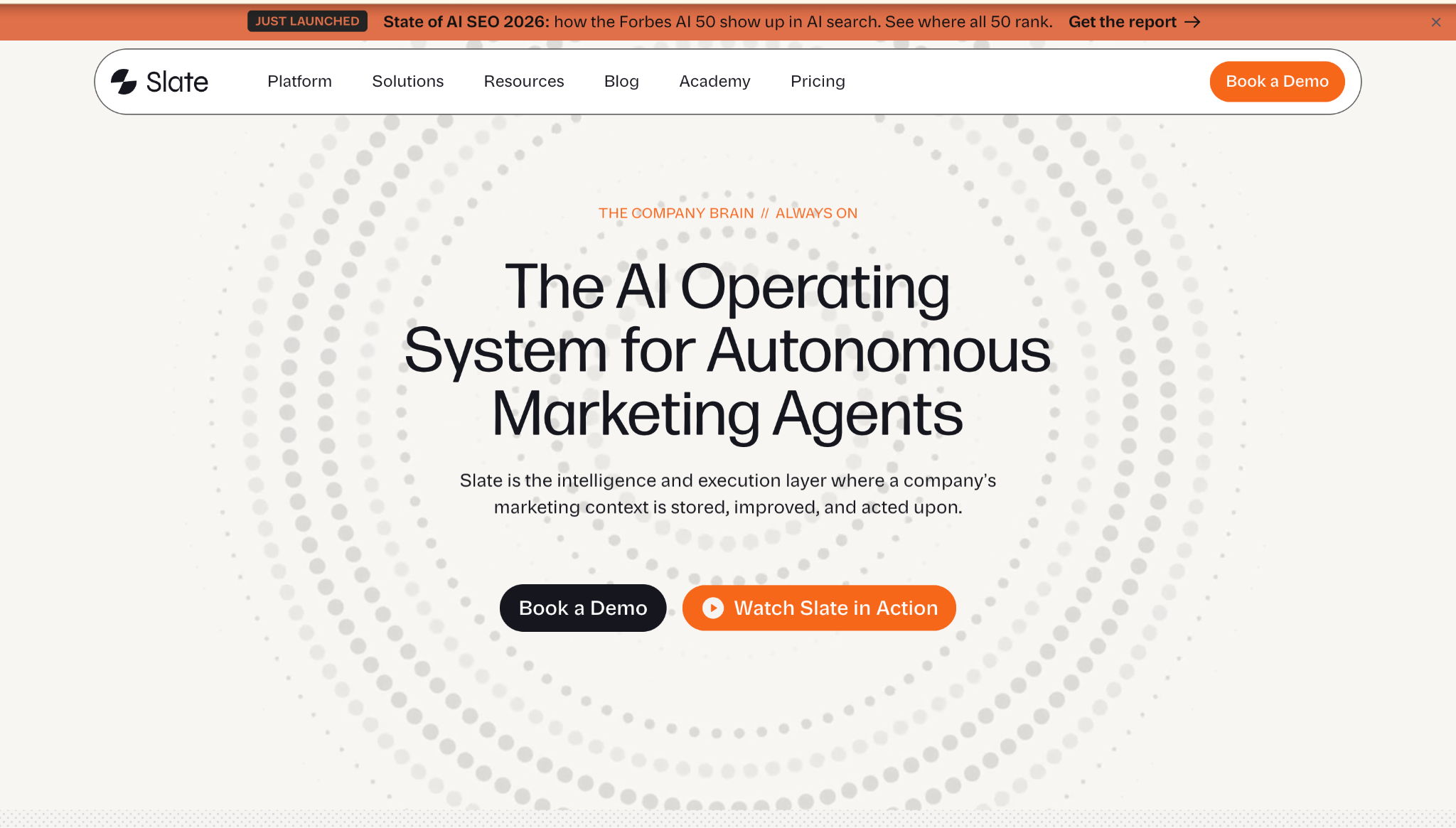
Slate is an end-to-end, agent-driven content and SEO automation platform for marketing teams working through AI-search discovery.
The workflow layer is a visual builder for multi-step content automation with 24+ AI models, conditional logic, web scraping, and CMS publishing. Slate’s AI workflows handle triggers, validation, branching, and logged output.
Power Sheets supports bulk URL work from a spreadsheet interface. Coworker lets marketers delegate work in plain language. Teams can package repeatable SEO or content tasks into reusable custom agents without an engineer.
What Slate Has: Workflows with conditional logic and CMS publishing; Power Sheets for bulk URL operations; AI Search Analytics for ChatGPT, Google AI Mode, Google AI Overviews, and Perplexity visibility; Brand Kit and Knowledge Base for style and brand rules; native Ahrefs and Semrush access; direct publishing to Webflow and WordPress; Pages, which unifies Google Search Console and GA4 data; Opportunities for gap detection; Outreach for link and brand-mention prospecting; and MCP integration for working with marketing data inside Claude.
Best for: SEO leaders, content operations teams, and organic-growth marketers who need governed execution across traditional search and AI search.
Limitation: Teams looking for proofing on video, visual brand campaigns, or creative review flows may need a separate tool.
Pricing: Starting at $499/month. Authors should defer to the provided BrandKit for current pricing.
G2 rating: 4.9/5
Verdict: Slate fits teams that want insight, production, outreach, publishing, measurement, and refresh in one system. Book a demo to see the workflow and agent layers together.
2. Gumloop: General No-Code Workflow Automation
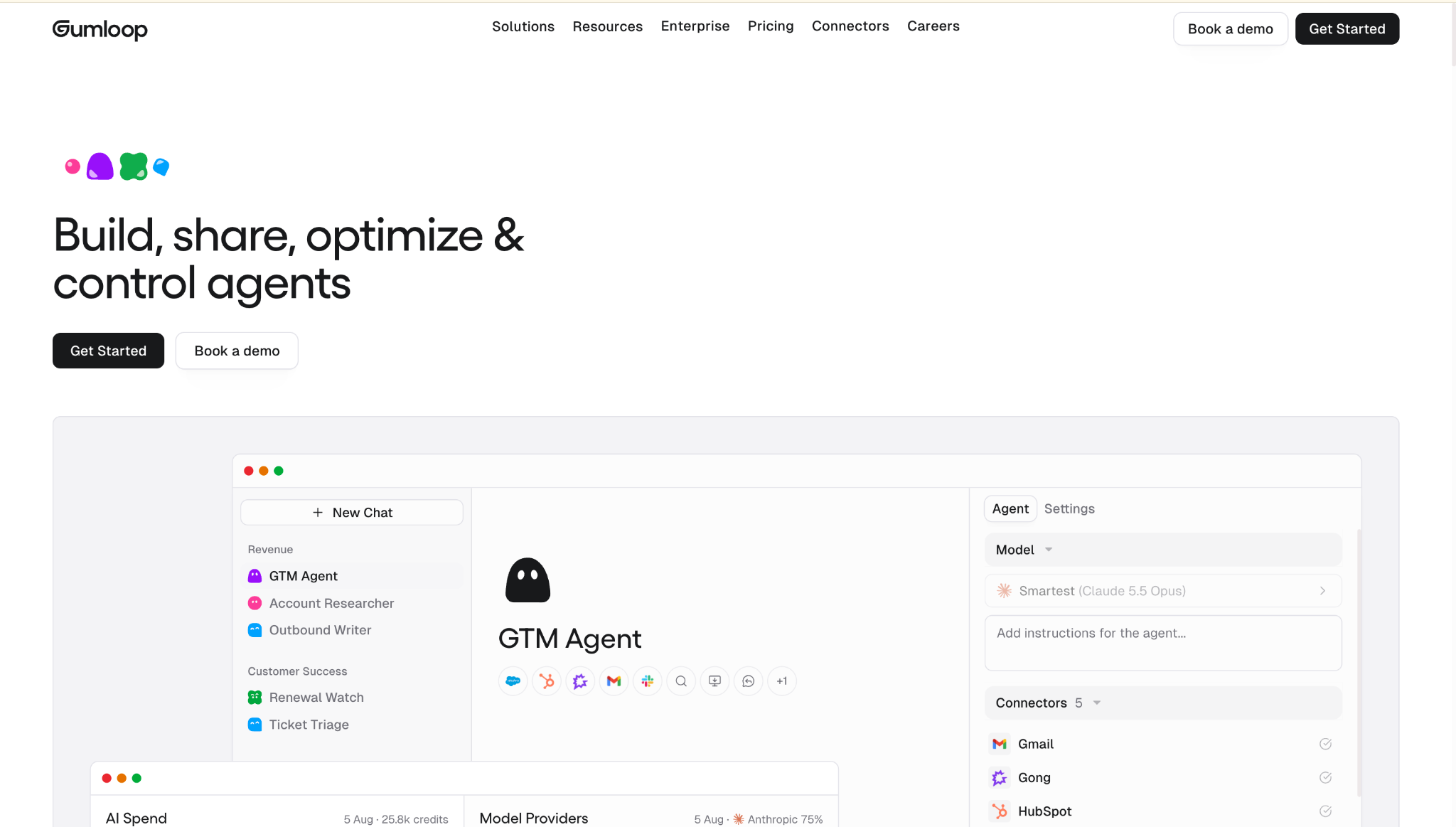
Gumloop is a no-code automation platform for visual flows that connect AI steps and integrations.
What to check: Content teams should confirm analytics, publishing, AI-search measurement, and refresh coverage before choosing it for SEO operations.
3. LangGraph: Developer Agent Framework
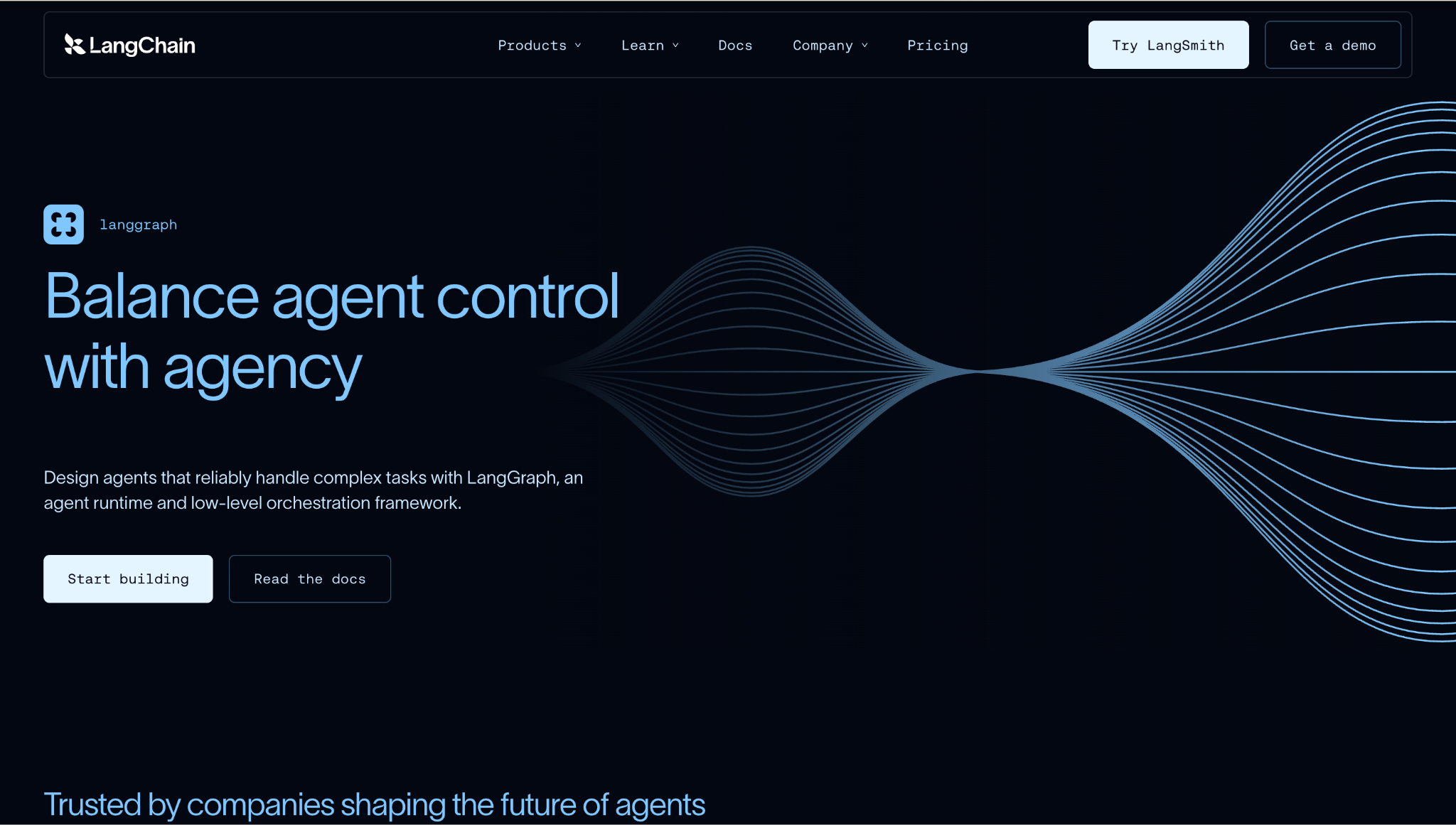
LangGraph is a developer framework for building agent and multi-agent systems in code.
What to check: Engineering teams should plan for application-layer work, data sources, publishing integrations, and performance measurement.
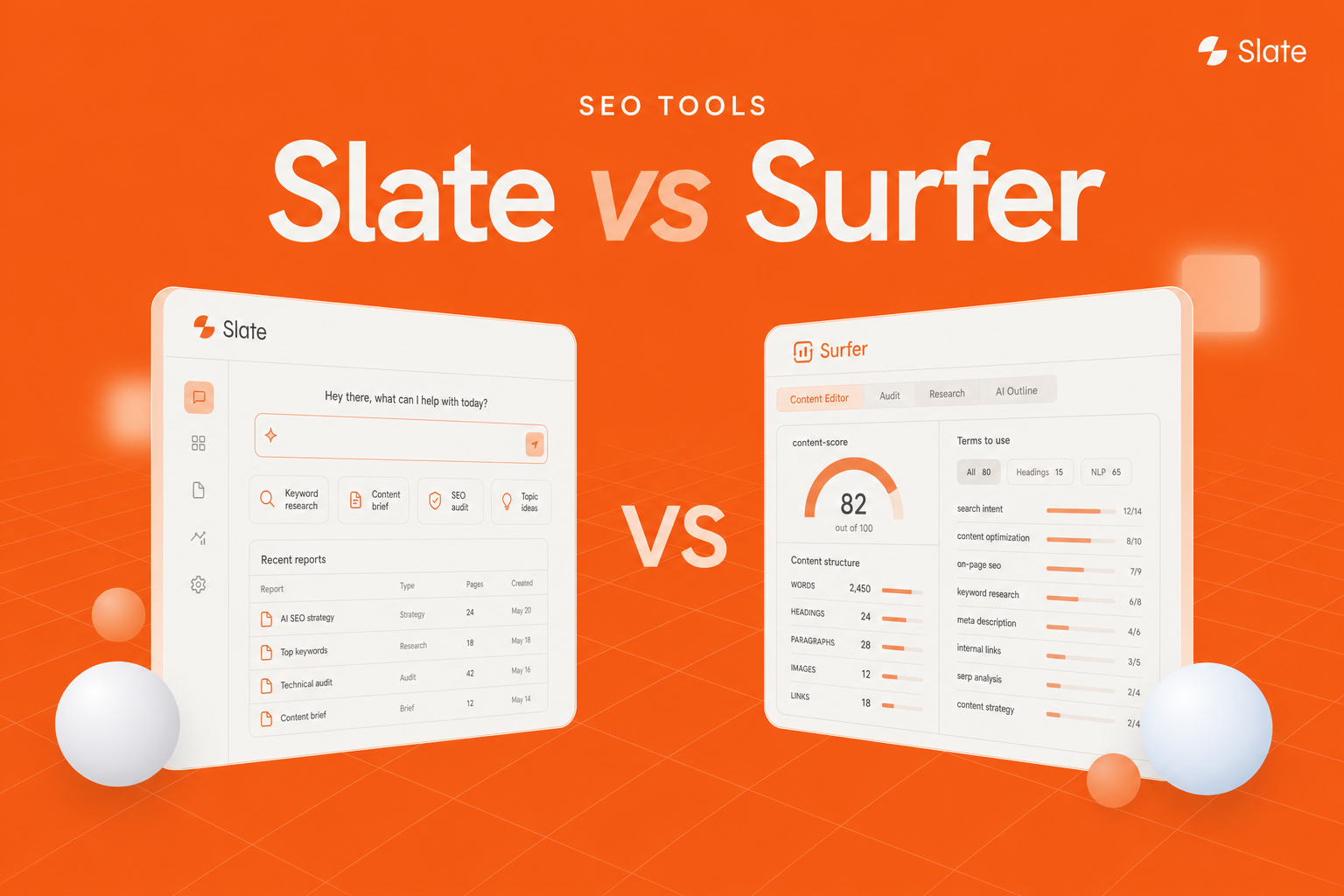
4. Surfer: Content Optimization And SEO Analytics
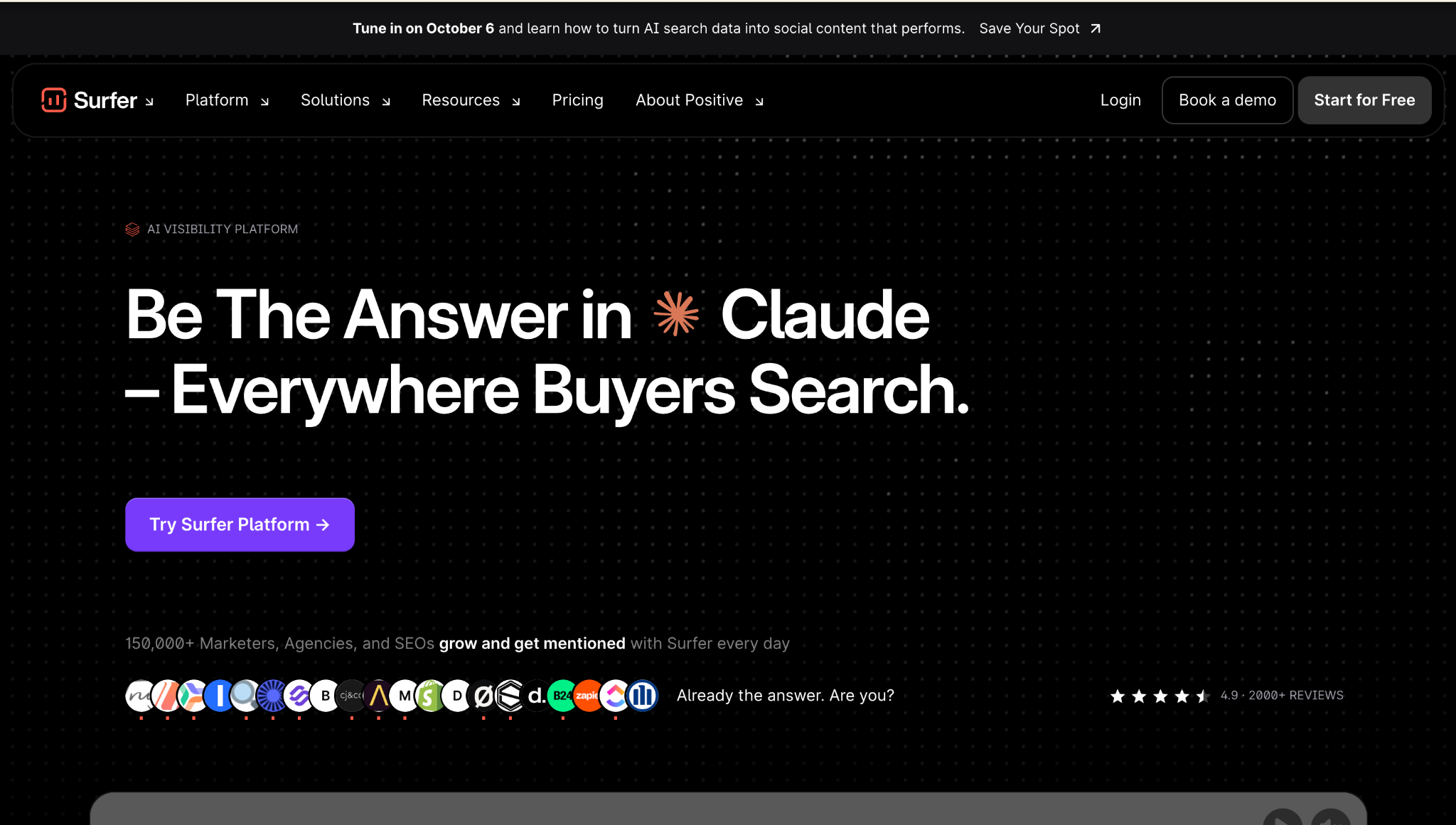
Surfer is an SEO platform tied to on-page guidance and content scoring.
What to check: Teams should assess approval routing, agentic investigation, publishing, and post-change measurement in the wider stack.
5. Jasper AI: AI Writing And Brand Voice
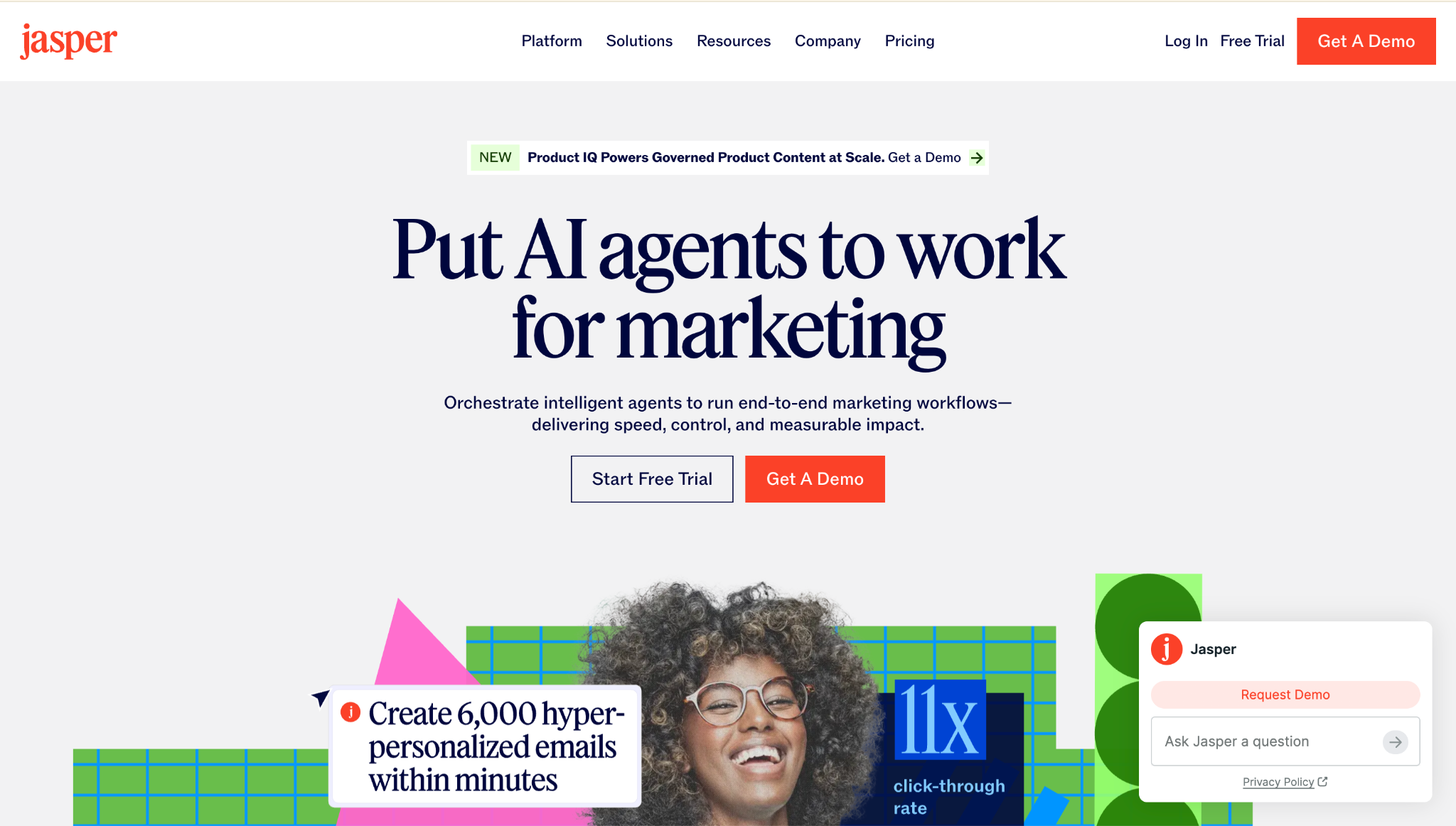
Jasper is an AI writing platform with brand-oriented content capabilities.
What to check: Teams should decide how drafting connects to prioritization, approvals, publication, and outcome measurement.
6. Camunda: BPMN Process Orchestration
Camunda is a process orchestration platform built around BPMN. It fits organizations that need modeled processes, human tasks, escalations, and change control.
What to check: Content and SEO teams should plan for keyword research, AI-search analytics, content quality checks, and marketing CMS publishing.
The AI Workflow Vs. AI Agent Decision Checklist
Choose architecture per task.
The Workflow-Agent Decision Model
Run these questions against the job:
- Is the completion path known? If you can draw it, build it.
- Are inputs structured? Rows and fields favor workflows. Documents, threads, and screens favor agents.
- Does the work need investigation? If the next step depends on what you find, use an agent.
- How reversible is the output? Irreversible actions need approval gates.
- Must actions be audited? Fixed paths are easier to defend.
- Is approval required? Put the approval in a workflow wrapper.
- Is success a task completion or a business outcome? Outcome-defined work can need agent reasoning.
If three or more answers point toward structure, start with a workflow.
Quick Selection Table
Governing Principle
Use the least autonomy that can complete the job reliably. Expand scope only after evidence supports it.
A workflow that runs for two years without drama is a win.
How To Measure Workflows And Agents
Activity can fool you. A system can complete 4,000 tasks a month and still waste everyone’s time.
Task Metrics
Task metrics tell you whether the machine runs:
- Completion rate.
- Escalation rate.
- Rework rate.
- Approval rejection rate.
- Average run cost.
- Average run time.
Track these for debugging and reliability.
Approval rejection rate is especially useful for agents. If reviewers keep disagreeing, the agent’s judgment is drifting from the team’s standard.
Outcome Metrics For Content And SEO
Outcome metrics tell you whether the work helped.
Track accurate pages updated after review, time from detection to live publication, issue-resolution rate on flagged pages, organic clicks, impressions, ranking movement, AI-search citations, and brand mentions.
If task metrics improve and outcome metrics stay flat, the system is probably doing the wrong work faster.
Conclusion: Pick The Least Autonomy That Works
Workflows give you dependable repetition and a clean audit surface.
Agents give you bounded judgment when the path depends on context.
Hybrid systems put agents inside governed structure, which is where many teams should start.
- Build a workflow when the path is known and the inputs are structured.
- Use an agent when investigation determines the next step.
- Put triggers, permissions, approvals, and logs around any system that touches public output.
The best 2026 design is the one that moves work from insight to measurable improvement with controls intact. Book a demo to see how Slate combines workflows, bounded agents, approval steps, and AI search measurement.
Frequently Asked Questions
Is An AI Workflow The Same As Automation?
An AI workflow is a type of automation. It follows a defined sequence of steps, and one or more steps use AI for classification, extraction, summarization, or generation.
Is A Chatbot An AI Agent?
A chatbot answers prompts in a conversation. An AI agent pursues a goal through approved tools, keeps task state, evaluates results, and selects its next action.
Chat can be the interface. Agency comes from goal pursuit, tool use, and evaluated action.
Are AI Agents Deterministic?
Agent paths can vary. The same goal can run through different tool sequences on different days. Workflow paths are fixed. For agents, reproducibility depends on detailed logs.
Can An AI Workflow Include An AI Agent?
Yes. That pattern is often called an agentic workflow. The workflow supplies triggers, data access, approval gates, and success criteria. The agent handles reasoning-heavy substeps.
Can An AI Workflow Use An LLM And Stay A Workflow?
Yes. Calling a language model inside a fixed sequence keeps the system in workflow territory. The system becomes agent-like when it plans steps, selects tools, or decides what happens next.
What’s The Difference Between Agentic AI And Workflow Automation?
Workflow automation coordinates predefined steps across systems. Agentic AI describes systems that pursue goals by planning, selecting tools, and adjusting at runtime.
Are AI Agents Better Than AI Workflows?
They fit different work. Workflows fit repeatable, structured, high-volume tasks. Agents fit ambiguous investigation where the path depends on context.
Do AI Agents Always Need Human Approval?
Approval should follow consequence. Require review for public content, customer communication, spend, regulated claims, sensitive data, and irreversible operations. Reversible internal actions can earn more autonomy over time.
What’s The Difference Between RPA, Workflow Automation, And AI Agents?
RPA copies interface actions such as clicks and keystrokes. Workflow automation coordinates APIs, services, and model calls across a defined sequence.
AI agents pursue goals by reasoning, planning, and selecting tools within permissions.
Should Organizations Start With Workflows Before Agents?
Yes, in many cases. Workflows force clarity around triggers, inputs, permissions, approvals, and logging. Agents need that same foundation.
How Do SEO Teams Use AI Agents Without Publishing Inaccurate Content?
Keep agents in read-only investigation mode first. Require source citations in every recommendation. Route public changes through human review.
Agents propose. Editors approve. Workflows publish and measure.