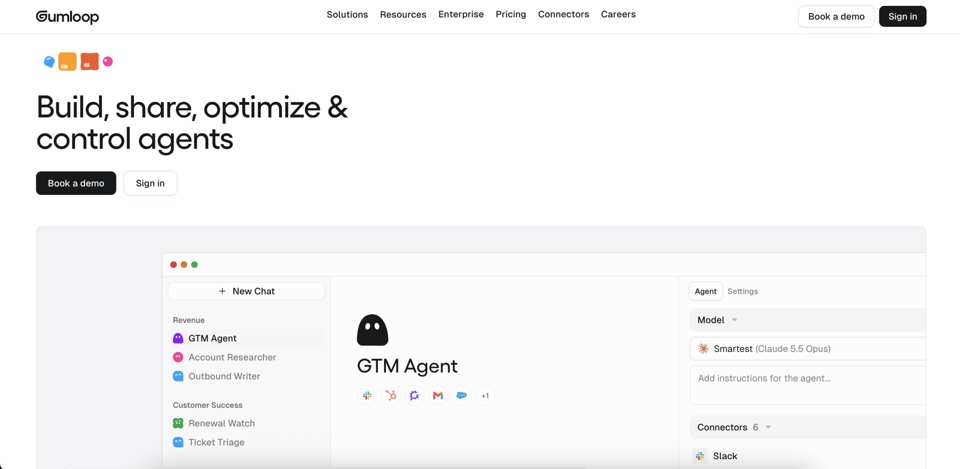
Gumloop is an AI agent platform. Teams build agents that connect to 400+ apps, run on triggers or schedules, browse the web, and produce documents and images. Marketing teams use it to automate content creation, SEO tasks, competitor analysis, ad campaigns, and lead generation.
The best Gumloop alternatives depend on where your workflow starts and stops. General automation tools connect apps, self-hosted tools prioritize control, and assistant platforms take delegated work. Slate fits when you need AI search visibility, SEO workflows, content operations, CMS publishing, and outreach in one loop.
This guide compares Slate, n8n, Make, Zapier, Lindy, Clay, and Activepieces for SEO, content operations, and organic growth teams. Relay.app is no longer an alternative, since it shut down in September 2026.
Key takeaways
- Start with category: General automation, self-hosted orchestration, AI agent platforms, and marketing-specific systems solve different problems.
- Slate fits marketing: Slate connects AI search visibility, SEO opportunity discovery, content execution, publishing, measurement, outreach, and refresh.
- AI visibility needs a separate check: Most automation tools don’t track how AI answers mention your brand. Check AI visibility and content gaps separately.
- Cost needs modeling: Compare tasks, runs, operations, credits, seats, model usage, hosting, and maintenance.
- Self-hosting adds ownership: Teams evaluating n8n or Activepieces should plan for technical ownership.
- Pilot before migration: Rebuild two production workflows in two platforms before moving production work.
Best Gumloop alternatives for marketing teams at a glance
As of November 2026, Gumloop lists a $37-a-month Pro plan with 20,000 credits and a 14-day free trial on its pricing page. Enterprise pricing is custom.
If you’re moving off Gumloop, look for a tool that helps you decide what to create, update, and publish. It should also measure the results, so you know what to revisit.
Why marketing teams look for a Gumloop alternative
Marketing teams start looking elsewhere when the builder works but the organic growth system around it still feels fragmented.
The workflow ends before the outcome does
A workflow can move data or create a draft and still leave the next problem open. Someone has to decide whether the asset deserves attention, whether the source data holds up, and who reviews it. Then the page needs a CMS and a way to measure results after launch.
Content operations show the gap most. The outcome is a refreshed page, reviewed by the right person, published to the right CMS, and monitored for citations and visibility.
Most automation tools don’t show AI search visibility
Teams now need to know whether their brand appears in AI answers, earns citations, and is represented accurately. Traditional SEO reporting answers a related but separate question.
Cost needs modeling at production volume
Gumloop’s credit documentation bills for model reasoning, compute, and tool calls, plus an 8% orchestration fee on top. A low-volume test may not show what happens when the same process runs across hundreds of URLs.
Node graphs become maintenance work
As automations grow, the hard part is keeping the system understandable. Credentials expire, connected apps change, prompts return weak output, and ownership moves from a technical builder to a content operator.
A workflow that only one person can debug is fragile, however clean the demo looked.
Governance gaps slow publication
Content teams need review stages, brand controls, claims review, and safeguards before anything reaches a live CMS. People should own the high-judgment calls: strategy, positioning, claims checks, regulated content review, and final publication approval.
The most expensive mistake is swapping one disconnected tool for another. Map the whole loop before you shortlist platforms.
When Gumloop may still be the right choice
Switch only to solve a named problem. If Gumloop already handles the workflows that matter, a crowded market is no reason to move.
Keep Gumloop if:
- Existing workflows run well and maintenance is acceptable
- The team prefers hands-on control over agent and workflow design
- Use cases are broad operational automations more than search and content workflows
- Actual credit and run costs are predictable at current volume
- You rely on Gumloop’s enterprise controls, such as role-based access, audit logs, SCIM/SAML, and an optional virtual private cloud
Gumloop alternatives solve different problems
Buyers often group workflow builders, AI assistants, self-hosted tools, and marketing systems together. That shortcut leads to bad pilots: a tool can move data well and still be weak at deciding what content should change next.
General no-code automation platforms
Teams usually look at general automation platforms for app-to-app movement, routing, notifications, or scheduled workflows. Make, Zapier, and Activepieces sit in this category.
Self-hosted and open-source orchestration
Self-hosted automation suits teams that want control over infrastructure, data residency, credentials, and execution. n8n and Activepieces both offer self-hosted editions. Check licensing, hosting, upgrades, monitoring, and security before you migrate.
AI agent and assistant platforms
AI agent and assistant platforms fit work that relies on delegated, multi-step execution. Lindy belongs here, and Zapier now sells agents too. Our breakdown of AI workflows vs. AI agents covers when to use each.
Marketing-specific content and SEO systems
Marketing-specific systems are built around outcomes such as visibility, content performance, publishing, refresh, and outreach. Slate sits here, since its products cover AI search visibility, SEO operations, content production, CMS publishing, and measurement.
How we evaluated Gumloop alternatives for marketing teams
Start with the job to be done, then look at the category label. A team refreshing declining pages needs a different system than a team routing form fills to a CRM.
Use these criteria when comparing platforms:
- Opportunity discovery: Keyword and AI visibility gaps, outreach targets, and content decay.
- Content creation: Bulk creation, optimization, refresh, and audit workflows.
- AI search visibility: Prompt answers, citations, brand mentions, and sentiment tracking.
- SEO data sources: Search Console, GA4, keyword data, and Semrush-backed workflows.
- Publishing: WordPress, Webflow, Sanity, permissions, draft behavior, and live-site safeguards.
- Governance: Human review, approval ownership, claims checks, and brand controls.
- Agent model: Natural-language delegation or node-by-node construction.
- Failure recovery: Logs, retries, alerts, and ownership when a workflow breaks.
- Cost mechanics: Usage units, seats, hosting, model usage, and review time.
- Measurement: Traffic, clicks, CTR, citations, visibility, and post-publication monitoring.
For each general-purpose tool below, check three things in your pilot. Is AI visibility tracking native? How does CMS publishing handle drafts and errors? Where does human approval sit?
1. Slate: Best for end-to-end AI search, SEO, and content operations

Best for: SEO leads, content operations teams, and organic growth marketers who want AI search visibility and content execution in one platform.
Automation model: Agent-driven. You can hand work to Cowork in plain language, or build repeatable processes in Workflows, Power Sheets, and SuperBlocks.
Overview: Slate connects opportunity discovery, content production, publishing, outreach, and measurement. Opportunities surfaces gaps across content, citations, rankings, and social engagement.
AI search and SEO relevance: As of November 2026, the AI Visibility Tracker covers ChatGPT, Google AI Mode, Google AI Overviews, and Perplexity. All four come with every plan, and Claude and Gemini are add-ons. Ahrefs and Semrush data are built in, and Pages adds Google Search Console and GA4 data.
Publishing and integrations: Slate publishes to WordPress, Webflow, and Sanity. Outreach finds link and brand-mention prospects and lets you contact them from inside Slate.
Governance and approvals: Workflows can pause at a Human Review block until someone approves. Strategy, claims review, positioning, and final publication approval stay with named owners.
Watch-outs: Slate is built for content and search work, so use another tool for creative proofing of video or visual campaigns. For invoice routing, HR onboarding, and other non-marketing workflows, a general automation platform fits better.
Pricing: As of November 2026, Launch costs $99 per month for one brand, Growth $499, and Scale $999 (pricing). Agency & Enterprise pricing is custom, annual billing gives two months free, and the 14-day free trial needs no card.
Choose Slate if: AI search visibility matters to you, and you want discovery, production, publishing, outreach, and measurement in one platform.
2. n8n: Best for self-hosted workflow control
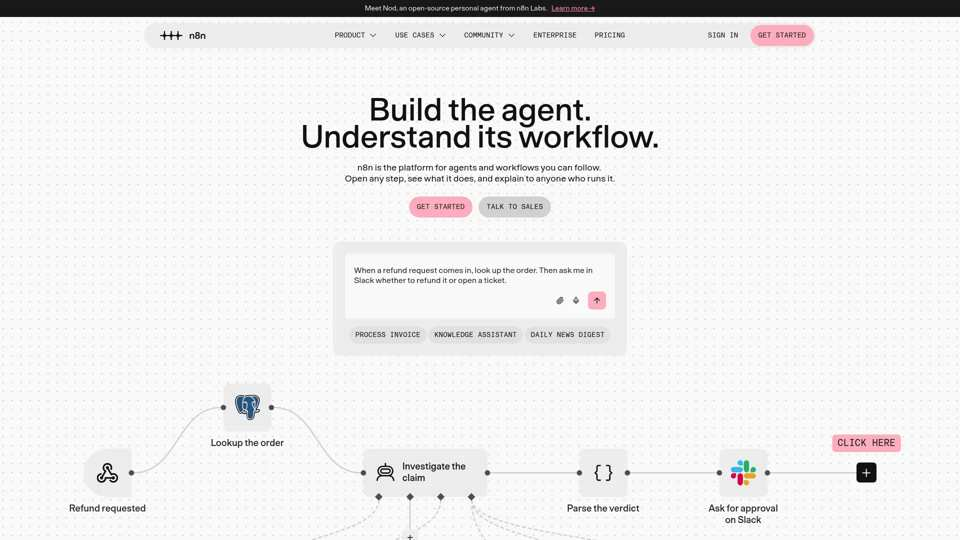
n8n fits when the evaluation centers on workflow control, deployment, and technical ownership. Decide whether you want to run infrastructure and workflow logic yourself, or buy a managed system built around SEO and content.
Best for: Technical teams that want self-hosted workflow execution and deep control over automation logic.
Automation model: Node-based workflows and AI agents, hosted by n8n or self-hosted. Pricing is based on monthly workflow executions, with unlimited users and workflows on every plan.
Pricing: As of November 2026, Starter costs €20 per month and Pro €50 per month, billed annually, for 2,500 and 10,000 executions (pricing). The self-hosted Community Edition is free on GitHub.
Overview: n8n suits buying teams with technical stakeholders who can own credentials, infrastructure, monitoring, upgrades, and maintenance. For a head-to-head, see our n8n vs. Make vs. Relevance AI vs. Slate comparison.
Key capabilities for marketing teams: Test whether n8n handles your exact data sources, approvals, publishing steps, and measurement handoffs.
Choose n8n if: Self-hosting, technical control, and custom workflow ownership are more important than buying a marketing-specific execution layer.
3. Make: Best for visual multi-step app automation

Make fits teams that want visual app-to-app automation: moving data between systems, routing information, or scheduling recurring workflows.
Best for: Teams whose main need is connecting tools through a visual builder.
Automation model: A visual scenario builder that connects 3,500+ apps. Each module action counts as one credit.
Pricing: As of November 2026, Make has a free plan with 1,000 credits a month (pricing). Core costs $9, Pro $16, and Teams $29 per month, billed annually for 10,000 credits.
Overview: Make suits buyers who want a visual builder for operations automation. Moving information between apps is a separate job from deciding which page to refresh or tracking AI search visibility.
Key capabilities for marketing teams: Test campaign data syncs, reporting pulls, brief routing, and form handoffs.
Choose Make if: You need visual cross-app automation, and your SEO and content data already live elsewhere.
4. Zapier: Best for breadth of app connections
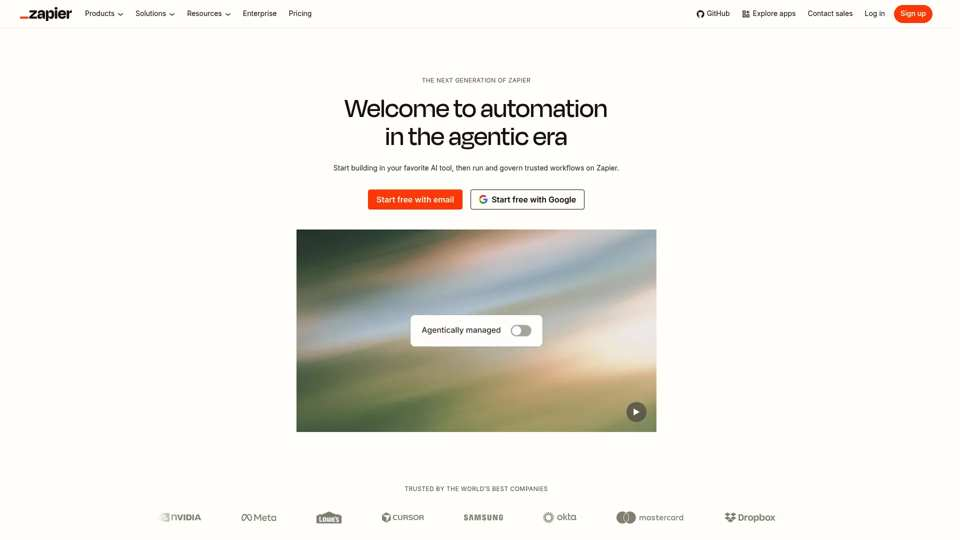
Lean teams often shortlist Zapier for broad app connectivity and quick setup. It’s a practical option when the first problem is routing information between tools.
Best for: Small teams that want broad app connections and lightweight automation.
Automation model: Multi-step Zaps, Tables, and Forms across 9,000+ apps, plus AI agents. Usage is billed in tasks.
Pricing: As of November 2026, Zapier’s free plan includes 100 tasks a month (pricing). Professional starts at $19.99 per month and Team at $69, and Enterprise is custom.
Overview: Zapier suits small business automation, notifications, lead routing, and cross-tool syncing. For SEO and content operations, check how it handles opportunity discovery, AI search visibility, and measurement after publishing.
Key capabilities for marketing teams: Test notifications, form routing, CRM handoffs, and simple reporting syncs.
Choose Zapier if: A lean team needs broad integration coverage and simple automation before investing in deeper content operations.
5. Lindy: Best for assistant-style task delegation
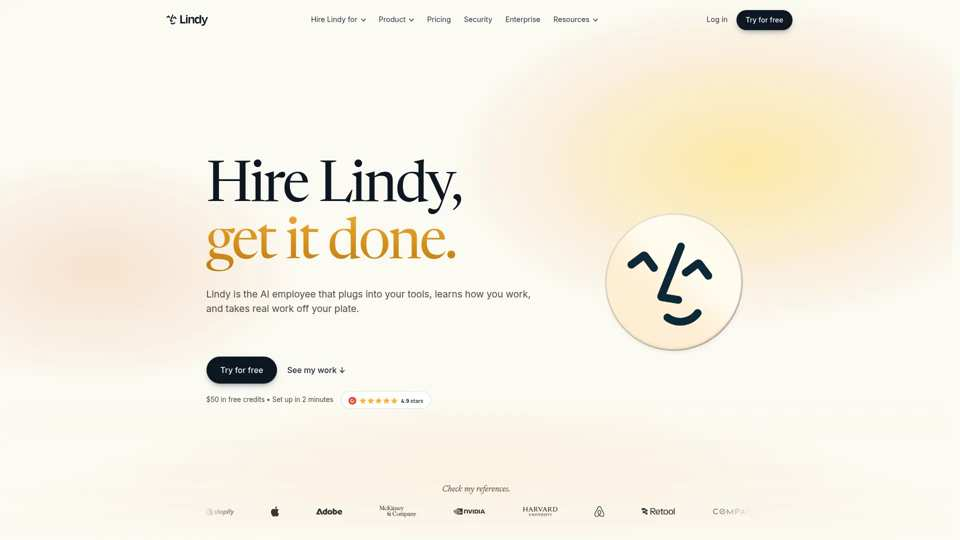
Lindy fits teams that want assistant-style delegation more than workflow building. Decide whether you want an AI assistant for general business tasks or a marketing system for SEO, content, publishing, and measurement.
Best for: Teams that want general-purpose AI task delegation.
Automation model: Lindy calls itself an AI employee that plugs into your tools. It works inside Slack, runs scheduled routines, and connects to 3,000+ integrations.
Pricing: As of November 2026, Lindy offers $50 in free credits for seven days (pricing). Team costs $49.99 per active user per month for 5,000 credits, and Enterprise is custom.
Overview: Delegating to an assistant can feel easier than drawing a node graph. That helps with recurring admin, research, and cross-tool follow-up, though marketing teams still need clear source control and review points.
Key capabilities for marketing teams: Test research tasks, recurring operational work, and content-adjacent tasks where errors are easy to catch.
Choose Lindy if: You need general-purpose AI delegation across business functions.
6. Clay: Best for GTM data enrichment and outbound research
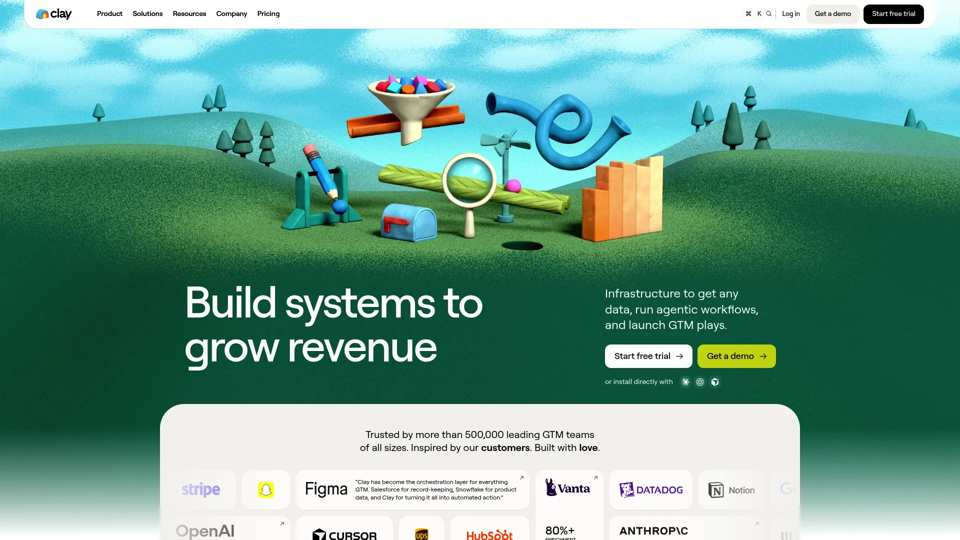
Clay fits when the workflow centers on go-to-market data, enrichment, and outbound research. For marketing teams, that’s usually a separate purchase from SEO content operations.
Best for: Teams that run outbound prospect research, enrichment, and GTM data workflows.
Automation model: Enrichment tables with multi-provider data waterfalls and Claygent research. Usage draws on data credits and actions.
Pricing: As of November 2026, Clay’s free plan includes 100 data credits and 500 actions a month (pricing). Launch starts at $185 per month and Growth at $495, with a 14-day trial.
Overview: Clay works best when the object of automation is a person, company, or account list. Slate is built around URLs, topics, AI search visibility, SEO performance, content, publishing, and refresh.
Key capabilities for marketing teams: Test prospect research, enrichment, list building, and outbound preparation where data accuracy matters.
Publishing and integrations: Clay hands data to GTM tools. Editorial CMS publishing would need a specific, documented use case.
Choose Clay if: Outbound research and enrichment are your main automation priority.
7. Activepieces: Best for open-source, budget-conscious automation
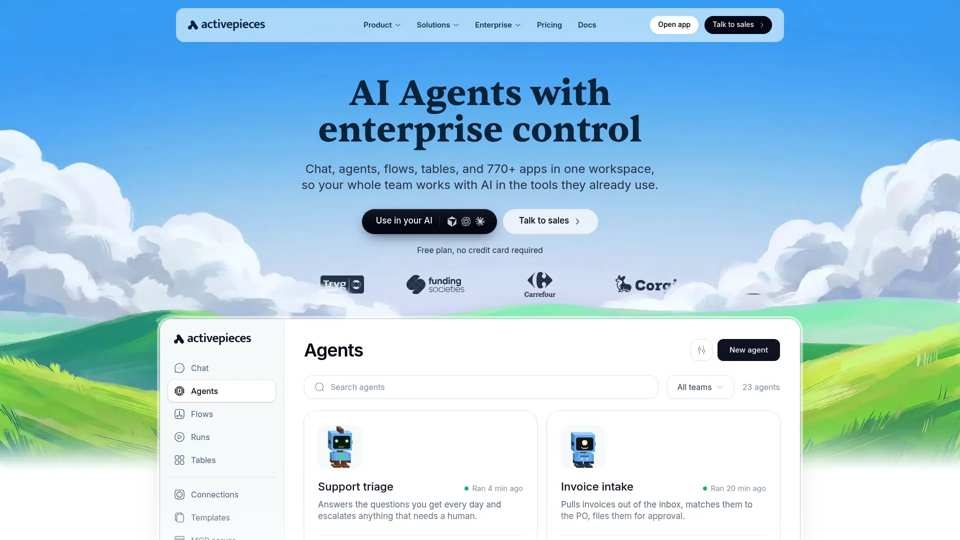
Activepieces fits teams weighing open-source automation, cost control, and ownership trade-offs. License cost is only one part of operating cost.
Best for: Teams that want open-source automation on a budget.
Automation model: Open-source flows, AI agents, tables, and MCPs across 770+ apps. It runs on Activepieces’ cloud or your own servers.
Pricing: As of November 2026, the free plan includes 1,000 credits a month for up to five users (pricing). Plus costs $20 per month and Team $200, and the self-hosted Community Edition is free.
Overview: Activepieces suits teams that want ownership of their automation infrastructure. That means someone has to manage uptime, credentials, monitoring, and maintenance.
Key capabilities for marketing teams: Test cross-app automation, AI steps, and self-hosted execution against your content or operations workflow.
Choose Activepieces if: Open-source ownership and cost control matter more to you than a managed, marketing-specific system.
Which Gumloop alternative fits each marketing workflow?
Start with the workflow, then shortlist the category.
How to compare pricing and operational cost
Compare more than starting prices. Find the usage unit that drives cost: tasks, workflow runs, operations, credits, seats, AI model usage, or hosting. Then estimate cost from one production workflow at expected monthly volume, including review and maintenance time.
A pricing table can look clean while the workflow gets expensive. Marketing workflows fan out: one content refresh can involve source retrieval, keyword context, drafting, internal linking, CMS formatting, review, publishing, and measurement.
Run the estimate from a production workflow:
- Define the workflow and its business outcome.
- Count expected monthly runs.
- Count billable steps per run.
- Add model or API charges where applicable.
- Add hosting and maintenance for self-hosted options.
- Add reviewer time for every content asset.
- Compare the total against expected operating value.
Once credit burn, cleanup, and maintenance are counted, the cheapest plan can turn out to be the most expensive system.
How to test a Gumloop alternative before you migrate
A good pilot produces evidence. You should know whether the platform can run a production workflow and recover from failure. It also has to keep review quality, publish safely, and make sense to someone who didn’t build it.
The two-workflow, two-platform pilot
Choose two workflows: one content refresh and one new-content workflow. Document inputs, data sources, approval requirements, quality standards, CMS needs, measurement expectations, and the current owner.
Good first candidates are bounded and easy to review: traffic detection from Search Console and GA4, content refresh, AI visibility monitoring, brief creation, and outreach. For a fuller list, see SEO tasks to automate and our guide to content and SEO automation. Keep strategy, positioning, claims checks, and final publication approval with people.
Rebuild both workflows in two shortlisted platforms, then break one run on purpose. Watch how errors appear, who can diagnose them, and whether a non-technical teammate can follow what happened. Expand only after the workflow runs reliably for four weeks in a row.
30-day pilot timeline
What to score
Score output quality, edits required, build time, maintenance time, error recovery, approval fit, publishing reliability, measurement availability, actual cost incurred, and non-technical maintainability.
A strong platform works in a controlled demo and explains itself when something breaks.
Choosing your Gumloop alternative
If AI search visibility matters and you want production, outreach, publishing, and measurement in one platform, Slate is a strong place to start. Teams with narrower needs should compare within the matching category: general automation, self-hosted orchestration, assistant-style delegation, or GTM enrichment.
Frequently asked questions about Gumloop alternatives
What are the best Gumloop alternatives in 2026?
Slate fits teams that need SEO, content operations, AI search visibility, publishing, and outreach in one platform. n8n, Make, Zapier, Lindy, Clay, and Activepieces are best compared within their own categories.
Is Gumloop free to use?
As of November 2026, Gumloop’s pricing page lists a 14-day free trial and a $37-a-month Pro plan with 20,000 credits. Enterprise pricing is custom. Credits pay for model reasoning, compute, and tool calls, plus an 8% orchestration fee.
What is Gumloop used for?
Gumloop is an AI agent platform. Agents connect to your apps, use AI models to analyze information, and act across connected services. Its older workflow builder is now labeled “Legacy” on the pricing page.
Is there an open-source alternative to Gumloop?
Yes. Activepieces is open source, and n8n offers a free self-hosted Community Edition. Before you choose either, check licensing, hosting, credentials, monitoring, upgrades, and security for your deployment model.
Which Gumloop alternative is best for building AI agents?
Lindy suits general assistant-style delegation. Slate is built for marketing-specific SEO and content work through Cowork, Workflows, Power Sheets, SuperBlocks, Opportunities, Pages, and Outreach. The right choice depends on how broad the agent’s job is.
Can AI automation tools improve AI search visibility?
AI automation tools help AI search visibility when they connect monitoring to action. Teams need prompt answers, citations, brand mentions, sentiment, and gap discovery. Then they need a workflow to update content, publish, run outreach, and measure the result.
Can these tools publish directly to WordPress or Webflow?
As of November 2026, Slate publishes to WordPress, Webflow, and Sanity. For general automation platforms, test connector behavior, permissions, drafts, live publishing, rollback, and failure recovery during the pilot.
Do marketing teams need an engineer to run these platforms?
It depends on the deployment model and workflow complexity. Self-hosted options need more technical ownership, since your team manages infrastructure, credentials, monitoring, upgrades, and security. Managed marketing systems lighten that load for SEO, content, publishing, and measurement work.
Which Gumloop alternative is cheapest for small business automation?
Start from your production workflow, since the cheapest option depends on it. As of November 2026, Make, Zapier, Clay, and Activepieces all have free plans, and Make’s paid plans start at $9 per month billed annually. Compare billing units, monthly volume, model usage, seats, hosting, review time, and maintenance.