A no-code AI agent builder lets marketing and SEO teams create bounded AI workflows without writing orchestration code. You define the objective, connect approved data and tools, and choose where human review belongs. Then the agent handles repeat work such as research, briefs, content refresh, publishing QA, outreach research, or AI visibility monitoring.
Key takeaways
- Core principle: No-code AI agents work best as controlled workflows with clear inputs, permissions, approvals, and outcomes. Start by turning one repeated job into a measurable system.
- No-code scope: Visual canvases, natural-language instructions, templates, and pre-built integrations replace orchestration code for standard agent workflows.
- Agent distinction: Automations follow set rules. Agents apply model-driven reasoning within set boundaries when inputs are variable or messy.
- First workflow: Start with one narrow, measurable job and require human approval before publish, send, or customer-facing actions.
- Core components: Instructions, context, model choice, tools, triggers, guardrails, outputs, logs, and measurement determine reliability.
- Platform fit: General automation tools, enterprise knowledge platforms, conversational builders, and organic-growth platforms solve different jobs.
- Governance: Read-only research agents and publish-capable agents need different permission scopes, approval paths, and monitoring.
- Slate fit: Slate lets SEO and content teams build custom agents. It also covers opportunity discovery, Workflows, Power Sheets, publishing, Outreach, and the AI Visibility Tracker.
What is a no-code AI agent builder?
A no-code AI agent builder is a visual platform for creating bounded AI workflows. You configure instructions, approved tools, data sources, triggers, outputs, and review steps through a visual builder, templates, or plain-language setup.
The key word is “bounded.” A useful marketing agent has a defined job, defined inputs, allowed tools, and a clear stop point for human review.
Most builders combine large language models, a visual canvas, and integrations. Mature systems add context, permissions, approval rules, testing, logs, and monitoring, since repeat use takes more than one good run.
What no-code usually includes:
- Natural-language instructions for task definition
- Visual canvases or workflow builders for sequencing steps
- Pre-built integrations for common business tools
- Templates for recurring use cases
- Triggers, outputs, and review steps configured without custom software development
What no-code means in practice
No-code still requires configuration. Teams need to connect accounts, define permissions, write instructions, choose sources, and decide what happens when the workflow fails.
A visual workflow can turn into low-code once it depends on custom APIs, JSON transformations, expressions, complex branching, webhooks, or custom error handling. Watch for this in demos: a polished happy path can hide messy inputs and recovery logic.
Build your second-hardest workflow during a trial. The easiest one rarely shows where permissions, edge cases, or debugging will slow the team down.
Who no-code AI agent builders are for
No-code AI agents suit operators who own repeat work but don’t control engineering resources. In marketing and SEO, that’s the person who sees the same research, drafting, QA, or reporting job every week. They want something safer than copy-pasting prompts between tools.
AI agent vs. automation vs. chatbot vs. multi-agent workflow
Workflow automation follows predefined rules, and chatbots focus on conversation. AI agents interpret context and use approved tools within boundaries, and multi-agent workflows split a larger job across specialized agents.
Our breakdown of AI workflows vs. AI agents covers the choice in depth.
Reliable production systems usually blend all four. Metadata validation follows a rule, so automation is enough. Diagnosing why a page lost visibility takes judgment across changing inputs, so an agent fits better, and publishing the update still needs human approval.
Pro tip: If you can write the rule, automate it. If the task requires judgment across messy inputs, use an agent. If the output goes live, add an approval.
The core components of a no-code AI agent
A no-code AI agent is easier to govern when you can name each part. If you can’t describe the workflow as trigger, context, model, tools, guardrails, output, and measurement, it isn’t ready for production.
Choosing the model
The model affects reliability, but it isn’t the only driver. A simpler model may handle structured extraction, while synthesis, diagnosis, or writing may need a more capable one. Weigh task complexity, cost, structured-output needs, data sensitivity, and latency.
Memory and state
Agent memory can mean context within a run or memory that persists across runs. Most marketing workflows need less persistent memory than teams expect. A content refresh agent needs the current page, approved data, and brand rules more than a long-running history.
Persistent memory can help repeat workflows, but stale memory creates quality risk, so use it deliberately.
How to build a no-code AI agent for marketing and SEO, step by step
The running example is a content refresh agent. It detects declining pages, diagnoses likely causes, and prepares a refresh brief for review. The same pattern works for AI visibility monitoring, briefs, publishing QA, and outreach research.
Step 1: Choose one narrow, measurable job
Start with a job that repeats often and has a recognizable good output. “Improve SEO” is too broad. “Create a refresh brief for pages losing qualified organic visibility” is specific enough to design, test, and measure.
Ask three questions:
- Does the task repeat at least weekly?
- Can the team describe a correct output?
- Can the team name one metric that should move if it works?
Applied example: The first workflow creates refresh briefs before any page goes live.
Step 2: Define the trigger and required inputs
The trigger determines when the agent runs. For a refresh workflow, the trigger could be scheduled review, a traffic decline, a ranking drop, or manual selection by an SEO owner.
List the minimum inputs before choosing tools:
- URL
- Target topic
- Current content
- Search performance data
- Approved brand and product rules
- Prior refresh history, if available
Applied example: The agent starts from a selected page in a refresh queue and uses approved performance data plus the live page.
Step 3: Connect only the data sources and tools the job requires
Least-privilege access improves security and output quality. Too many sources can create noise, conflicts, and unclear reasoning.
Use read-only analytics access where possible, and scoped CMS roles in place of full admin access. Grant CRM, outreach, or publishing access only when the workflow needs it.
Applied example: The refresh agent reads analytics and content, then writes a brief to a queue. It stops before publishing.
Step 4: Write instructions, constraints, and output requirements
Good instructions say what the agent should inspect, how it should reason, and what it must never do. Make the output structured enough to review and reuse. Here’s a filled-in example for the refresh agent:
- Role: SEO content refresh analyst
- Objective: Diagnose why a page may be losing visibility
- Inputs: Page URL, approved analytics, target topic, current content
- Constraints: Never publish, send outreach, or make unsupported claims
- Output format: Summary, likely causes, recommended changes, open questions
- When uncertain: Flag the gap and route it to the owner
Applied example: The agent separates likely content issues from possible technical, seasonal, or cannibalization issues, and flags uncertainty openly.
Step 5: Add knowledge, brand rules, and source requirements
The agent needs approved context. For SEO and content work, that usually means brand voice, product documentation, editorial standards, approved claims, internal-linking policy, and source rules. Retrieval-augmented generation (RAG), which grounds answers in approved sources, is how most builders do this.
Applied example: The refresh brief must use approved product language and identify any claims that need review.
Step 6: Build in human approvals and fallback paths
Every production workflow needs a stop condition. If the agent can’t reach a page, reconcile conflicting data, or finish a recommendation, it should pause and log the issue. Then it routes the gap to the owner.
Match approvals to risk. Read-only research can be less restrictive than CMS publishing or outbound email.
Applied example: If the agent can’t tell whether a decline is content-related, it returns a partial brief with open questions. It holds off on recommending a rewrite.
Step 7: Test against representative scenarios
Test more than clean examples. SEO data includes incomplete pages, unusual formats, seasonal changes, technical issues, and out-of-scope requests.
Test cases should include:
- Typical page
- Thin page
- Long page
- Incomplete-input case
- Seasonal decline
- Cannibalization risk
- Technical issue
- Out-of-scope request
Applied example: The agent should recognize when a content refresh is the wrong move. Score early outputs against a written quality rubric, and run in recommend-only mode before you enable any write actions.
Step 8: Deploy to the right channel
Deploy where the reviewer already works. If editors manage a queue, send structured briefs there. If SEO owners review in Sheets, make the sheet the operating layer, and if the agent creates CMS drafts, add approval before publishing.
Our Slack AI agent use cases show the Slack version.
Applied example: The refresh agent writes a structured brief to a review queue where the editor can approve, revise, or reject it.
Step 9: Monitor quality, cost, and outcome
In week one, inspect completion, failed steps, output structure, and reviewer feedback. After several cycles, inspect rework, adoption, throughput, and organic outcomes.
Applied example: Track brief acceptance, rework, time-to-brief, and performance on refreshed pages.
Step 10: Turn the working agent into a reusable template
Once the workflow works, document it. Capture the owner, inputs, permissions, approval points, output format, failure handling, measurement plan, and refresh schedule.
Applied example: The content refresh agent becomes a reusable template that runs across approved URL sets with the same review rules. Slate’s Agents hub shows ready-made templates like this one.
How to govern and monitor no-code AI agents
Governance belongs in the build. Set permissions, testing, review, and ownership before any agent can write, publish, or send.
Define editorial and brand governance
Security governance protects systems, and editorial governance protects the brand. Agents that touch content need brand voice rules, approved claims, source requirements, legal review triggers, publishing authority, and escalation paths. The more public the output, the stronger the approval path should be.
Monitor for drift, failures, and agent sprawl
Agents drift when sources go stale, instructions change, tools fail, or nobody owns the workflow. Keep an inventory of active agents with their owners, permissions, outputs, and review rules, and give every knowledge source an owner and refresh date.
Log failed tool calls, recurring exceptions, output rejections, and source updates. A neglected agent is operational debt.
How to measure whether your AI agent is working
Measurement should cover more than completion. A workflow can run successfully and still create weak recommendations, extra review burden, or no measurable organic impact.
Slate’s Pages and AI Visibility Tracker cover search performance and AI visibility. For page-level outcomes after a refresh agent runs, see our list of content refresh metrics.
5 no-code AI agents marketing and SEO teams should build first
Good first agents are usually read-only or recommend-only. They let you check inputs, quality, and review paths before you grant write, publish, or send permissions.
1. The AI visibility gap agent
This agent monitors prompt-level visibility, brand presence, and competitor context, then turns gaps into content, citation, or outreach opportunities for review. As of November 2026, Slate’s AI Visibility Tracker covers ChatGPT, Google AI Mode, Google AI Overviews, and Perplexity on every plan. Claude and Gemini are add-ons.
2. The content refresh agent
A content refresh agent diagnoses likely causes of decline and recommends a path forward, with editorial review before any high-value rewrite. Useful outputs include a short diagnosis, missing topic coverage, internal-link suggestions, outdated sections, and open questions. Slate’s content refresh engine is one ready-made version.
3. The SEO content brief agent
A brief agent turns an approved topic into a structured plan for a writer or editor. It can organize intent, questions, entities, internal-link candidates, and source requirements, and the editor still decides positioning, narrative, and final claims. See Slate’s SEO content brief generator.
4. The publishing QA agent
A publishing QA agent checks formatting, metadata, internal links, schema requirements, broken links, and brand-claim compliance before a draft moves live. This is a good early workflow because the task is bounded and the review point is obvious.
5. The outreach research agent
An outreach research agent finds relevant prospects, enriches records, and drafts angles. Human approval is mandatory before any send, because unreviewed outreach risks your reputation. Slate’s prospect research and outreach planner is a starting point.
Which agent should you build first?
Start with a read-only agent if your team is new to agents. AI visibility gap monitoring and refresh diagnosis are good first choices, since they produce useful recommendations with no publish or send permissions.
How to choose a no-code AI agent builder
Choose by workflow fit. The right builder supports your data sources, approval paths, permissions, deployment channels, testing, and measurement. For SEO and content teams, it should also connect insight to execution, so you aren’t stitching the loop together by hand.
Ask these questions before you buy:
- What single workflow will you automate first?
- Which systems must the agent read from?
- Which systems, if any, may it write to?
- What’s the highest-risk action it could take?
- Where must a person approve the output?
- What data should the agent never access?
- How will you test edge cases?
- Who owns the workflow when it fails?
- What logs or monitoring do you need?
- What evidence will prove the pilot worked?
If the first workflow is SEO-specific, prioritize analytics, CMS publishing, AI visibility, content operations, and refresh. For cross-functional routing, a general automation platform may be enough.
When you’ve outgrown no-code
Use no-code for standard connectors, defined instructions, review steps, and manageable branching. Move to low-code when the workflow needs custom transformations, expressions, APIs, or exception handling. Custom development fits business-critical, high-volume, or infrastructure-constrained work that needs engineering-grade versioning and rollback.
Signs you’ve outgrown no-code:
- Transformations are custom on every run
- Branching is harder to read than code
- The workflow needs staging and rollback
- Latency or volume exceeds platform limits
- Compliance requires infrastructure control the vendor can’t provide
Best no-code AI agent builders for marketing and SEO teams in 2026
The right platform depends on the job. Connecting app-to-app automations is a different need from running opportunity discovery, publishing, AI visibility, and refresh in one loop.
Flowise is left off this list: it’s sunsetting, and its GitHub repository was archived on August 13, 2026. For marketing agents beyond SEO, see our comparison of AI agents for marketing.
1. Slate: Best for end-to-end marketing, SEO, and AI search execution
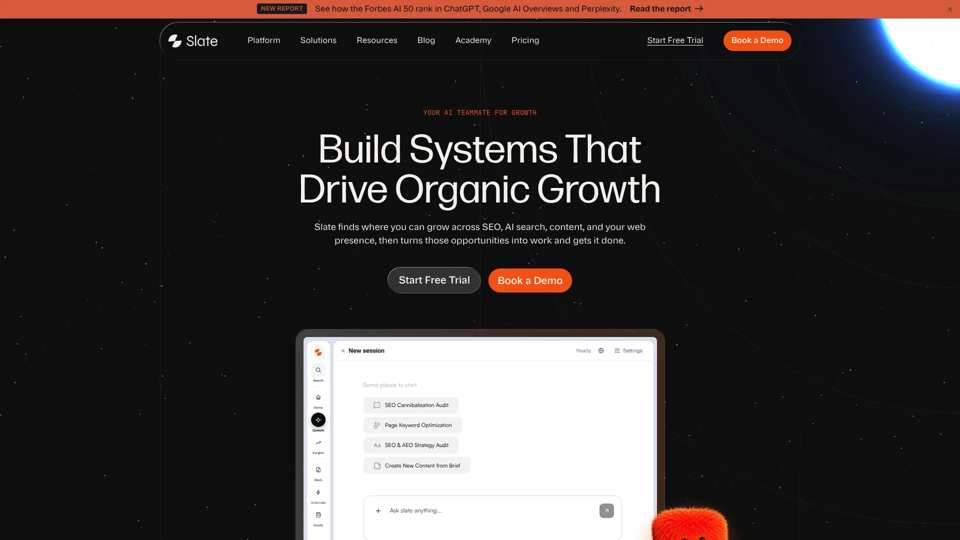
Slate is built for SEO, content, and organic growth teams that want agents tied to execution. You can hand tasks to Cowork in plain language. You can also package a repeatable SEO or content task into a reusable agent and run it on demand.
Opportunities surfaces gaps across content, citations, rankings, and social engagement. Workflows, Power Sheets, and SuperBlocks handle multi-step and bulk work, and Slate publishes to WordPress, Webflow, and Sanity. Ahrefs and Semrush data are built in, and the AI Visibility Tracker covers AI search.
Best for: SEO leads, content operations teams, and agencies that want reusable agents tied to publishing and measurement.
Watch-outs: Slate is built for content and search work, so use another tool for creative proofing of non-content assets.
Pricing: As of November 2026, Launch costs $99 per month, Growth $499, and Scale $999 (pricing). Agency & Enterprise is custom, annual billing gives two months free, and the 14-day free trial needs no card.
2. MindStudio: Best for general-purpose visual agent building
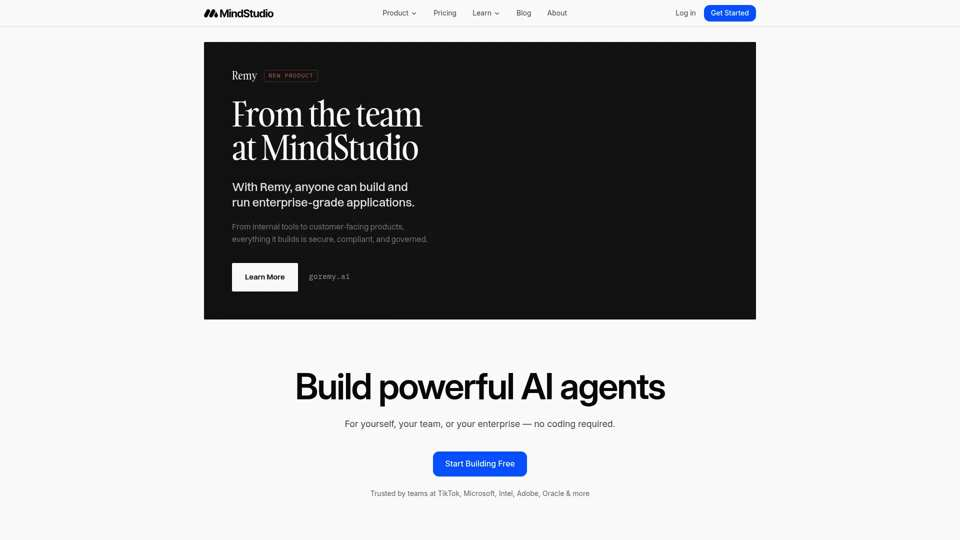
MindStudio is a general-purpose agent builder with a visual editor that needs no code but can be extended with it. It connects to 200+ AI models and 1,000+ integrations, with 100+ templates.
Pricing: As of November 2026, MindStudio has a free plan with one agent and 1,000 runs a month. Individual costs $20 per month plus usage (pricing). The same team also launched Remy, a product agent built on MindStudio that turns plain-language specs into full-stack web apps, from $99 per month.
Best for: Teams prototyping agents across many use cases, beyond SEO and content.
3. StackAI: Best for enterprise knowledge agents
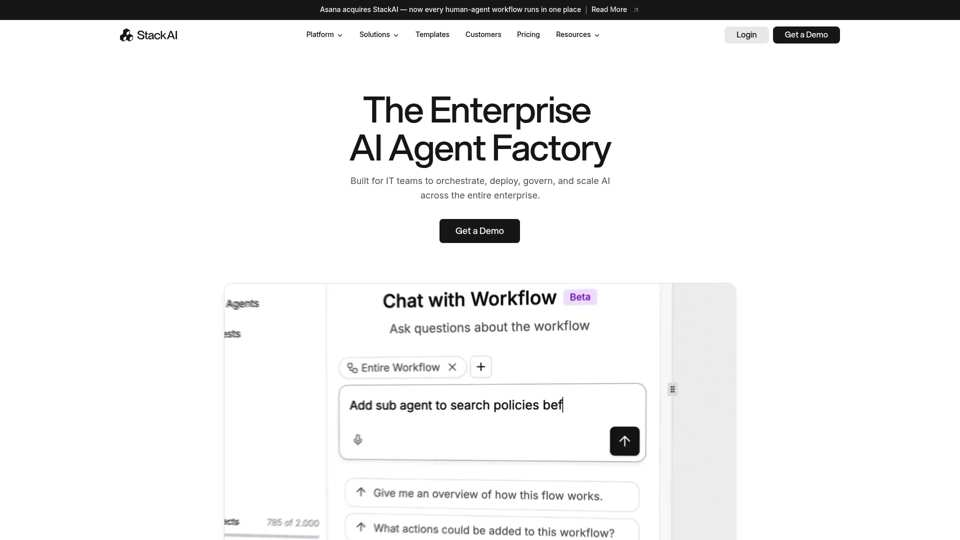
StackAI calls itself an enterprise AI agent factory for IT teams, with deployment in multi-tenant cloud, VPC, or on-premise. Asana announced it’s acquiring StackAI, so check the roadmap before you commit. It fits internal knowledge assistants more than organic growth execution.
Pricing: As of November 2026, StackAI’s free plan includes 500 runs a month, two projects, and one seat (pricing). Enterprise pricing is custom.
4. n8n: Best for technical teams that want workflow control
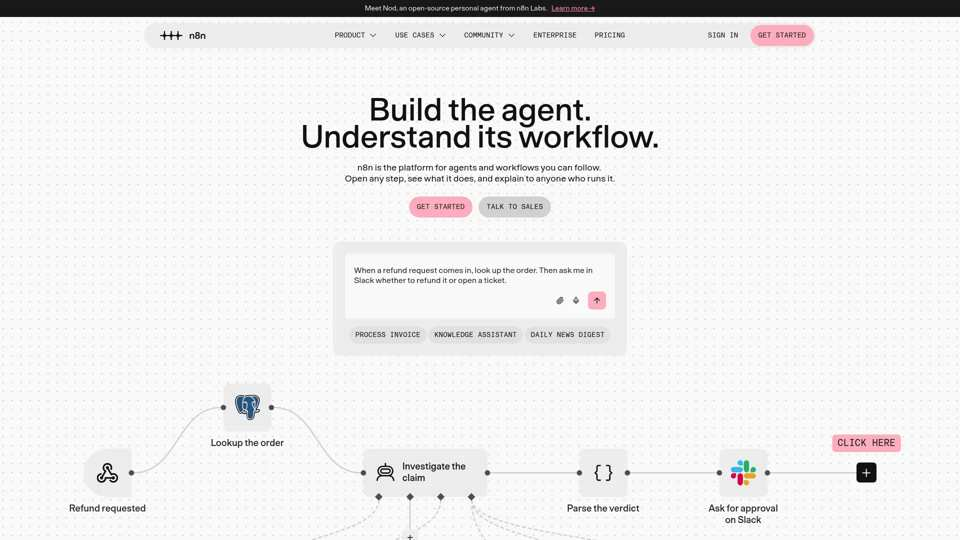
n8n builds node-based workflows and AI agents, hosted by n8n or self-hosted. It suits teams that want to own workflow logic, though expressions, transformations, custom APIs, and debugging still take technical skill.
Pricing: As of November 2026, Starter costs €20 per month and Pro €50 per month, billed annually (pricing). The self-hosted Community Edition is free.
5. Zapier: Best for connecting AI steps across existing apps
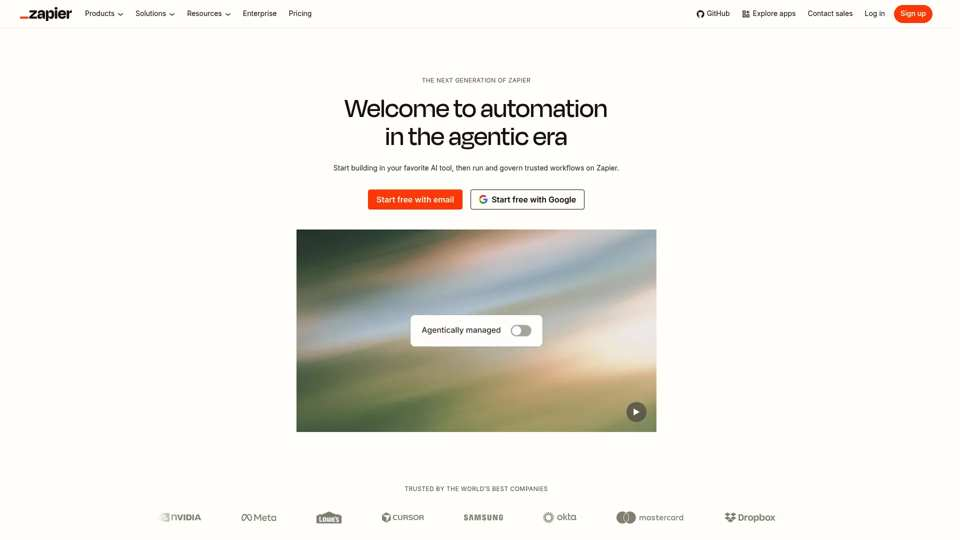
Zapier connects 9,000+ apps through multi-step Zaps, and now sells AI agents too. For marketing teams, that means routing requests, moving records, notifying reviewers, or adding AI steps inside an existing stack.
Pricing: As of November 2026, Zapier’s free plan includes 100 tasks a month (pricing). Professional starts at $19.99 per month and Team at $69.
6. Make: Best for visual automation mapping
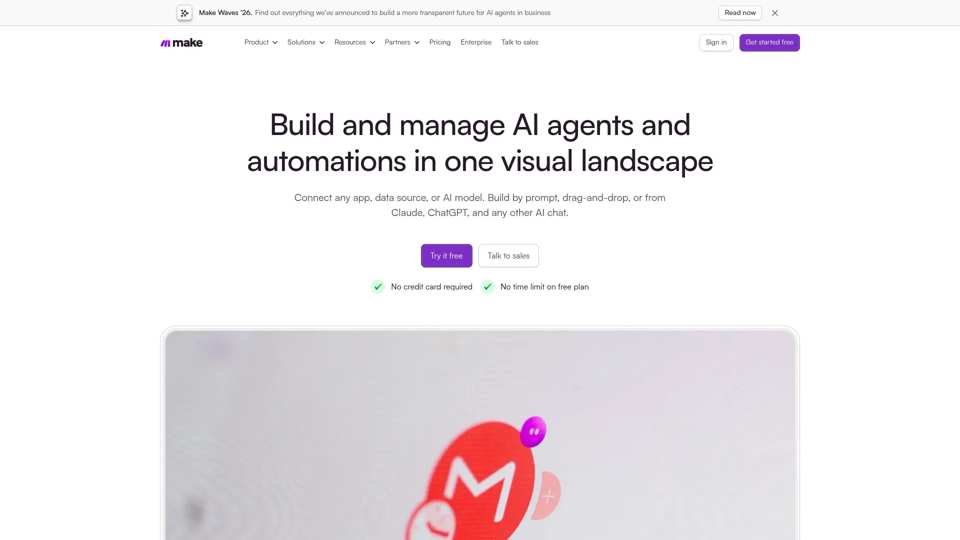
Make is a visual scenario builder that connects 3,500+ apps. Its help center says Make Grid now maps workflows from n8n, Claude Managed Agents, and Relevance AI.
Pricing: As of November 2026, Make has a free plan with 1,000 credits a month (pricing). Core costs $9, Pro $16, and Teams $29 per month, billed annually.
7. CREAO: Best for plain-language agent building
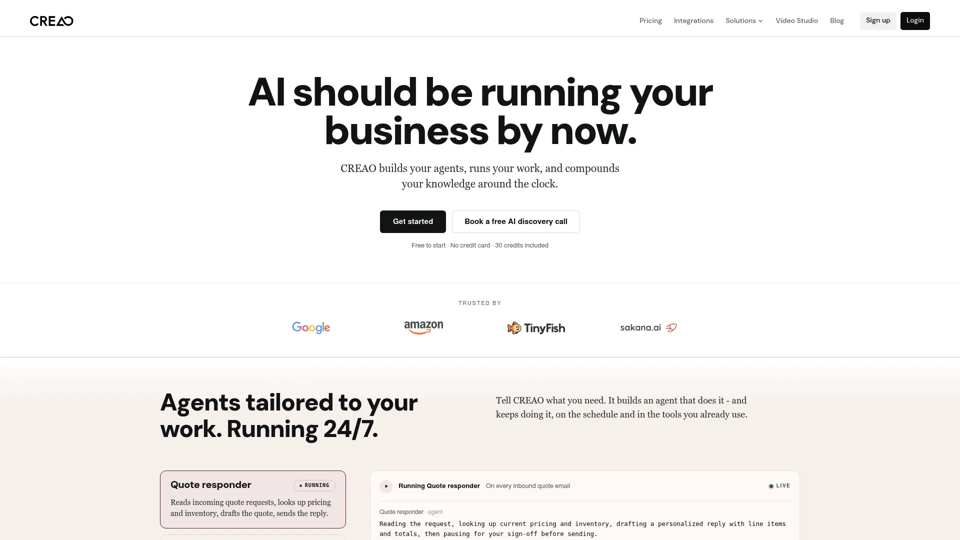
CREAO builds agents from a plain-language description and runs them on schedules, webhooks, or Slack messages. Write or destructive actions pause for your sign-off until you switch them to full auto, and agents can generate video, images, and voice.
Pricing: As of November 2026, CREAO has a free plan with 30 one-time credits plus five a day (pricing). Pro costs $20 per month and Pro Plus $50.
8. Lindy: Best for assistant-style delegation
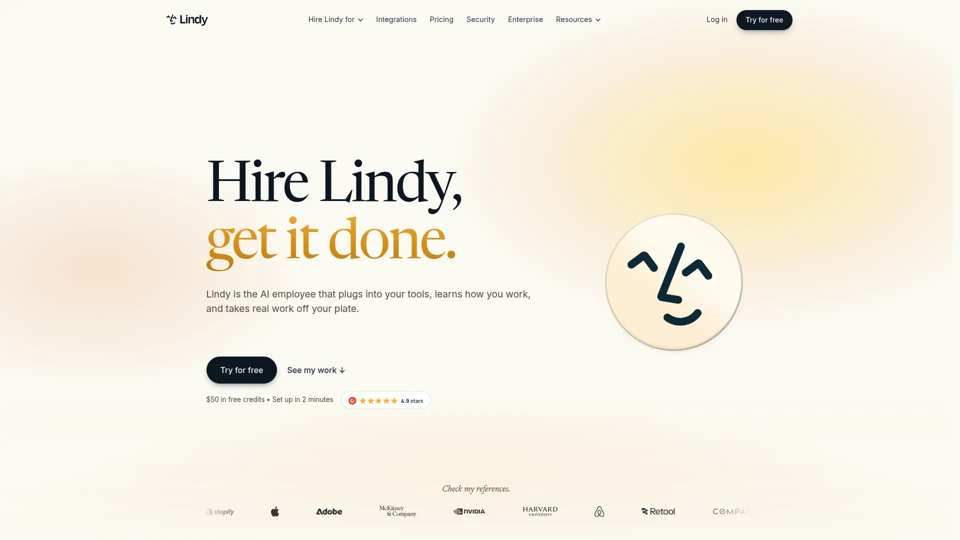
Lindy calls itself an AI employee that plugs into your tools. It works in Slack, runs scheduled routines, and connects to 3,000+ integrations, which suits general business delegation more than a dedicated organic growth system.
Pricing: As of November 2026, Lindy offers $50 in free credits for seven days (pricing). Team costs $49.99 per active user per month for 5,000 credits.
9. Botpress: Best for customer support agents
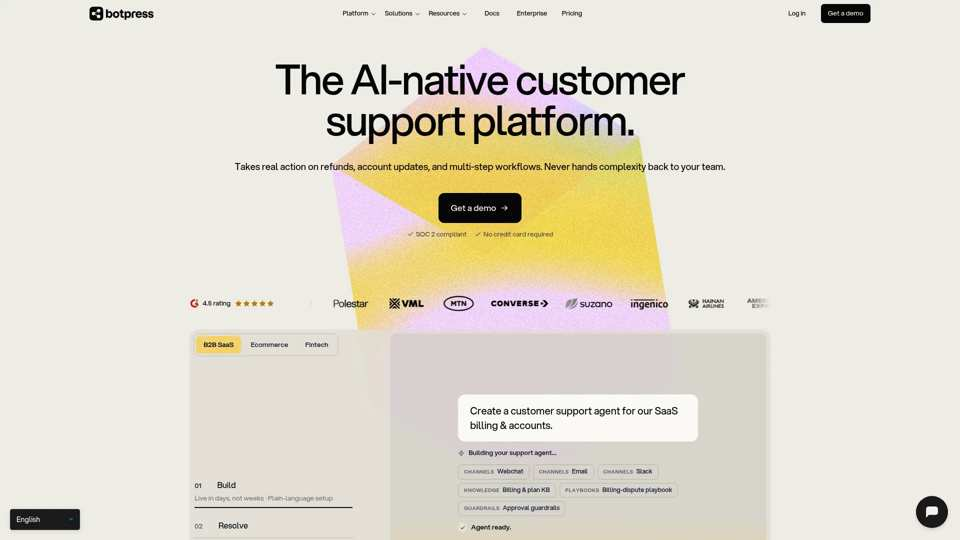
Botpress builds conversational agents for customer support, with a visual studio and a plain-language builder. It fits chat deployments more than back-office SEO, publishing, or refresh work.
Pricing: As of November 2026, Botpress has a free plan with 100 conversations a month (pricing). Plus costs $150 and Team $750 per month, billed annually.
10. Taskade: Best for prompt-based apps and agents
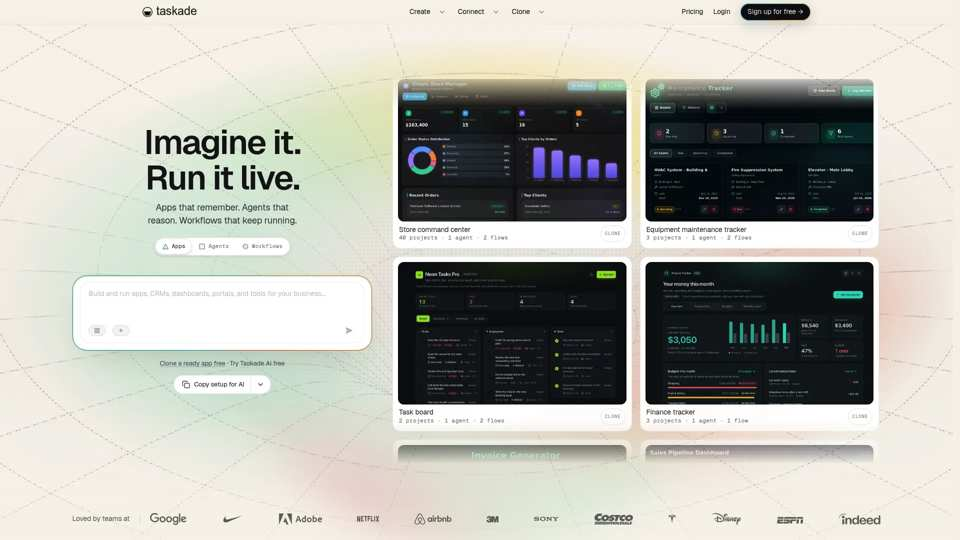
Taskade Genesis builds an app from a prompt, with agents, automations, hosting, and a database included. It suits teams exploring prompt-to-app workflows alongside agents.
Pricing: As of November 2026, Taskade’s free plan deploys up to three Genesis apps (pricing). Paid plans start at $6 per month, billed yearly.
11. Gumloop: Best for enterprise AI agents across business tools
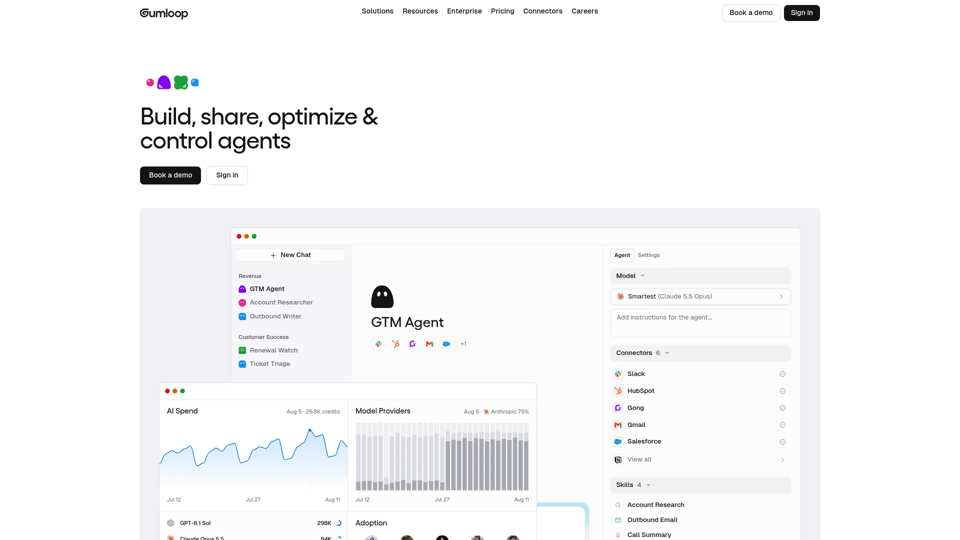
Gumloop builds agents that connect to 400+ apps, run on triggers or schedules, and browse the web. For SEO and content teams, check whether you need general agent flexibility or dedicated visibility, publishing, and measurement.
Pricing: As of November 2026, Gumloop’s Pro plan costs $37 per month with 20,000 credits and a 14-day free trial (pricing). Enterprise is custom.
Where to start
Pick one narrow job, build it read-only, test it on messy inputs, and add approvals before anything goes live. If that job is SEO or content work, Slate lets you build the agent, publish through your CMS, and measure the result in one place.
Frequently asked questions
Can I build an AI agent without coding?
Yes. No-code platforms can support instructions, standard connectors, templates, triggers, outputs, and approval steps without requiring users to build the orchestration layer from scratch. The workflow may become low-code when it needs custom APIs, JSON transformations, expressions, complex branching, or custom failure recovery.
What is the best first AI agent for an SEO team?
Start with a read-only or recommend-only agent, such as an AI visibility gap agent or a content refresh diagnosis agent. That lets your team check data, recommendations, and review quality before the agent can publish or send anything.
Do no-code AI agents need human approval?
Approval depends on risk. Read-only research can use scoped access and owner review, and recommendation outputs may need spot checks. Drafts need editorial review, and CMS publishing or outbound communication needs explicit approval before anything goes live.
Can AI agents publish content automatically?
Some workflows can publish through connected CMS systems. Brand-facing or revenue-facing content should still use approval-gated publishing: the agent prepares a draft, runs QA, and routes it to an editor before publication.
What is the difference between a no-code AI agent and a chatbot?
A chatbot mainly responds to conversational prompts. A no-code AI agent uses approved tools, connected data, triggers, output rules, and review steps to complete bounded multi-step tasks. A chatbot answers questions, and an agent takes part in an operational workflow.
What data should I connect to an SEO agent?
Connect only the data the job needs. A refresh agent may need Search Console, GA4, page content, SEO data, and brand guidelines. A publishing QA agent needs draft content, metadata and schema rules, and CMS access, with least-privilege permissions.
Are there free no-code AI agent builders?
Yes. As of November 2026, StackAI, CREAO, Botpress, Taskade, Make, and Zapier all have free plans, and MindStudio’s legacy free plan allows one agent. Slate has a 14-day free trial.
Free plans limit runs, credits, or seats, so price a production workflow before you commit.
How much does a no-code AI agent builder cost?
Costs include the platform plan, usage or credits, model consumption, implementation time, and human review. As of November 2026, most builders here have a free tier. Paid entry plans include $99 per month for Slate Launch and $150 for Botpress Plus.
How do I measure an AI agent’s value?
Measure six layers: execution, quality, efficiency, organic outcome, AI visibility, and business impact where attribution is approved. Completion rate alone won’t tell you enough. The agent should improve usable output, cut busywork, or move visibility and performance.
When should I use custom code instead of a no-code builder?
Use custom code when the workflow needs complex recurring transformations, engineering-grade release controls, high-volume or low-latency processing, or infrastructure control the no-code platform can’t provide. For standard SEO and content workflows, no-code is usually enough.
Can agencies reuse the same AI agent across multiple clients?
Agencies can reuse an agent’s structure, but each client needs its own permissions, knowledge sources, brand rules, approval paths, and measurement plan. Keep the template shared and each client’s context separate. In Slate, Agency mode gives each client its own workspace.