Agencies shopping for SEO reporting tools end up comparing four kinds of software: client reporting platforms, dashboard builders, SEO data suites, and platforms that connect reporting to execution.
The best SEO reporting tool for an agency depends on the job it needs to do. Reporting-first platforms handle white-label dashboards and scheduled PDFs. SEO suites supply the underlying data. End-to-end platforms connect reporting to content, publishing, outreach, and AI search visibility work.
The bottleneck may be report creation, data collection, explaining performance, or getting the follow-up work done. This guide compares 10 tools on reporting output, integrations, automation, AI search visibility, multi-client fit, and actionability.
Key takeaways
- Slate is the top pick for agencies that need reporting, AI search visibility tracking, and execution from opportunity discovery through publishing, outreach, measurement, and refresh in one workflow.
- AgencyAnalytics and Whatagraph have documented client-reporting strengths, including white-label reporting, automated delivery, and SEO data integrations.
- Reporting-first platforms are strongest when the agency bottleneck is presentation, client delivery, and repeatable reporting templates.
- BI and dashboard tools are useful when an agency needs flexible KPI views, but internal setup and maintenance still require time.
- SEO data suites are useful when research depth is the bottleneck, especially for keyword, ranking, backlink, and audit workflows.
- Actionability matters more in 2026: can a performance signal turn into prioritized work the team can carry out?
- AI search visibility reporting should distinguish brand mentions, citations, prompt-level presence, recommendation context, and sentiment.
- AgencyAnalytics, Semrush, and Ahrefs now sell AI visibility tracking as add-ons, so the bigger difference between tools is what happens after the report.
Best SEO reporting tools for agencies at a glance
A reporting stack should match how the agency works and how it reports. Here is each tool by the job it does best.
Choose a reporting platform when client presentation is the constraint, a data suite when SEO research depth is the constraint, and an end-to-end platform when reports need to trigger completed work.
How we evaluated SEO reporting tools for agencies
The evaluation framework focuses on the questions agencies ask when reporting work starts to scale: Can the tool produce client-ready reporting, connect the right sources, support many accounts, clarify AI search visibility, and move insights into execution? A tool can be excellent in one category without replacing the others.
Reporting output and white-label capabilities
Client-facing reporting is more than a logo on a PDF. Agencies often need reusable templates, branded dashboards, client portals, scheduled delivery, shareable links, and permission controls.
The strongest reporting-first platforms reduce account-manager assembly work while keeping the reporting experience consistent across clients.
SEO data coverage and integrations
Agencies should separate tools that supply SEO data from tools that display it. A reporting dashboard can make data easier to understand, but it may still rely on connected sources for rankings, backlinks, technical issues, conversions, paid data, CRM activity, and call tracking.
Automation depth and multi-client scalability
Reporting automation has layers. Delivery automation refreshes dashboards and sends reports. Analysis automation identifies changes, anomalies, or summaries. Execution automation turns the finding into a task, asset, outreach step, publishing action, or refresh workflow.
Agencies managing many accounts should evaluate all three separately.
AI search visibility reporting
AI search reporting requires a different structure than rank reporting. Agencies need to distinguish whether a brand is mentioned, cited, recommended, or described favorably across a defined prompt set.
The useful trend is visibility over time across relevant prompts.
Actionability from insight to execution
Actionability asks whether the platform can carry out the next step after a reporting insight.
The strongest workflow connects the signal to a prioritized opportunity, then to content, optimization, publishing, outreach, and measurement.
Pricing model and plan-level fit
A low starting price doesn’t always predict the agency cost. Agencies should evaluate how each tool prices clients, accounts, tracked keywords, seats, connectors, retention, white-label features, and implementation overhead.
The right pricing model depends on whether the agency scales by accounts, services, users, or data volume.
1. Slate: best for agencies that need reporting, AI visibility, and execution in one workflow
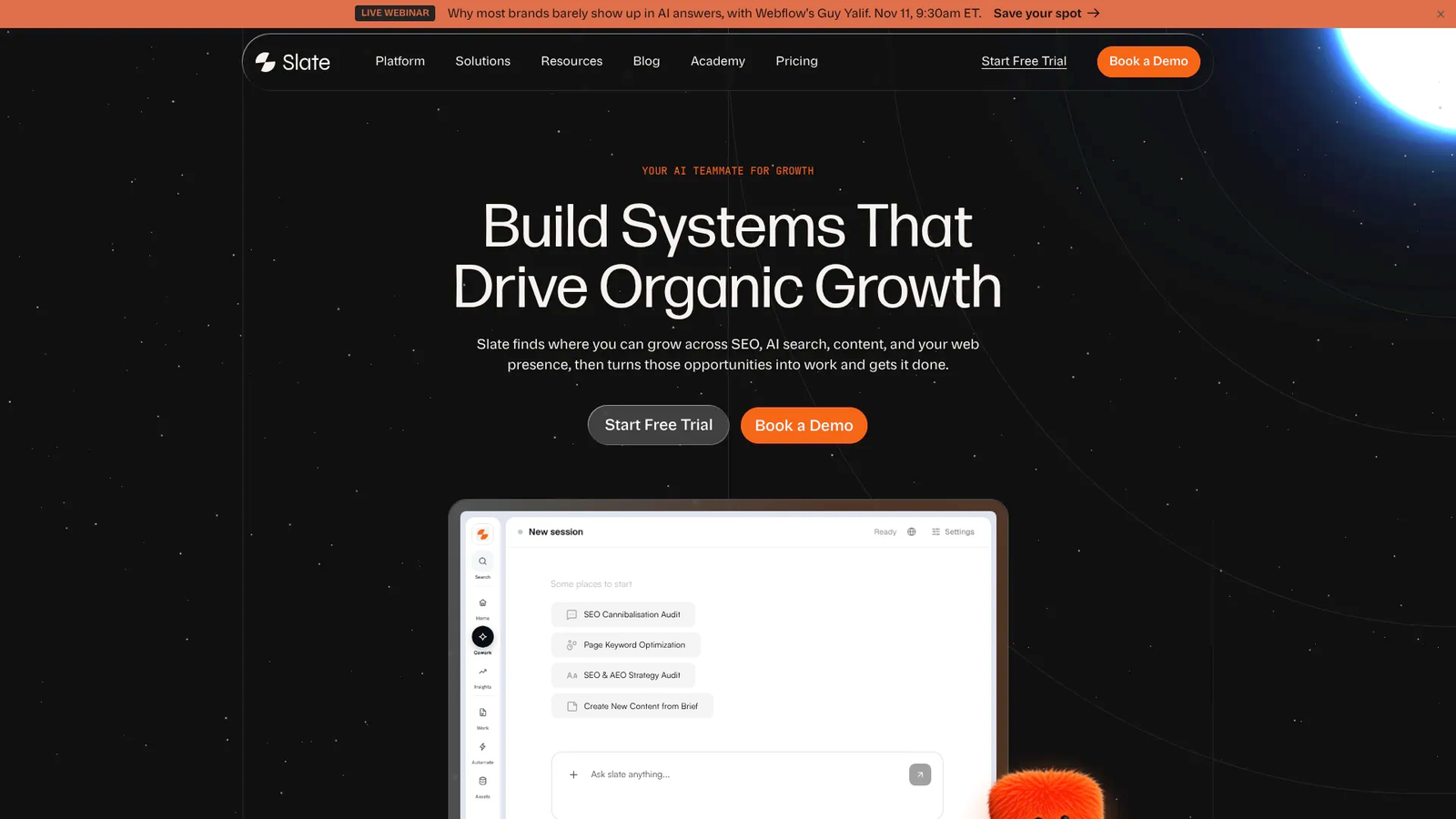
Slate is an end-to-end, agent-driven content, SEO, and AI search optimization platform. For agencies, its strongest fit is connecting visibility to the work that improves it.
Best for
Slate is best for SEO agencies, content operations teams, organic-growth teams, and agency partners managing SEO and content for multiple clients. It is especially relevant when teams need to track search and AI visibility, identify gaps, complete work, and show the client what changed.
Key reporting and client-facing capabilities
- Pages helps teams monitor performance across Google Search Console and GA4 data, plus AI visibility signals for each page.
- Opportunities lists the work Slate detects from AI visibility, keyword, and page data, which the team can assign, open in Cowork, or dismiss.
- AI Search Analytics tracks ChatGPT, Google AI Mode, Google AI Overviews, and Perplexity on every plan; Claude and Gemini are add-on answer packs, and Enterprise includes all six.
- Sheets supports bulk work across many URLs, including creation, optimization, refresh, and audits.
- Workflows and SuperBlocks give teams a visual builder and reusable templates for repeatable content and SEO operations.
- Offsite finds the third-party publishers AI models cite in a category and runs outreach to them.
- Semrush data is built in with no separate Semrush account, and Ahrefs data is available in workflows.
- CMS publishing supports Webflow, Sanity, WordPress, and Strapi.
- Agency mode runs every client from one Slate organization, with a workspace, health score, and shareable report per client. It’s a paid add-on sold in packs of 25 client workspaces and isn’t yet available on trials or annual plans.
Considerations
Slate isn’t a generic creative proofing tool for video, visual campaigns, or broad creative-review workflows. Agencies that only need lightweight branded PDFs may prefer a reporting-first platform.
Pricing: Growth is $499/month and includes 1 user, Scale is $999/month, Agency is $2,000/month, and Enterprise is custom. Annual billing saves 20%. A 14-day free trial is available. The Agency plan is built for agencies running several client brands, with 100,000 credits and 50,000 AI answers per month.
Consider Slate if: Your agency wants to reduce handoffs between reporting, content production, publishing, outreach, and measurement, while showing clients visibility results across both Google and AI search.
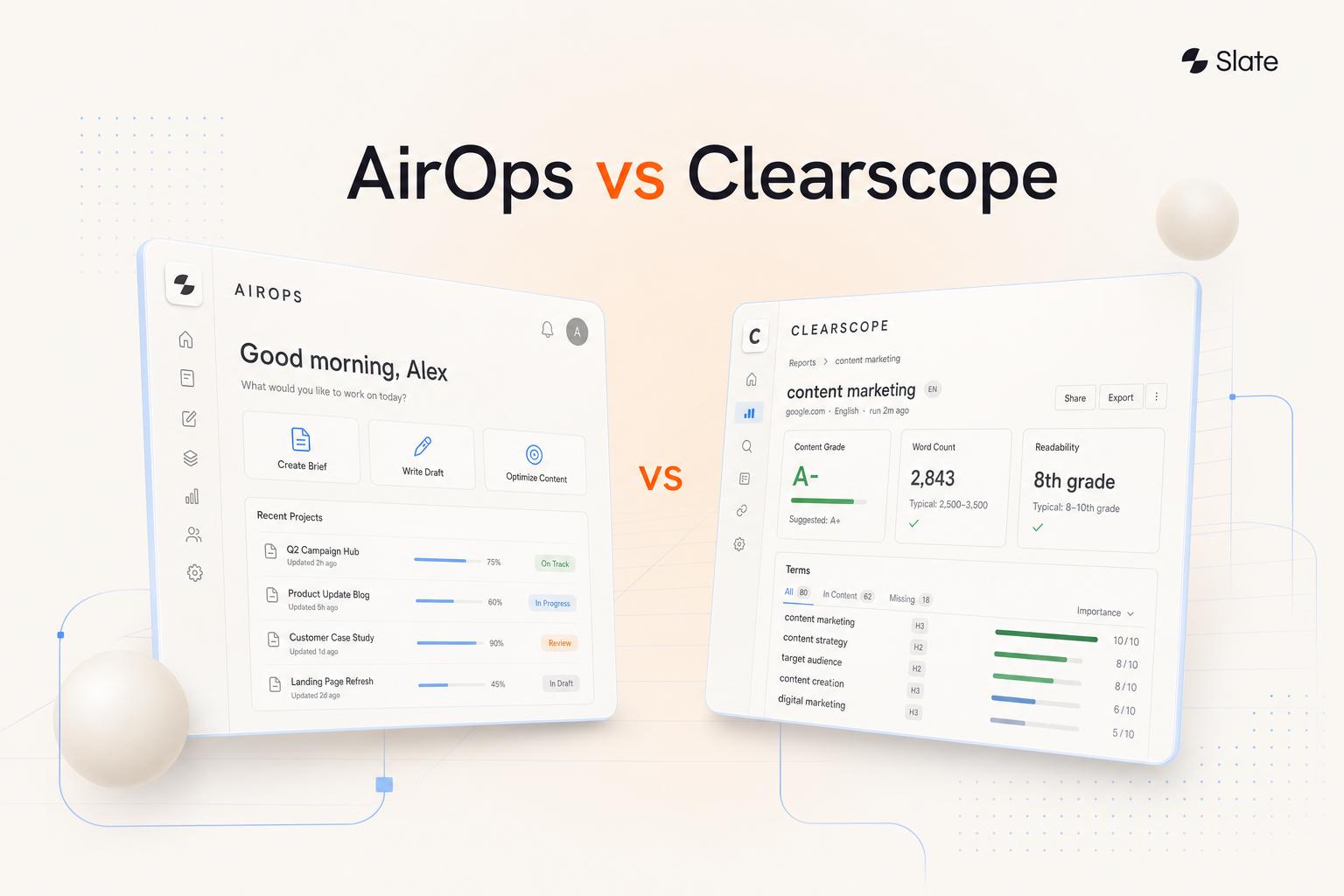
2. AgencyAnalytics: best for dedicated white-label agency reporting
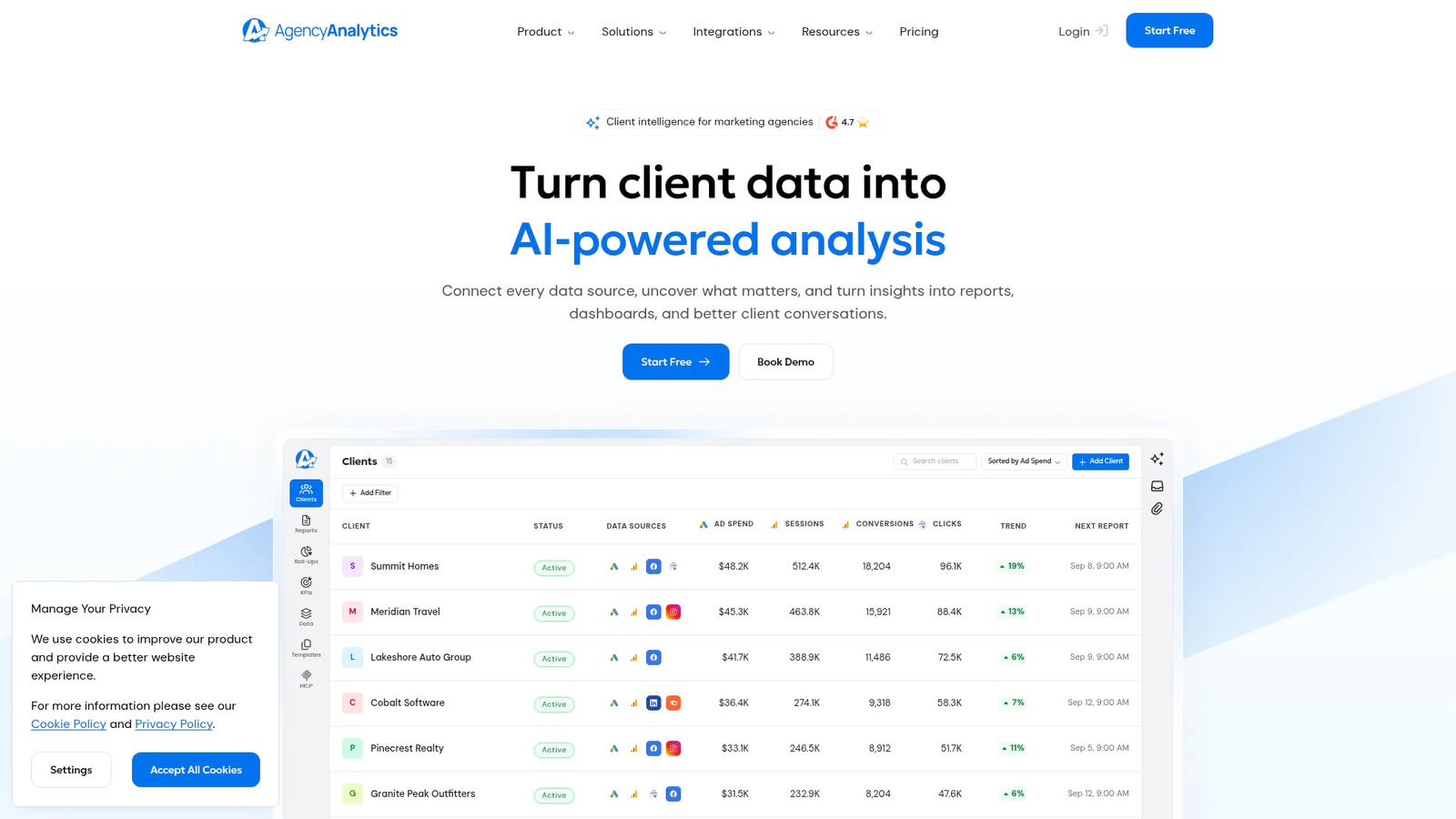
AgencyAnalytics is a reporting-first platform for agencies that need branded client dashboards and automated reporting delivery. It is strongest when the agency’s core problem is standardizing reporting across clients without rebuilding dashboards every month.
Best for: Agencies that want a dedicated white-label reporting layer with automated client reporting, dashboards, and rank tracking available as an add-on.
The AgencyAnalytics pricing page lists unlimited reports and dashboards, unlimited staff accounts, 90+ marketing integrations, automated client reporting, a white-labeled client portal, alerts, anomaly detection, API access, and custom domains. Its SEO integrations include Ahrefs, and the plan includes MCP access for ChatGPT and Claude.
That combination makes AgencyAnalytics a practical fit when account managers need consistent client-facing reporting and SEO teams need recurring visibility into rankings and performance. The tradeoff is category fit: It is primarily a reporting layer, so agencies still need a separate operating process for turning insights into completed work.
Pricing: AgencyAnalytics pricing begins at $20 per client per month when billed annually. Monthly billing starts at $25 per client per month. Rank Tracker and AI Tracker (brand visibility, sentiment, and citations across AI engines) are paid add-ons, and volume pricing starts at 25 clients.
3. Whatagraph: best for visual cross-channel dashboards and client reports
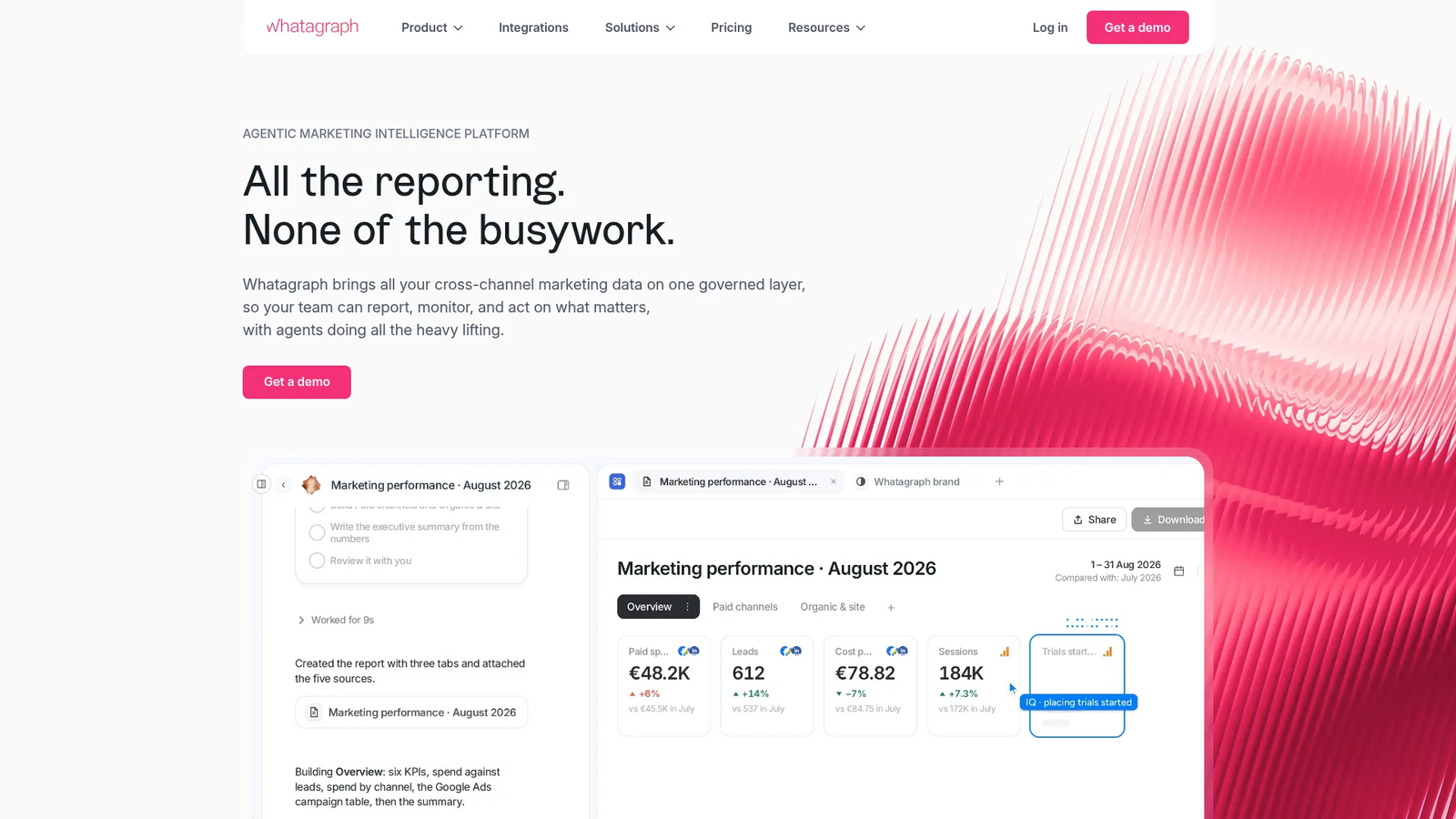
Whatagraph is a reporting platform for agencies that need client reports that cover more than SEO. It is relevant when clients want to see organic, paid, local, and broader marketing performance in one reporting experience.
Best for: Agencies that need visual client reports combining SEO and other marketing channels.
Whatagraph’s SEO reporting page describes white-labeled custom reports, recurring automated delivery, KPI selection, goals, alerts, email and Slack notifications, and scheduled reports. The documented integration set includes AccuRanker, Ahrefs, Google Business Profile, Google Search Console, SE Ranking, Semrush, SEOMonitor, and GA4. Whatagraph’s help center lists the SEO connectors as advanced integrations on its higher Boost and Max plans, so check the plan before quoting a client.
That makes Whatagraph useful for agencies handling SEO and PPC reporting together, especially when the client conversation requires a broader view of marketing performance. As with other reporting-first platforms, agencies should separately define how report findings become briefs, updates, publishing tasks, or outreach work.
4. DashThis: best for fast setup and prebuilt report templates
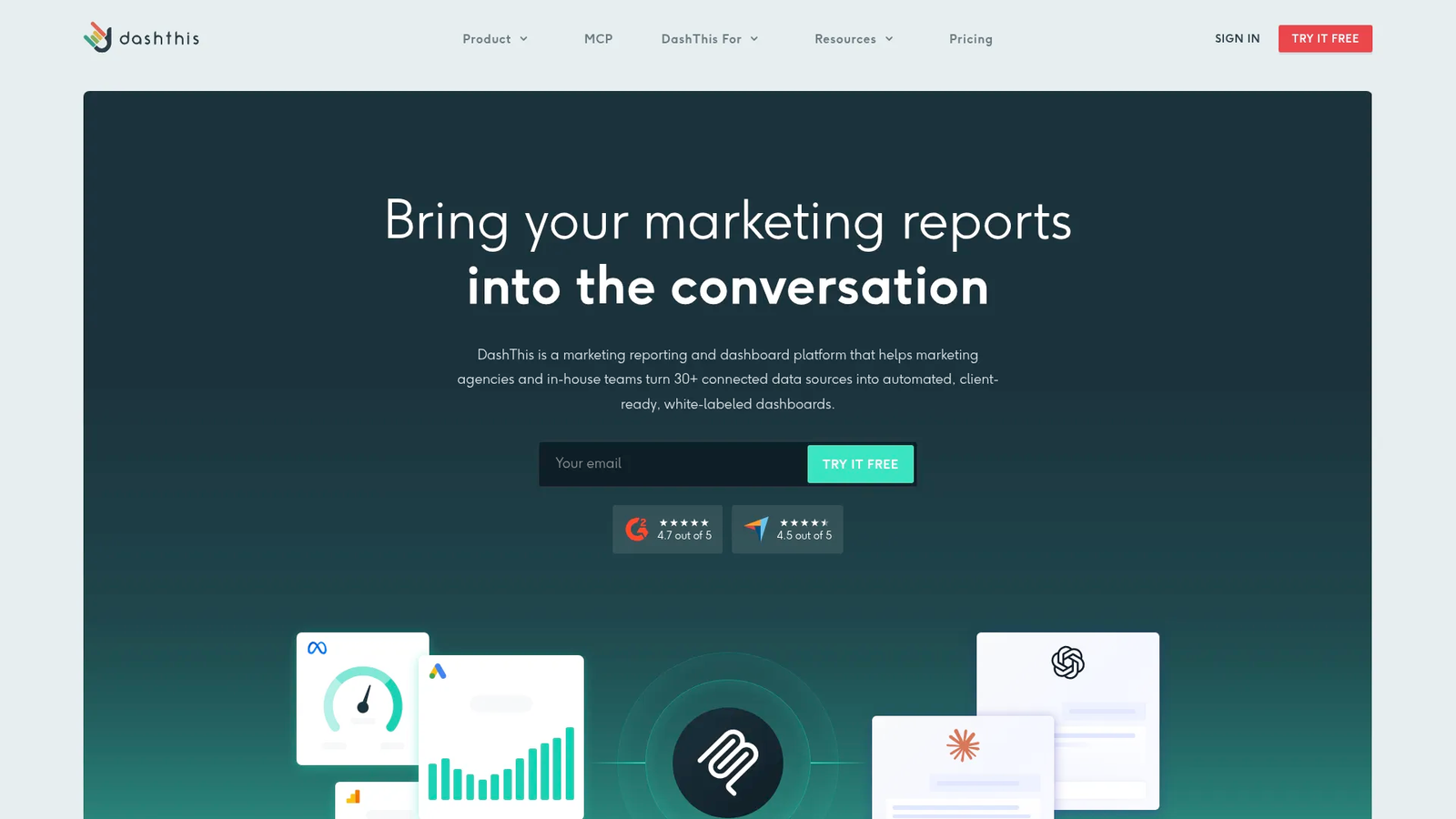
DashThis is often considered by agencies looking for a simpler reporting workflow and faster dashboard setup. In the agency stack, it handles report creation, and SEO execution happens in other tools.
Best for: Agencies that want simple client reporting with a light operating layer around each report.
The main buying question for DashThis is whether the agency’s reporting requirements fit a template-led workflow. Smaller agencies often value speed and a lower training burden more than extensive modeling flexibility.
DashThis should be evaluated against the agency’s report anatomy: executive summary, SEO trends, completed work, next actions, and client-specific annotations. If those can be standardized, a simpler reporting platform can reduce production overhead. DashThis moved to a new pricing structure on March 30, 2026, so check current plan limits before quoting a client.
5. TapClicks: best for enterprise agencies and high-volume reporting evaluation
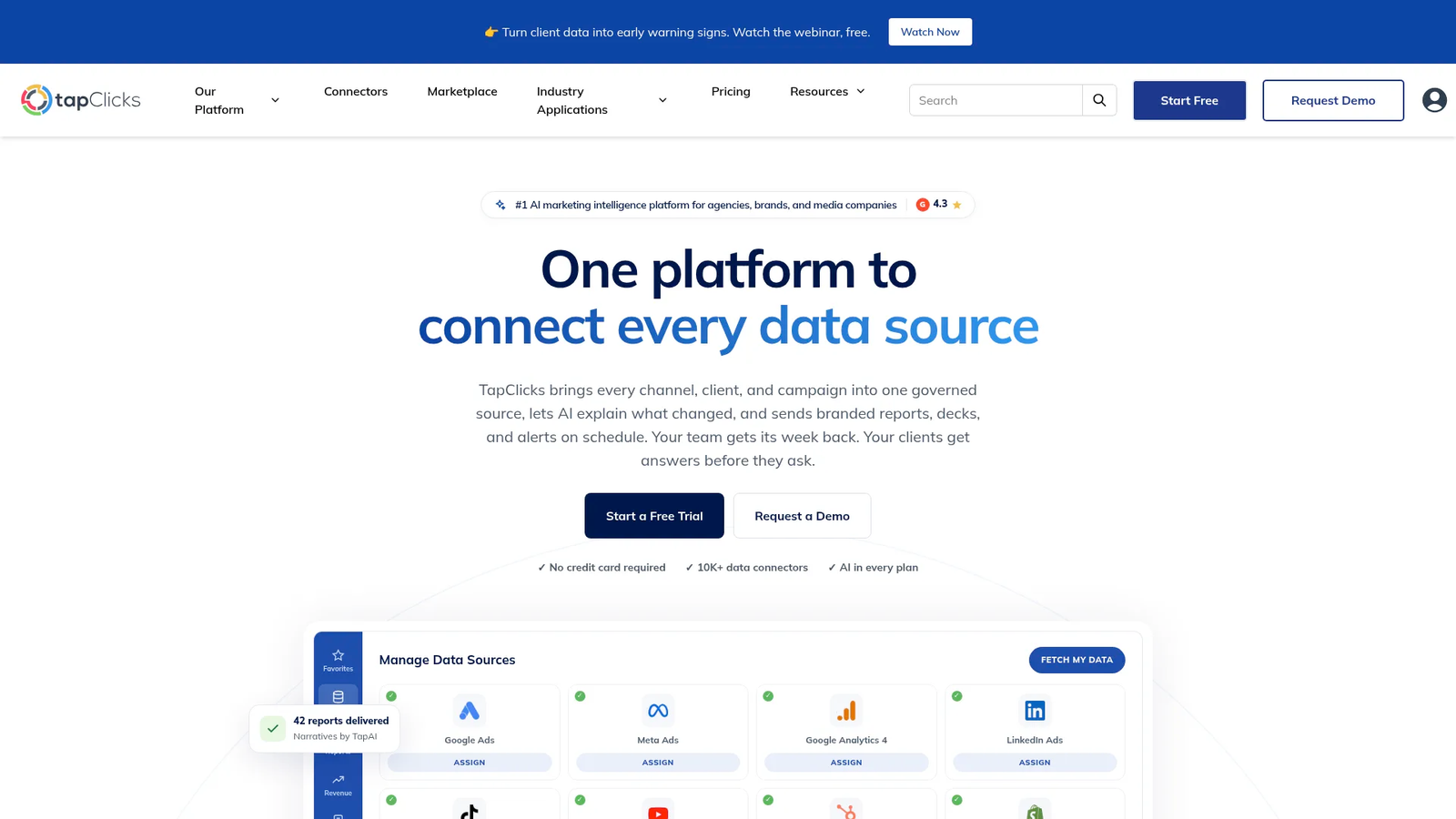
TapClicks is most relevant to agencies evaluating enterprise-scale reporting and data operations. It belongs in the shortlist when the agency is handling high account volume, multiple teams, and more complex reporting governance. Reporting is one module of its wider marketing operations platform, which also covers campaign orders and workflow.
Best for: Larger agencies evaluating reporting infrastructure for many accounts, sources, and stakeholders.
A high-volume agency should evaluate TapClicks around data pipelines, permissions, templates, client grouping, historical reporting needs, and implementation complexity. At this level, the decision goes past dashboards to who owns metric definitions, how templates roll out, and how exceptions are handled.
For enterprise agencies, the proof-of-concept should include multiple representative clients. The useful test is whether the reporting system remains manageable when client data, naming conventions, and stakeholder requirements vary.
6. Data Studio: best no-cost option for custom agency dashboards
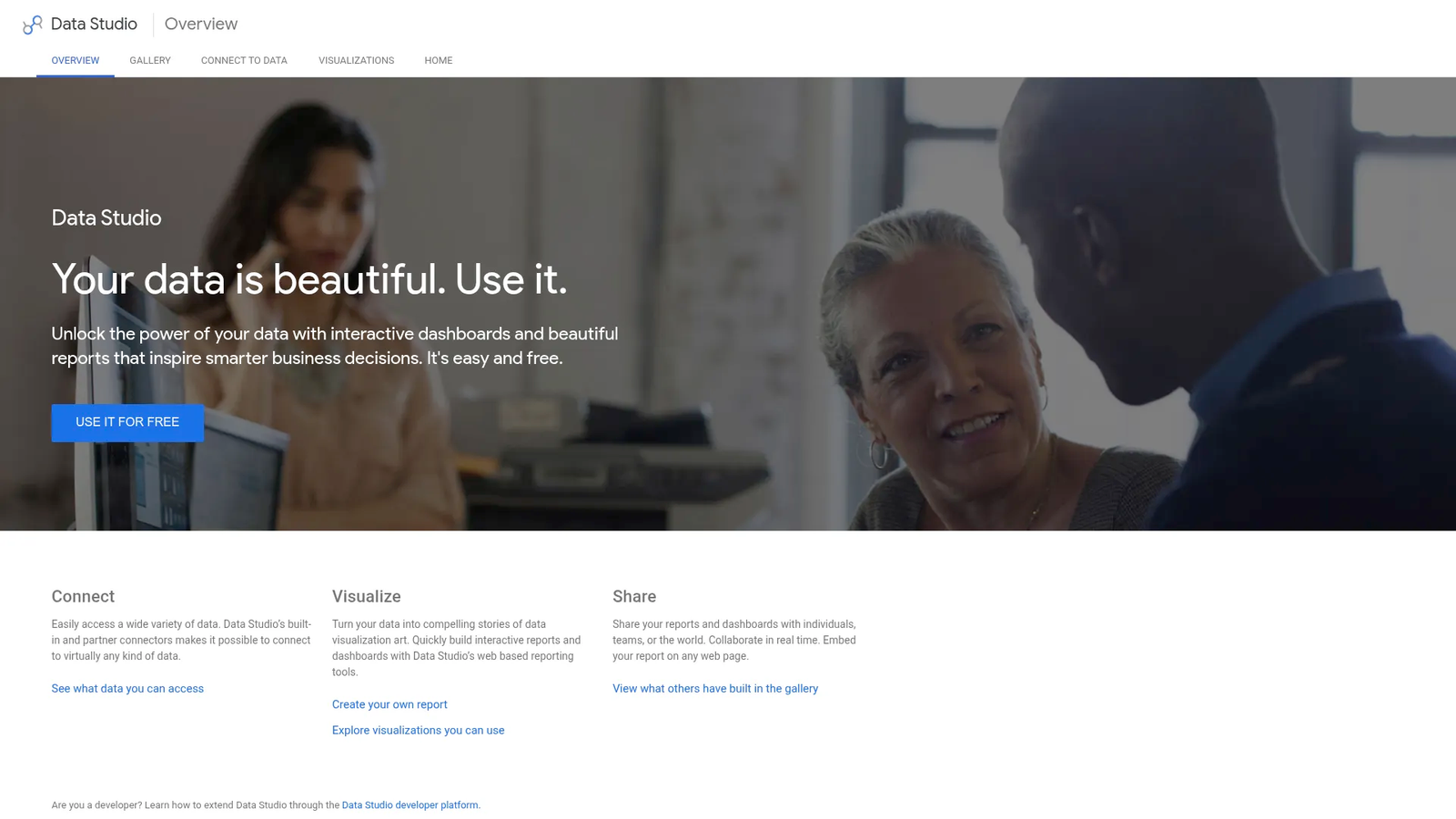
Data Studio (called Looker Studio from 2022 until Google restored the old name in April 2026) is a common option for agencies that want custom dashboards and are comfortable owning setup. It is best understood as a flexible dashboarding environment, not a dedicated agency reporting workflow.
Best for: Agencies with internal reporting expertise that want customizable dashboards and can maintain their own templates.
The appeal is control. Teams can build views around their preferred KPI structure, client segmentation, and visual style.
The tradeoff is that custom reporting still requires internal labor: Data modeling, source mapping, template maintenance, client-specific changes, and quality control.
No-cost software still creates reporting work. Agencies should price Data Studio by the hours required to build and maintain each client template, plus any connector, QA, and troubleshooting work needed to keep reporting reliable. The base edition is free, and Data Studio Pro is the paid edition for teams.
7. Semrush: best for agencies built around SEO research workflows
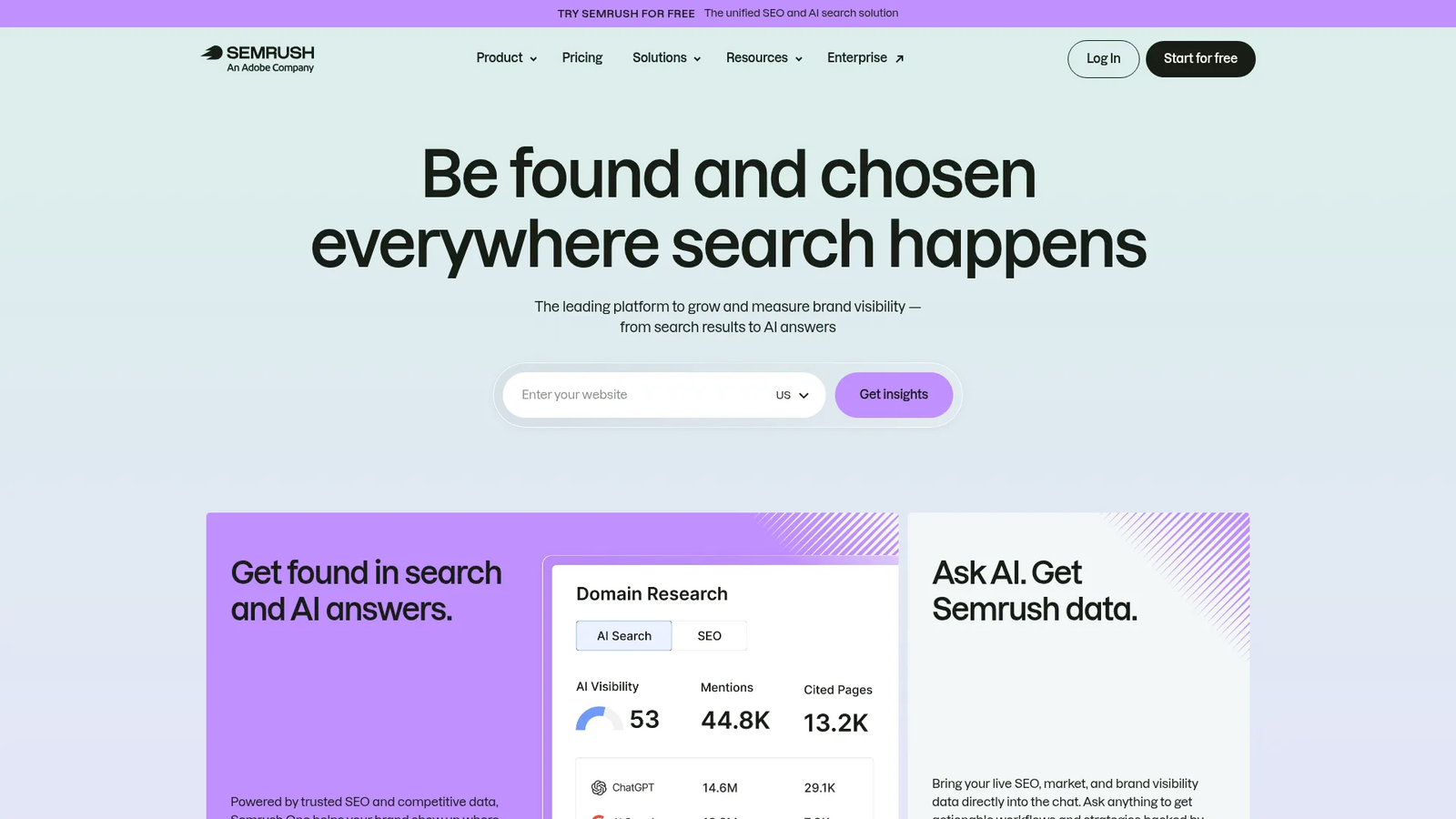
Semrush is best framed as part of the SEO data and research layer for agencies. Semrush has been part of Adobe since April 2026. For many teams, that layer informs the report, while a separate reporting system turns the data into a client-facing narrative.
Best for: Agencies that need SEO research inputs to support client reporting and strategy.
The key category distinction is between a data engine and a reporting layer. SEO data suites help agencies investigate keywords, competitors, rankings, links, and site issues. Client-reporting platforms help package that information into recurring dashboards, PDFs, and stakeholder-ready summaries.
Agencies using Semrush should decide whether the client experience will live inside the SEO suite, a reporting platform, or an end-to-end workflow tool. The right answer depends on whether the agency primarily needs deeper research, better client presentation, or faster execution after the research is complete.
For AI search, Semrush sells an AI Visibility Toolkit at $99 per month, which tracks how a brand appears in AI-generated answers. The price covers one domain, so the cost grows with each client an agency tracks.
8. Ahrefs: best for deep SEO research and backlink reporting workflows
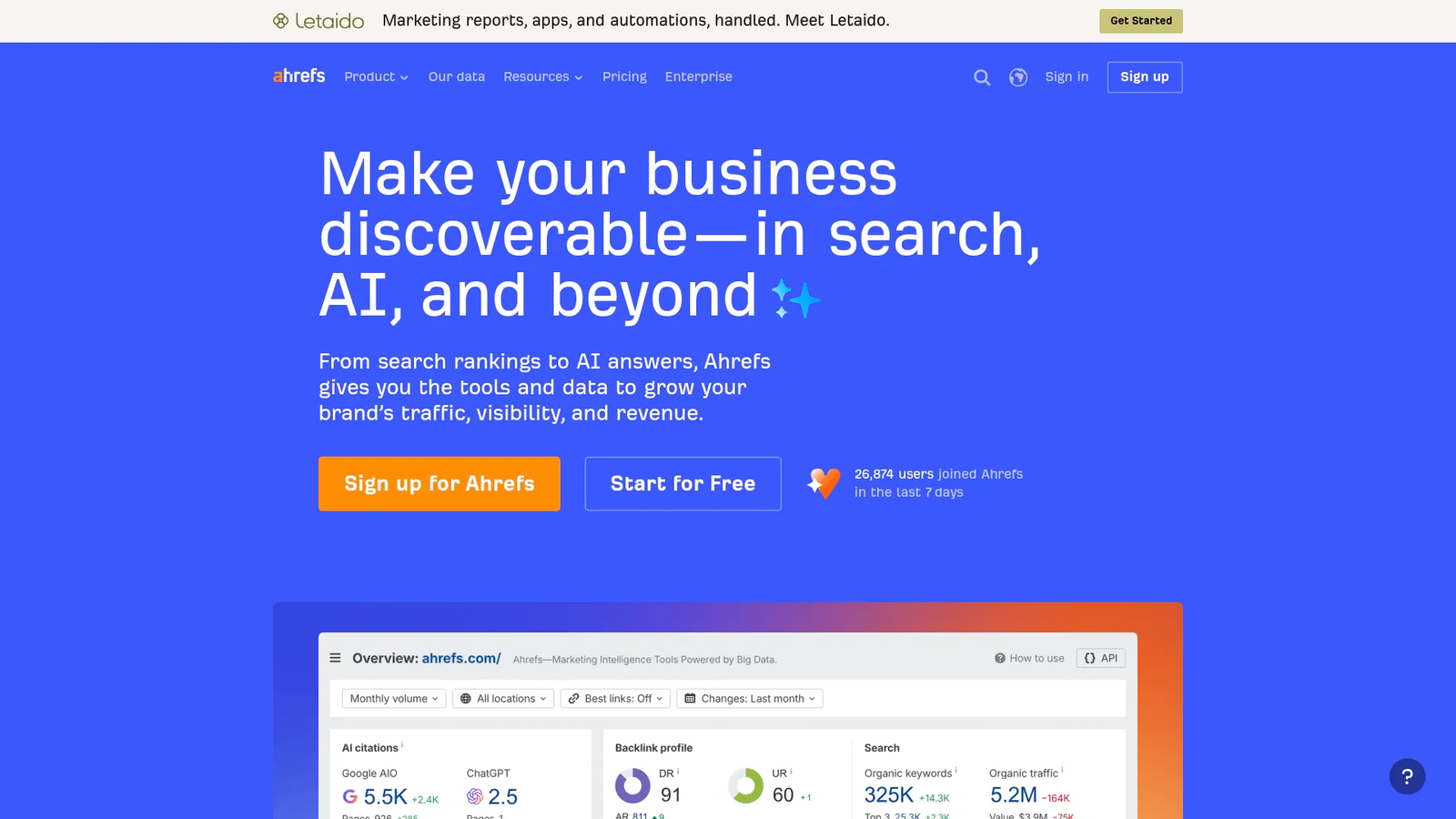
Ahrefs is commonly evaluated as an SEO research layer, not a dedicated client-reporting platform. Agencies should consider it when research depth and authority analysis are central to the service model.
Best for: Agencies that need SEO research inputs for client strategy and authority analysis.
The practical question is whether the client report should be built inside the research tool or assembled elsewhere. For many agencies, the SEO suite supplies the findings, while the reporting platform packages the narrative for executives and account managers.
That split can work well when roles are clear. SEO specialists use the research platform to diagnose opportunities, and account teams use a reporting layer to communicate outcomes and next priorities.
Ahrefs also sells Brand Radar, which monitors a brand’s visibility across six AI platforms using a database of search-backed prompts.
9. SE Ranking: best for agencies evaluating SEO data and reporting together
SE Ranking belongs in the evaluation set when an agency wants SEO data and reporting closer together. It is most relevant to teams that prefer an SEO-focused tool instead of a broad BI dashboard. White-label reports come through its paid Agency Pack, which requires a Pro or Business plan on annual billing.
Best for: Agencies comparing SEO-suite functionality with client-reporting needs.
The right evaluation path is to test both halves of the workflow. First, can the tool support the agency’s SEO operations? Second, can it produce the client-facing report experience the agency needs across accounts and service tiers?
Agencies should also compare flexibility against reporting-first platforms. A dedicated reporting platform may give more presentation control, while an SEO suite may keep research and reporting closer to the same operating surface. SE Ranking’s integrations also push its data into Whatagraph and Data Studio, so it can feed a reporting layer as well as replace one.
10. Databox: best for KPI dashboard evaluation and performance monitoring
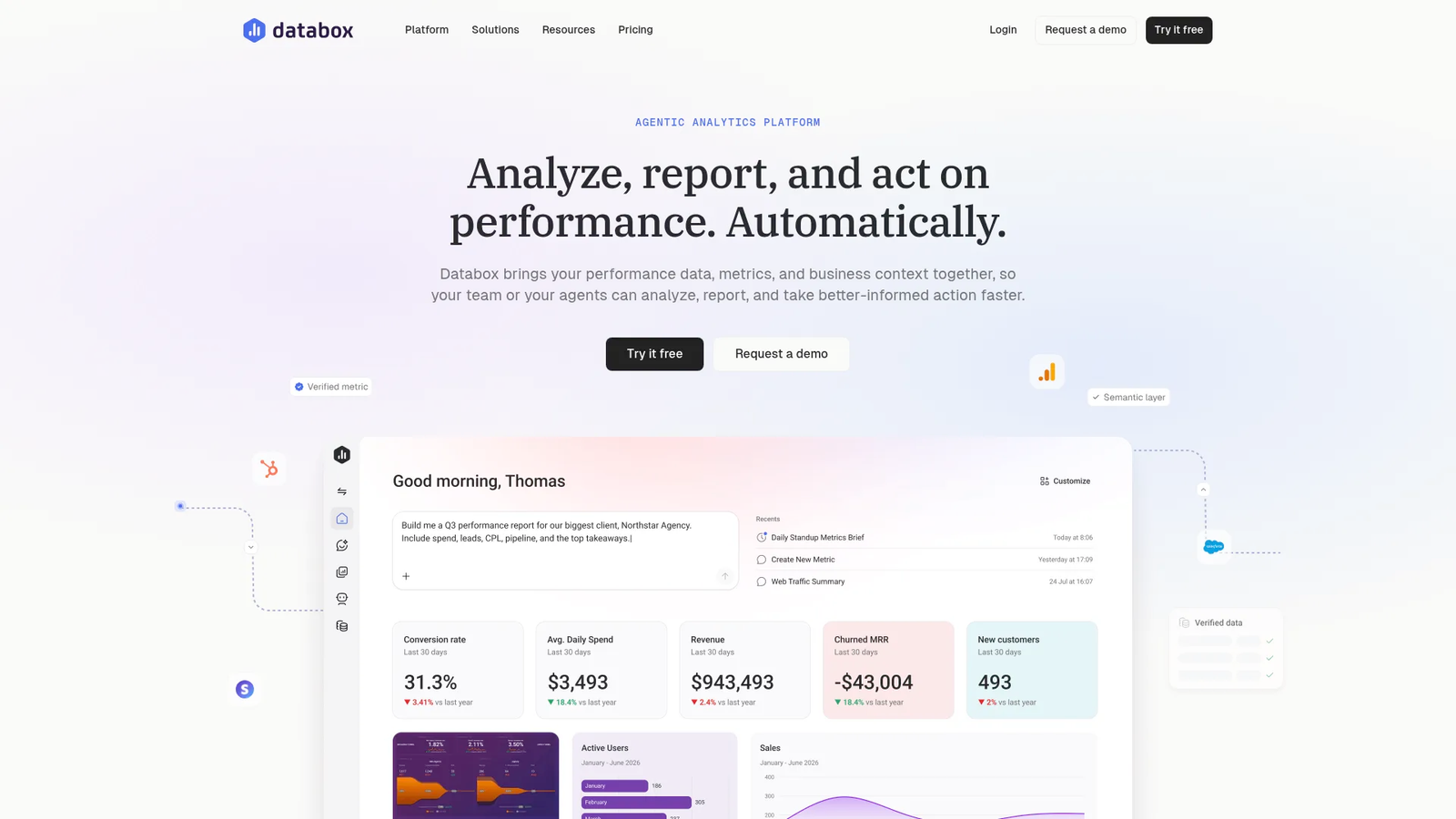
Databox fits the evaluation when agencies want KPI dashboards and performance monitoring across sources. It is best considered alongside BI and dashboard tools, not SEO-only reporting suites. Databox sells separate agency plans, and white-labeling is an add-on below its top agency tier.
Best for: Agencies evaluating dashboard-led performance reporting across multiple client KPIs.
A dashboard-led approach works well when stakeholders need a live view of performance instead of a static monthly document. The agency still needs a process for interpreting changes, documenting completed work, and deciding the next action.
For SEO teams, the key question is source depth. If the dashboard depends on connected systems for organic traffic, rankings, conversions, or authority data, the agency should confirm that those inputs match its reporting definitions before rolling it out to clients.
What should agencies look for in SEO reporting tools in 2026?
Agencies should look for reliable GA4 and Google Search Console integrations, white-label reporting, scheduled delivery, client access controls, customizable dashboards, rank tracking, and scalable multi-client management. In 2026, agencies should also evaluate AI search visibility tracking and whether the platform helps turn reporting insights into prioritized work.
GA4, Google Search Console, and Google Business Profile integrations
A reliable SEO report starts with source-of-truth decisions. Google Search Console, GA4, and Google Business Profile can answer different questions, so agencies should define which source governs clicks, sessions, conversions, local visibility, and organic leads before building client templates.
White-label reporting, client portals, and custom domains
White-label reporting can include dashboards, branded PDFs, client logins, share links, sender branding, and permission controls. Agencies should map those needs before buying, because a logo-only report is very different from a complete client portal experience.
Automated SEO reports and scheduled report delivery
Automated delivery reduces recurring assembly work, and agencies still need commentary and next actions. A scheduled report that sends the wrong narrative faster doesn’t help the operation.
Rank tracking, backlink reporting, and technical SEO metrics
Rank tracking is useful when it is tied to segments, locations, devices, SERP features, and page-level actions. Backlink and technical metrics are useful when they explain what the team should repair, strengthen, redirect, refresh, or escalate.
Cross-channel data blending and organic conversion reporting
Agencies handling SEO and PPC need reporting that distinguishes channel performance without oversimplifying attribution. Blended dashboards can help, but only if conversion definitions are consistent and clients understand where uncertainty remains.
AI search visibility, citations, and prompt-level tracking
AI visibility reporting should track prompts, presence, citations, mentions, recommendations, sentiment, and competitor context. The goal is to understand where the client appears in AI-generated answers and what work may improve discoverability.
Multi-client management and reporting governance
As agencies scale, governance becomes as important as dashboard design. Teams need shared metric definitions, template ownership, change controls, annotations, and source-of-truth rules. Without them, each client report drifts into a one-off project.
Workflow automation beyond report delivery
The best reporting workflow answers the next question: What should the team do now? If a ranking drops, a page decays, or an AI answer excludes the client, the system should help turn that signal into a brief, optimization, publishing task, outreach step, or refresh workflow.
What metrics should agencies include in client SEO reports?
An agency SEO report should connect visibility to business outcomes. Include organic traffic, clicks, impressions, CTR, keyword trends, conversions where reliable, top-performing and declining pages, technical issues, backlink or authority progress, work completed, and next priorities. For AI discovery, include brand mentions, citations, and prompt-level visibility.
A strong client report usually has seven parts:
- Business outcomes: Leads, pipeline indicators, revenue signals, or conversions where measurement is reliable.
- Search performance: Clicks, impressions, CTR, query trends, rankings, and visibility changes.
- Content performance: Top pages, declining pages, refreshed pages, and content decay signals.
- Technical priorities: Indexing issues, crawl problems, page experience concerns, and repairs completed.
- Authority and citations: Backlink progress, third-party mentions, and source quality.
- AI visibility: Prompt presence, citations, mentions, recommendations, sentiment, and competitor context.
- Next actions: Work completed, opportunities identified, and the next-month plan.
Executive reports should stay focused on outcomes, trends, risks, and priorities. Practitioner reports can go deeper into pages, queries, technical issues, briefs, refreshes, and implementation details.
A useful anatomy is: Outcome metrics → trend explanation → work completed → opportunities identified → next-month plan. That order keeps the conversation on performance and on what happens next.
How should agencies report AI search visibility to clients?
Agencies can report AI search visibility by tracking whether a brand appears in relevant AI-generated answers, which prompts trigger mentions, whether the brand is cited or recommended, the sentiment of those mentions, and how visibility changes over time. Pair these observations with the actions designed to improve discoverability.
Treat mentions, citations, and recommendations as separate signals: a brand can be named without being recommended, and an answer can cite a third-party review instead of the brand. Because answers vary by model, phrasing, and date, report presence across a stable prompt set as a trend. Our breakdown of AI search metrics ranks which of these signals matter most, and our guide to AI visibility tools for agencies covers prompt libraries, baselines, and monthly reporting per client.
Reporting automation vs. SEO workflow automation
Reporting automation collects data, refreshes dashboards, and schedules branded report delivery. SEO workflow automation goes further: It diagnoses what changed, prioritizes opportunities, produces or updates content, publishes updates, runs outreach, and measures the resulting lift.
In a reporting-only setup, an account manager spots a decline, asks an SEO specialist to investigate, waits for a brief, and then routes the work through writing, editing, and publishing before anyone checks whether it helped. With workflow automation, the signal becomes a structured task right away, and the team still reviews each step. Reports that tie delivered work to measurable outcomes are easier to defend than reports that only summarize metrics.
How to choose the right SEO reporting tool for your agency
The right choice depends on the bottleneck. If the problem is presentation, choose a reporting-first platform. If the problem is data collection, choose a data or dashboard layer. If the problem is action, choose a platform that connects insights to execution.
Small agencies should prioritize speed, reusable templates, and simple client delivery. Overbuilding a reporting stack too early can create process debt.
Agencies selling polished client communication should prioritize white-label reporting, branded dashboards, scheduled delivery, and consistent narrative fields.
Agencies managing SEO and PPC together should prioritize cross-channel reporting and clear source-of-truth rules for conversions.
Agencies managing 50 or more client accounts should prioritize governance, permissions, reusable templates, and bulk account management.
Agencies selling technical SEO or authority services should prioritize research depth and diagnostic data.
Agencies launching AI visibility services should prioritize prompts, mentions, citations, sentiment, and trend reporting.
Agencies connecting reporting to delivery should prioritize opportunity discovery, production workflows, CMS publishing, outreach, measurement, and refresh.
How to migrate SEO reporting tools without disrupting clients
Switching reporting tools changes what clients see, how account managers explain performance, and how the agency defines success.
Use a five-step migration plan:
- Audit current reports: List every dashboard, PDF, KPI, source, recipient, cadence, and client-specific exception.
- Lock metric definitions: Define organic traffic, organic conversions, ranking keywords, qualified leads, and local visibility before rebuilding templates.
- Migrate in cohorts: Start with similar clients so the team can refine templates before broader rollout.
- Preserve context: Export historical reports, annotations, benchmark notes, and prior KPI definitions.
- Communicate early: Tell clients what will change, what will stay the same, and why the new format improves decision-making.
The common mistakes are predictable: Silent KPI changes, broken connectors, inconsistent branding, missing annotations, surprise format changes, and reports that look better but answer fewer client questions.
Agency SEO reporting trends to plan for in 2026
Answer-level visibility: Agencies need reporting that shows whether clients appear in AI-generated answers, not only whether pages rank in search results.
Citation reporting: Mentions and citations are different signals. A client may appear in an AI answer without being cited as a source.
Agent-driven workflows: Reporting is moving closer to execution, and the gain is getting from signal to finished work faster.
Proof of execution: Clients need to see what the agency delivered, not only what changed in the data.
Governance: As reporting stacks grow, agencies need stricter metric definitions, template controls, account mapping, and annotation practices.
Match the tool to the bottleneck
These tools aren’t interchangeable. Reporting-first platforms help when the agency needs better presentation and delivery, SEO data suites when it needs deeper research, and dashboard tools when it needs flexible KPI views.
Some teams will prefer a reporting layer paired with separate SEO research tools. Others will keep dashboarding separate from content production and publishing.
Slate is strongest when the agency wants to connect SEO reporting, AI search visibility, opportunity discovery, content workflows, publishing, outreach, measurement, and refresh in one operating loop.
FAQs about SEO reporting tools for agencies
What is the best SEO reporting tool for agencies?
It depends on the job. Slate is the strongest fit when reporting needs to connect to AI visibility and execution. AgencyAnalytics is a strong option for dedicated white-label reporting. Data Studio is useful when an agency wants custom dashboards and can maintain them internally.
What is the best white-label SEO reporting tool for agencies?
A strong white-label reporting tool should support branded dashboards, PDFs, client access, permissions, and repeatable templates. AgencyAnalytics has documented white-label reporting and client portal capabilities. Agencies should define whether they need full portal branding or simply branded report exports.
Can agencies automate SEO reports for clients?
Yes, but automation has layers. Delivery automation refreshes data and sends reports. Analysis automation flags changes or creates summaries. Execution automation turns findings into briefs, optimizations, publishing tasks, outreach, or refresh workflows. Agencies should know which layer they are buying.
What should be included in an SEO report for clients?
An SEO report should include outcomes, search performance, content performance, technical priorities, authority signals, AI visibility, completed work, and next actions. The best reports explain what changed, why it changed, what the agency delivered, and what happens next.
What is the best free SEO reporting tool for agencies?
Data Studio (formerly Looker Studio) is the best-known no-cost dashboard option for agencies that want custom reporting. The software cost may be low, but agencies should still account for setup, connector decisions, maintenance, QA, and client-specific customization.
Do agencies need both an SEO tool and a reporting tool?
Often, yes. SEO tools help teams research keywords, rankings, links, competitors, and technical issues. Reporting tools package performance into client-ready dashboards or reports. Some platforms consolidate more of the workflow, especially when reporting is connected to execution.
Will SEO reporting tools try to contact my clients?
Agencies should review vendor terms before connecting client accounts. Check data-use rules, account ownership, portal branding, client-contact language, permissions, and reseller or agency terms. Don’t assume every reporting platform handles client relationships the same way.
How do agencies report AI search visibility?
Agencies should define a stable prompt set, then track brand mentions, citations, recommendation context, sentiment, competitor presence, and change over time. The report should also explain which actions were taken to improve discoverability across AI-generated answers.
How often should an agency send SEO reports?
Monthly reporting is the standard cadence for most client decisions. Live dashboards or alerts can support monitoring between reports, while quarterly reviews are better for strategy, priorities, and budget discussions. The cadence should match the decisions the client needs to make.