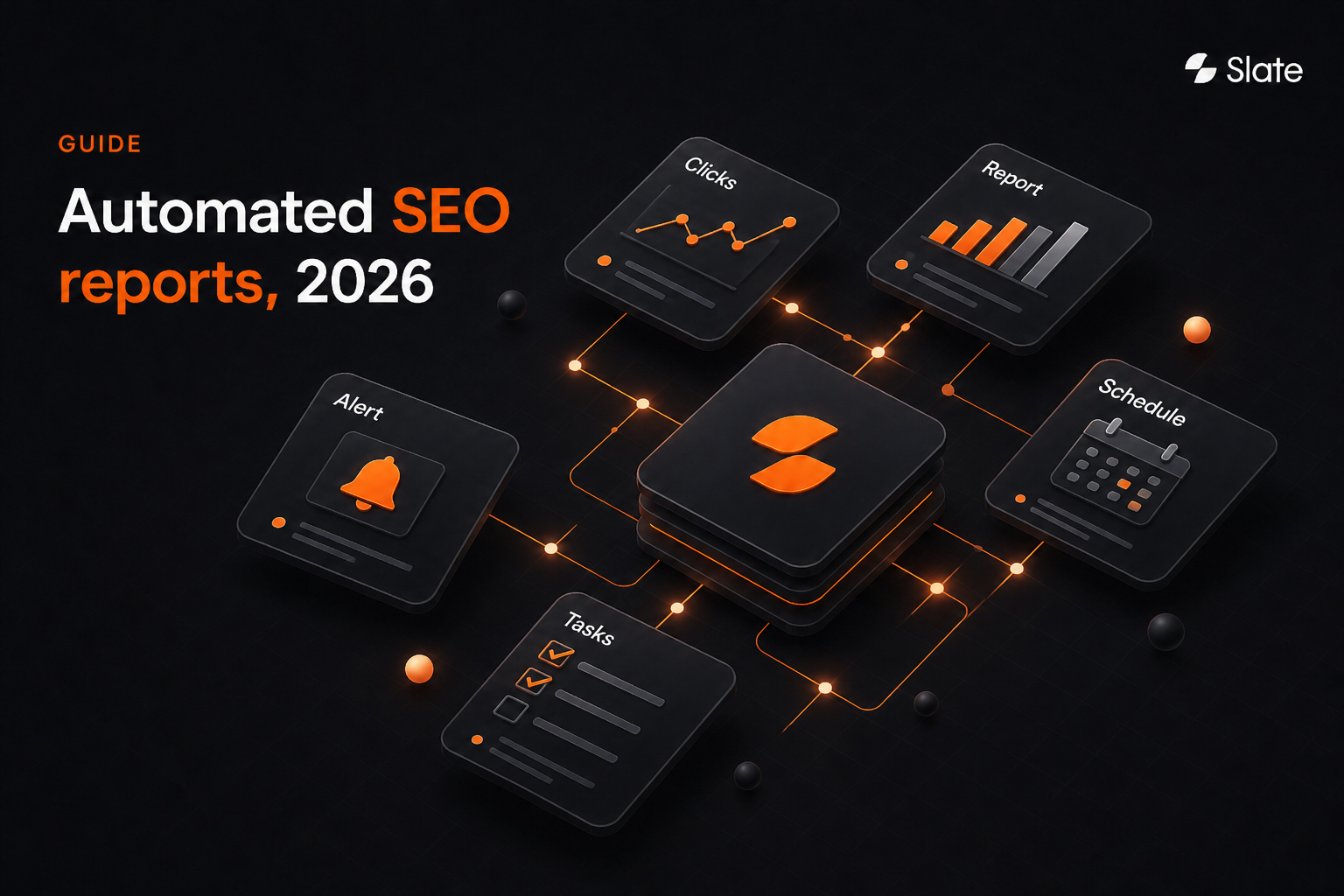
Automated SEO reports use connected software to collect, organize, analyze, and deliver search performance data on a recurring schedule. They pull from Google Search Console, GA4, rank trackers, site crawlers, backlink tools, CMS logs, and AI-search analytics, then deliver a formatted report or alert without manual exports.
The value is the operating system around the report: shared definitions, QA, audience-specific context, named owners, due dates, and verified follow-up work.
Key Takeaways
Automated SEO reporting works best when each data point leads to a decision.
- Automated SEO reports collect, organize, and deliver search performance data on a recurring schedule without manual exports.
- Core inputs include Search Console, GA4, rank tracking, technical audits, backlinks, and AI-search visibility.
- A dashboard shows what is happening now; a report explains what changed and what happens next.
- Automate exception alerts first, then monthly performance reporting, then quarterly strategy and competitor reporting.
- Complete 2026 reporting includes prompt coverage, brand mentions, citations, sentiment, and competitor presence.
- Automation without QA, human review, owners, and due dates can multiply reporting errors faster.
What Are Automated SEO Reports?
Automated SEO reporting cuts the repetitive work of pulling exports, reformatting charts, and rebuilding the same narrative each cycle. Business judgment, clean definitions, and review still belong in the process before the report reaches leadership or clients.
The four layers automation can cover are:
- Collection: Scheduled data pulls through connectors, APIs, and reporting integrations.
- Normalization: Consistent date ranges, segments, channel definitions, and metric definitions across sources.
- Analysis: Period comparisons, anomaly flags, and trend detection.
- Delivery: Scheduled PDF, email, dashboard refresh, or in-platform report.
Automated SEO reports aren't:
- A raw export containing every keyword, URL, and crawl issue.
- A substitute for interpretation, prioritization, or stakeholder communication.
- Automatically accurate when a connector fails, a permission changes, or a data source lags.
An automated SEO report is a recurring decision asset. If it only describes performance, it saves time. If it connects insight to action, it improves how the team operates.
Quick Answer: Report automation automates the reporting process; SEO automation may automate the work that follows from reporting findings.
Automated Reports Vs. Dashboards Vs. Agent-Driven Workflows
Teams often use “dashboard” and “report” as if they mean the same thing. A dashboard is built for live monitoring, while an automated report is built for scheduled interpretation.
Agent-driven workflows add a third layer: They help turn findings into assigned work.
Most mature teams need both a dashboard and a scheduled report. The dashboard helps operators notice movement; the report explains what changed, why it changed, and what the team will do next.
When findings repeatedly stall after reporting, workflow automation can close the gap between detection and execution.
Reporting Pitfall: A dashboard nobody opens isn't a reporting system. Exception-based alerts can be more useful than another live view.
Why Automated SEO Reporting Looks Different In 2026
The reporting surface has expanded. Google results still belong in the report, and AI-generated answers now create another place where brands can be mentioned, cited, ignored, or framed against competitors.
Treat AI-search visibility as an additional discovery signal alongside traditional SEO metrics. In an August 2026 Search Engine Land analysis of one transportation-sector brand, AI Overview referrals averaged 7.53% of organic sessions from September 2025 to June 2026, peaking around 16 to 17% before falling to 2 to 4%.
That account-specific variation is the point. Universal benchmarks can mislead teams. A better reporting system tracks each property’s own search visibility, AI-answer presence, content changes, and follow-up work over time.
What Should An Automated SEO Report Include?
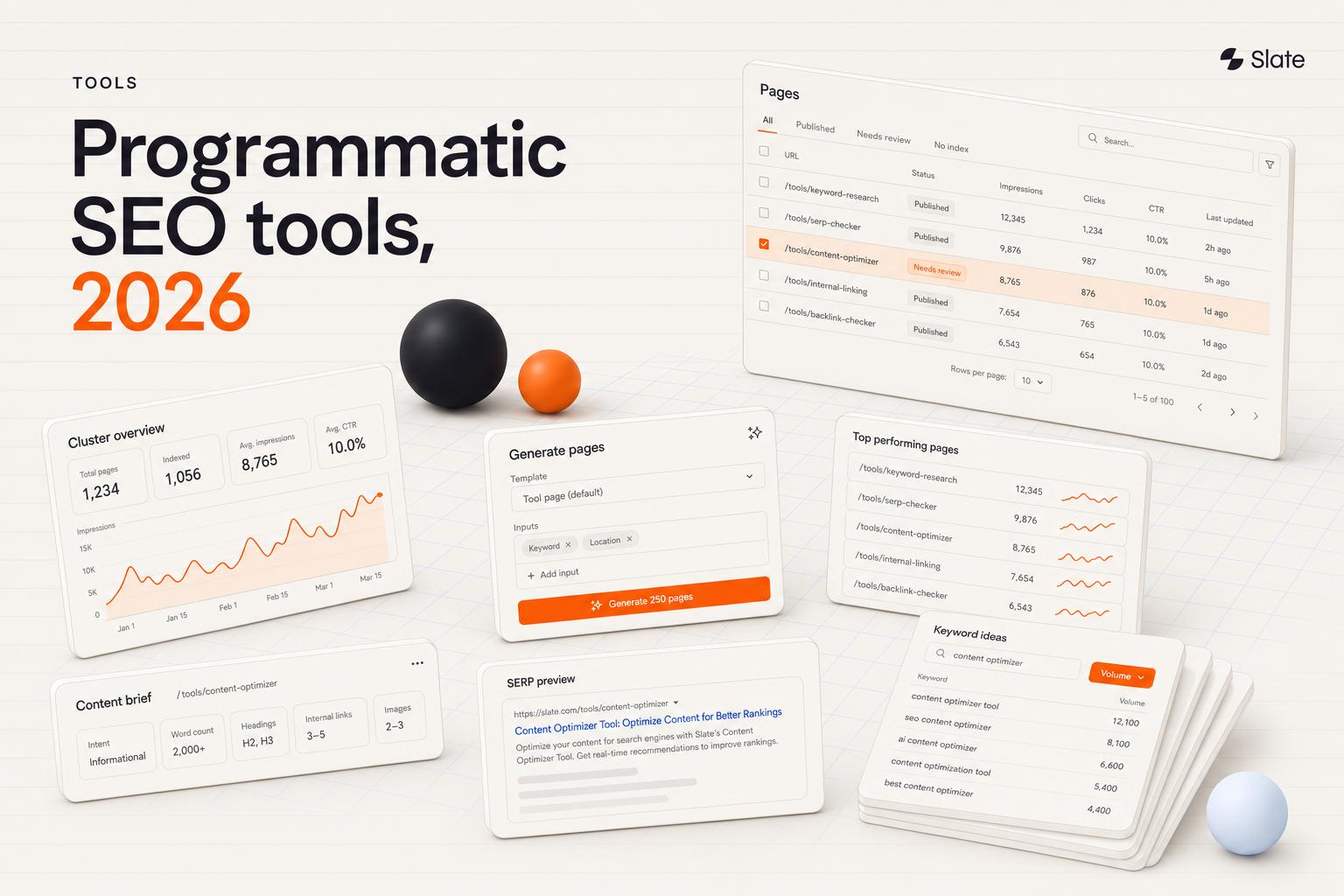
An automated SEO report should include organic clicks, impressions, CTR, average position, keyword rankings, visibility trends, organic traffic and conversions, top landing pages, technical issues, backlink changes, competitor context, AI-search visibility, completed work, and recommended next actions with named owners.
Search Console Clicks, Impressions, CTR, And Average Position
Google Search Console helps teams understand query-level visibility and click capture. Use it to show how often pages appeared, how often users clicked, and where average position changed.
Interpret movement by page, query, device, market, and search intent instead of treating one aggregate number as the full story.
Search Console should also be treated as a delayed source. Google says performance data is typically available after two to three days, and the Search Analytics API exposes at most 50,000 rows per day per search type and property, sorted by clicks.
GA4 Organic Traffic, Engagement, And Conversions
GA4 helps connect SEO performance to post-click behavior when the account is configured to track relevant events, conversions, and revenue. Use it to show what happened after organic visitors arrived, but keep metric definitions stable across cycles.
If a conversion definition changes midstream, the report should call that out before drawing conclusions.
Keyword Rankings And Search Visibility
Rank tracking is useful when it is grouped by device, location, topic, and intent. A single keyword movement can be noisy; a pattern across a topic cluster is more actionable.
Rankings should be interpreted alongside clicks, impressions, landing-page performance, and conversion outcomes.
Landing-Page Performance And Content Decay
Content decay appears as sustained decline in clicks, impressions, or conversions on URLs that previously performed well. Automated reporting can turn that pattern into a refresh queue.
The workflow should still distinguish true decline from seasonality, tracking changes, or temporary demand changes before assigning a rewrite.
Technical SEO Issues And Core Web Vitals
Technical reporting should focus on issues that affect indexability, crawlability, internal linking, structured data, or page experience. Don't attach every crawl finding to every stakeholder report.
Executives need risk and impact; engineers need severity, reproducibility, affected URLs, and ownership.
Backlinks, Referring Domains, And Link Changes
Backlink reporting should cover new referring domains, lost referring domains, notable link gains, priority lost links, and unlinked brand mentions. Lost-link detection is most useful when it triggers investigation, reclamation outreach, or a decision to replace authority elsewhere.
Competitor And Market Context
Competitor reporting helps explain whether performance changed because the site moved, the market moved, or competitors improved. Use comparable keyword sets, markets, intent groups, and measurement methods.
Otherwise, competitor charts can create false urgency.
AI-Search Visibility, Mentions, And Citations
AI-search reporting should track prompt coverage, brand mentions, citation frequency, sentiment, competitor inclusion, and movement over repeated prompt runs. Use it to identify where content, authority, or outreach work is needed.
The Metric-To-Action Framework: What Each Signal Should Trigger
Automated SEO reporting becomes valuable when every signal points to a follow-up path. The table below translates common reporting patterns into action without pretending that one metric has only one possible cause.
Universal alert thresholds don't work. Set sensitivity per property based on size, seasonality, and historical volatility, then adjust after reviewing false positives and missed issues.
Which SEO Reports Should You Automate First?
Start with the report that creates the fastest operational benefit. For most teams, that means automating alerts before automating a polished monthly narrative.
- Exception-Based Alerts: Automate traffic anomalies, ranking movement, indexation drops, and connector failures when teams need earlier warning without a large reporting process.
- Monthly Organic Performance Reports: Automate the recurring stakeholder deliverable once KPIs, definitions, and owners are agreed.
- Technical Issue Summaries: Automate when engineering work repeatedly gets buried in crawler exports or loses ownership.
- Backlink Change Monitoring: Automate when new links, lost links, and mentions need regular review but not a full meeting.
- Quarterly Strategy Reviews: Automate collection and baseline analysis while keeping human context, prioritization, and recommendations.
Start Here: Automate one report completely before automating five reports partially.
How To Build An Automated SEO Reporting Workflow
A reporting workflow should move from source data to decisions, then from decisions to assigned work. If the process stops at delivery, accountability is missing.
Step 1 - Choose And Document Your Data Sources
List every source that feeds the report: Search Console, GA4, rank tracker, crawler, backlink tool, CMS, CRM, and AI-search analytics. For each source, document the owner, permissions, refresh cadence, failure process, and reporting question it answers.
Step 2 - Define KPIs And Comparison Periods
Agree on the meaning of each metric before automation begins. Define conversions, organic channel grouping, reporting periods, and branded versus non-branded handling.
Month-over-month, year-over-year, and trailing-period comparisons answer different questions, so choose the comparison that matches the decision.
Step 3 - Build Audience-Specific Templates
Use one underlying metric layer with different templates for each audience. A CMO, SEO lead, content editor, engineer, and agency client shouldn't receive the same 40-metric report.
Shared data creates consistency; tailored views create usefulness.
Step 4 - Connect Sources And Schedule Refreshes
Schedule data refresh before delivery so reviewers can catch missing rows, stale data, permission failures, and unusual movement. For Search Console, build around the two-to-three-day performance-data delay instead of treating the newest dates as complete.
Step 5 - Add Anomaly Detection And Action Triggers
Decide which changes should bypass the normal reporting cycle. Indexation changes, sharp traffic changes, broken data connections, content decay, and priority-link losses should map to severity tiers, owners, and required responses.
Step 6 - Draft Commentary, Then Review It
AI-assisted summaries can help structure the first draft of a report. Human review is still required for causal claims, forecasts, client-facing recommendations, and any narrative that interprets why a metric changed.
Step 7 - Turn Findings Into Assigned Tasks
Every recurring report should end with a simple operating block: Insight, likely driver, action, owner, and due date. Route content decay into refresh briefs, technical risks to engineering, link losses into outreach, and AI visibility gaps into content or authority work.
Step 8 - Verify Impact In The Next Cycle
Carry completed actions into the next report and show whether the expected metric changed. This separates a reporting system from a reporting habit.
How To Connect Google Search Console, GA4, Rank Tracking, And Technical Data
Each source answers a different question, so the reporting system shouldn't force every number into one total. Define the role of each source, then disclose freshness and completeness limits where they affect interpretation.
Search Console should be refreshed before report delivery, not minutes before the report sends.
Search Console and GA4 shouldn't be forced to match. They answer different questions and use different collection and attribution systems.
Pick one source of truth for each reporting question, document the metric definition, and avoid blending incompatible totals.
How To Keep Automated SEO Reports Accurate: QA, Reconciliation, And Governance
Automation can make reporting cleaner, but it can also send errors faster. Accuracy depends on a pre-send QA gate, stable definitions, permission controls, and human approval for anything interpretive.
Why Search Console And GA4 Numbers Do Not Match
Search Console clicks and GA4 sessions aren't the same unit. Search Console is built around search performance, while GA4 is built around site and app analytics.
Use Search Console for search visibility and click capture; use GA4 for post-click behavior when configured. Don't try to reconcile every difference to zero. Some gaps are misclassification: in the same Search Engine Land dataset, 22.4% of AI Overview visits landed in GA4's Direct channel instead of Organic Search.
The Pre-Send Report QA Checklist
Before any recurring automated SEO report is delivered, confirm:
- All connectors returned data without silent failures.
- The comparison period matches the stated period.
- The latest Search Console period is complete enough to interpret.
- Channel and conversion definitions have not changed unexpectedly.
- Anomalies are reviewed, explained, or flagged.
- Commentary claims are verified against the underlying data.
- The correct client, property, or market is scoped.
- An approver signs off before delivery.
Reporting Governance For Teams And Agencies
Governance prevents recurring confusion over metric definitions, client-facing conclusions, template versions, revenue access, and AI-drafted commentary. Teams should assign ownership for the KPI dictionary, approval rules, client permissions, and report templates.
Human Review Required: Causal claims, forecasts, client-facing recommendations, and AI-drafted narrative shouldn’t go out without review.
How To Tailor Automated SEO Reports For Different Audiences
The same data can support very different decisions. Build one shared measurement layer, then change the report narrative by stakeholder.
If every stakeholder receives the same report, most of them will ignore part of it. Keep the data layer consistent and tailor the narrative to the decision each audience owns.
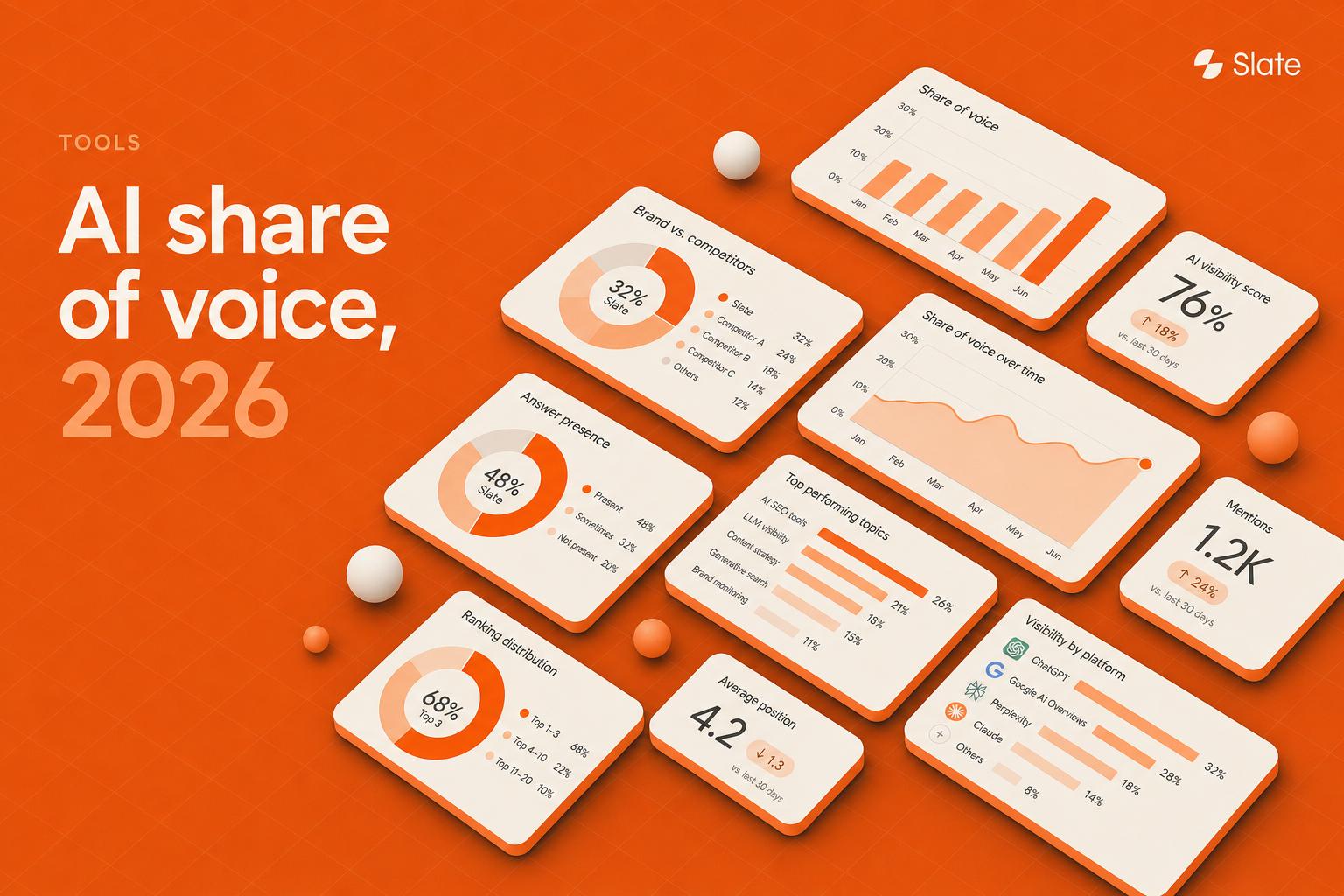
How To Report On AI-Search Visibility
An AI-search visibility report tracks whether your brand appears in answers for a fixed set of priority prompts, how it's described, which sources are cited, and which competitors show up instead. Report it for a specific prompt set, market, and period, and treat movement across repeated runs as the signal, since AI answers vary from run to run.
Map each gap to an action: weak prompt coverage to content updates, missing citations to stronger referenceable pages and outreach, and negative or outdated framing to corrections. For metric definitions, formulas, and how to track each one, see Slate's guide to AI search metrics.
How Agencies Automate Client And White-Label SEO Reports
Agencies need reporting systems that handle more clients without creating cross-client risk. The workflow should protect permissions, preserve template consistency, and still leave room for account-specific commentary.
A multi-client workflow usually follows five steps:
- Build one master template, then clone it per client with account-specific KPIs.
- Connect each client’s data sources using scoped access.
- Schedule refreshes before delivery so the team can validate results.
- Review by exception, focusing manual attention on flagged accounts.
- Deliver branded reports with context, next steps, owners, and due dates.
How To Create White-Label SEO Reports And Automate Them
White-label SEO reports should support reusable templates, client-safe scoping, branded formatting, and a consistent delivery cadence. The highest-value section is the commentary that explains what changed, what work was completed, what will happen next, and who owns the follow-up.
For agencies, the quality bar is simple: A client should understand progress without seeing internal process noise, raw exports, or another client’s data.
Common Automated SEO Reporting Mistakes
Automated SEO reporting usually fails for operational reasons. Watch for these recurring mistakes.
- Automating Metrics Nobody Uses: Data volume isn't evidence of reporting value.
- Reporting Rankings Without Outcomes: Position movement needs clicks, conversions, revenue, or pipeline context.
- Sending Data Without Interpretation: A chart alone doesn't give the recommended action.
- Skipping The QA Gate: Automation can distribute broken data faster than manual reporting.
- Publishing AI Commentary Unreviewed: Causal language and client-facing recommendations need approval.
- Treating Reports As The Finish Line: Without owners and due dates, findings become repeated problems.
- Ignoring AI-Search Visibility: A Google-only report may miss how the brand appears in generated answers.
How To Choose An Automated SEO Reporting Tool
The right automated SEO reporting tool depends on the data sources, delivery model, governance needs, and whether reporting should connect to execution. Evaluate tools by how well they support source connections, scheduling, templates, QA, AI-search visibility, workflow automation, publishing, and multi-client controls.
Slate
Slate is built for teams that want reporting to trigger action. It connects SEO visibility, AI-search visibility, content workflows, publishing, and measurement in one platform, so performance signals can become content refreshes, technical work, outreach, or publishing tasks.
Slate’s AI Search Analytics tracks ChatGPT, Google AI Mode, Google AI Overviews, and Perplexity on every plan. Claude and Gemini are add-on answer packs. Pages combines Search Console clicks, impressions, CTR, GA4 sessions, AI-citation signals, and content freshness.
Slate also includes Workflows, Sheets, SuperBlocks, Pages, Opportunities, Outreach, and Cowork. Opportunities covers keyword gaps, AI visibility topic changes, suggested prompts, third-party outreach targets, and content decay. Semrush data is built in, and CMS publishing supports Webflow, Sanity, and WordPress.
In August 2026, Slate Research released the State of AI SEO 2026 report, analyzing 4,500 AI answers from 30 buyer-intent prompts for each of the Forbes AI 50 companies across ChatGPT, Google AI Overviews, and Perplexity. For how Slate's agents put that research to work, see AI agents for marketing.
Slate focuses on SEO and content workflows; non-content assets such as video or visual brand campaigns sit outside this use case.
Pricing: Growth $499/month, Scale $999/month, Agency $2,000/month, Enterprise custom. Growth includes 1 user. Annual billing saves 20%. A 14-day free trial is available.
G2 rating: 4.9/5
Semrush
Semrush suits teams that already research and track rankings in Semrush and want reporting in the same place. Its My Reports builder pulls Semrush data alongside Google Analytics 4, Search Console, Google Ads, and 20+ other platforms into branded reports sent on a schedule you set.
Templates cover monthly SEO, domain comparison, site audit, and Search Console reports. White-label reports, a client portal, and a CRM come with the Agency Growth Kit, and client portals on your own domain need its top tier. Semrush has been part of Adobe since April 2026.
It works best as a reporting layer on Semrush's own data; turning findings into assigned work still happens elsewhere.
Pricing: SEO plan from $139/month, with My Reports included. Agency Growth Kit bundles start at $208.95/month for up to 5 clients and run to $748.95/month for 40 clients.
G2 rating: 4.4/5
AgencyAnalytics
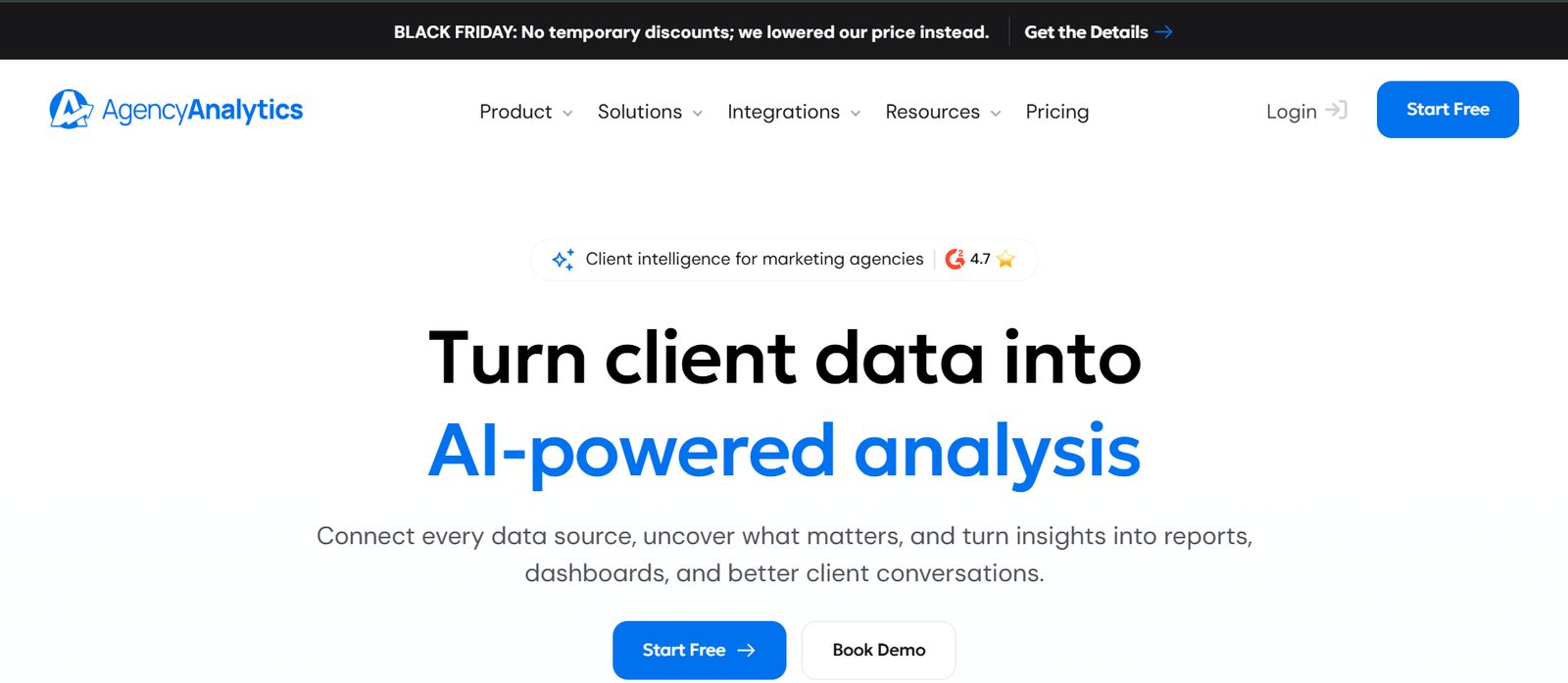
AgencyAnalytics is built for agencies that report to many clients. Each client gets unlimited reports and dashboards, 90+ marketing integrations, and a white-labeled client portal on a custom domain.
Report scheduling and approvals, goals and alerts, anomaly detection, and AgencyAI summaries are included for every client, and MCP access lets teams query client data from ChatGPT or Claude. An AI Tracker add-on monitors brand visibility, sentiment, and citations across AI engines.
It reports and alerts; content changes, publishing, and outreach still run in other tools.
Pricing: $20 per client per month billed annually ($25 monthly), with volume pricing from 25 clients. The AI Tracker add-on starts at $20.83/month per 250 credits. A 14-day free trial is available.
G2 rating: 4.7/5
Conductor
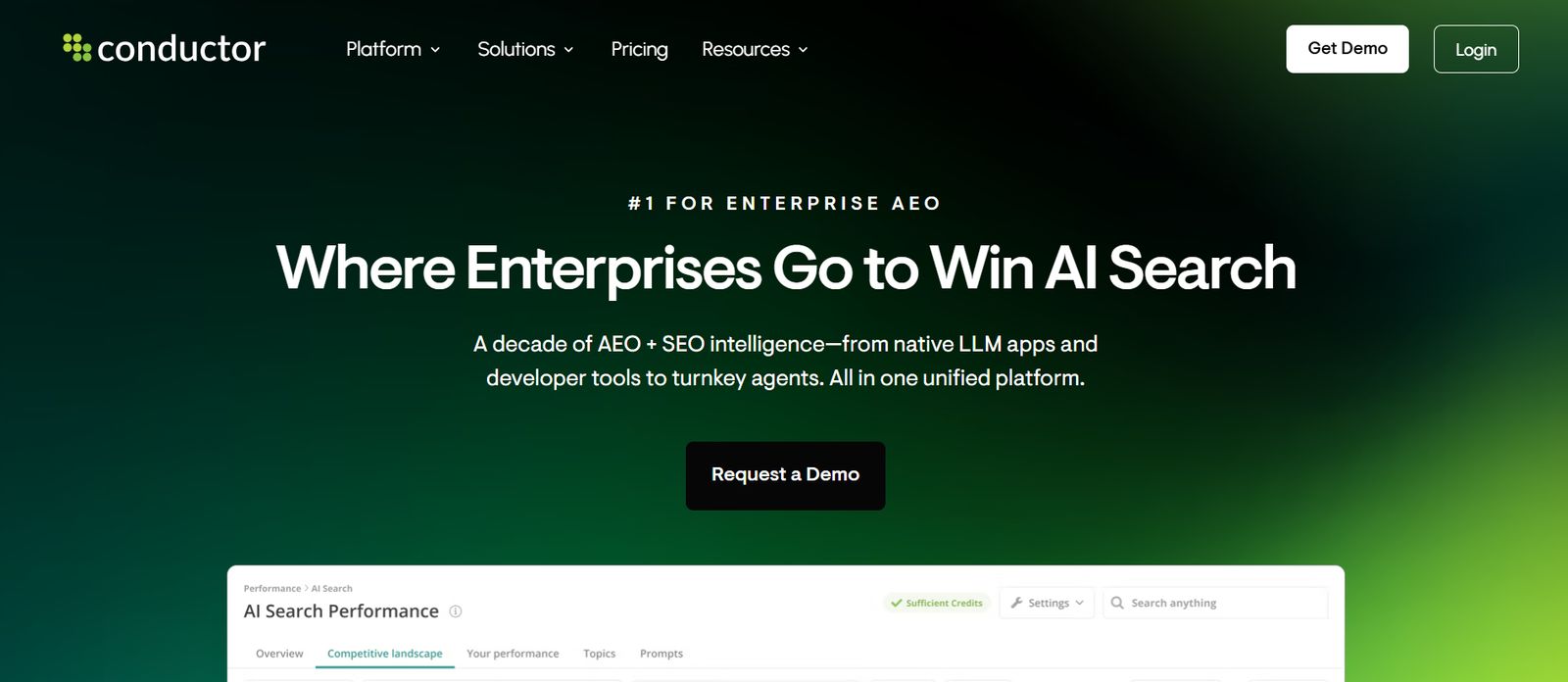
Conductor is an enterprise platform for teams that report on SEO and AI search across many sites, markets, and stakeholders. Conductor Intelligence covers visibility in traditional and AI search, alongside Creator for AI content and Monitoring for round-the-clock site checks.
Reviewers credit its customizable dashboards for tying SEO work to traffic and conversions, and note a steep learning curve and a longer onboarding period.
It fits large organizations with complex governance better than small teams that want to start reporting this month.
Pricing: Custom, across Essentials, Growth, and Enterprise tiers; no public prices.
G2 rating: 4.5/5
Looker Studio
Looker Studio is Google's free dashboard tool, with native connectors for GA4, Search Console, Google Ads, BigQuery, and Sheets. Teams that want full control build their own reporting layer here and blend sources in one view.
Free accounts can schedule PDF email delivery, within daily and monthly send quotas Google added in 2025. Looker Studio Pro adds more schedules, delivery to Google Chat and Slack, and team workspaces. Non-Google sources usually need paid partner connectors.
The trade-off is upkeep: someone has to own the metric definitions, blends, and broken connectors.
Pricing: Free. Looker Studio Pro is $9 per user per Google Cloud project per month, billed annually, with a 30-day trial.
G2 rating: 4.4/5
Your First 90 Days: An Automated SEO Reporting Rollout Plan
A good rollout starts narrow, proves the workflow, then expands into alerts, AI-search visibility, and action routing.
If reporting still ends with “we should look into this,” the system is incomplete. The next step is to connect insights to assigned workflows, approvals, publishing, outreach, and verification.
Automated SEO Reporting FAQs
Can SEO reporting be automated?
Yes. SEO reporting can automate data collection, normalization, comparisons, anomaly detection, scheduling, and delivery. Teams still need human review for interpretation, prioritization, causal claims, and client-facing conclusions, especially when multiple factors may explain a change.
What Should an Automated SEO Report Include?
It should combine search visibility, organic traffic, conversions, rankings, top-page performance, technical issues, backlink changes, competitor context, completed work, and recommended actions. The KPI mix should change by audience, business model, and the decision the report supports.
How often should automated SEO reports be sent?
Cadence should match the decision. Weekly reporting works for active monitoring, monthly reports support performance reviews and client communication, and quarterly reports support strategy. Volatile properties should also use alerts between scheduled reports.
What Is the Difference Between an SEO Dashboard and an Automated SEO Report?
An SEO dashboard is an always-available view of current or refreshed data. An automated SEO report is a scheduled, audience-specific narrative that explains results, context, completed work, risks, and next actions. Most mature teams use both.
What Are the Benefits of Automated SEO Reporting?
Automated SEO reporting improves consistency, reduces repetitive manual work, helps teams detect anomalies earlier, and makes recurring performance reviews easier to maintain. Its strongest benefit appears when reports connect findings to decisions, owners, actions, and follow-up measurement.
Can AI write SEO report summaries?
AI can summarize trends, flag anomalies, categorize issues, and draft report commentary. Human review remains necessary to validate the data, add business context, distinguish correlation from causation, confirm recommendations, and approve anything that reaches clients or leadership.
How do agencies automate client SEO reports?
Agencies can use a master template, clone it for each client, connect scoped data sources, separate refresh from delivery, review exceptions, apply white-label formatting, and send a consistent narrative with results, completed work, owners, and next steps.