For an agency, the main question is where AI should handle repeatable production work and where people keep control. Recurring content programs span different clients, brands, stakeholders, approval paths, CMSs, and reporting expectations. So AI content workflow automation has to cover more than drafting.
AI content workflow automation uses AI and system integrations to move content through repeatable stages: research, briefing, drafting, editing, publishing, measurement, and refresh. Approval rules govern each gate. For agencies, the goal is a controlled system that delivers consistent client work from brief to publish.
This guide is for agencies and in-house teams running recurring content across multiple sites, stakeholders, CMSs, and approval systems. The model below standardizes inputs and automates repeatable work. People keep the high-stakes decisions, and measurement starts the next workflow.
Key takeaways
AI content workflow automation coordinates the whole content lifecycle, from the first opportunity to the next refresh.
- AI generation creates an output. Workflow automation routes work. Agent-driven orchestration runs repeatable multi-step tasks within set permissions.
- Standardize the workflow architecture across clients. Keep each client’s brand rules, approvers, CMS permissions, source data, and reporting views separate.
- Automate high-volume, rule-based work first, and keep strategy and approval decisions with people.
- People should own strategic positioning, sensitive claims, final editorial judgment, client sign-off, and any expansion of publish permissions.
- CMS automation needs scoped permissions, tested field mapping, approval gates, post-publish QA, and a rollback path before publish access grows.
- Measurement should create the next task: an update, a refresh, outreach, or an AI-visibility review.
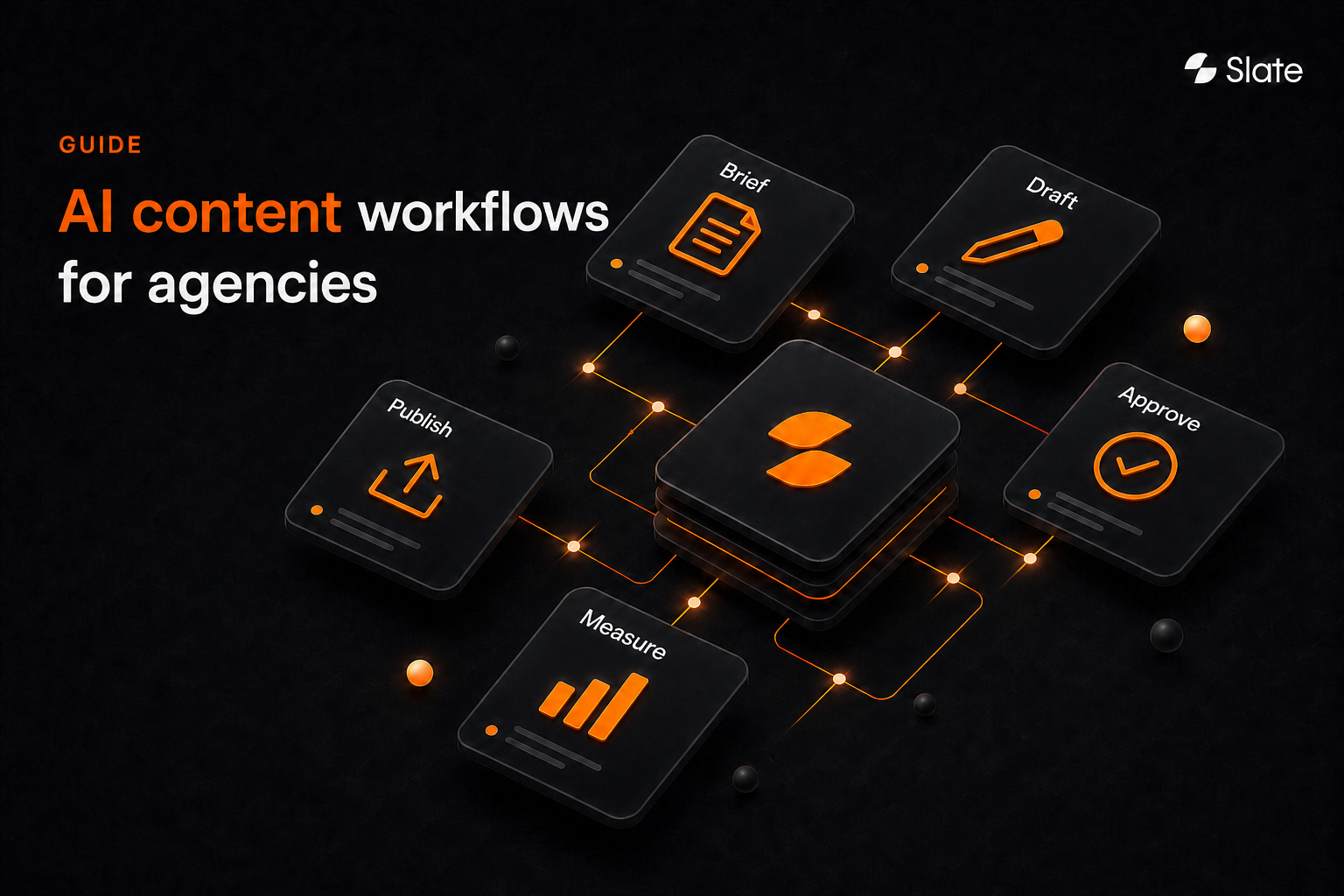
- The agency model that holds up is a governed loop: opportunity → brief → draft → QA → approval → publish → measure → refresh.
- In Slate, Agency mode gives each client its own workspace, and workflows can pause at a Human Review block until someone approves.
What is AI content workflow automation?
AI content workflow automation connects AI, system integrations, workflow rules, and approval checkpoints so content moves through a repeatable production system. It covers the work around the draft: which opportunity becomes work, who approves it, where it’s published, how results are measured, and what happens next.
Many teams automate the most visible step first: Generating a draft. Briefs may still live in one document and approvals in a message thread. If CMS formatting happens by hand and reporting sits in a separate dashboard, the workflow is still mostly manual.
For an agency, a content operations lead should be able to set client rules once and reuse the production structure. Exceptions should go to the right person, and performance data should create the next task.
Most teams start with one-off prompting and move to rule-based automation. Later, they run agents inside defined policies, and approval gates matter most on consequential decisions. Our breakdown of AI workflows vs. AI agents covers when to use each.
The brief-to-publish-to-measure loop
A governed agency workflow has eight stages:
- Opportunity discovery
- Brief creation
- Draft production
- QA and improvement
- Client approval
- Publishing
- Measurement
- Refresh
The loop matters because measurement feeds the next opportunity.
A ranking decline can trigger a refresh brief. A CTR drop can trigger metadata variants. A lost AI citation can create a content or outreach task.
Why agencies need a workflow beyond an AI writing tool
An AI writing tool can help one person draft faster. An agency workflow has to coordinate several people, client expectations, publishing systems, and accountability standards. It moves work between them, so account managers can stop chasing it by hand.
Multi-client complexity multiplies every manual step
One client may need legal review and WordPress drafts. Another may want light approvals and a monthly AI visibility report. A third may have strict terminology rules and separate product, SEO, and compliance stakeholders.
When those differences live only in people’s heads, every handoff gets fragile. The stage sequence can repeat across clients. Client rules, source requirements, approvers, and CMS permissions need their own account-level controls.
Brand voice and claims approval break first
AI-generated content gets risky when it can invent details or ignore client-specific positioning. The risk is higher in regulated categories and for claims that need approval.
A governed workflow lowers that risk. It defines approved inputs, prohibited language, source rules, escalation conditions, and who gives final approval. Exceptions should surface for review before they pass downstream.
CMS and reporting bottlenecks determine delivery speed
A draft counts as delivered only after it’s formatted, approved, published, checked, and measured. Manual copy-paste into the CMS or reporting that sits apart from the next task will cancel out the time AI saved on drafting.
A simple test: a workflow is automated when work moves between stages, systems, and approvers on its own.
The agency AI content workflow: From opportunity to refresh
Use the model below as a reference architecture and adapt it per client. Every stage needs an automation goal, an owner, a human checkpoint, clear inputs, and acceptance criteria. Automated workflows usually stall at undefined checkpoints.
For the single-team version of this lifecycle, see our guide to content operations processes.
Brief to publish to refresh: Opportunity discovery → brief creation → draft production → QA and improvement → client approval → publishing → measurement → refresh → next opportunity.
Step 1: Identify SEO and AI-search opportunities
Start with the work that should exist. Agencies can review keyword gaps, shifts in AI visibility by topic, suggested prompts, third-party outreach targets, and content decay. Content clustering turns those signals into a roadmap the team can work through in order.
Make the decision rule explicit.
Create a new page when the topic is missing. Update an existing page when it already has a solid foundation. Refresh it when performance or relevance has decayed.
Step 2: Turn opportunities into standardized client briefs
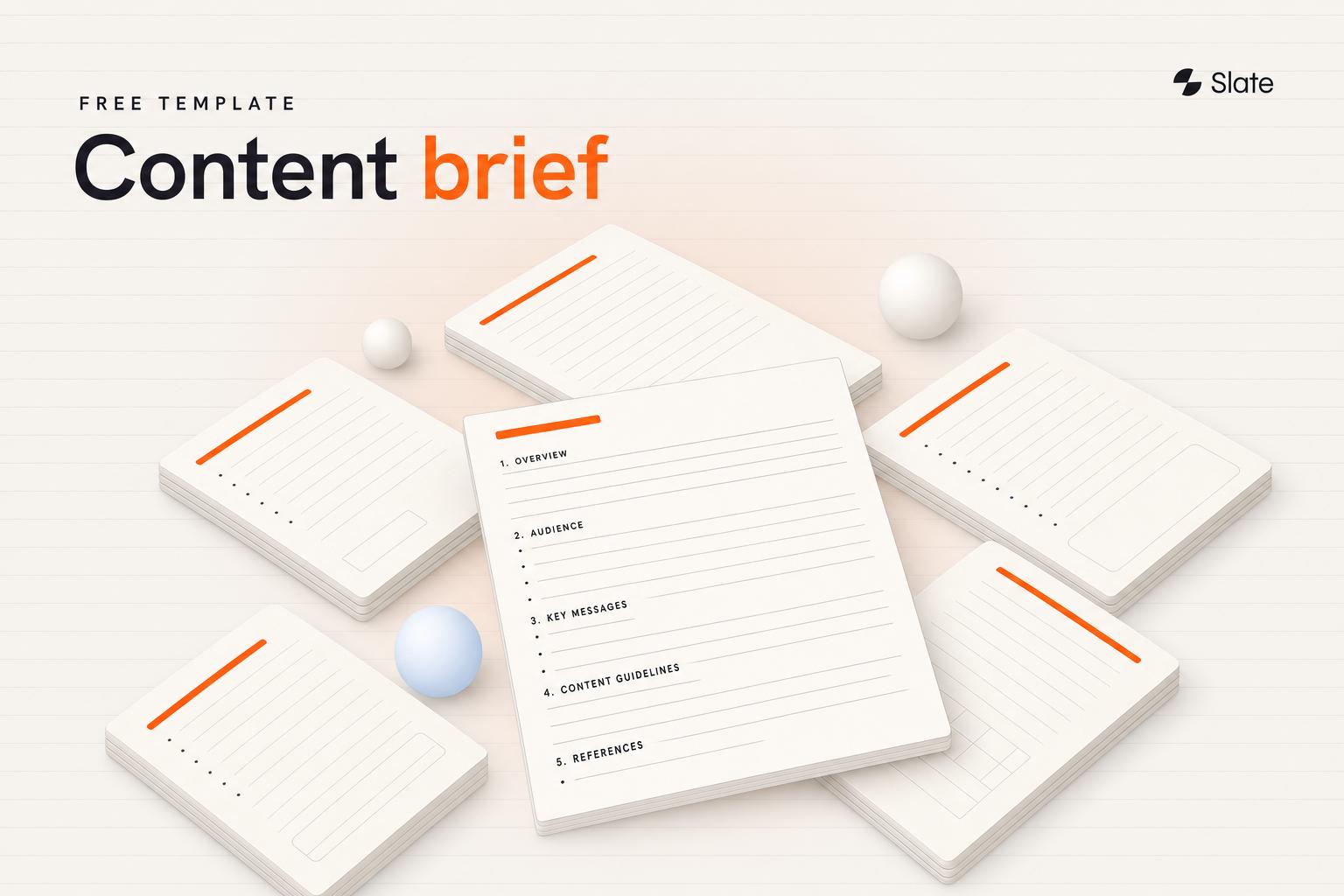
A good brief turns a signal into an assignment that an editor, writer, agent, and client can all follow. It should include audience, intent, topic coverage, approved claims, internal-link targets, prohibited terms, format, source expectations, and the success metric. Our content brief template shows one layout.
Standardize the workflow template and customize the client rules. The stage sequence can repeat across accounts, while voice, claims, sources, stakeholders, and approval rules stay client-specific.
Step 3: Produce source-aware drafts and content variants
Drafts should start from approved sources and clear constraints. The workflow produces a first draft and keeps every claim traceable to a source. It should also carry entity coverage (the people, products, and concepts the topic needs), internal-link intent, brand voice rules, and metadata requirements.
If testing is part of the plan, create controlled variants on purpose. Generate titles, introductions, CTAs, headings, and meta descriptions as options. An editor then checks them against the client’s rules before anything reaches a CMS.
Step 4: Run SEO and editorial QA
QA should catch misses and leave the judgment calls to editors. A useful checklist covers on-page SEO, fact checks, brand voice, metadata, link integrity, accessibility, formatting, and CMS readiness.
Set acceptance criteria before the work begins. Common blockers are unsupported claims, missing sources, broken internal links, prohibited phrases, and formatting issues. When a draft has one, the workflow should send it to an editor and hold it until the issue is resolved.
Step 5: Route work through client approvals
Client approval sets ownership. Define which content needs strategist or client marketing review, and which also needs legal or compliance sign-off.
Every piece of client-facing content needs a named approver before it moves from draft to publish. Approval paths also need expected response times, escalation rules, and a record of who approved the version that moved forward.
In Slate, a workflow can pause at a Human Review block until a reviewer approves or adds input, with an optional Slack alert. In Agency mode, client users can approve work inside their own workspace.
Step 6: Publish to WordPress, Webflow, Sanity, or another client CMS
Start CMS automation in draft or review states, and add direct publishing only after the checks below pass. Before expanding access, check field mapping, body formatting, metadata, author attribution, tags, categories, internal links, redirects, canonical fields, and structured data.
Give AI publish permissions only after you’ve tested mapping, formatting, and approval rules. As of November 2026, Slate publishes to WordPress, Webflow, and Sanity, and its Sanity connection writes drafts first. Each client workflow still needs scoped permissions and account-level controls.
Step 7: Measure search and AI visibility
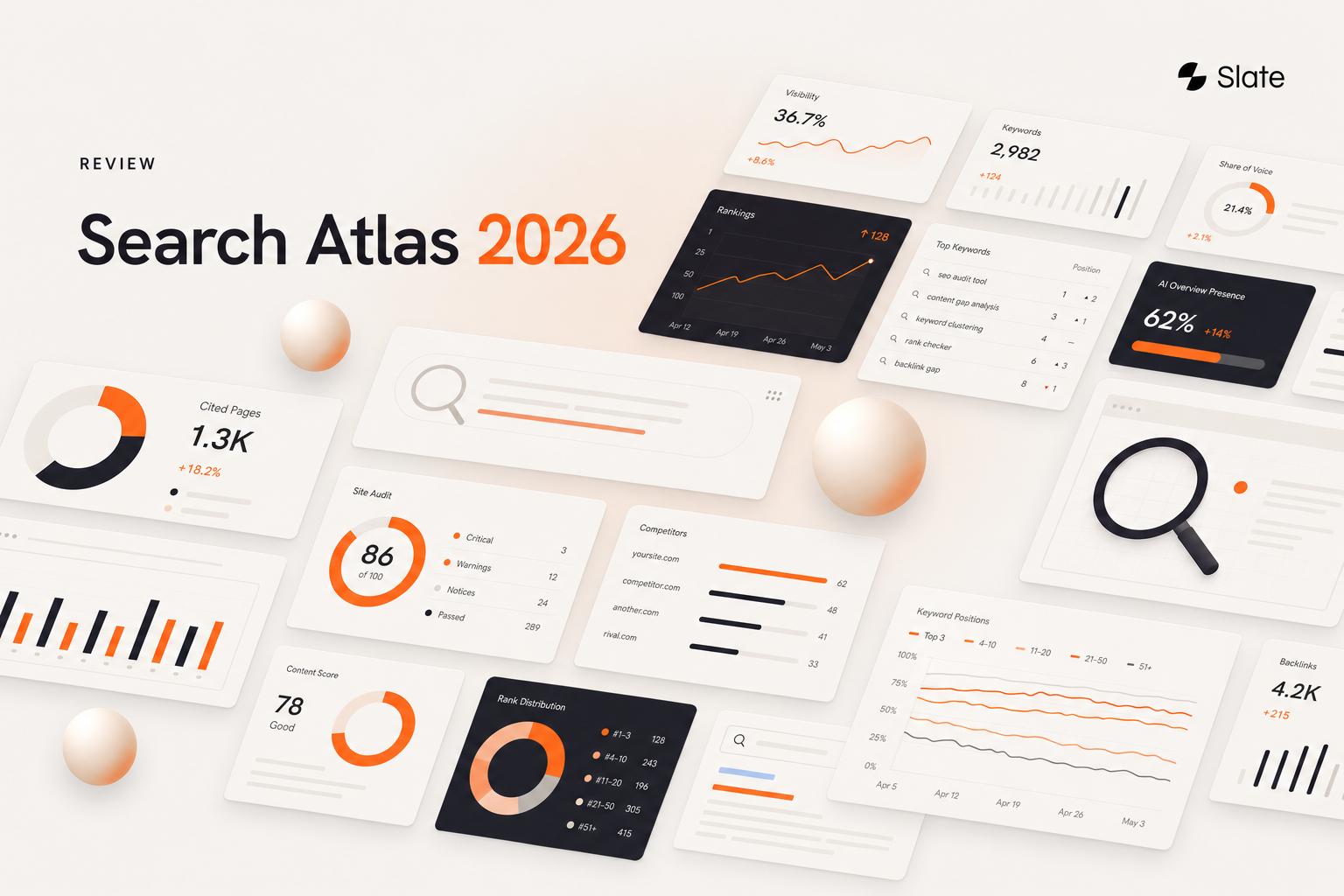
Measurement should combine operational and performance signals. Search metrics include impressions, clicks, CTR, average position, rankings, indexed coverage, and conversions where available. AI-search measurement covers prompt answers, brand mentions, citations, sentiment, and visibility across tracked AI platforms.
As of November 2026, Slate’s AI Visibility Tracker tracks ChatGPT, Perplexity, Google AI Overviews, and Google AI Mode on every plan. Claude and Gemini are available on any plan as an add-on.
Step 8: Trigger updates and refresh workflows
Useful automation runs from opportunity discovery through measurement and back again. Each signal should lead to a next action: detect the issue, find affected pages, prioritize, create the task, apply changes, republish, and re-measure.
What agencies should automate and what should stay human-led
Automate high-volume, rule-based tasks first: research, briefing, metadata, link suggestions, repurposing, CMS fields, and alerts. Keep strategy, sensitive claims, final brand positioning, and client approvals with people until your governance holds up in practice. The same goes for regulated, medical, financial, or legal claims, crisis communications, and any widening of publish permissions.
Before fully automating a task, check that it’s repeatable and its inputs are standardized. Success criteria should be objective, failure reversible, and a human checkpoint defined.
If any check fails, keep the task hybrid.
Our guide to content and SEO automation goes deeper on what to automate, what to keep manual, and where to start.
How to build a multi-client AI content workflow
Standardize the system and keep each client’s rules separate. Reuse the same operating architecture, then vary the rules layer per account.
Standardize the workflow template
The reusable layer should include stage names, intake fields, QA checks, publishing gates, reporting structure, naming conventions, and refresh triggers. That gives the agency one operating model while each client keeps its own content strategy.
Add client-specific brand rules
Agencies keep brand voice consistent by storing client-specific rules for audience, positioning, terminology, approved claims, prohibited language, formatting, and reference examples. AI works from those rules, and editors review high-impact content before it’s published. In Slate, the Brand Kit sits at the workspace level, so each client’s voice rules live in that client’s workspace.
Set permissions and approval paths per account
Every account needs named owners: strategist, writer, editor, client marketing lead, legal or compliance reviewer where needed, and publisher. A simple RACI matrix (who is responsible, accountable, consulted, and informed) gives every next action a named owner.
Slate’s Agency mode is built for this setup. Each client gets its own workspace, and client users see only the workspaces they’re invited to. It comes with Slate’s Agency & Enterprise plan, which any agency can sign up for.
Connect CMS and publishing rules
Use per-client credentials and draft-first defaults, and expand permissions in stages. A client with mature approval rules may allow scheduled publishing for low-risk content. Another may keep every asset in draft-only mode.
Define reporting and refresh triggers
Reporting should show what the agency did and what happened afterward. Define which metrics clients see, the reporting cadence, refresh thresholds, and the conditions that need manual review before anyone creates a new task.
How to connect AI content workflows to client CMSs
AI-assisted workflows can prepare and publish content to client CMSs when permissions, field mapping, approval gates, and post-publish checks are in place. Start with draft creation or scheduled publishing. Expand automation only after formatting, metadata, internal links, and stakeholder controls hold up.
Integration map: Analytics → SEO intelligence → content repository → client CMS → approval channel → reporting.
Integration architecture by system type
A practical setup connects performance data, SEO data, content production, approval routing, CMS publishing, and reporting. If the agency uses Google Workspace for collaboration, define how files, tables, comments, and approvals relate to the system of record.
Map content fields to CMS schemas
Before publishing automation expands, map the required fields. These include title, slug, meta description, body formatting, featured image, author, categories, and tags. Add custom fields, canonical fields, schema, redirects, and internal links.
WordPress, Webflow, Sanity, and other CMSs structure content differently. Test field mapping for each client, since one client’s setup rarely carries over to the next.
Use draft, review, scheduled, and published states
A staged model lowers publishing risk.
Phase one creates drafts only. Phase two allows scheduled publishing after a review gate. Phase three automates publishing for tested, low-risk content types the client has approved.
Move to the next phase only after several clean live cycles.
Run post-publish QA and maintain rollback planning
Post-publish QA should confirm rendering, internal links, redirects, indexing status, metadata, version history, and the rollback path. Google’s URL Inspection tool shows whether a new page is indexed. The goal is to publish faster while knowing who approved each change and how to reverse it.
Governance and accountability
Governance belongs inside every stage: intake, drafting, QA, approval, publishing, measurement, and refresh. If you’re choosing software for this layer, see our comparison of AI content governance tools.
Source-of-truth and permission rules
Each client needs approved source repositories, rules on which data is off-limits, a named credential owner, and clear grounding rules. Each client’s claims and performance data should stay inside that client’s workspace.
Escalation conditions and exception handling
Define escalation triggers in advance. Common triggers include missing inputs, conflicting sources, unverifiable claims, sensitive subjects, out-of-scope requests, CMS errors, and approval delays.
When a workflow hits an exception, send it to the person responsible for resolving it.
Auditability and disclosure
Version history, approval records, and AI-assistance records answer the accountability questions that come up later. What changed, why did it change, who approved it, and where was it published? In Slate, workflow versioning and run history record each version and every run, step by step.
Client-facing disclosure should follow the contract.
Google rewards helpful content whether people or AI produced it, according to its guidance on AI-generated content. It also asks publishers to make clear who created content, how, and why, including any use of AI. Make those obligations visible before production starts.
How to measure AI content workflow performance
Measure AI content workflow automation on operations and organic results. Track cycle time, revision rounds, approval delays, publishing consistency, and production capacity.
Track rankings, traffic, CTR, conversions where available, AI visibility, and citations beside them. Each measurement should trigger the next workflow.
Operational workflow metrics
Operational metrics show whether the system itself is improving. Useful measures include cycle time by stage, revision rounds per asset, approval latency, exception rate, publish-ready accuracy, and capacity per person.
These numbers mean most when you compare them before and after a pilot.
Organic search and AI-search visibility metrics
Slate’s Pages view combines Google Search Console and GA4 data for each URL, and the AI Visibility Tracker covers the AI side. For what to watch after an update, see our list of content refresh metrics.
Automated A/B testing for AI-generated content variants
Automated A/B testing of AI-generated variants works best when one element changes at a time. Agencies can test title tags, meta descriptions, introductions, CTAs, and headings. Form a hypothesis, create variants, set measurement rules, review results carefully, and feed approved learnings back into client rules.
For title and meta tests, Slate’s CTR Optimisation Agent finds low-click page-one URLs in Search Console. It drafts new titles and meta descriptions and waits for your approval.
Organic tests are noisy because search demand, ranking movement, and SERP layouts sit outside the agency’s control.
Refresh prioritization framework
A refresh queue should balance impact and effort. Score pages by traffic value at risk, ranking volatility, citation loss, conversion contribution, content decay, and update effort.
The score ranks work across clients, so refreshes go to the pages with the most at stake. Our content refresh guide has a full prioritization matrix.
Choosing AI content workflow automation tools for agencies
Choose tools by how much of the workflow they cover. Check lifecycle coverage, multi-client governance, CMS publishing depth, SEO and AI-visibility data, integration fit, and whether measurement feeds the next production task.
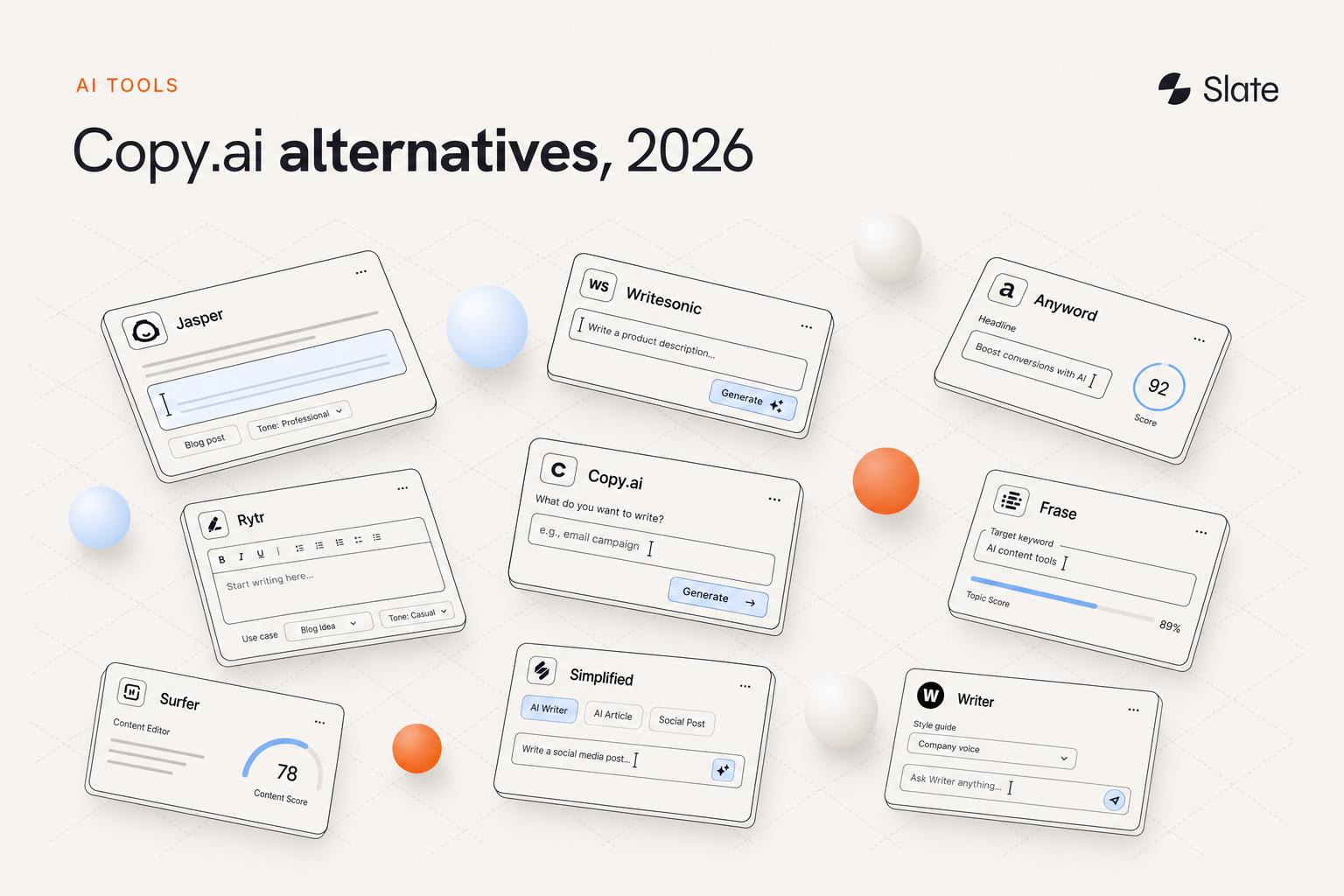
As of November 2026, the categories overlap. Surfer and Frase both pitch content for AI search, and Jasper and Profound both sell marketing agents.
n8n and Zapier are general automation layers, and Contentful is a content platform that now pitches content built for answer engines and AI agents.
Give each tool one clear job and pay for each stage once. For tool-by-tool picks, see our comparisons of content workflow tools and content automation tools by workflow stage.
Implementation lessons and your first 90 days
AI content workflows usually fail for operational reasons: unclear ownership, inconsistent inputs, undefined approvals, or publishing access that expands before controls are proven.
Common failure modes
- Unclear ownership: Work stalls when nobody owns the next action. Document who owns every stage.
- Weak inputs: Thin briefs create unusable output. Require complete intake fields before work begins.
- Unsupported claims: Risk rises when sources are unclear. Use approved-source rules and escalation triggers.
- CMS conflicts: Formatting rework erases production gains. Test field mapping per client.
- Approval delays: An unmanaged review queue stalls work however fast drafts arrive. Set approval paths and escalation rules.
- Disconnected measurement: Reports only drive action when a threshold opens a task. Connect thresholds to reviewable tasks.
First 30 days: map and pilot
Pick one client and one low-risk, recurring content workflow. Map the current process and find the stages with the most friction. Define approved inputs and acceptance criteria, then record baseline metrics such as stage time, revision rounds, and approval delays.
Days 31 to 60: automate and validate
Automate two repeatable steps and add human checkpoints. Then run live client work through the process. Keep CMS access draft-only while you check formatting, metadata, internal links, approval routing, and exception handling.
Days 61 to 90: standardize and scale
Turn the tested workflow into a reusable template. Add client-specific rules for more accounts, expand CMS permissions carefully, connect measurement signals to refresh tasks, and report operational and organic results side by side.
How Slate runs the full content and SEO loop for agencies
As of November 2026, Slate covers the stages agencies juggle across clients. It finds the opportunity and creates or improves the asset. After your approval, it publishes to the CMS. Then it measures performance and turns the signal into the next task.
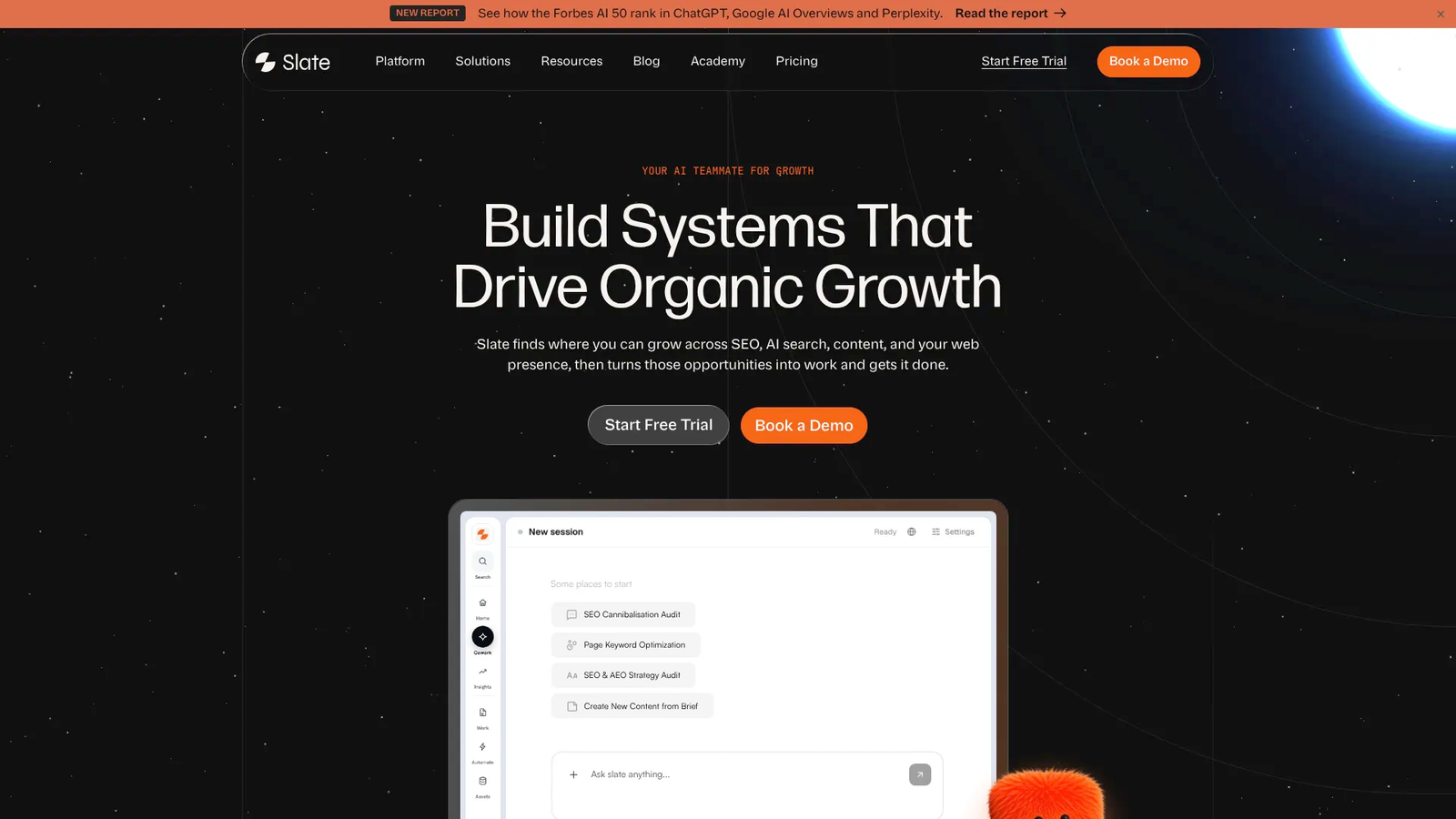
You can ask for work in plain language in Cowork. Workflows, Power Sheets, and SuperBlocks handle repeatable and bulk jobs.
Opportunities surfaces gaps across content, citations, rankings, and social engagement. Outreach finds link and brand-mention prospects and lets you contact them from inside Slate.
One example: TripleDart’s team refreshed 1,000+ pages in four weeks with Slate Workflows and Power Sheets.
Standardize the system and customize each client. Agents handle bounded, repeatable work, and people keep the judgment calls. Each cycle then leaves a clear record: opportunity found, work done, content published, visibility measured, and next action set.
As of November 2026, Launch costs $99 per month for one brand, with multi-user access and one workspace. Growth costs $499 per month with five workspaces, and Scale costs $999 per month with custom seats.
Agency & Enterprise pricing is custom and includes client workspaces for agencies. Annual billing gives two months free, and the 14-day free trial doesn’t need a card.
AI content workflow automation FAQ
What is AI content workflow automation?
AI content workflow automation uses AI, integrations, workflow rules, and approval checkpoints to move content through repeatable lifecycle stages. A full workflow covers opportunity research, briefs, production, QA, approval, publishing, measurement, and refresh. People own the decisions that affect brand, claims, client approval, and publishing risk.
How do agencies automate content workflows with AI?
Agencies standardize the repeatable stages, define client-specific rules, connect production and publishing systems, and name approval owners. A safe start is high-volume work: research, brief assembly, metadata drafts, internal-link suggestions, CMS field population, and reporting alerts. Editors, strategists, and clients stay responsible for high-stakes decisions.
What content tasks should agencies automate first?
Agencies should automate repeatable, rule-based, reversible tasks first. Good starting points include opportunity research, brief assembly, metadata drafting, internal-link suggestions, content repurposing, CMS field population, and performance alerts. Strategic recommendations, sensitive claims, final positioning, legal review, client sign-off, and publish-permission expansion should stay with people until your controls hold up in practice.
What is the difference between AI content generation and AI content workflow automation?
AI content generation produces a single output, such as a draft, outline, title, or meta description. AI content workflow automation coordinates the process around that output.
It defines inputs, owners, review gates, CMS actions, measurement triggers, and refresh tasks. Generation is one stage, and workflow automation is the system that moves work forward.
How can agencies maintain brand voice when using AI across multiple clients?
Agencies maintain brand voice by separating the reusable workflow from each client’s rule set. The shared workflow can include intake, briefing, QA, approval, publishing, and reporting.
The client layer holds audience, positioning, terminology, approved claims, prohibited language, formatting preferences, source rules, and examples. Editors review high-impact content before publication.
Can AI publish content directly to WordPress or Webflow?
Yes, once you’ve tested permissions, field mapping, approval gates, and post-publish QA. Start in draft-only mode, then move to scheduled publishing after a few clean live cycles. As of November 2026, Slate publishes to WordPress, Webflow, and Sanity, and each client still needs scoped access and a documented rollback path.
How do you measure the impact of AI content workflow automation?
Use workflow and performance metrics together.
Operational measures include cycle time, revision rounds, approval latency, exception rate, publishing consistency, and production capacity. Performance measures include rankings, traffic, CTR, conversions where available, prompt answers, brand mentions, citations, sentiment, and AI visibility. Measurement works best when each result triggers the next workflow action.